Introduction to EnvManager
EnvManager is a secure, collaborative platform for managing environment variables across your team and projects.
Why EnvManager?
Managing environment variables is a common challenge for development teams:
- Security risks - Sharing secrets via Slack, email, or
.envfiles in repos - Sync issues - Team members working with outdated configurations
- No audit trail - No visibility into who changed what and when
- Access control - Difficulty managing who can see sensitive values
EnvManager solves these problems by providing:
- Encrypted storage - All secrets are encrypted at rest using industry-standard encryption
- Team collaboration - Share variables securely with role-based access control
- Environment separation - Manage dev, staging, and production configs separately
- Audit logging - Track every change with timestamps and user attribution
Key Features
Multi-tenant Projects
Create separate projects for each application or service, keeping configurations organized and isolated.
Environment Separation
Each project supports multiple environments (development, staging, production), making it easy to manage different configurations.
Secure Secrets
Mark sensitive values as secrets. These are encrypted and can only be revealed by authorized team members.
Team Collaboration
Invite team members with different access levels. Admins can manage settings while members can view and use variables.
Audit Logging
Every change is logged with timestamps, making it easy to track changes for compliance and debugging.
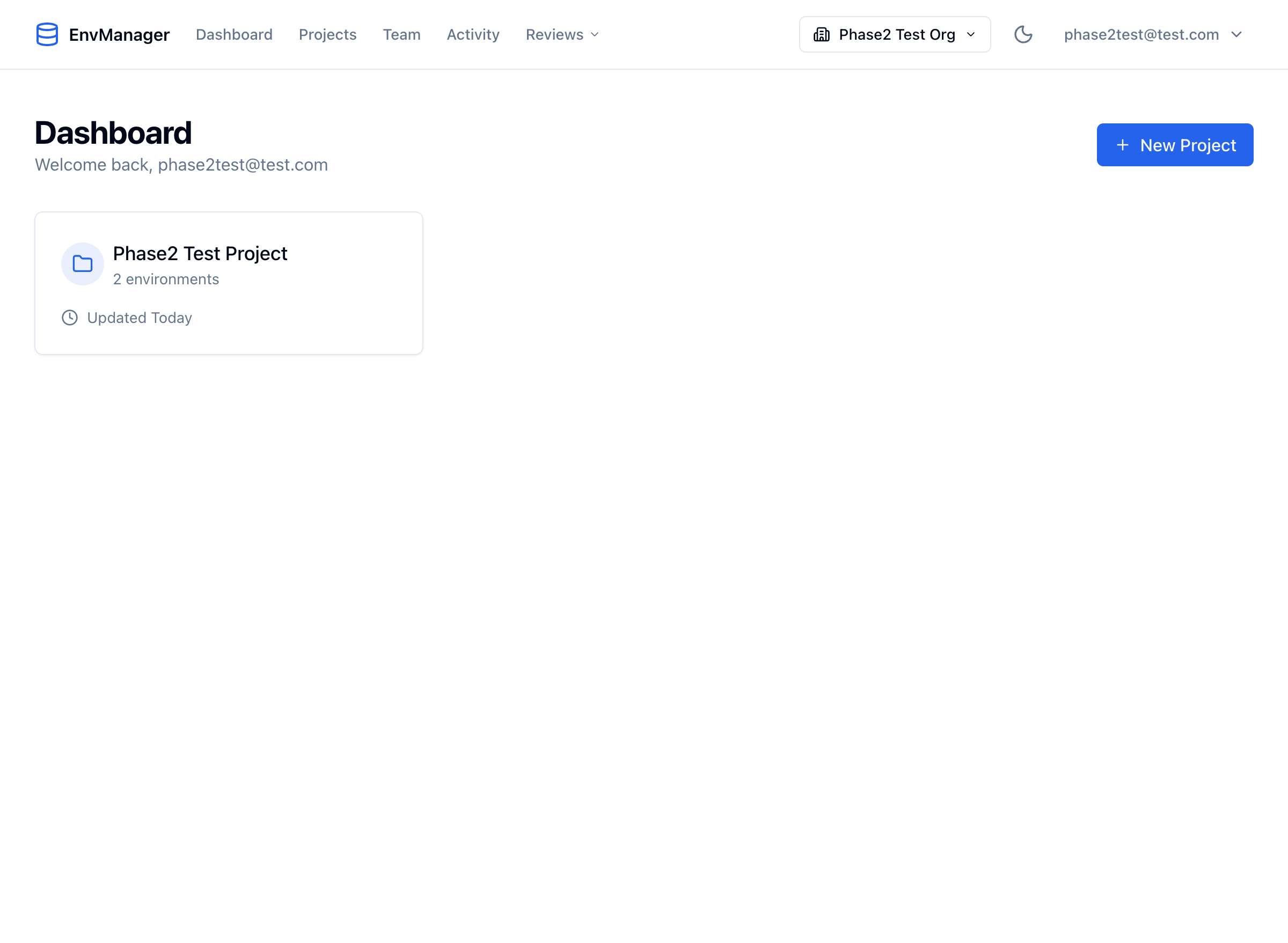
The EnvManager dashboard gives you an overview of all your projects.
Your 7-day free trial
Every new workspace starts on a 7-day free trial of Pro. No credit card is needed to start, and nothing is charged automatically.
- A slim bar at the top of your dashboard shows how many days are left. You can dismiss it; it reappears the next day. In the final five days it stays visible so the end date doesn't take you by surprise.
- The Upgrade — $9/mo button in that bar takes you straight to checkout. Pro is a flat $9/month (or $90/year) for your whole team, however many people you invite.
What happens when the trial ends
Your workspace becomes read-only. Nothing is deleted — every variable, project, environment, team member, version and audit entry stays exactly where it is. You simply can't make changes until you upgrade.
From the lock screen you can:
- Continue with Pro — one click to checkout, and full access comes back immediately.
- Export my data — download everything in your account as a JSON file. This stays available while your workspace is locked; you're never held hostage.
You'll also get an email in the last two days of your trial, and one right after it ends. See Email Notifications.
Next Steps
Ready to get started? Head to the Quick Start guide to create your first project.