Email Notifications
When you create an EnvManager account, we send you a short series of helpful emails over your trial. These are designed to get you up and running quickly — each one points you toward a useful next step, like pulling your variables into a project or inviting your teammates. This page explains exactly what you'll receive, why, and how to stop these emails at any time.
Why You Receive These Emails
Getting started with a new tool is the hardest part. Rather than leaving you to figure everything out alone, EnvManager sends a few well-timed tips that match where you are in your journey. The goal is simple: help you reach the moment where EnvManager is genuinely saving you time — securely managing your environment variables across your team and platforms.
These are onboarding emails, not marketing blasts. There are only a handful of them, they're spread out over your trial, and they stop on their own once you've completed your setup.
The Emails You Might Receive
Over your first ~7 days, you may receive the following emails:
| When | What it helps with | |
|---|---|---|
| Welcome | Right after you sign up | Confirms your workspace is ready and points you to your dashboard |
| Your project is still empty | Around day 1, if you haven't added any variables yet | Shows you how to paste an existing .env file and import every key at once |
| Pull your variables | Around day 1, if you already have variables | Shows you the one-line CLI command to pull your variables into a real project |
| Invite your team | Around day 3 | Encourages you to bring teammates in so you can stop sharing secrets over chat |
| Halfway through your trial | Near the midpoint of trials longer than 7 days | A short check-in, and a reminder of what happens at the end of the trial |
| Trial ending soon | In the last two days of your trial | Tells you the price, and that your workspace turns read-only if you don't upgrade |
| Your trial has ended | Right after your trial ends, if you haven't upgraded | Confirms your workspace is now read-only, that nothing is deleted, and how to unlock it |
Smart by Design
These emails are conditional — you only receive the ones that are still relevant to you.
EnvManager checks what you've already done before sending each tip. For example:
- If your workspace is still empty, you get the "Your project is still empty" email instead of the CLI tip — running the CLI on an empty project wouldn't do anything.
- If you've already pulled your variables with the CLI, you won't get the "Pull your variables" email.
- If you've already invited a teammate, you won't get the "Invite your team" email.
- If you've already added a payment method, you won't get the trial emails.
In other words, we won't nag you to do something you've already done. The more you set up, the fewer of these emails you'll see.
Unsubscribing
You can opt out of these onboarding emails at any time — it takes a single click and there's no login required.
Open any onboarding email
Scroll to the footer of any of the emails described above. You'll see a short line: "Don't want these tips? Unsubscribe."
Click the Unsubscribe link
Clicking it opens a confirmation page in your browser and immediately stops the onboarding emails. There's nothing else to fill in.
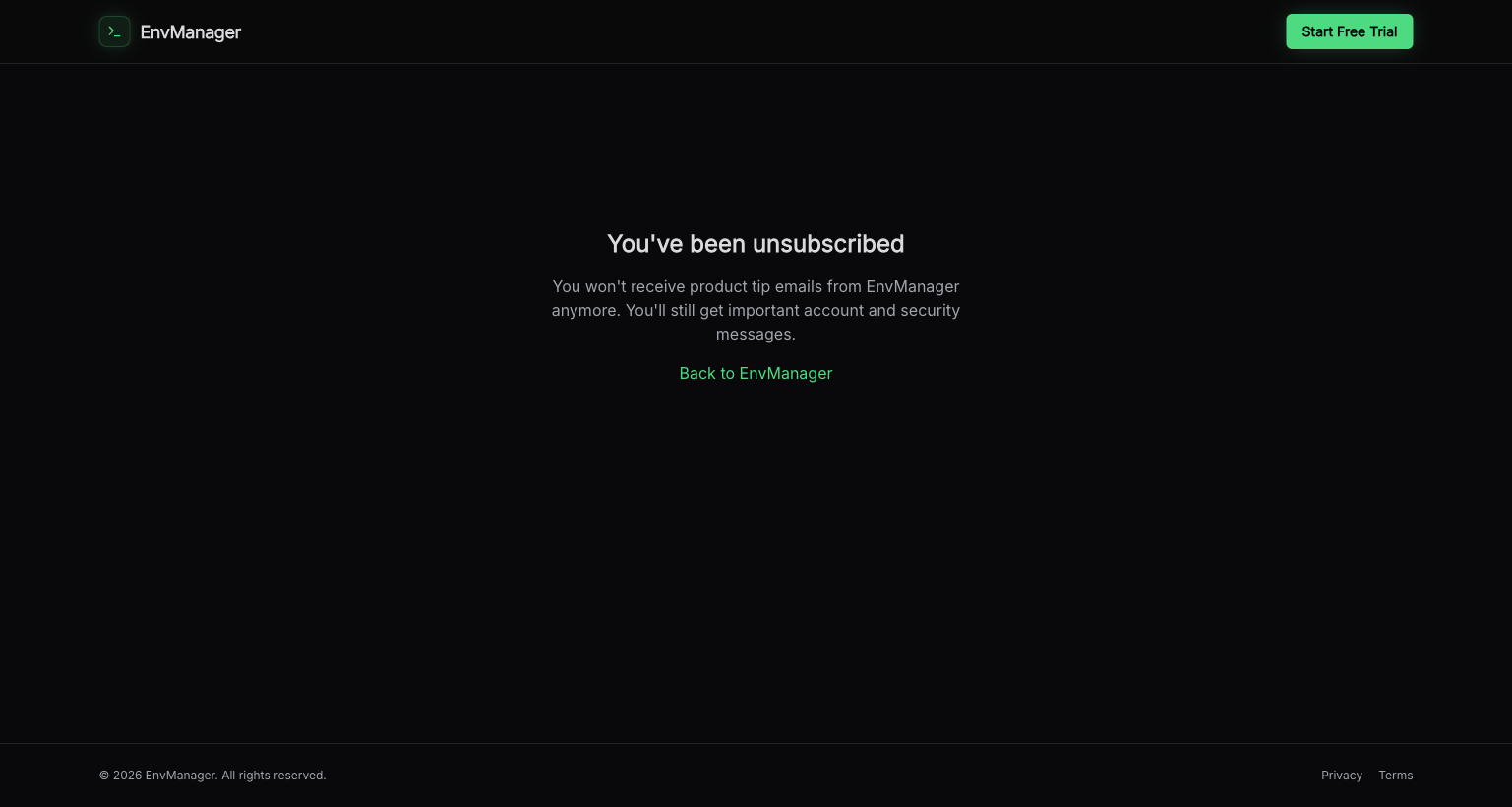
The confirmation page you'll see after clicking Unsubscribe — you're opted out right away.
Once you've unsubscribed, you won't receive any further onboarding tip emails.
What You'll Still Receive
Unsubscribing only affects onboarding tips — never important account messages.
Opting out of onboarding emails does not stop the messages that matter for your account and security. You'll still receive things like:
- Team invitations sent to you
- Password reset and email confirmation messages
- Security and account notifications
- Billing and payment-related messages, including the email telling you your trial has ended
These are essential to operating your account safely and are sent regardless of your onboarding email preference.
Related Topics
Getting Started
Walk through signing up and setting up your first project.
Using the CLI
Pull your variables into any project with a single command.
Managing Your Team
Invite teammates and control who can access each environment.