
Best Infrastructure Security Tools for DevOps Teams
Compare infrastructure security tools for DevOps teams, including secrets managers for local development, CI/CD pipelines, and cloud workloads.
A secret pasted into the wrong file can turn a routine release into a security incident. The best infrastructure security tools for DevOps teams help control who can access credentials and how apps get them. The wider field includes IAM, CSPM, CIEM, CWPP, CASB, and DLP. This shortlist focuses on secrets management, a layer that connects developer workflows with cloud access.
1. EnvManager: Centralized, version-controlled .env files
EnvManager is a self-serve SaaS platform for managing encrypted, version-controlled .env files in one place. Teams can set role-based access, then sync secrets to local machines and CI/CD pipelines. That makes it a fit for developers who want a shared source of environment values without copying them between settings pages.
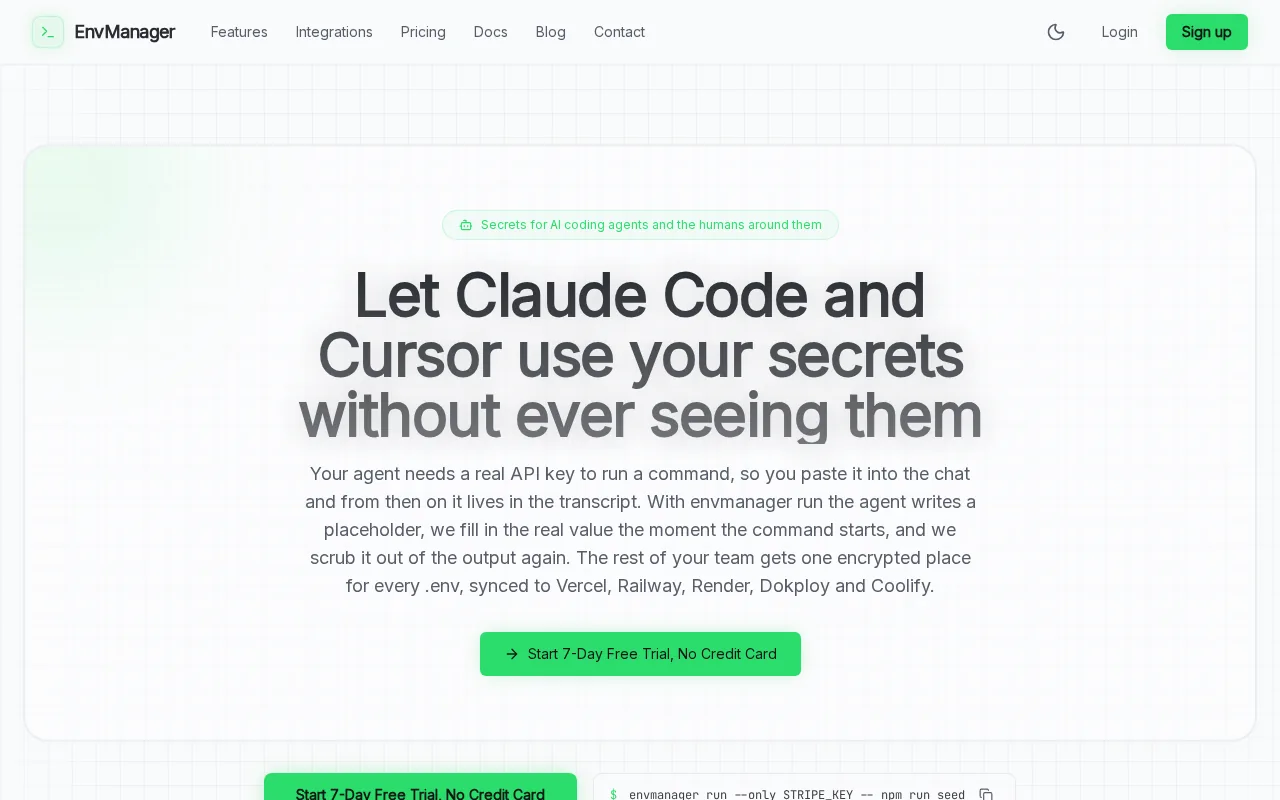
Version history gives a team a way to track changes to its environment settings. Role-based access control, or RBAC, lets an owner limit who can view or change secrets. EnvManager also keeps an immutable audit trail, which means records are designed to resist later edits. That can help when a security review asks who changed a value.
EnvManager is a focused choice. It manages environment variables and secrets rather than every layer of cloud security. If your main issue is stale or scattered .env values, its central workflow is more direct than adopting a broad platform for features you don’t need. Teams comparing adjacent security needs can also review cloud secrets management tools.
2. Doppler: Developer-first secrets management
Doppler takes a developer-first approach to secrets management. It has a clean dashboard, a straightforward CLI, and integrations with CI/CD providers and frameworks. The combination suits startups and mid-sized engineering teams that want a managed workflow with low operational lift.
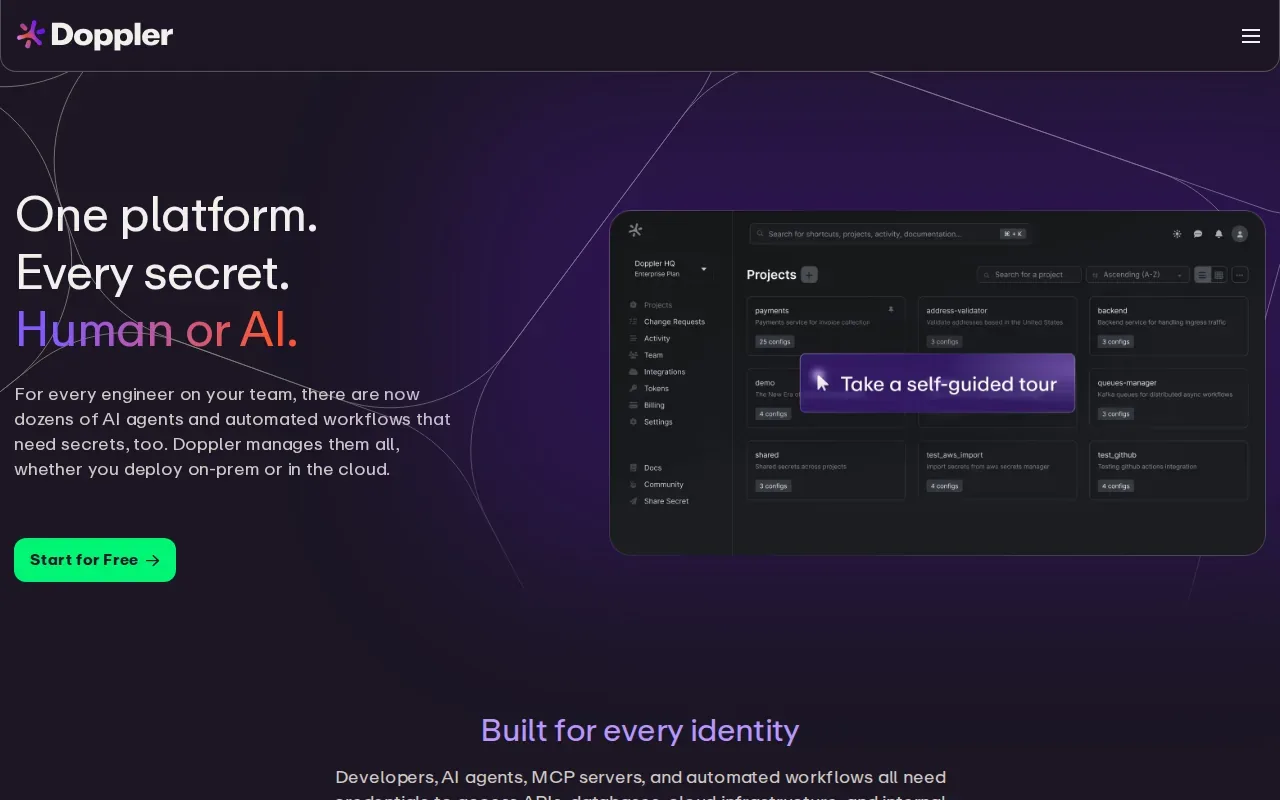
A shared secret set can reduce the drift that happens when an engineer updates one environment but forgets another. Doppler’s CLI gives developers a way to work with secrets from the command line, while its integrations connect the workflow to build systems. That’s useful when a team wants credentials available to an app without hardcoding them into its source.
Cost structure is a meaningful factor for growing teams. Doppler’s Team plan is priced per user, and some enterprise features sit in higher tiers. Those are separate trade-offs: a team may value broad enterprise controls, while another may prefer simpler per-team budgeting.
Doppler is a fit when quick onboarding and managed service matter more than self-hosting. Before picking it, map out how many people need access and which integrations your delivery path depends on. Teams that need stronger control over where the service runs should compare its deployment model with Infisical’s options.
3. Infisical: Open-source secrets management with self-hosting options
Infisical is an open-source secrets management option with a modern interface and self-hosted or vendor-agnostic deployment choices. Its integrations include Kubernetes and CI. It’s suited to teams that want a developer-friendly workflow while keeping the option to run the system on infrastructure they control.
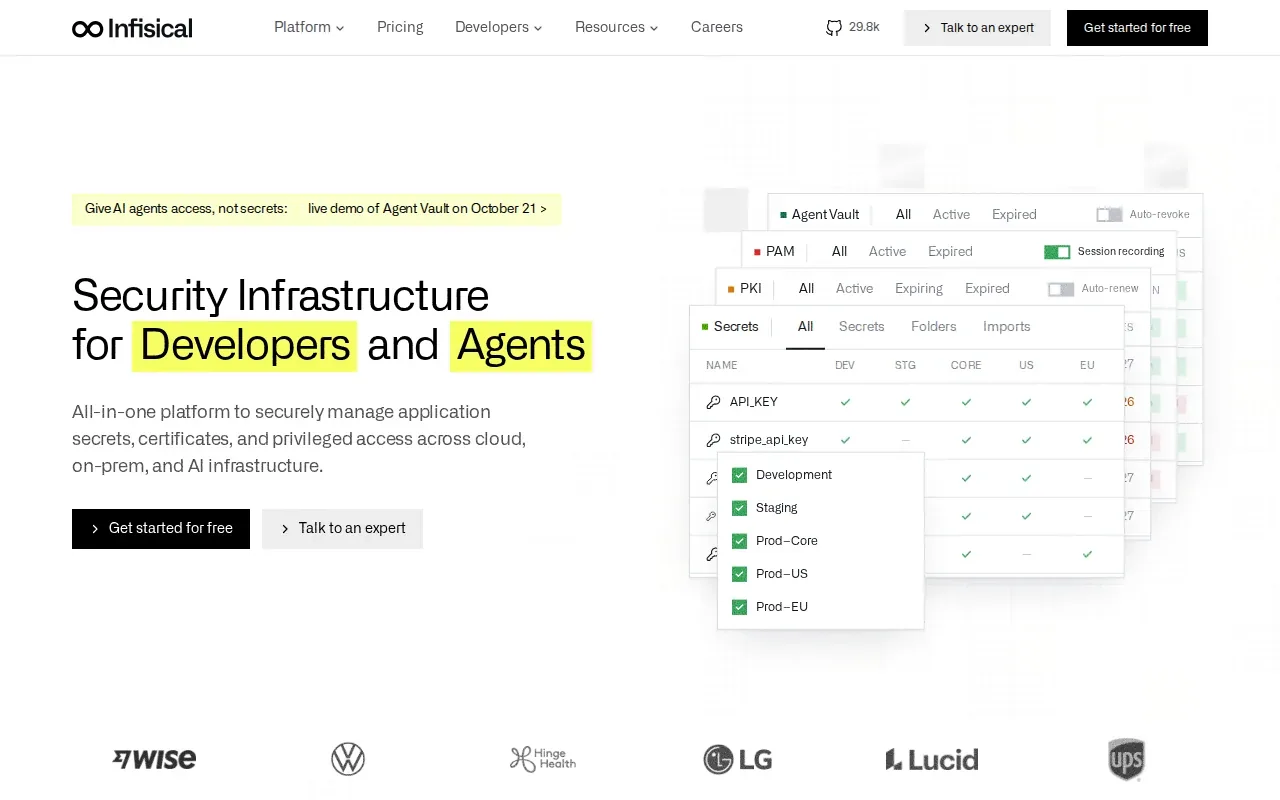
Self-hosting can matter when an organization wants to manage the service’s operating environment itself. It also means the team takes on more responsibility for deployment and upkeep. Infisical’s flexibility gives teams a path to weigh those needs against using a hosted service, rather than treating one deployment model as the only choice.
Infisical’s Pro plan keeps audit logs for 30 days, and its Advanced plan for 90 days. That gives reviewers a defined window for checking recent activity.
For a small team, check how the self-hosting choice fits current staffing and support practices. The open-source model may be appealing, but the right fit depends on who will own operations. If the core need is shared .env files and CI syncing, compare that scope against a focused option before adopting a broader platform. For a wider look at delivery-focused security, see DevSecOps tools for secure delivery.
4. HashiCorp Vault: Flexible secrets, PKI, and dynamic credentials
HashiCorp Vault is a flexible secrets platform with dynamic secrets engines for databases, cloud providers, and SSH. It also supports PKI issuance, a plugin architecture, and detailed policy control. It’s best suited to platform teams that need fine-grained access rules across varied infrastructure.
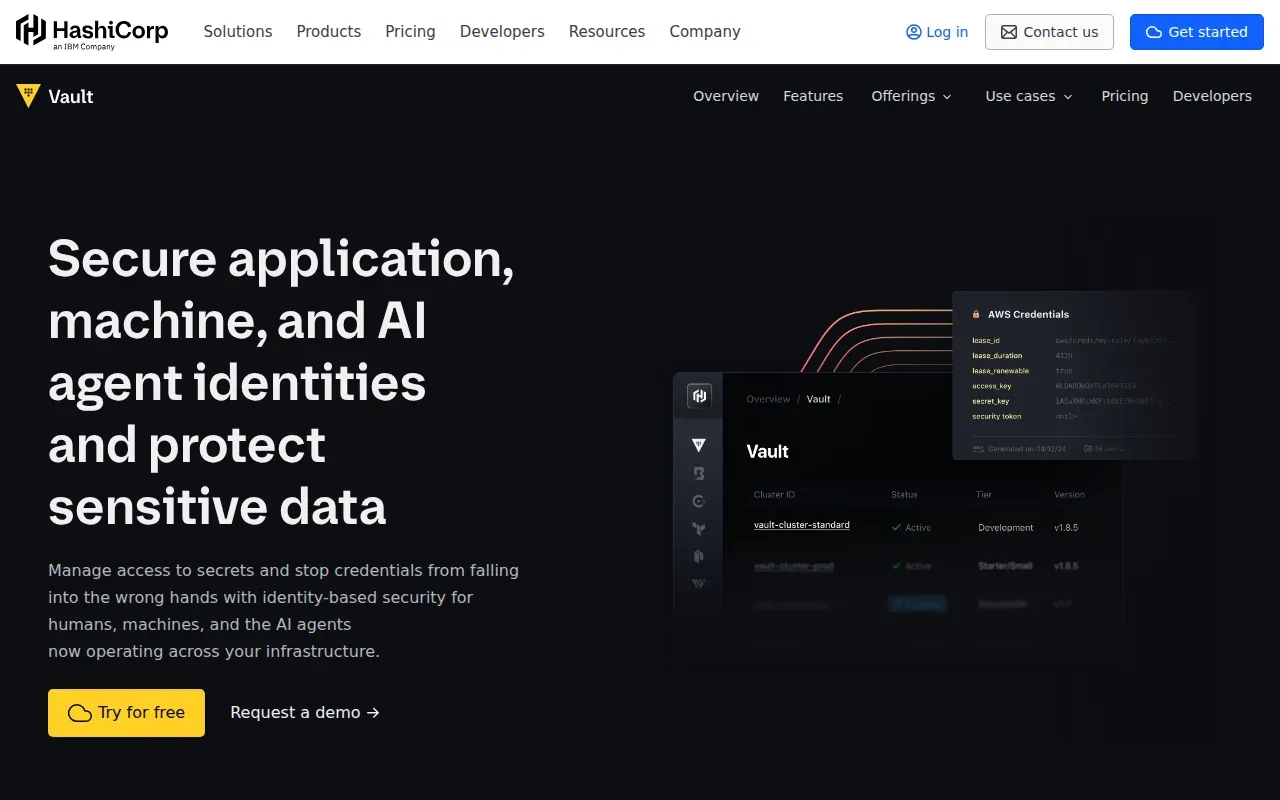
Dynamic secrets are credentials created for a specific use, rather than a fixed password shared for long periods. Vault can generate those credentials through its secrets engines. Its support for PKI also lets teams manage certificate issuance. Together, these features make it relevant when a team needs more than a central store for static application values.
Vault’s access model supports both role-based and attribute-based controls. Kubernetes, CI/CD systems, and cloud providers are among its integration areas. Its plugin architecture gives platform teams room to connect different systems, though that flexibility can call for more planning than a simple environment-variable workflow.
Vault is often the stronger fit when dynamic credentials, certificate issuance, or detailed policy rules are requirements. For a team that mainly needs to sync .env values into development and CI, its wider scope may be more than the job calls for. Decide based on the credentials and policies you need to manage, not on feature count alone.
5. AWS Secrets Manager: Secrets management for AWS workloads
AWS Secrets Manager is a natural choice for teams already committed to AWS. It integrates with IAM, fitting workloads that use existing cloud access controls. Its audit activity is recorded through CloudTrail.
Secrets Manager supports automatic rotation for supported database types. Rotation can reduce reliance on long-lived passwords, but teams still need to set access policies and rotation schedules.
Secrets Manager works within an AWS-centered architecture. IAM policies define who or what can access secrets, while CloudTrail records API calls for review. Least-privilege IAM policies can restrict access to AWS resources based on job function.
That integration is useful when application deployments already rely on AWS services. It can be less convenient when a team needs one secrets workflow across local development and several cloud providers. Check where secrets live today, then decide whether AWS-native control or cross-environment consistency is the bigger need. For a broader view of adjacent cloud defenses, see cloud security tools and their use cases.
6. Azure Key Vault by Microsoft: Secrets, keys, and certificates for Azure
Azure Key Vault by Microsoft manages secrets, keys, and certificates for Microsoft-centric organizations. It has strong Azure AD integration, and higher tiers include HSM-backed key storage. It’s best for teams deep in Azure that want credential and key management aligned with their existing Microsoft environment.
The range of stored assets matters here. Secrets can hold application credentials, while keys and certificates support other parts of an organization’s security work. Azure integration makes the service a clear candidate when workloads and identity management already sit in that ecosystem. Higher-tier HSM-backed storage may also fit teams with specific key protection needs.
Use this quick comparison to place it alongside the other picks:
| Option | Best fit | Primary workflow cue |
|---|---|---|
| Azure Key Vault by Microsoft | Microsoft-centric organizations | Secrets, keys, and certificates tied to Azure |
| AWS Secrets Manager | AWS-centered workloads | IAM access with AWS service integration |
| EnvManager | Teams managing .env files across local work and CI/CD | Centralized, version-controlled environment values |
Azure Key Vault is a strong fit when Azure is the center of your deployment model. If developers also need a shared .env workflow across local machines or multiple delivery targets, assess whether a separate environment management layer would make day-to-day work clearer.
Frequently Asked Questions
What are infrastructure security tools?
Infrastructure security tools help protect the systems that run and connect applications. The category includes identity and access management, cloud posture checks, workload protection, data loss prevention, and secrets management. They solve different problems, so teams should map tools to specific risks. This shortlist focuses on secrets that applications and CI/CD workflows need to access.
Which security tool is best for managing .env files?
EnvManager is built for teams that need centralized, version-controlled .env files with role-based access and syncing to local machines and CI/CD pipelines. It’s a focused choice for that workflow. If your main need is dynamic credentials, certificate issuance, or cloud-native secret storage, compare Vault or the cloud service that matches your environment.
Is open-source secrets management better?
Open-source secrets management can give a team more control over deployment, including the option to self-host when the product supports it. But the team must also plan who will run and maintain that setup. Infisical has self-hosted and vendor-agnostic deployment options. A managed service may fit better when the team wants less operational work.
Should I use a cloud-native secrets manager?
Use a cloud-native secrets manager when most workloads and identity controls already sit in that cloud. AWS Secrets Manager integrates with IAM and RDS, while Azure Key Vault fits Microsoft-centric organizations. If developers work across several environments, check whether the cloud service covers the full local and CI/CD workflow you need.
Conclusion
For teams whose daily pain is scattered .env files, EnvManager is the most direct place to start. Map one project’s current secrets and access needs, then test the workflow with your local development and CI/CD setup before moving the rest of the team.