
Best Cloud Security Tools for 2026
Compare the best cloud security tools for 2026, from cloud posture management to secrets security, and find the right fit for your team.
A cloud security tool can spot a risky setting, but that won’t tell you who changed a secret or where it went. For US development teams, audit trails and day-to-day secret handling deserve a place in the decision. Here are six tools, with EnvManager first for teams that need secure .env workflows.
1. EnvManager
EnvManager is a self-serve SaaS platform for encrypted, version-controlled .env files. It gives teams a central place to manage secrets, set role-based access, and sync approved values to local machines and CI/CD pipelines. It’s the most direct fit here for DevOps engineers and developers who need to manage application secrets without a large cloud posture program.
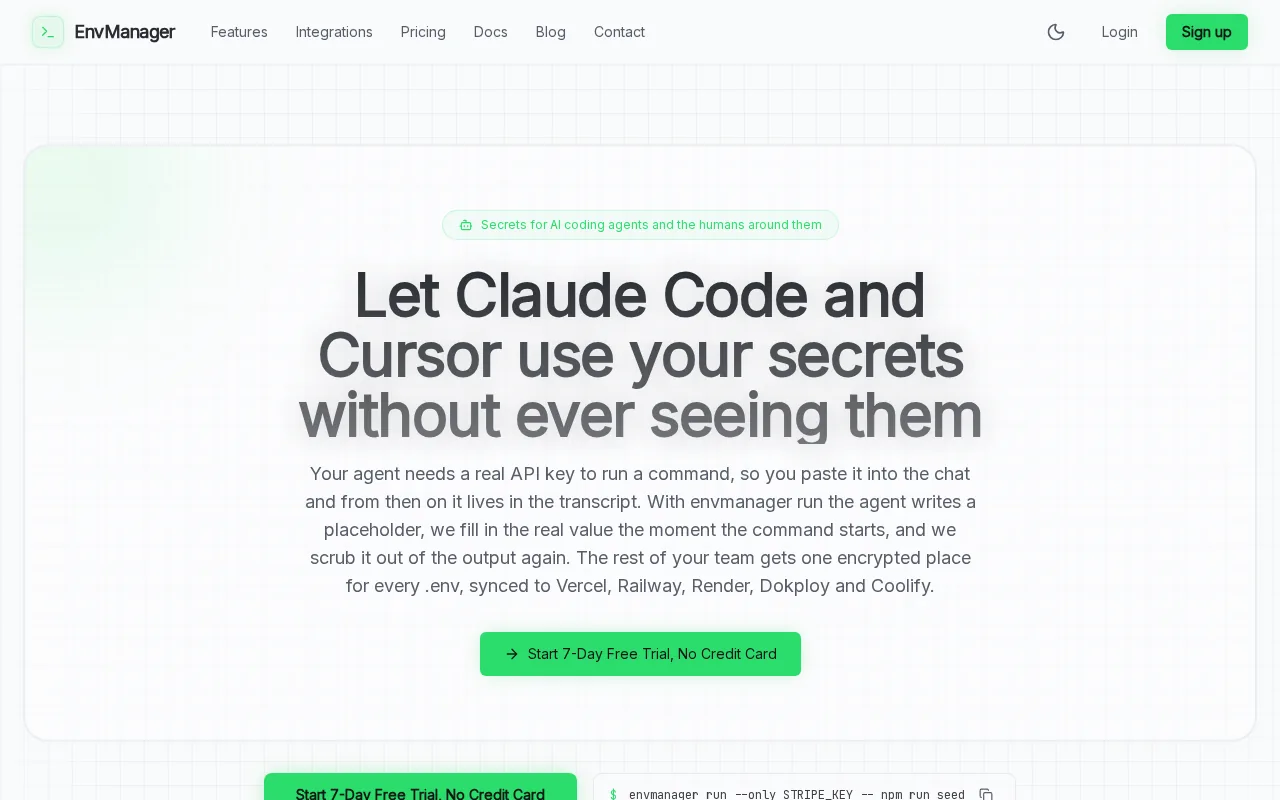
When each developer has a different copy of a .env file, a key change can leave old values on laptops or in a build job. EnvManager keeps a shared versioned record, with logs that capture changes and timestamps. That history gives a security or compliance reviewer a clearer trail of who changed a value and when.
For a deploy, you can scope access to the values a process needs rather than paste keys into a terminal or CI setting. The documented command pattern is envmanager run --only STRIPE_KEY -- npm run seed. EnvManager also connects to Vercel, Dokploy, Coolify, and other platforms, so teams can sync secrets into their delivery workflow.
Teams comparing dedicated secret stores can use our secrets management tools comparison to weigh different workflows. Keep the test focused: can the tool handle the same .env change across local development and deployment without creating another unmanaged copy?
EnvManager is aimed at secret workflow, not every cloud posture or runtime check. Choose it when the main gap is scattered application credentials and unclear change history.
2. Wiz: Agentless CNAPP for enterprise cloud environments
Wiz is an agentless cloud-native application protection platform, or CNAPP, built for teams that need a broad view across cloud environments. Its API connectors discover cloud assets, while its Security Graph links exposed resources to likely attack paths. That makes Wiz a fit for security teams managing many workloads and cloud accounts.
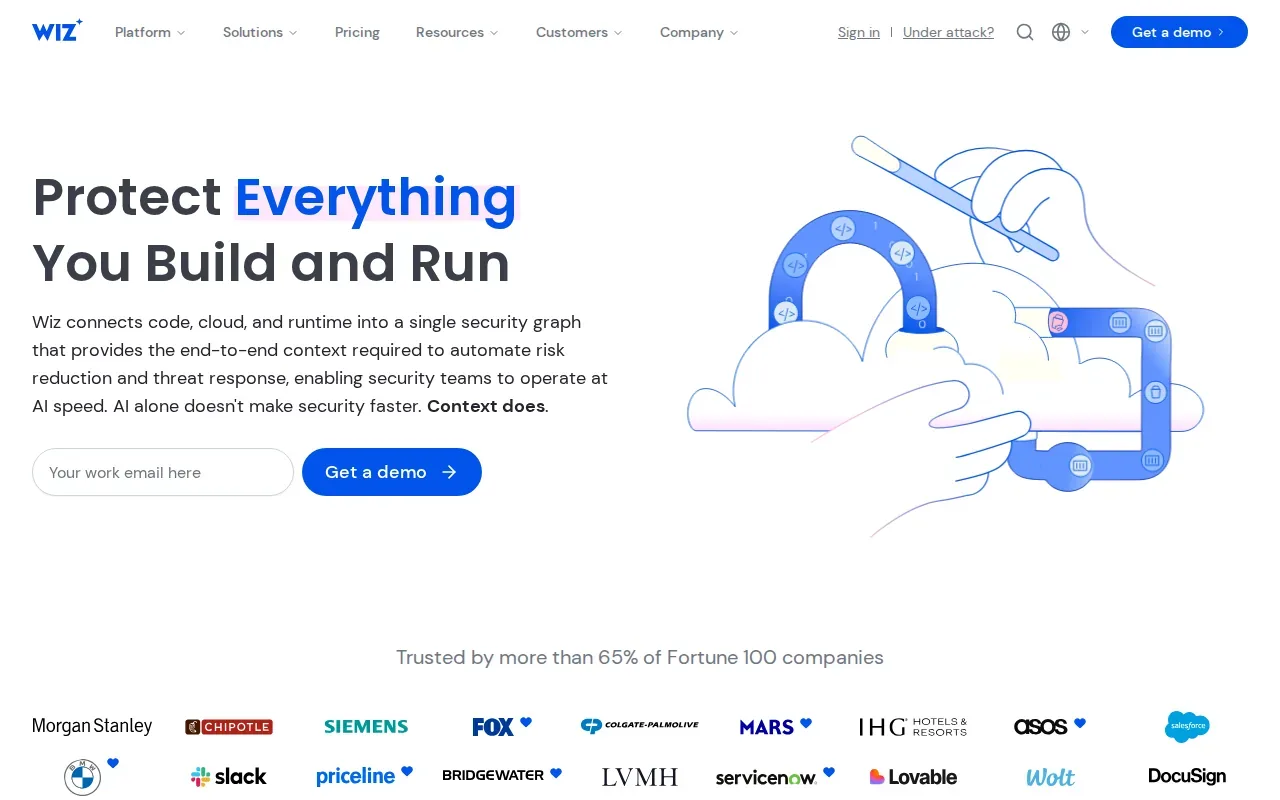
Instead of treating a public resource, a vulnerability, and an overpowered identity as separate alerts, Wiz can connect those signals. The resulting view can help a security team see which combination creates a more direct route to sensitive data. It also supports agentless discovery, which can reduce the work needed to begin scanning cloud resources.
Wiz covers posture, identity, workload, data, and development security in one platform.
Wiz suits organizations that want broad, agentless visibility and risk context across cloud environments. Teams that mainly need to control .env files may find a dedicated secrets workflow more directly aligned with their day-to-day work.
For serverless teams, separate checks still matter: serverless security practices cover secret storage and other controls that sit beside a cloud posture platform.
3. Microsoft Defender for Cloud: Azure-focused security with a free tier
Microsoft Defender for Cloud is a CNAPP for cloud and on-premises resources. Its free Foundational Cloud Security Posture Management, or CSPM, includes ongoing assessments, security recommendations, Secure Score, and the Microsoft cloud security benchmark. It covers Azure, Amazon Web Services, and Google Cloud environments.
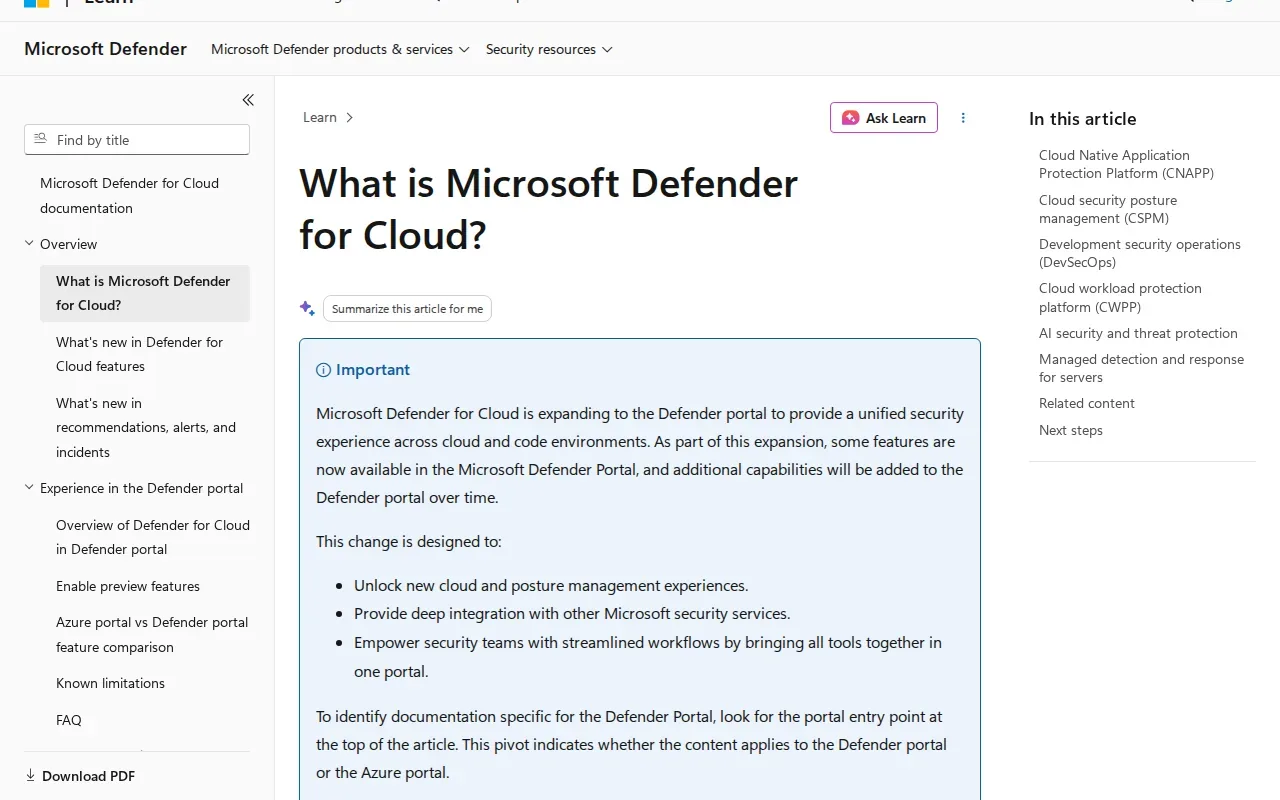
That makes it a sensible first look for Azure organizations that want posture checks and recommendations before adding paid protection plans. The free foundation is not the same as all paid Defender plans. Microsoft says advanced capabilities, including agentless vulnerability scanning and attack path analysis, are part of Defender CSPM.
Defender for Cloud also brings security into development workflows. Teams can use its DevOps security capabilities to view posture across multiple pipelines. Recommendations connect identified issues to controls and compliance mappings, giving teams a path from a finding to a remediation task.
Cloud billing can depend on protected resource types and usage. Review the plan details against the resources you actually run before enabling paid protections across subscriptions. That matters in mixed estates, where a team may need to decide which workloads need advanced coverage first.
For teams building delivery controls, our overview of policy as code tools can help frame how rules fit into a pipeline. Defender for Cloud is a broader posture and workload choice, while policy checks can serve a more focused role in development.
4. Cloud One by Trend Micro: Workload-aware cloud posture evaluation
Cloud One by Trend Micro brings cloud security services together for business-critical applications across hybrid cloud environments. The listed posture approach connects misconfiguration findings with workload context, helping teams judge which issues deserve attention first.
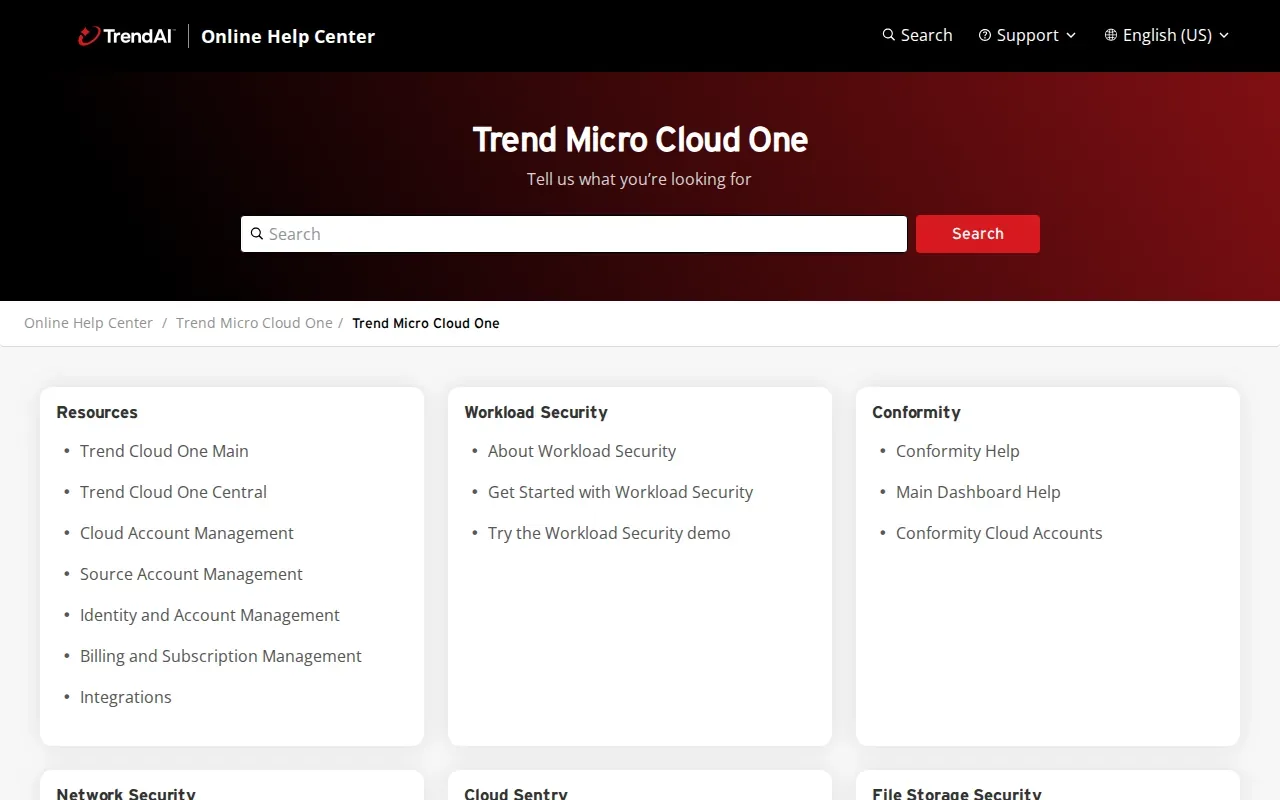
That context matters when a finding affects a live workload rather than an isolated test resource. A team can assess a configuration issue alongside the application it may affect, then decide who owns the next step. This is more useful than treating every finding as equally urgent.
Cloud One is aimed at organizations securing applications across hybrid environments. Its approach covers security from build to runtime, which is relevant when deployment and operations teams need a shared view.
Before shortlisting it, map the specific Cloud One service to the risk you need to manage. A workload-aware posture review and centralized secret versioning solve different problems, even when both matter to the same application.
5. Infisical: Secrets, certificates, and privileged access in one platform
Infisical manages application secrets, certificates, and privileged access across cloud, on-premises, and AI infrastructure. It suits teams that want more than environment-variable management, especially when certificates and privileged credentials sit in the same security workflow.
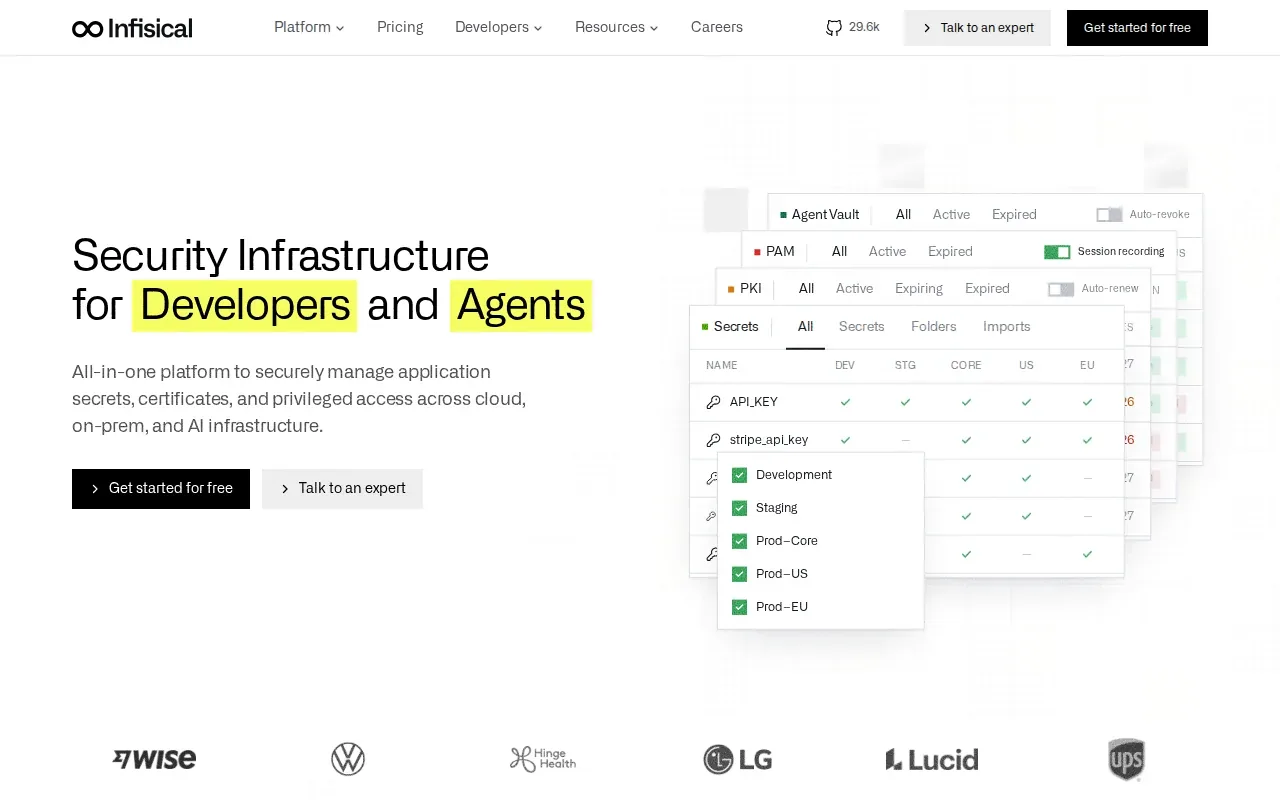
Access can be scoped by environment, path, and identity through fine-grained role-based controls. Teams can schedule credential rotation or issue short-lived secrets for a request. For certificate management, Infisical supports lifecycle tasks such as issuance, renewal, and revocation.
The platform also supports self-hosting or use of a hosted option. That choice may matter to organizations with infrastructure or data-residency requirements, but self-hosting means the team must also operate the system that protects its credentials.
Infisical states that it supports SOC 2, HIPAA, and FIPS 140-3 compliance, and uses AES-256-GCM encryption. Treat those claims as one part of an evaluation: check whether the specific controls and deployment model fit your own audit needs. It is a broader secrets and access platform than a tool focused only on syncing .env files.
6. Doppler: Centralized, auditable secrets access for teams and AI agents
Doppler centralizes secrets for developer teams and records access by humans and AI agents. Its security controls include fine-grained permissions, user groups, and tokens scoped to a user, device, or service. It fits teams that want secrets access to be centrally managed and traceable.
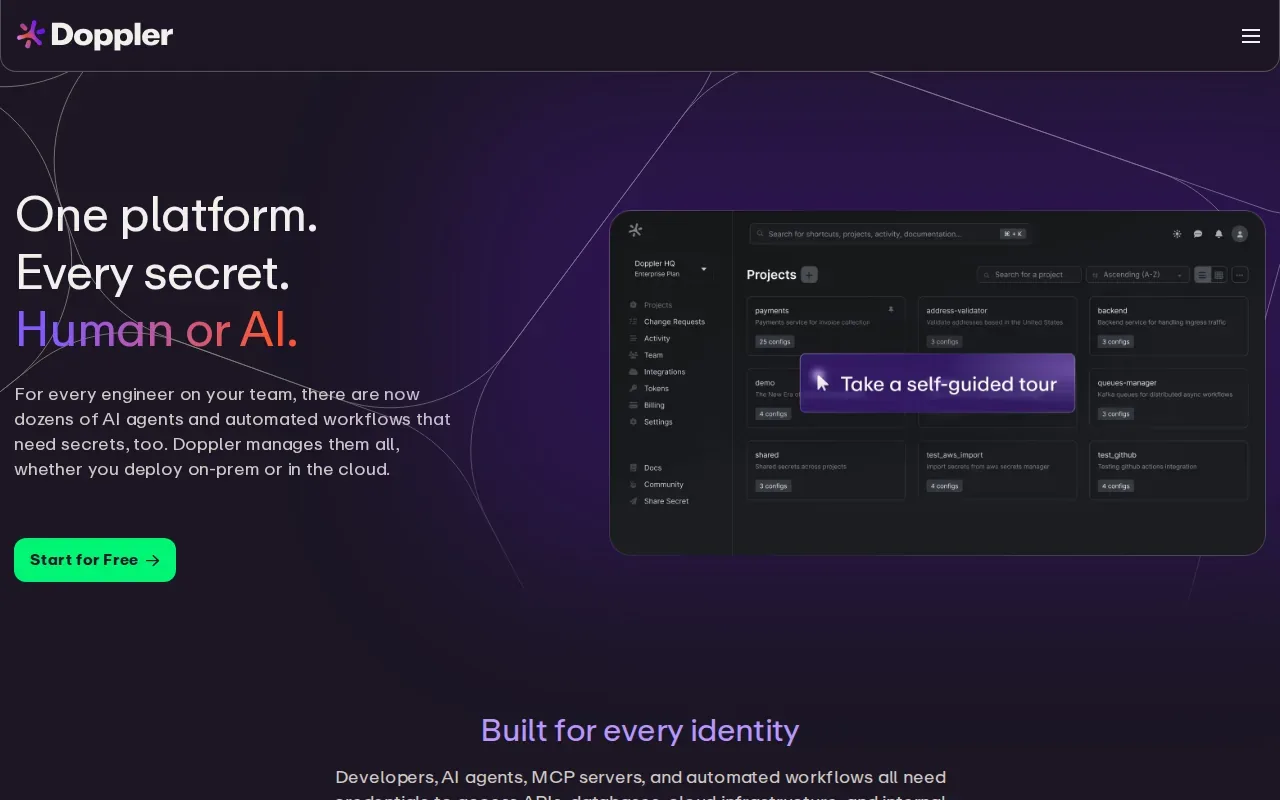
Doppler says it is SOC 2 compliant and ISO 27001 compliant. It also describes AES-256-GCM encryption for customer secrets. These controls can support a security review, but a certification alone does not show whether a product’s access model matches your team’s requirements.
Doppler also provides automatically generated encrypted fallback files for offline development. That can help developers keep working when they temporarily lack a live connection to the central service.
Doppler prices its Team plan per user, with paid add-ons such as custom roles. The two tools address related but different operating needs: compare the access controls and integrations your team needs against the way you manage .env values today.
Cloud security tools compared
The key choice is scope. Cloud security programs may combine CSPM for cloud settings, CIEM for cloud identity permissions, IAM for access control, and CWPP for workload protection. CASB tools focus on cloud app use, while CNAPP platforms bring several cloud security functions into one view.
| Tool | Main fit | Decision point |
|---|---|---|
| EnvManager | .env secrets and change history | Choose it when developer secret sync is the main gap. |
| Wiz | Agentless enterprise cloud posture | Choose it when connected risks across cloud assets need context. |
| Microsoft Defender for Cloud | Cloud posture and workload protection | Consider it when Azure and existing Microsoft workflows shape the environment. |
| Cloud One by Trend Micro | Hybrid cloud posture with workload context | Consider it when teams need context to prioritize misconfigurations. |
| Infisical | Secrets, certificates, and privileged access | Consider it when those credential types belong in one platform. |
| Doppler | Centralized, auditable secrets access | Consider it when access logs and scoped tokens are central needs. |
The shared responsibility model still applies: a provider can secure parts of its service, while your team remains responsible for its settings, identities, and application secrets. A zero-trust mindset means granting only the access needed and checking it as systems change. For multi-cloud or hybrid teams, confirm that each tool sees the assets and workflows you need it to cover.
FAQ
What are cloud security tools used for?
Cloud security tools help teams find and manage risks in cloud accounts, applications, identities, and workloads. The job depends on the tool: CSPM checks cloud configuration, while secrets managers control sensitive values used by applications. Some CNAPP platforms combine several security functions, but a broad platform may not replace a focused secrets workflow.
What is the difference between CSPM and CNAPP?
CSPM focuses on assessing cloud configuration and posture. CNAPP is a broader platform category that combines several cloud security functions, which can include posture management and workload protection. A team with a specific need, such as tracking .env changes, should still check whether a broader platform handles that workflow.
Which cloud security tool is best for Azure?
Microsoft Defender for Cloud is a natural option to assess if your organization runs Azure. Its free Foundational CSPM includes security assessments and recommendations, and its coverage also includes AWS and Google Cloud. Check which paid plans apply to your resources before enabling additional protections.
Do I need a CNAPP and a secrets manager?
You may need both if your risks span cloud posture and application credentials. A CNAPP can help security teams understand cloud resource risks, while a secrets manager can control how developers and services use keys. Map the two jobs separately, then check for overlap before adding another tool.
Conclusion
If scattered .env files and unclear change history are your main concern, start with EnvManager’s versioned secret workflow. If your first priority is cloud-wide posture or workload visibility, assess a platform built for that scope. Pick one real application, trace a secret from local development through deployment, and see where the audit trail breaks.