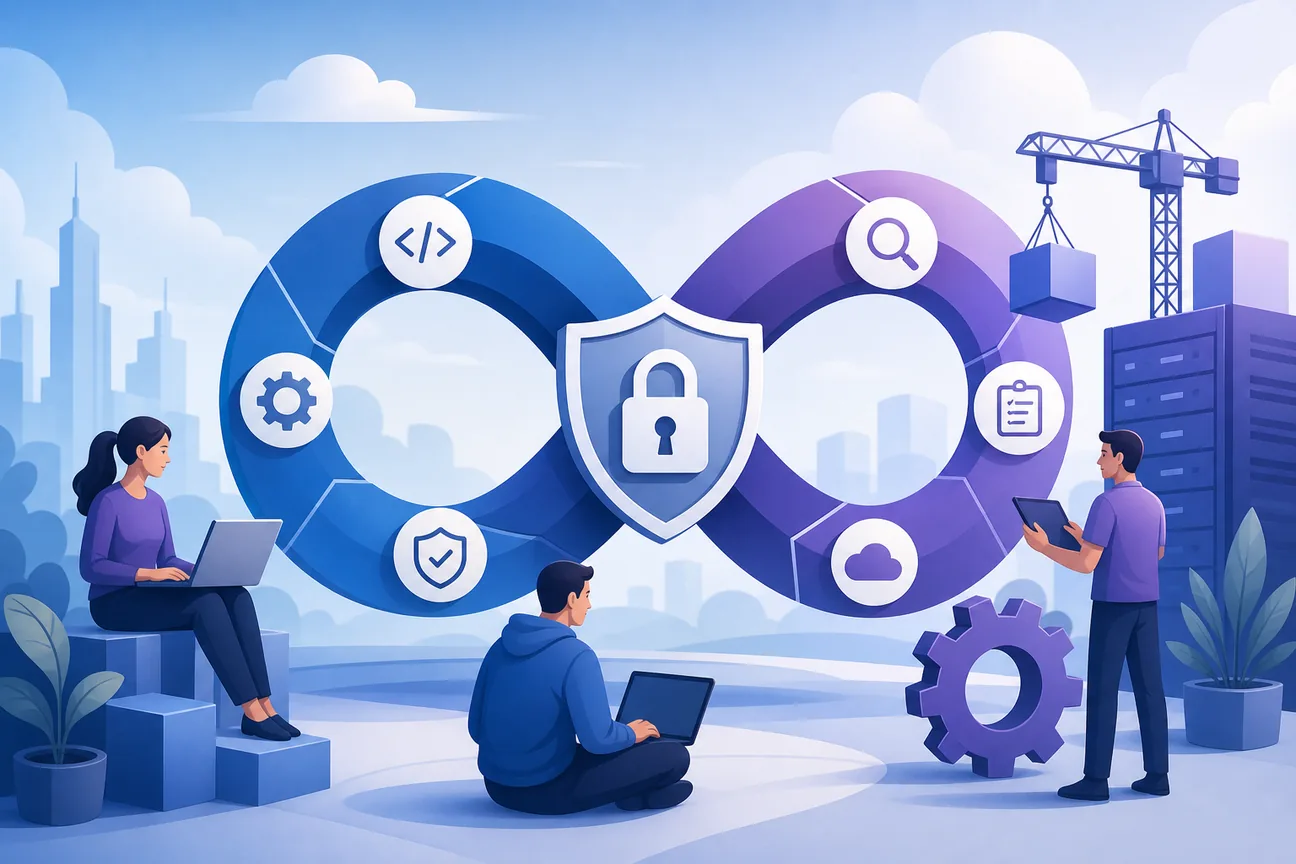
Best DevSecOps Tools for Secure Delivery
Compare the best devsecops tools for code, secrets, containers, cloud security, compliance, and CI/CD automation in 2026.
Security checks often arrive too late, after code is built or a secret reaches production. DevSecOps tools move those checks into the work developers already do. Here are 10 named options, with the job each one handles best and the gaps you still need to plan for.
1. EnvManager - Centralized .env and secret management
EnvManager is a self-serve SaaS tool for encrypted, version-controlled .env files and shared secrets. It's the best first pick for teams tired of copying credentials between laptops, repositories, and CI/CD jobs.
We encrypt every value with AES-256 on import. Role-based access control, or RBAC, limits who can view or change a value. Version history gives teams a record of changes, while sync keeps local machines and pipelines aligned.
That workflow fixes a common failure point. A developer updates a database key in one place, then the approved value reaches the right environment. No more sending secrets through chat or storing long-lived values in a shared file.
EnvManager also fits teams that need a clear audit trail. Security leads can review access and changes without asking each engineer to search through shell history or old pull requests. JIT access can further reduce standing access when a task needs a short window.
The limitation is scope. EnvManager focuses on environment variables and secret workflow. It isn't a code scanner, container scanner, or cloud posture tool. Pair it with those controls instead of asking one product to cover the whole lifecycle.
If secrets are your first risk, start there. Teams comparing adjacent options can review these environment variable management tools before setting their access model.
2. GitHub Advanced Security - Code and secret protection in development workflows
GitHub Advanced Security is built for teams that want security checks close to pull requests and source code. It's a strong fit when GitHub is already the center of development work.
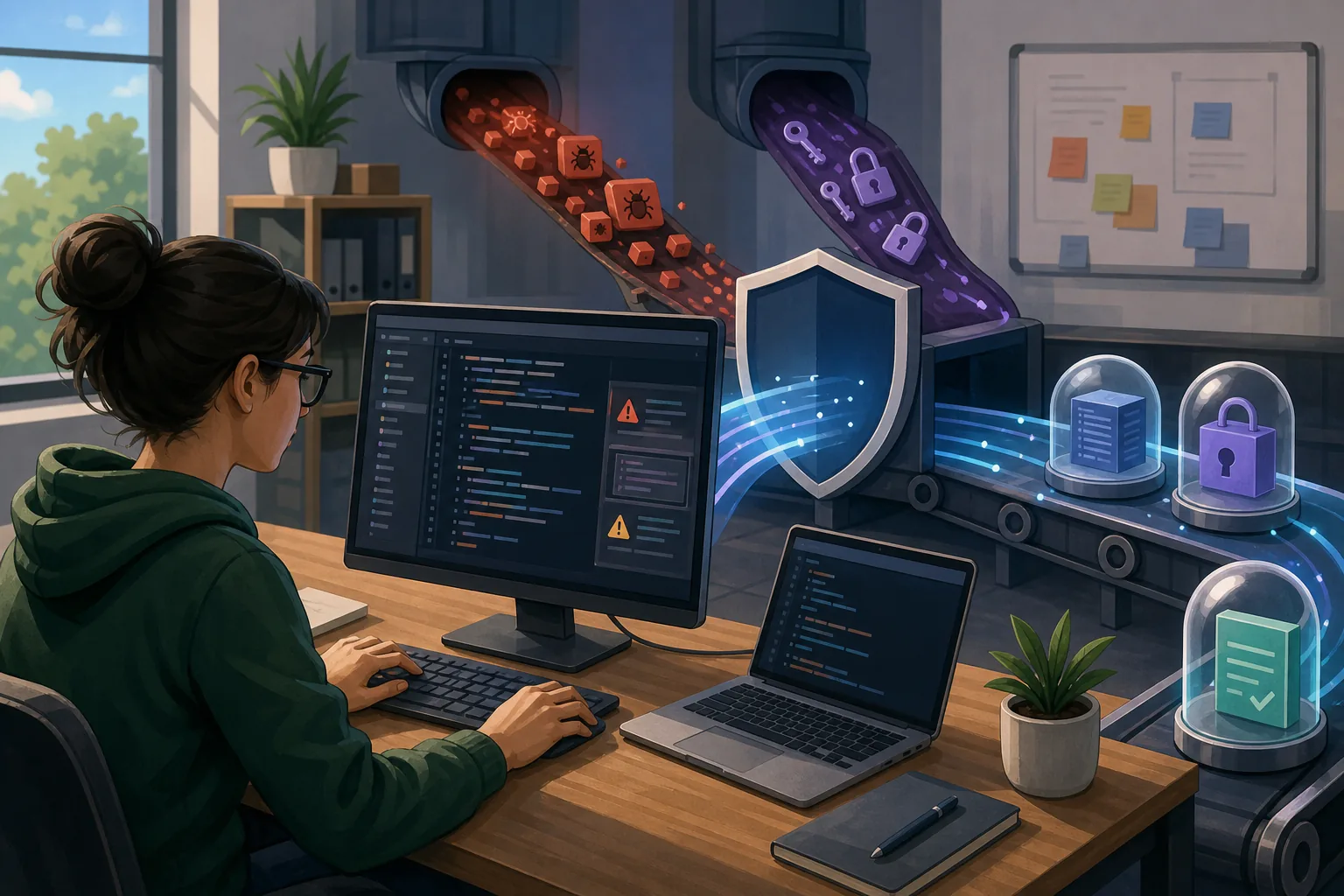
Its documented security themes include static application security testing, software composition analysis, and secret detection. Those checks target risks before code reaches production. The research also identifies Azure DevOps as an integration point.
That placement matters. A developer can , rather than after release. Dependency checks can flag a risky package, while secret protection can catch credentials that slipped into a repository.
GitHub Advanced Security is a good choice for teams that want one developer-facing workflow. It can reduce the need to send every finding to a separate console. Still, it won't replace a dedicated secret manager for application configuration that must move across local machines and deployment environments.
Use it when code review is your main control point. Keep shared runtime secrets outside source control.
3. SonarQube - Continuous code quality and static analysis
SonarQube is a static analysis option for teams that want code checks to run throughout development. It fits organizations that need repeatable rules before a build moves forward.

Static application security testing, or SAST, reads source code before compilation. That lets a team find unsafe patterns while a feature is still changing. A scan can point to the file and line that needs review, which gives the developer a clear place to start.
SonarQube is also useful for coding standards. Teams can define rules for patterns they want to block or review. This works well when security has agreed on a small set of high-value checks rather than enabling every possible warning at once.
The key operational choice is the quality gate. A team might block a release for a severe vulnerability but allow a lower-risk code smell into a review queue. That keeps the pipeline useful instead of turning every finding into an emergency.
Language support and false positives need testing during a proof of concept. Start with one service, inspect the findings, and set a clear owner for remediation.
The broader lesson is simple: SAST finds code-level issues early, but it cannot see every runtime or cloud setting.
4. GitHub Actions - Security automation inside CI/CD pipelines
GitHub Actions lets teams place security checks directly inside build and release workflows. It's best for repositories already using GitHub and teams that want pipeline logic stored beside application code.
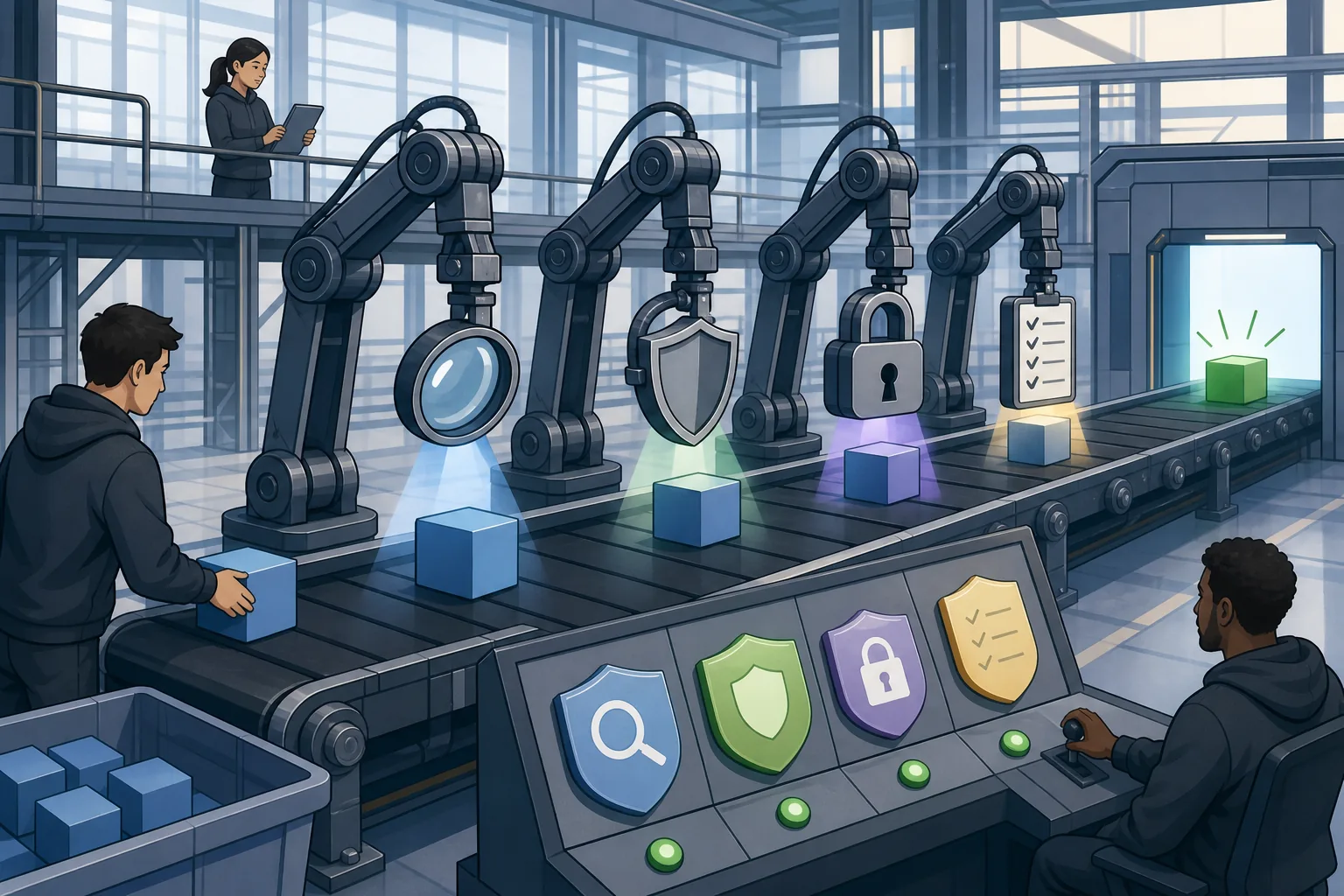
A workflow can run after a commit, pull request, or manual request. Security checks can then inspect source code, dependencies, artifacts, or deployment conditions before the next job runs.
This model makes the control visible. Engineers can review the workflow definition with the rest of the repository. A failed check can stop deployment, while a lower-risk result can create a ticket for later work.
Security automation still needs guardrails. Protect workflow changes with review rules. Limit token permissions. Keep secrets out of logs. Test what happens when a scan fails, because a control that never blocks anything may only create the appearance of protection.
The useful target is controls that should be repeatable, reviewable, and tied to the release path.
GitHub Actions is the pipeline layer. It doesn't automatically supply every scanner or policy rule your program needs.
5. Jenkins - Flexible pipeline orchestration for DevSecOps
Jenkins is a flexible automation server for teams with varied build systems or strong control over their own infrastructure. It suits organizations that need to shape pipeline behavior around existing tools.
Its role in DevSecOps is orchestration. A Jenkins pipeline can call code analysis, dependency checks, secret scans, image tests, and policy checks in a defined order. The pipeline can then pause or fail when a result crosses the team's risk threshold.
That flexibility helps when a company has more than one repository host or build style. It also means more work for the platform team. Plugins need review. Credentials need careful storage. Pipeline code needs the same change controls as application code.
Jenkins works best when someone owns the shared pipeline patterns. A central team can publish a safe template, then let product teams supply only project-specific values. This reduces copy-paste errors across dozens of jobs.
Don't pick Jenkins only because it can run almost anything. Pick it when you have the skills to maintain the automation layer and the need to connect systems that a more managed service doesn't cover.
6. Microsoft Defender for Containers - Container image and runtime security
Microsoft Defender for Containers focuses on container image scanning and runtime monitoring. It's a fit for teams that ship container workloads and need checks before deployment plus visibility after release.

Container security has two distinct moments. Image scanning checks what you are about to deploy. Runtime monitoring watches what happens after the workload starts. Treating those as separate checks helps teams avoid a clean build that becomes risky in production.
Microsoft describes DevSecOps as security across the software lifecycle, with automated testing and continuous controls in CI/CD workflows. Its guidance also places container security alongside posture management, workload protection, identity, and compliance monitoring.
A container scan can find a vulnerable base image or package. Runtime monitoring can surface activity that the image scan could not predict. The response then depends on severity, exposure, and whether the workload has a safer replacement.
The caveat is alert volume. Teams need a triage rule that ranks exploitable or exposed issues above low-impact findings. Otherwise developers may spend time fixing noise while a reachable workload waits.
Use this option when containers are central to delivery and your cloud security team wants one view across build and runtime risks.
7. Prisma Cloud - Cloud-native application and container protection
Prisma Cloud is a cloud-native application and container protection option. It belongs on the shortlist for teams that need container checks as part of a wider cloud security program.
The research groups Prisma Cloud with tools that scan container images and monitor runtime environments. That makes it useful when a team wants to connect a build finding with what runs in the cloud.
Its place in the stack is different from a pure pipeline runner. A CI/CD system decides when checks run. A cloud security product adds context from workloads and their environment. That context can help a security team decide which issue needs action first.
Before buying, test the handoff between development and security. Ask how a finding reaches the person who owns the image or service. Ask what evidence remains after remediation. A dashboard alone won't fix an outdated image or an overexposed workload.
Prisma Cloud makes more sense when container security is one part of a larger cloud program. A smaller team with one cluster may prefer a narrower tool with less operational overhead.
8. Microsoft Defender for Cloud - Cloud posture and workload security
Microsoft Defender for Cloud continuously assesses infrastructure against defined security baselines. It's aimed at teams that need posture checks across cloud resources and workloads.
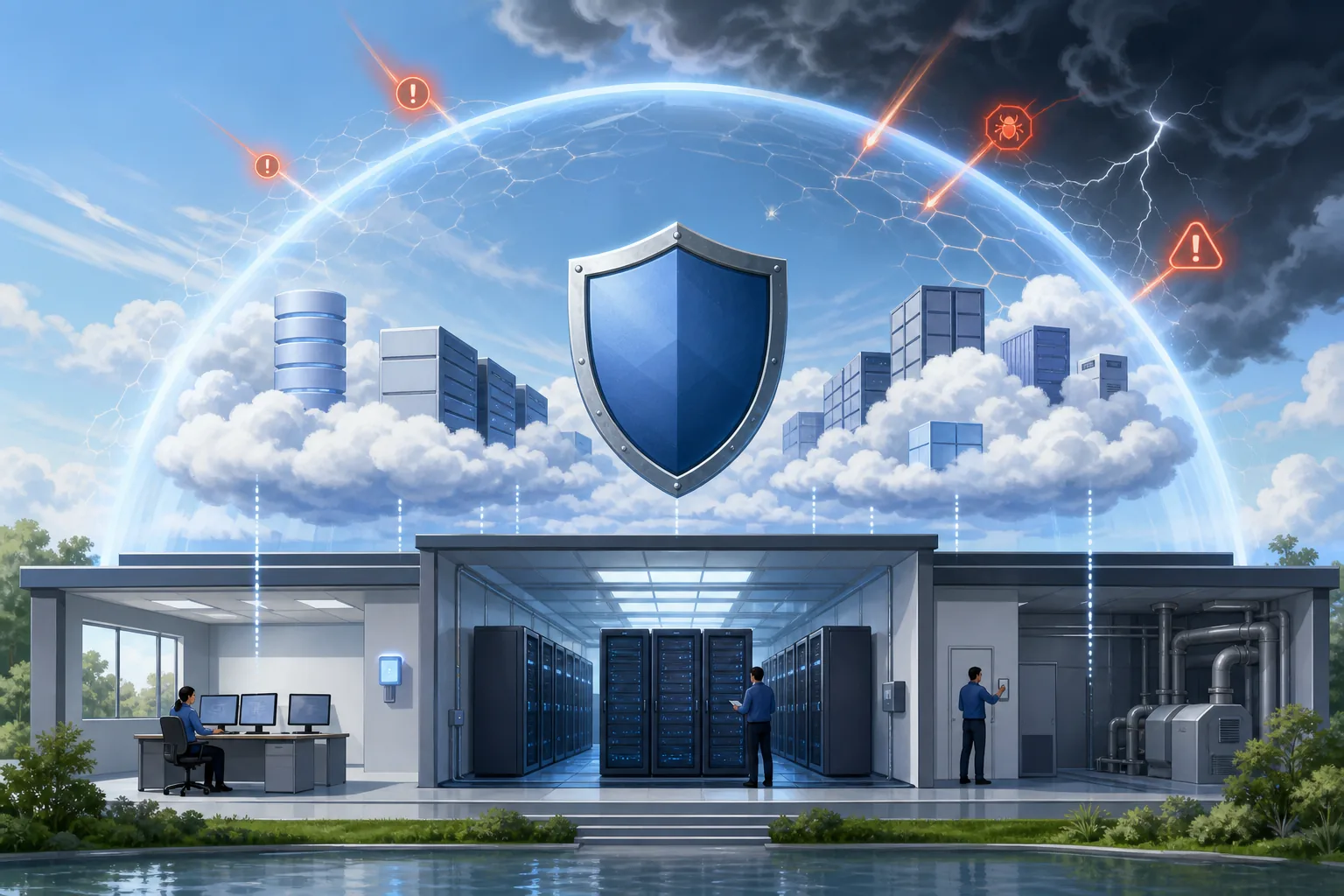
Posture management looks for configuration drift and settings that do not meet an agreed baseline. That can include cloud resources created outside the preferred pattern. The value comes when the finding has a clear owner and a safe repair path.
Microsoft documents integration with the Defender XDR portal and the broader Microsoft Security ecosystem. That can help organizations that already use those systems for security operations.
Defender for Cloud is not a substitute for source scanning or secret storage. It sees cloud posture and workload context. The repository still needs code and dependency checks, while credentials need controlled storage and rotation.
Its strongest use case is a cloud program that wants continuous assessment rather than a review before launch. Set the baseline first. Then decide which violations block deployment and which create a remediation task.
9. Azure Policy - Automated governance and configuration compliance
Azure Policy checks resources against defined rules. It is useful for teams that need configuration governance inside Azure rather than a manual review after deployment.
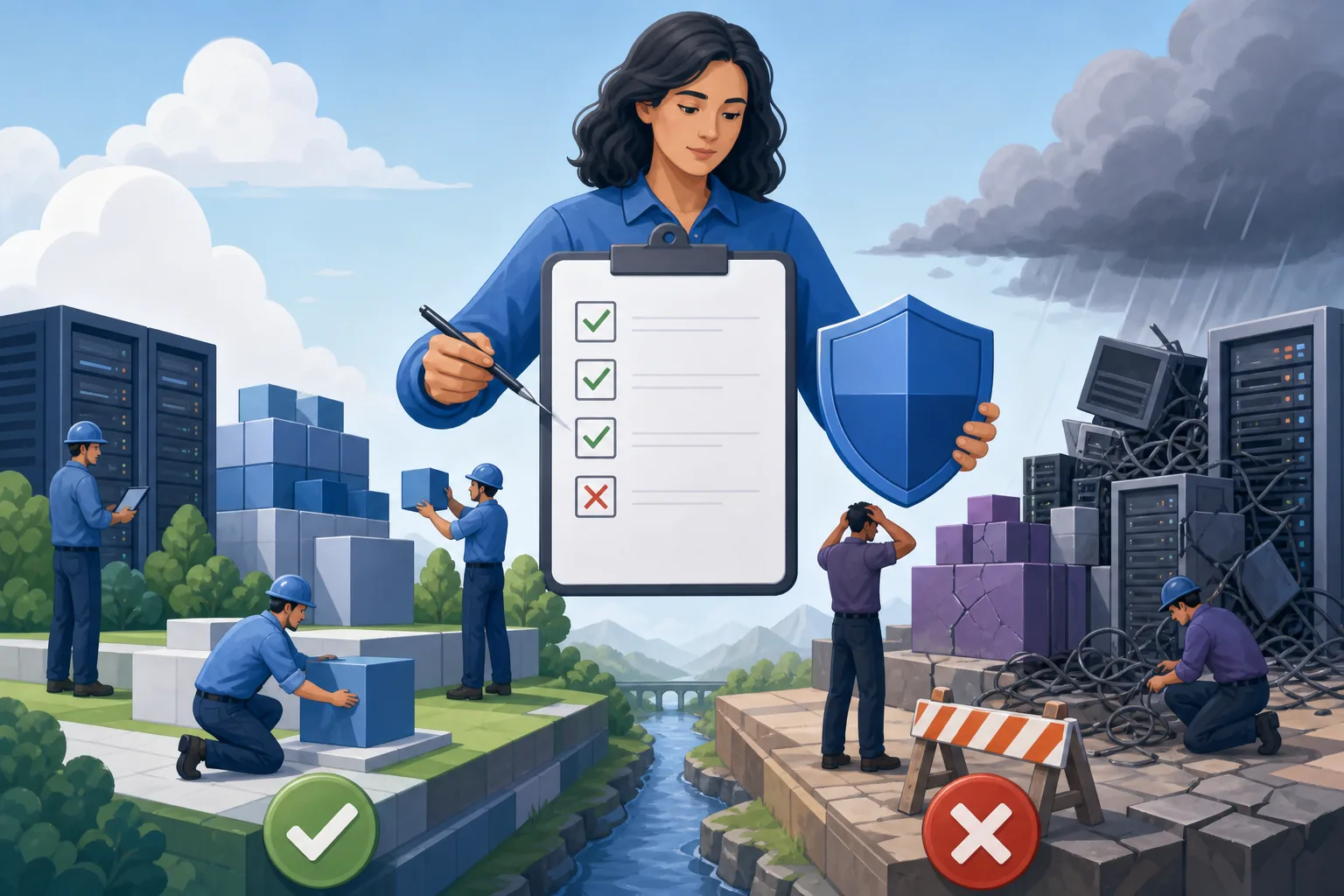
A policy can express a desired state, such as requiring an approved configuration. The important design choice is enforcement mode. Some rules report a violation. Others can deny a deployment or trigger remediation, depending on the setup.
This is the policy-as-code side of DevSecOps. Infrastructure definitions can be checked before release, then live resources can be checked again for drift. That two-part approach closes a gap that exists when teams test only templates.
Policy is not the same as a formal audit report. Plan your evidence needs separately.
Use Azure Policy when your main risk is inconsistent cloud configuration. Pair it with identity controls, secret management, and an evidence process that can support your auditors.
10. Azure Key Vault - Managed credentials and cryptographic key storage
Azure Key Vault centralizes the storage and rotation of credentials and cryptographic keys. It suits teams that need managed secrets inside an Azure-centered environment.

A vault changes the deployment pattern. Instead of placing a credential in a repository or static configuration file, an approved workload requests it at runtime. Access can then follow identity and permission rules rather than a shared file.
Rotation matters because old credentials keep risk alive. A rotation plan should name the owner, the dependent service, the test path, and the rollback path. Without that plan, a vault can hold secrets safely while applications still depend on values that never change.
Azure Key Vault is a focused component, not a full DevSecOps suite. It won't scan source code, assess container images, or enforce every cloud baseline. Teams using several clouds should also check how secrets move across environments.
Choose it when managed key and credential storage is the immediate gap. Keep the access model small, review it often, and test recovery before an incident forces the issue.
DevSecOps tools comparison: match capabilities to your security program
The DevSecOps market has clear clusters. CI/CD tools embed checks in release workflows. Code tools inspect source and dependencies. Container tools inspect images and runtime behavior. Secret managers control credentials. Cloud governance tools check posture and policy.
All 20 records named a key differentiator, but only 12 described automation. Just three documented integrations, and none listed compliance-auditing features. Treat those findings as a warning against buying a single product and assuming the program is complete.
| Need | Best-fit options above | What to test |
|---|---|---|
| Environment secrets | EnvManager, Azure Key Vault | Access control, rotation, audit history, and developer workflow |
| Source code risk | GitHub Advanced Security, SonarQube | Language coverage, false positives, pull request feedback, and quality gates |
| Pipeline controls | GitHub Actions, Jenkins | Failure behavior, token permissions, logs, and reusable workflow patterns |
| Container risk | Microsoft Defender for Containers, Prisma Cloud | Image findings, runtime alerts, ownership, and remediation evidence |
| Cloud posture | Microsoft Defender for Cloud, Azure Policy | Baseline rules, drift detection, enforcement, and evidence export |
Open-source tools can provide control and customization, but your team owns upkeep, rule quality, and support. Commercial tools may reduce that burden, yet integration limits and alert volume still need a proof of concept.
Run a small test with one service. Put a fake secret in a safe test branch, introduce a known policy violation, and deploy a sample container. Check whether each tool detects the issue, sends it to the right owner, and records the fix.
Then review the less visible needs: IDE support, threat modeling, software bill of materials data, compliance evidence, and access review. A tool that wins a demo can still fail during handoff.
For teams starting with credential sprawl, EnvManager gives you a focused first control. You can then add code, pipeline, container, and posture checks around it. Teams that need a wider credential comparison can also review these secrets management tools before finalizing the design.
FAQ
What are DevSecOps tools?
DevSecOps tools add security checks to software delivery instead of leaving security until release. They can inspect source code, dependencies, secrets, containers, cloud settings, or pipeline actions. The right set depends on your risks. A secret manager and a code scanner solve different problems, so most teams need several focused controls.
Which DevSecOps tool should I use first?
Start with the risk that can cause the fastest harm. If credentials live in .env files or repositories, use a controlled secret manager such as EnvManager first. If code findings block releases, begin with SAST. If cloud drift is the issue, start with posture and policy checks. Measure detection and remediation before adding more tools.
Are open-source DevSecOps tools better than commercial tools?
Open-source DevSecOps tools give teams more control over rules and deployment. Commercial tools may reduce the work needed for updates, support, and reporting. Neither choice is automatically better. Compare language coverage, integrations, ownership, false positives, and the time your team can spend maintaining the system.
Do DevSecOps tools provide compliance auditing?
Many DevSecOps tools support policy checks, but you should not assume they provide formal audit output. Define the evidence your auditor needs, then test whether the tool preserves history, approvals, policy results, and remediation proof.
How do DevSecOps tools fit into CI/CD?
DevSecOps tools fit into CI/CD as checks that run at chosen points in the delivery path. Source scans can run on pull requests. Dependency and image scans can run during builds. Policy checks can run before deployment. Runtime tools then watch for drift or threats after release.
Choose one high-risk gap, test it on one service, and set a clear owner for every finding. For teams dealing with scattered .env files, start your EnvManager trial, define RBAC, and move one non-production workflow first.