
Best Cloud Secrets Management Tools for 2026
Compare cloud secrets management tools for application credentials, CI/CD pipelines, and cloud workloads. Find the right fit for your team's security needs.
API keys tend to spread: one lives in a local .env file, another in a build setting, and a third in a teammate’s notes. Cloud secrets management gives your team a safer way to store and deliver those credentials. Here are five tools, starting with EnvManager for teams that need centralized .env files and straightforward access control.
We analyzed 37 comments and questions from YouTube, Reddit and Quora about cloud secrets management and found that 41% asked about secure secret access and storage.
1. EnvManager
EnvManager is a self-serve SaaS platform for encrypting, version-controlling, and managing .env files in one place. It syncs secrets to local machines and CI/CD pipelines, with role-based access control (RBAC) so teams can limit who can use each set of values.
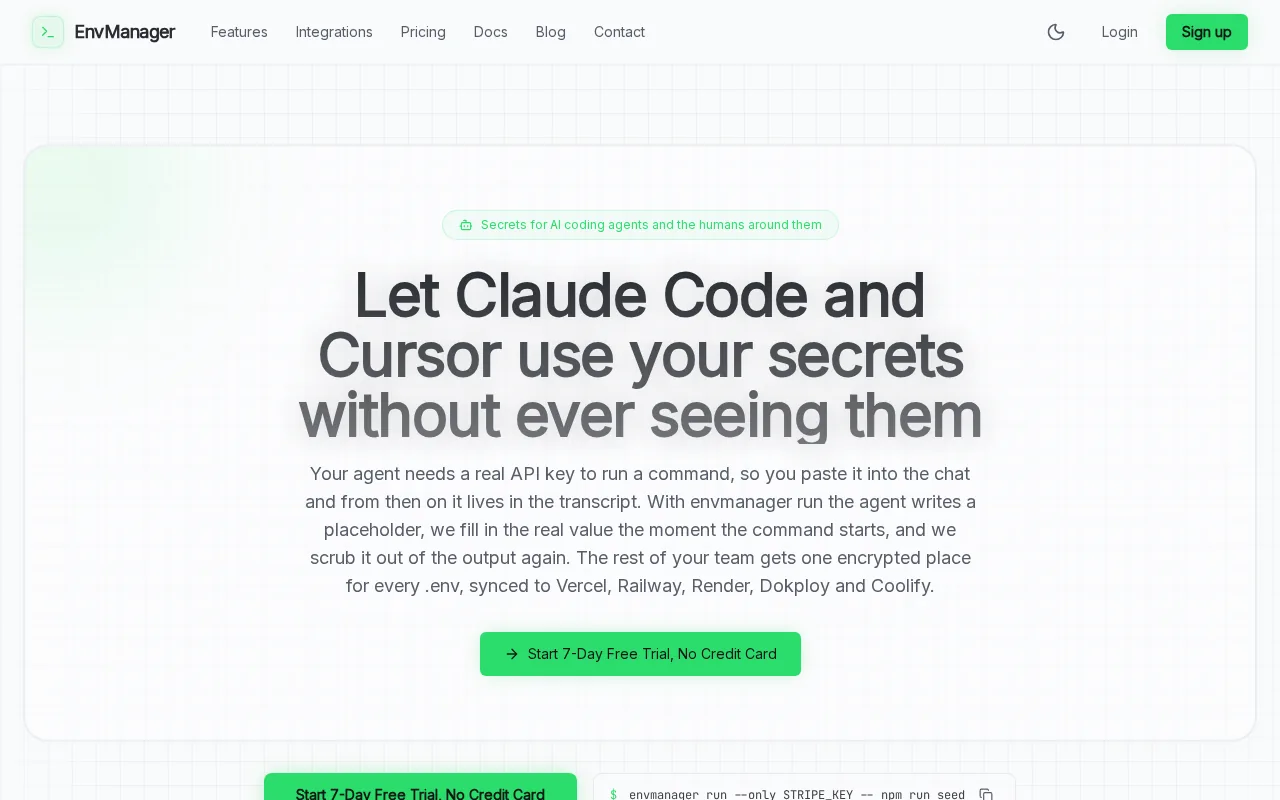
That setup fits teams whose daily work still depends on environment variables. Instead of copying a production key into a chat or asking a teammate to paste it into a deployment setting, developers can work from a shared source. EnvManager also records secret changes through versioning, which gives a team a trail to check when a value changes or an app stops connecting.
EnvManager has workflows for AI coding tools, including Claude Code and Cursor, to use API keys without exposing the keys to the agents. That can help teams keep credentials out of prompts and agent-visible configuration while still letting an approved command run. It also offers a seven-day free trial with no credit card, so you can test the workflow before moving team secrets.
If your main task is protecting .env files and sharing them across development and deployment, EnvManager is a direct fit. Teams that need dynamic credentials generated on demand may want a tool built around that use case.
For a deeper look at access, rotation, and audit practices, see these secrets management best practices.
2. HashiCorp Vault: flexible secrets management with dynamic credentials
HashiCorp Vault is a secrets manager available as a self-managed open-source option and as enterprise offerings. It suits teams that need detailed control over how credentials are issued, accessed, and retired, especially when static passwords are not enough.
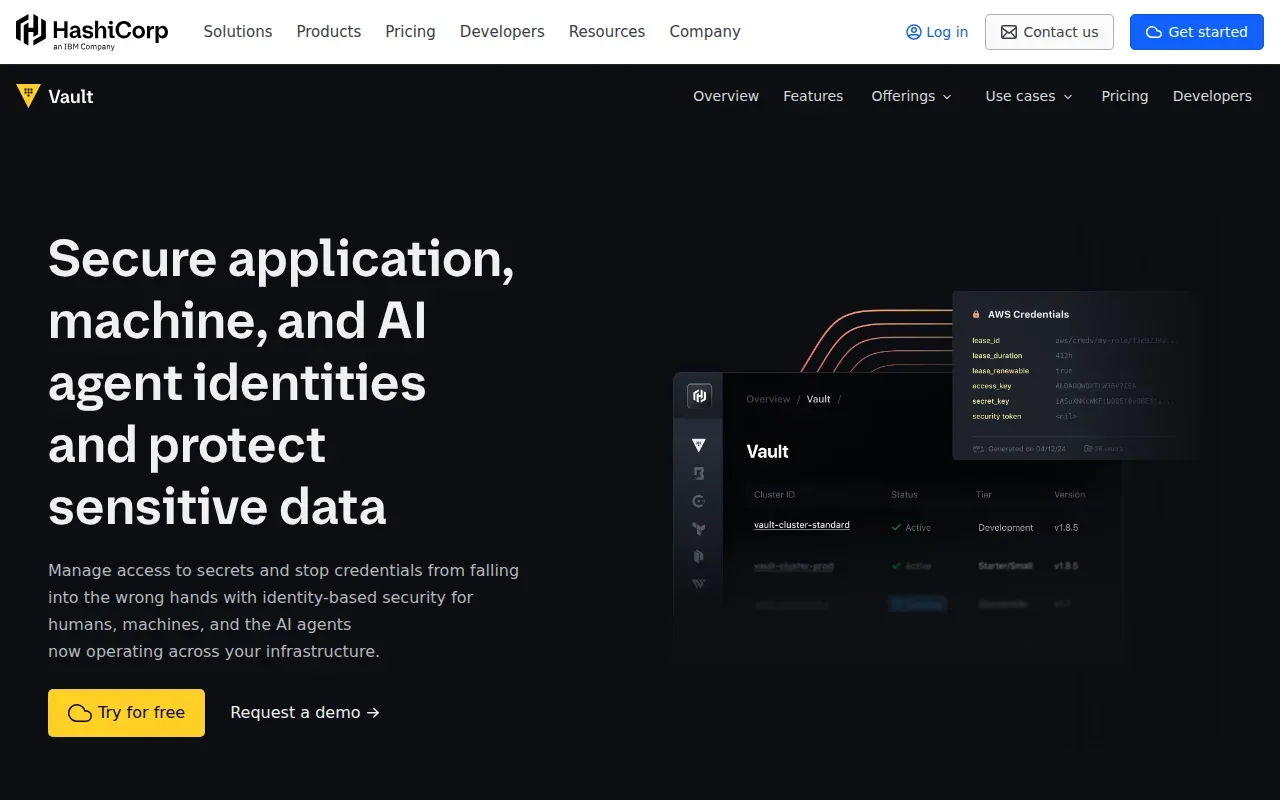
Its key distinction is dynamic secret generation. Rather than hand an app a long-lived database password, Vault can generate a short-lived credential for a defined use. The credential can then expire or be revoked, which narrows the time window in which a leaked value might work. Vault also supports certificate management and data encryption workflows.
That model can support least-privilege access: an application receives only the credential it needs, for the time it needs it.
Vault can connect to tools such as OpenShift, Ansible, and Guardium. That breadth makes it useful in established platform environments, but it also means a team should plan the policies and operating work around the system. A self-managed vault needs an owner who understands its deployment and access rules.
Choose Vault when dynamic credentials and policy control are central requirements. For teams mainly seeking a shared place to manage .env files, it may be more machinery than the workflow calls for.
3. AWS Secrets Manager: a natural fit for AWS workloads
AWS Secrets Manager is Amazon’s native service for storing and managing secrets. It’s a strong match for teams whose applications already run in AWS and whose access policies can be aligned with the workloads that need those credentials.
The service encrypts secrets at rest. When an application retrieves a value, the service sends it over TLS. Access and resource-based policies let teams set access rules close to the workloads that need those credentials.
AWS Secrets Manager can rotate secrets on a schedule or on demand. Some use cases may require custom rotation logic. AWS CloudTrail can help security teams review activity.
Rotation is only useful if the application can use the new credential. Before turning it on, check that the app can handle the change and that you have a way to spot failed updates.
Pick AWS Secrets Manager when keeping credential storage and workload access within AWS is a priority. If developers also need secrets synced to local machines or non-AWS pipelines, account for that separate delivery workflow.
4. Azure Key Vault by Microsoft: built for Azure security workflows
Azure Key Vault by Microsoft stores secrets, cryptographic keys, and certificates in an Azure-native service. It’s a sensible fit for teams that already use Azure identity and deployment tools, including Azure DevOps or GitHub Actions.

Keeping these items in one service can make access easier to manage than placing a password in a pipeline file or code repository. Managed identity can let an Azure workload authenticate to the vault without keeping another credential in its settings. Teams still need to set access rules carefully so each app or person gets only the values required for its work.
For stricter key controls, Azure Key Vault includes managed HSM pools. A hardware security module (HSM) is a protected device for cryptographic operations and key storage.
Azure Key Vault is especially useful when the main need is to protect keys, certificates, and application secrets inside Azure’s security model. Rotation needs attention too: the available process depends on the secret type, and some setups call for an Azure Function to handle the work.
For a team spread across cloud providers, compare how each workload will authenticate and retrieve secrets before settling on a cloud-native vault. A strong fit for one environment can leave extra sync work elsewhere.
5. Infisical: developer-first secrets management with open-source options
Infisical is an open-source secrets management tool with cloud and self-hosted options. Its developer-first approach can suit teams that want secrets available in CI/CD and Kubernetes workflows, while keeping the option to run the service on their own infrastructure.
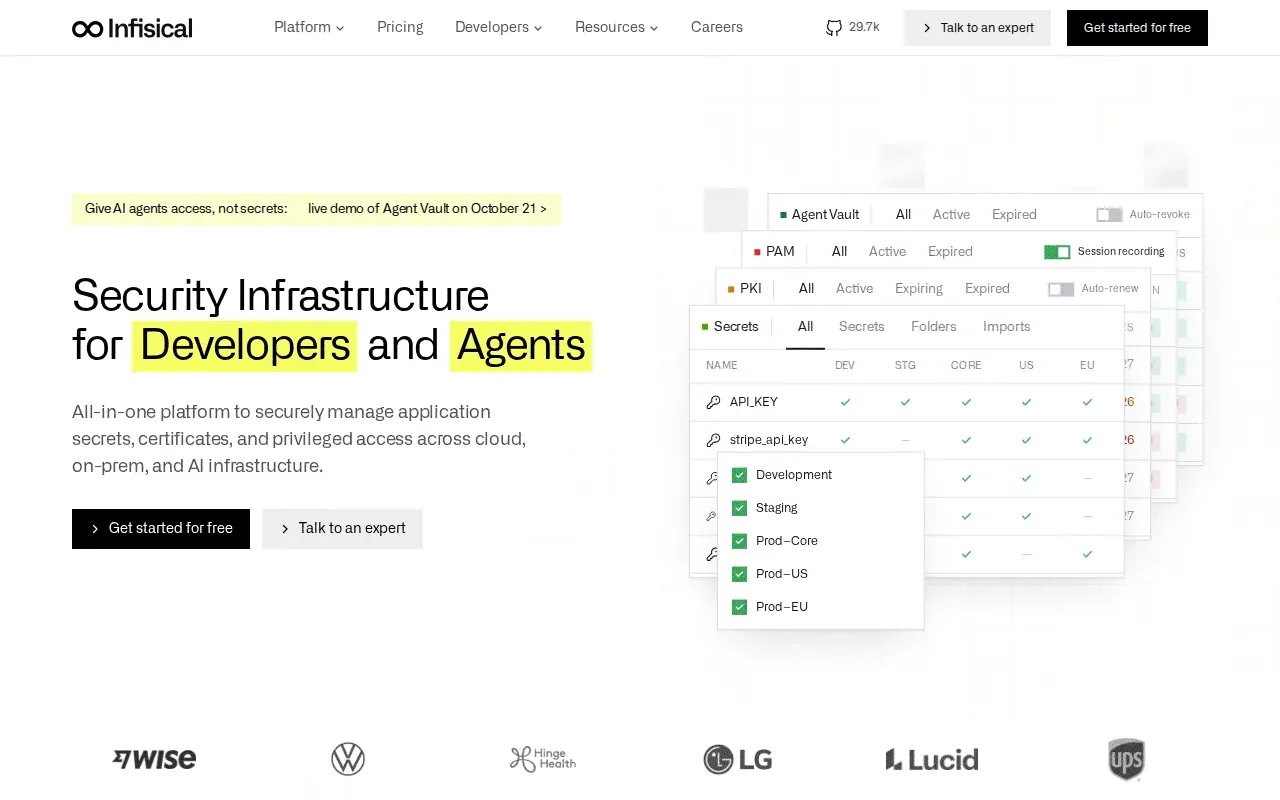
Infisical can sync secrets to development tools and workloads, and it has a Kubernetes operator. Secret scanning can help find exposed values in code. Those capabilities put it across more than one stage of the secret lifecycle: teams can store and deliver values, then check repositories for accidental exposure.
Self-hosting gives a team control over where the service runs, but it also means the team operates the system that holds its credentials. That calls for clear ownership, patching, backups, and access review. The open-source option can make it easier to evaluate the workflow before choosing a hosted or self-managed setup.
Infisical fits teams that want a developer-focused tool with CI/CD sync and Kubernetes support. Compare its operating model with your team’s capacity: a self-hosted service may suit your data and deployment needs, but someone must keep it healthy.
Teams bringing existing environment files into a managed workflow can use this guide to moving .env files to encrypted cloud storage to plan the change.
Cloud secrets management tools compared
The right choice depends on where secrets live today and how applications receive them. Start with the workload and delivery path, then check who can access each value and how a change gets recorded.
| Tool | Best fit | How it handles secrets | Operational point to weigh |
|---|---|---|---|
| EnvManager | Teams managing shared .env files | Central management with versioning and sync to local machines and CI/CD | Focused on developer secret delivery and .env workflows |
| HashiCorp Vault | Teams needing dynamic credentials | Can generate short-lived secrets and manage lifecycle policies | Self-managed use needs a clear operations owner |
| AWS Secrets Manager | AWS-centered workloads | IAM-controlled access with supported rotation and CloudTrail auditing | Rotation support depends on the secret and integration |
| Azure Key Vault by Microsoft | Azure workloads and key protection | Stores secrets, encryption keys, and certificates | Some rotation workflows need custom automation |
| Infisical | Developer workflows with CI/CD or Kubernetes | Open-source options with secret sync and a Kubernetes operator | Self-hosted deployments need ongoing care |
Across all five, check the full lifecycle: create a secret in a controlled place, grant only the access needed, deliver it without exposing it in logs, then rotate or revoke it when the risk changes. Audit records help answer who changed a value and when. For a suspected leak, revoke or rotate the credential first, then review access and update every workload that used it.
AI agents add another path to check. If an agent can run code that uses a credential, decide whether it needs to see the value at all. EnvManager’s agent workflow lets Claude Code and Cursor use API keys without seeing them, while dynamic credentials from Vault can reduce how long a credential remains valid.
Frequently asked questions
What is cloud secrets management?
Cloud secrets management is the controlled storage and delivery of credentials that applications need. It covers secrets such as API keys and database passwords, plus who can access them and how they change over time. A good setup keeps values out of source code, limits access by role or workload, and records changes so teams can investigate issues.
How should a team choose a secrets manager?
Choose based on where your workloads run and how they need to retrieve credentials. Check whether the tool supports your cloud and CI/CD setup, whether access can follow least privilege, and whether rotation fits your secret types. Also decide who will run the service if you self-host it. Test the workflow with a low-risk project before migrating production values.
What’s the difference between static and dynamic secrets?
A static secret stays valid until someone changes or revokes it. A dynamic secret is created for a request or defined period, then can expire or be revoked. Dynamic credentials can reduce the time a stolen value remains useful, but applications must be able to request and use them correctly.
Do cloud secrets managers rotate every credential automatically?
No. Rotation support varies by tool and by the service that uses the secret. AWS Secrets Manager supports rotation for certain integrations, while other workflows may need custom code. Teams should test how an application handles credential updates and confirm that the new value reaches every dependent workload before retiring the old one.
How do teams respond to a leaked secret?
Revoke or rotate the exposed credential first, then check where it was used and remove unsafe copies from code, logs, or build output. Review access records to understand the change or retrieval path. Update each affected workload and verify that it works with the new value. A central source of truth makes those updates easier to coordinate.
Conclusion
For teams centered on shared .env files and developer delivery, EnvManager is the clearest place to start. Try it with a non-production project, confirm the local and CI/CD sync fits your workflow, then move secrets in stages.