Best Configuration Management Software: 6 Tools
Compare six configuration management software options, from shared .env file management to infrastructure automation and multi-cloud visibility.
Configuration management software can mean keeping server settings in line, or keeping shared app secrets out of scattered .env files. The right tool depends on which problem your team needs to solve. Here are six options, starting with EnvManager for teams managing environment variables.
1. EnvManager
EnvManager is a self-serve SaaS platform for encrypting, version-controlling, and centrally managing .env files. It fits developers and DevOps teams that need the same approved values on local machines and in CI/CD pipelines, without passing files around by hand.
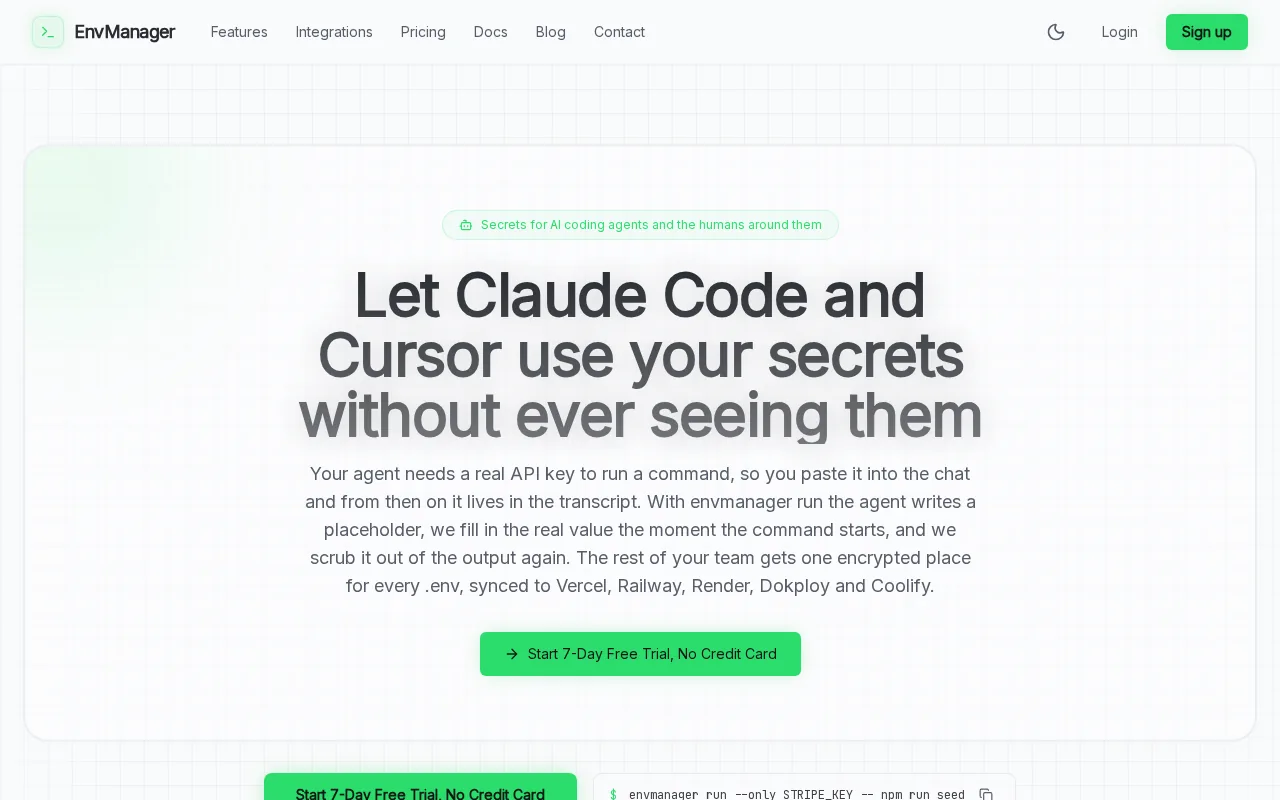
We keep environment values in one place, with role-based access so teams can limit who can view or change them. Version history helps you trace configuration changes. Syncing values to the places your team uses can reduce manual copying and the risk of a staging app receiving production keys.
If your main need is shared environment variables, start with this comparison of environment variable management tools. It helps separate that focused job from full infrastructure control. EnvManager also supports a command-based workflow, such as envmanager run --only STRIPE_KEY -- npm run seed, so a process can use a selected secret without copying it into a local file.
Choose EnvManager when secrets and app configuration are your target. It isn’t a server or network configuration engine, so teams that need to enforce operating-system settings across a fleet should pair it with an infrastructure tool.
2. Ansible by Red Hat: accessible, agentless automation
Ansible by Red Hat is an automation tool built around readable YAML playbooks. It suits DevOps and IT teams that want to manage machine settings without installing an agent on every target system.
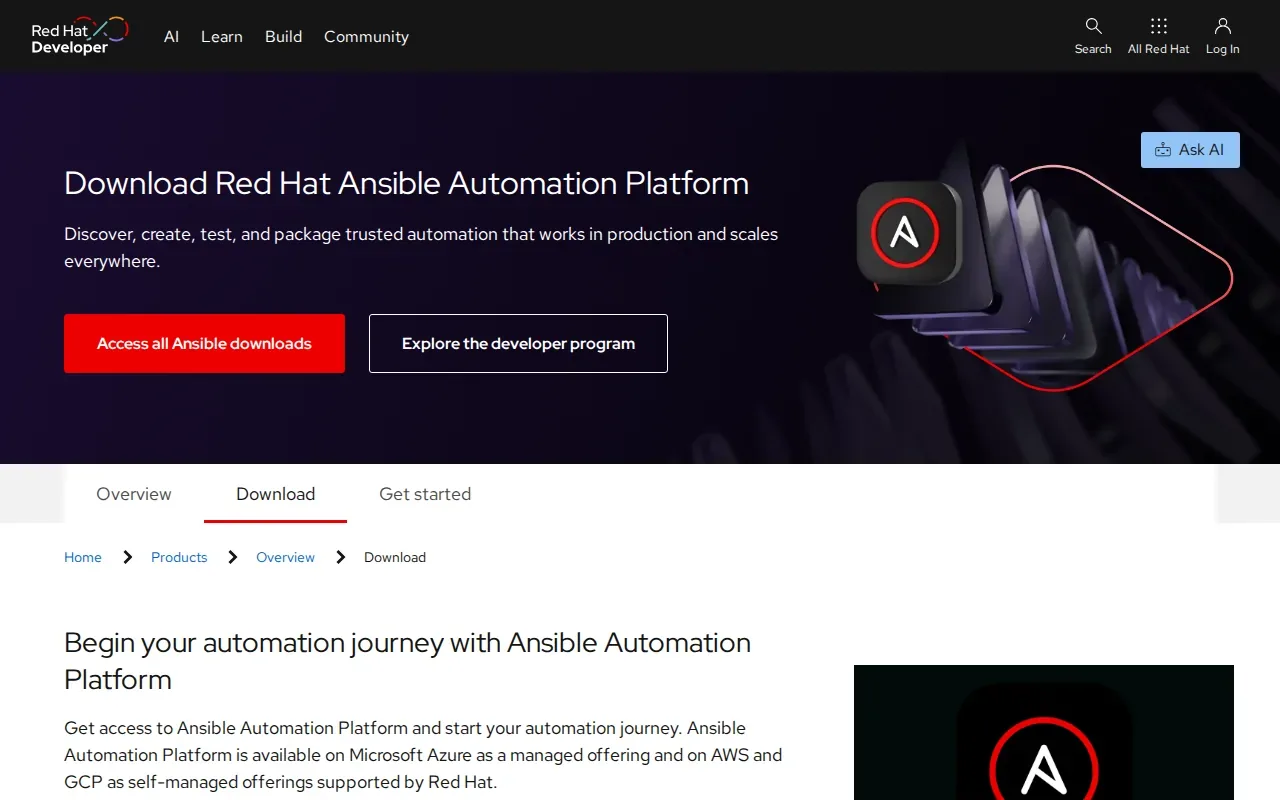
The agentless design can make an initial rollout simpler. A team can define a desired setup in a playbook, then run it against the systems in scope. Its idempotent modules let you re-apply playbooks to bring systems back toward the same defined state, which is useful when manual changes cause drift.
That pattern works well when changes happen as planned jobs. A team can review a playbook, run it, and repeat it later to check or restore the baseline. The trade-off is operational: your team needs to manage when playbooks run and decide which systems each run should touch.
For a broad view of how agentless automation fits beside other approaches, see our DevOps configuration management tools overview. Ansible is a strong fit when readable automation and a low-friction start matter more than a continuously running enforcement loop.
3. Puppet by Perforce: policy-driven desired-state enforcement
Puppet by Perforce is built for large environments that need policy-driven desired-state enforcement. It suits teams that want systems to stay aligned with approved settings over time, rather than relying only on one-off scripts.
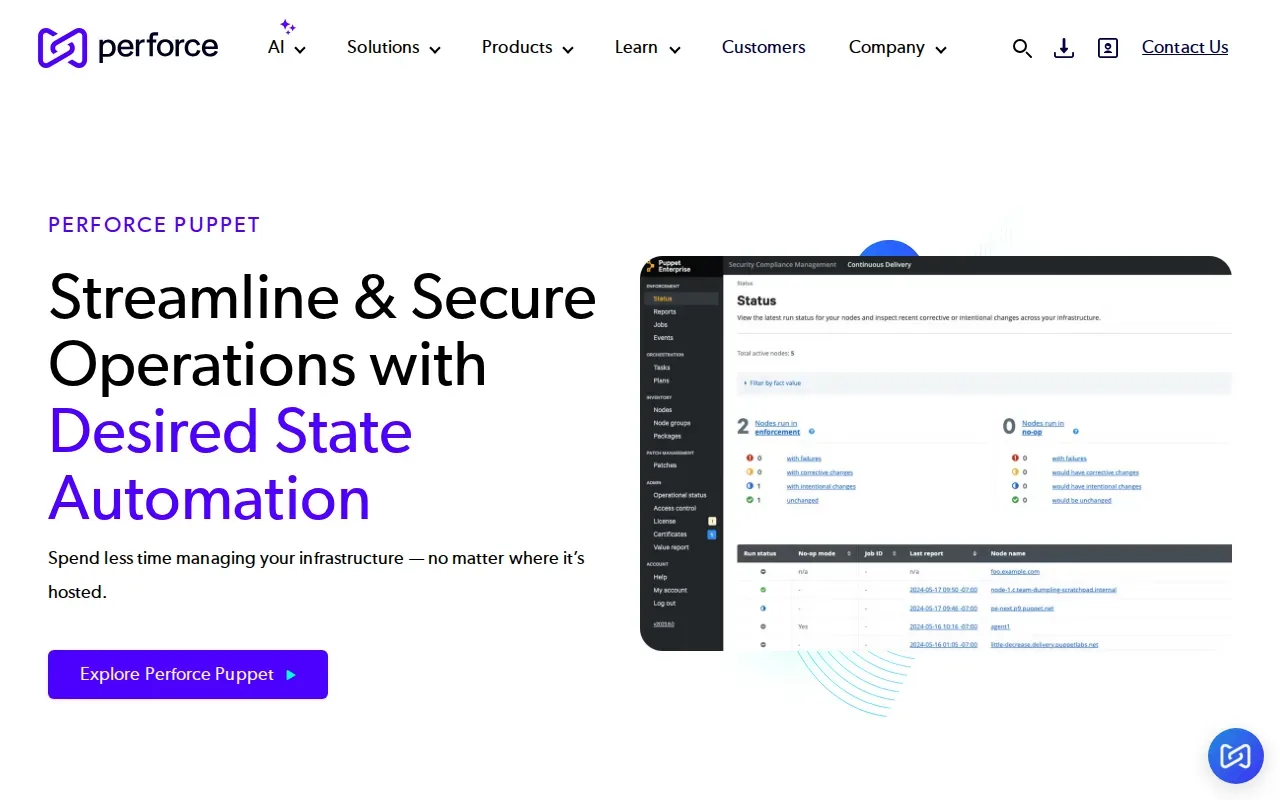
Puppet uses a continuous enforcement loop. On each run, it checks for drift and corrects systems toward the state the team defined. That model can help when many teams share infrastructure and need long-term standards to apply consistently.
The governance side matters too. Continuous enforcement and reporting can give teams evidence of how policies are applied. That can make it easier to answer an audit question with a record of enforcement instead of collecting screenshots after the fact.
Puppet is a better match for ongoing control than quick ad hoc changes. Before choosing it, decide how your team will define policy and fit regular enforcement runs into its operating process. If your main governance question is how rules become code, this overview of policy-as-code tools covers that adjacent area.
4. Chef by Progress: code-centric, testable control
Chef by Progress takes a code-centric approach to configuration management. It suits teams that want infrastructure policies they can test before applying them across systems.
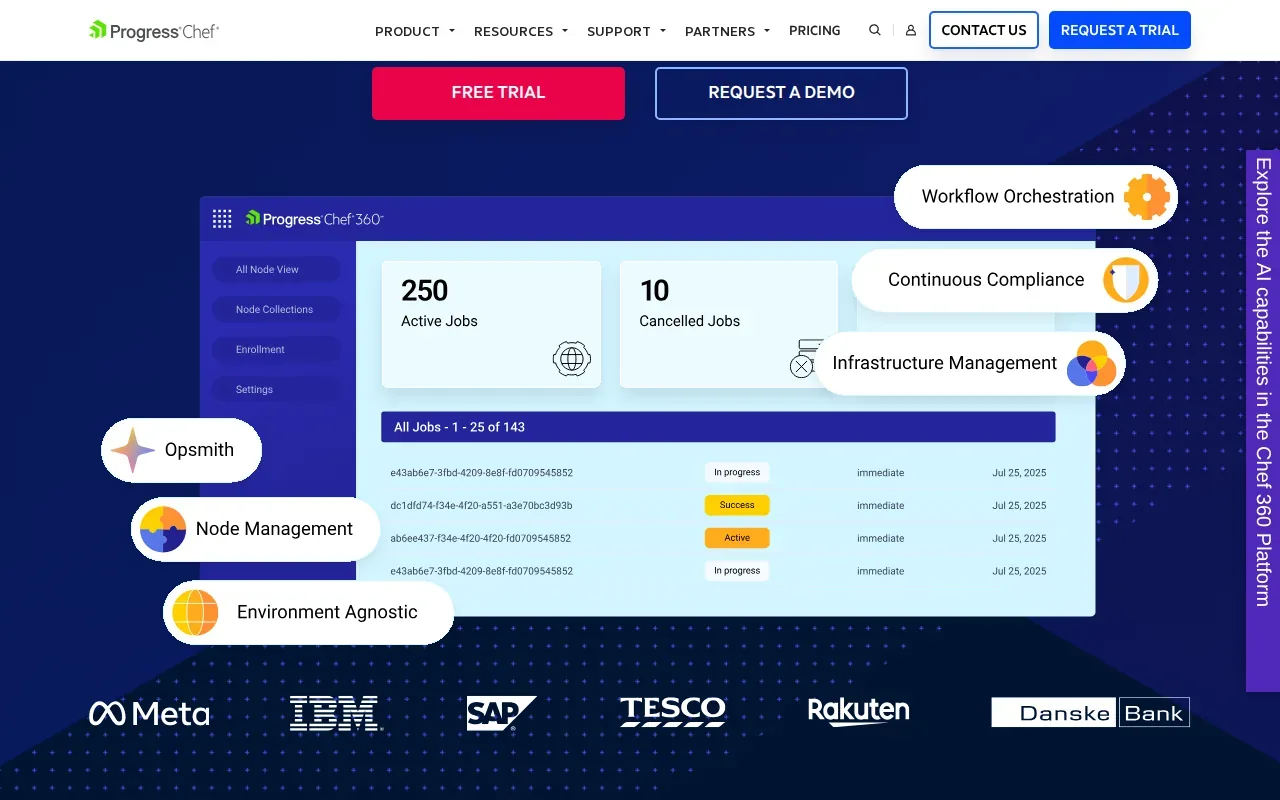
Chef uses policy-as-code, with recipes describing the desired state of system resources. Teams can test policy changes before pushing them into production. If a system drifts, Chef can detect and correct that change.
That combination can suit teams that want more than a script that runs once. A policy change can move through review and testing before it reaches production. The approach asks teams to treat configuration as code and maintain those definitions as their systems change.
Chef makes sense when testable policy and repeatable builds are part of the team’s operating model. It may feel like extra process for a small set of machines that rarely change.
5. Salt: fast remote execution at scale
Salt, by Salt Project, is an open-source automation engine known for fast remote execution and event-driven automation at high scale. It fits teams that need to act across many systems or respond to changes as they happen.
Remote execution lets an operator send work across managed systems without treating each machine as a separate task. Salt’s event-driven approach can also react to changes in real time. That gives it a different emphasis from tools centered on scheduled runs or a slower check-and-correct cycle.
Think about a fleet where a change needs a quick response across many machines. Event-based automation can trigger work when the relevant change occurs, rather than waiting for someone to start a manual task. Teams still need to set clear rules for which events should trigger actions and what those actions should do.
Salt is worth considering when speed and scale are the main needs, especially for teams comfortable operating an open-source automation engine. It is less directly aimed at centralizing application .env files for developers. Keep that distinction in mind when comparing it with a secrets workflow tool.
6. Cloudaware: visibility across major cloud environments
Cloudaware provides visibility across AWS, Azure, Google Cloud, Oracle, Alibaba, and on-premises environments. It suits teams that need to discover and track configuration across more than one cloud provider.
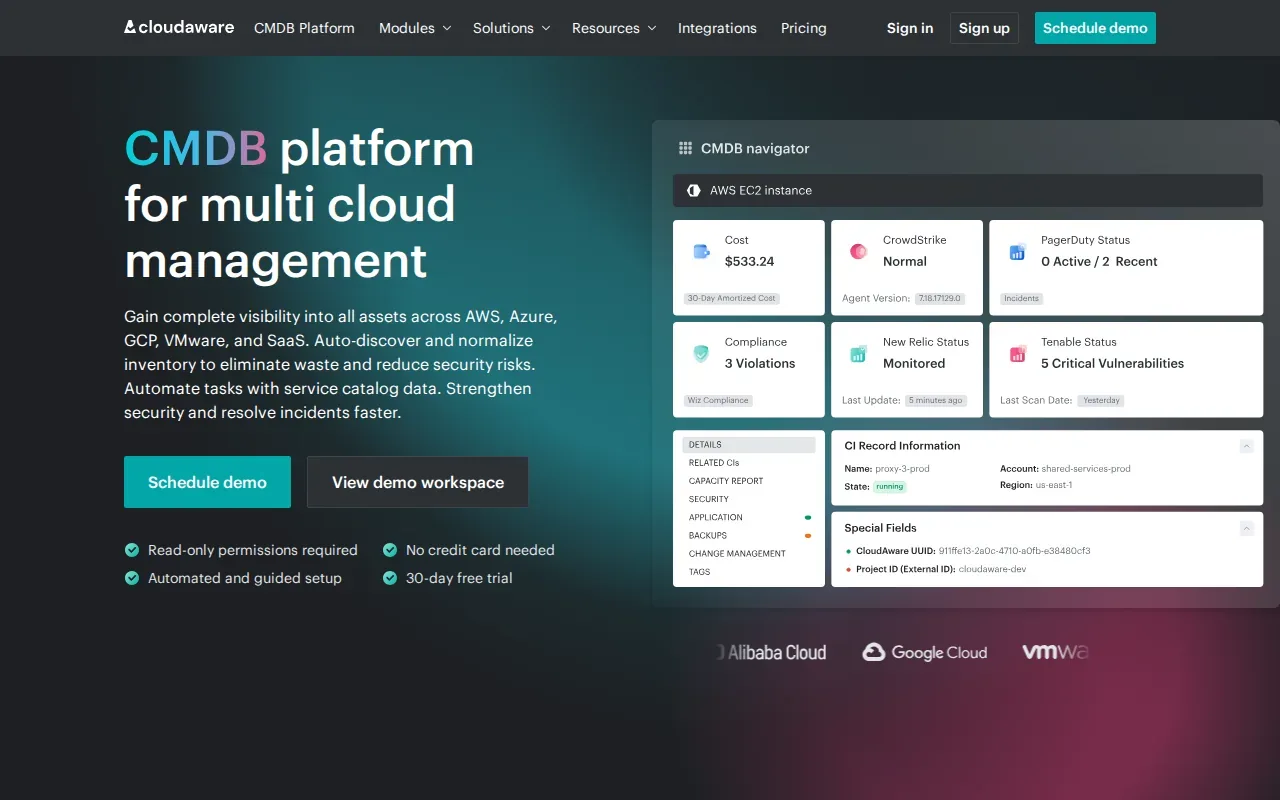
Its focus is continuous discovery, with automated change detection and management. A shared view can help teams spot resources that have changed outside their usual deployment path. That makes Cloudaware a different kind of pick from tools centered on applying server configuration code.
Use this quick fit check to decide if its multi-environment view matches your problem:
| Team situation | Cloudaware fit | What to confirm |
|---|---|---|
| Resources span several named cloud providers | Strong fit | Which providers and assets need to be in scope |
| Cloud and on-prem resources need a shared view | Relevant fit | How discovery will cover each environment |
| Main need is distributing app .env values | Different use case | Whether a separate environment-variable tool is needed |
Cloudaware is the clearest match here when the challenge is cross-cloud visibility and change tracking. It is not the same job as managing developer secrets, so map the resources you need to track before settling on a tool.
Frequently Asked Questions
What is configuration management software?
Configuration management software helps define and maintain an approved state for systems or application settings. Infrastructure tools can apply or enforce server settings, while environment-variable tools manage values used by apps and pipelines. The category covers different jobs, so compare products by the resource you need to control.
Is EnvManager the same as Ansible or Puppet?
No. EnvManager manages encrypted, version-controlled .env files and syncs values to local machines and CI/CD pipelines. Ansible and Puppet focus on infrastructure automation and system settings. A team may use one tool for app secrets and another for server configuration, because those workflows solve different problems.
Which configuration tool is best for drift control?
The best fit depends on how you want to detect and correct drift. Ansible re-applies playbooks, while Puppet continuously enforces its defined state on each run. Chef can detect and correct drift through desired-state enforcement. Compare how each approach fits your team’s run schedule and policy workflow.
How do I choose between cloud visibility and configuration automation?
Choose cloud visibility when you need to discover and track resources across providers or on-premises environments. Choose configuration automation when you need to apply an approved setup to systems or correct drift. If you need both, map the assets and changes each tool must handle before deciding how the tools should work together.
Conclusion
For teams trying to control shared .env files, EnvManager is the focused choice; for infrastructure enforcement, shortlist the tool that matches your team’s policy and run model. Start by listing the settings or secrets you need to control, then test one workflow with the tool that fits.