
Best Environment Variable Management Tools
Compare the best environment variable management tools for secure .env files, CI/CD, access control, rotation, audits, and team collaboration.
A plain-text .env file can turn one copied API key into a team-wide security problem. The fix is a central system that keeps secrets out of code while still getting them into local apps and deployments. Here are the best environment variable management tools, with the right fit and the trade-offs for each.
1. EnvManager
EnvManager is a self-serve SaaS tool for teams that need secure .env management without building a secrets platform from scratch. It encrypts values with AES-256 on import, keeps versions, and controls access with RBAC.
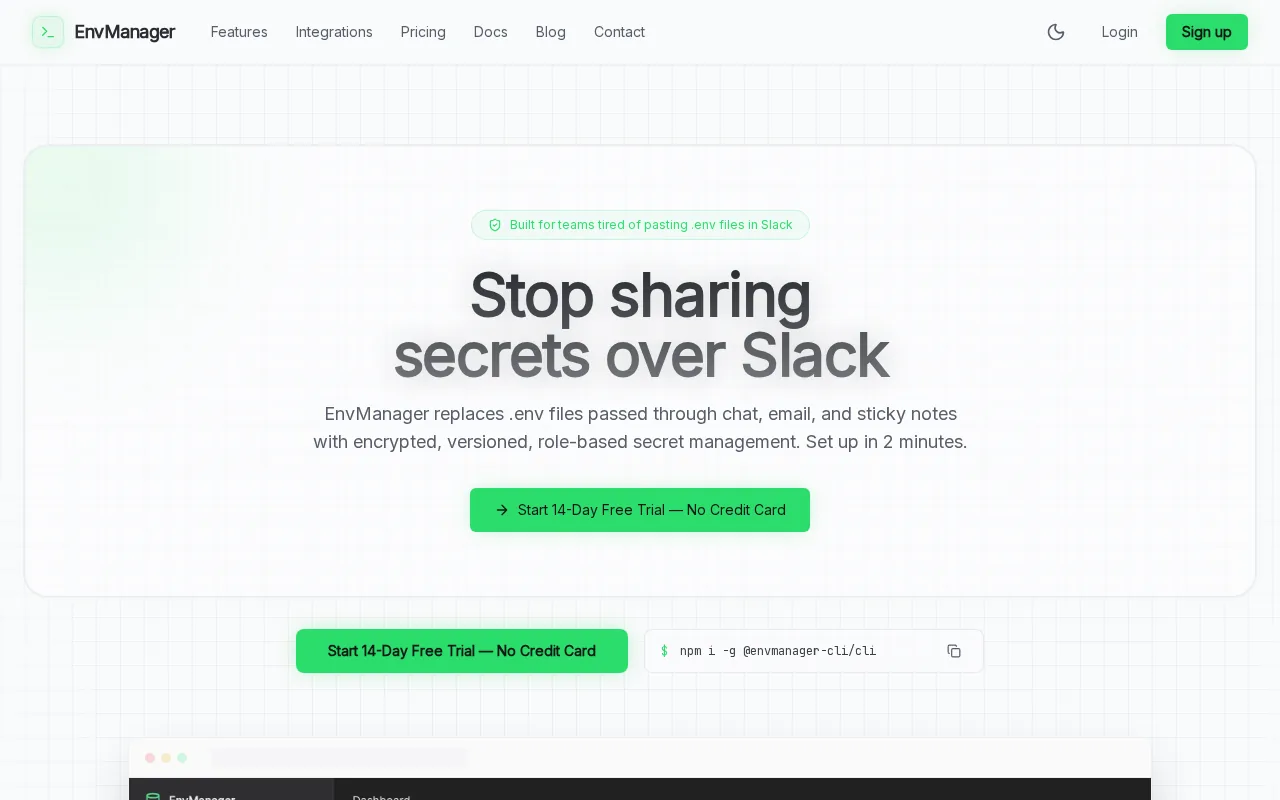
We built EnvManager around the workflow developers already use. You can import an existing .env file, spot conflicts, then sync approved values to local machines and CI/CD pipelines. Every change has a version. Every user gets only the access their role needs.
The tool also brings together automatic secret rotation, audit logging, RBAC, native integrations, and a 14-day trial without a credit card. Its native connections include GitHub, Vercel, Railway, Render, Dokploy, and Coolify.
The main caveat is scope. EnvManager is focused on environment variables and application secrets. Teams that need a broad privileged-access system or dynamic database credentials may want a larger platform.
For most SaaS teams, the sensible first test is simple: import one project and runenvmanager pull.
2. HashiCorp Vault, Flexible, highly configurable secret management
HashiCorp Vault is a policy-driven secret store for platform teams that need deep control across clouds and systems. It fits companies with engineers who can own its setup, access model, and day-to-day care.

Vault can store sensitive values behind API-based policies. It supports audit devices and can generate dynamic credentials for some systems. That lets a service receive short-lived access instead of keeping one fixed password forever.
Its strength is flexibility. You can define fine-grained paths, policies, auth methods, and secret engines. The same flexibility creates work. Operators must understand tokens, policies, sealing, unsealing, upgrades, and recovery before production use.
Vault is source-available under the Business Source License rather than a conventional open-source license. The free version also carries a high operating cost when your team must supply the people, compute, and support.
| Decision point | Where Vault fits | Watch for |
|---|---|---|
| Deployment model | Self-hosted or managed options | Self-hosting needs specialist ownership |
| Access model | Granular policies through the API | Most policy logic needs careful design |
| Auditability | Audit devices are available | Logs still need review and retention rules |
| Best use | Complex platform engineering | May be too much for a small product team |
Choose Vault when your platform group wants a configurable foundation and has time to operate it. Don't choose it just because it is familiar.
3. AWS Secrets Manager, Native AWS automation and rotation
AWS Secrets Manager is a strong fit for teams whose apps already run inside AWS. It stores secrets outside source code and connects with AWS identity controls, audit tools, and rotation workflows.

The dataset confirms audit logs, automatic secret rotation, and role-based access for AWS Secrets Manager. That mix matters when a production service needs a database password without placing the value in a repository or a container image.
Rotation is useful only when the application can handle the change. Before enabling it, check how the secret reaches your app and how connections refresh. A rotated password that leaves old connections alive can still cause downtime.
AWS also gives you a clear path for CI/CD. A deployment role can request a named secret at runtime. You can then limit that role to one project or environment instead of sharing a master credential across the whole build system.
AWS Secrets Manager can become expensive or hard to track when every service creates its own secret. Count secrets by environment, set ownership rules, and review unused values before they spread.
AWS Secrets Manager protects and manages access to secrets used by applications, services, and IT resources.
This is the natural pick for an AWS-first stack. For a mixed deployment stack, a vendor-neutral tool may reduce duplicated setup.
4. Azure Key Vault, Microsoft-native access control and auditing
Azure Key Vault is designed for teams that already use Microsoft cloud identity and deployment services. It stores application secrets behind Azure permissions instead of leaving them in code or local project folders.
Azure Key Vault provides audit logs and RBAC. RBAC, or role-based access control, lets you assign access by identity and role. That is easier to review than a shared password passed between developers.
Key Vault works best when your deployment identity already lives in Azure. You can give a web app or build job access to the values it needs, then keep developers away from production secrets unless their role requires it.
Audit records can help answer basic questions after an incident. Who requested a value? Which identity changed access? Did a build job read production data during an unusual window? Those answers depend on correct log settings and retention.
The limitation is platform fit. Teams split across several clouds may need extra connectors, scripts, or a separate view of secret ownership. That adds friction when one project uses Azure, GitHub, and a third-party hosting service.
Pick Azure Key Vault when Azure identity is already the control center. Otherwise, compare the work needed to keep each cloud's secret store in sync.
5. Google Secret Manager, Straightforward GCP integration
Google Secret Manager is a good match for applications built around Google Cloud services. It keeps secret values out of source code and uses Google Cloud IAM to control access.
Google Secret Manager supports audit logging. The related GCP service supports integrations with GKE, Cloud Run, App Engine, Cloud Build, and Cloud Functions. That helps when one team deploys the same app through several managed compute services.
IAM lets you grant access to a service account instead of embedding a long-lived key in the app. Keep the role narrow. A worker that only reads one payment setting should not read every secret in the project.
One point needs care: the dataset lists audit logging and IAM for GCP Secret Manager but does not confirm automatic secret rotation. You may need to build a rotation job around the secret's consumer and update process.
Google Cloud also gives teams a familiar place to inspect activity through Cloud Audit Logs. That helps during a review, but the log only answers useful questions when secret names, owners, and environments follow a clear naming plan.
Use this option when GCP is your main home. If your app spans several hosting platforms, compare the cost of managing separate workflows.
6. Doppler, Developer-friendly synchronization across environments
Doppler is a managed secrets tool built around injecting values as environment variables. It suits development teams that want a friendly dashboard and a simple CLI instead of a self-hosted server.
Doppler provides audit logs and role-based access. Its workflow can give developers one place to update values while each environment receives its own configuration. That reduces the habit of sending secrets through chat or copying them into tickets.
A CLI-based workflow can also fit local development. A developer runs the command for a project, starts the app, and keeps the values out of the checked-out files. CI jobs can use a separate identity with narrower access.
Doppler is closed source and managed only. That can be a plus for teams that don't want to run infrastructure. It can be a blocker for organizations that require self-hosting or need control over where secret data is stored.
The tool focuses on secrets management and environment injection. Teams that need certificates, privileged access controls, or a wider security program may need other products beside it.
Doppler belongs on a shortlist when developer setup speed matters more than self-hosting. Before signing up, test one local workflow and one production deployment.
7. Infisical, Open-source flexibility with managed options
Infisical is an open-source identity security platform with self-hosted and managed options. It fits teams that want a central secret store but also want control over where the system runs.
Its documented feature set includes version-controlled secret storage, granular roles, audit logs, secret rotation, and an environment-variable CLI. It also connects with systems such as Docker, Kubernetes, Terraform, GitHub Actions, Vercel, and CircleCI.
The self-hosted model gives your team more control over infrastructure and data location. It also makes your team responsible for upgrades, backups, access to the server, and recovery when the service fails.
Infisical supports workflows for onboarding, offboarding, approvals, and changes across environments. Those controls can help when a developer leaves or when production access needs a second review.
The trade-off is breadth. Infisical covers more than a basic .env manager, which may be useful for a security team. A small engineering group may prefer a narrower tool with less setup and fewer concepts.
A comparison of Infisical alternatives can help when you're weighing self-hosting against a focused environment-variable workflow.
Choose Infisical when open-source deployment is a firm requirement. Choose EnvManager when you want the controls without taking on the operating burden.
How to choose among the best environment variable management tools
Start with the path a secret takes from creation to runtime. The best environment variable management tools should fit that path, not force developers into a separate ritual.
- Local development: Can a developer pull approved values without keeping a production secret in a local file?
- CI/CD: Can a build job use its own identity? Can you limit it to one project and environment?
- Rotation: Does the tool rotate values automatically, or will your team write the job?
- Audit: Can you see who changed or accessed a value? Check the actual log fields, not the marketing phrase.
- Deployment reach: Does it connect to your host, cloud, repository, and container workflow?
- Operating model: Do you want a managed service, self-hosting, or a mix?
Also check the handoff. A team lead should be able to remove access without editing five pipelines. A new developer should know which values exist without seeing their contents.
EnvManager's feature page shows the import, conflict detection, CLI injection, and synchronization workflow in one place.
Run a small proof of concept. Move one non-critical service first, then test a role change, a rollback, and a CI deployment.
FAQ
What is the best tool for managing environment variables?
EnvManager is the strongest fit for teams that want encrypted .env management with RBAC, audit logging, rotation, integrations, and a short trial. AWS Secrets Manager, Azure Key Vault, and Google Secret Manager fit cloud-specific stacks. Vault suits platform teams with time for custom policy work. Your deployment model should decide the final choice.
Should environment variables be stored in a .env file?
A local .env file can help during development, but it shouldn't hold shared or production secrets in plain text. Add it to gitignore and keep real values in a managed store. The best environment variable management tools let developers load values at runtime while keeping them out of repositories, chat, and copied project folders.
What features should a secret management tool have?
Look for encryption, least-privilege access, version history, audit records, and a clear rotation path. Integrations with your CI/CD system also matter. A tool may claim audit logs, yet expose little detail about users, actions, or timestamps. Ask to see a sample log and test access removal before you commit.
Are cloud secret managers better than SaaS tools?
Cloud secret managers are often a good fit when your app stays inside one cloud. SaaS tools can be easier when your team uses several hosting platforms. The better option depends on identity, deployment reach, and who will maintain the system. Compare the daily workflow, not only the storage layer.
How do secrets reach a CI/CD pipeline safely?
Give the pipeline its own identity and grant only the values it needs. Fetch secrets during the build or deployment instead of writing them into the repository or image. Mask output in logs, rotate exposed values, and test failed deployments. A managed environment-variable tool can keep this flow consistent across projects.
Conclusion
For most SaaS teams, EnvManager is the clearest starting point because it combines secure .env handling with access control, auditability, rotation, and deployment sync. Start with one low-risk service, import its variables, and run a local pull plus a CI/CD test. If the workflow feels clean, move the next project without copying secrets by hand.