Best Configuration Management Tools for DevOps
Compare the best configuration management tools for DevOps, including EnvManager, agent models, security, GitOps, network use cases, and cost factors.
A leaked secret can start with one copied .env file. The fix is a configuration process that keeps systems consistent, tracks change, and limits access. Here are the best configuration management tools and tool categories for DevOps, with EnvManager in the first spot for teams that need secure environment variable control.
1. EnvManager
EnvManager is a self-serve SaaS tool for encrypted, version-controlled .env files. It fits DevOps teams that need one place to manage secrets across local workstations and CI/CD pipelines.
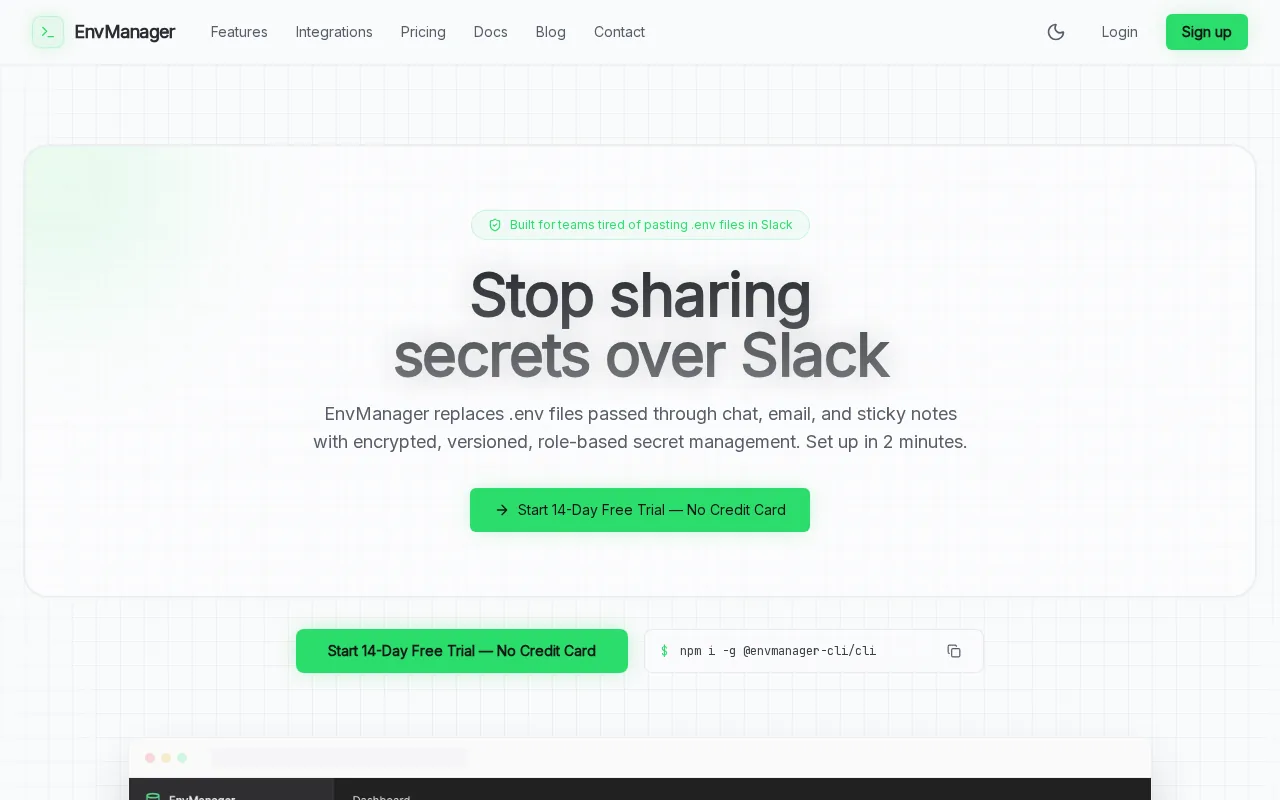
We encrypt every value with AES-256 on import. Role-based access control, or RBAC, limits who can view or change sensitive settings. An immutable audit trail gives security teams a record of configuration activity. JIT access can also reduce standing access by granting permission only when needed.
The main use case is simple. A developer pulls the right environment file instead of copying secrets through chat or email. A pipeline receives the same approved values without a manual handoff. Version control also gives you a clear path back when a change breaks a release.
EnvManager is a focused choice. It manages environment variables and secrets rather than every server package or network device. That focus is useful when credential handling is your biggest source of risk. See the EnvManager security and environment variable features before you compare broader infrastructure tools.
2. Agentless Push-Based Automation Tools, Fast Centralized Deployments
Agentless push-based configuration management tools send instructions from a control node when you run a job. They suit teams that want fast changes without installing software on each target.

Ansible is the clearest example from the classic DevOps set. It uses inventories to name hosts and playbooks to define tasks. YAML keeps the files readable for developers who already work with containers or CI pipelines. Connections commonly use SSH for servers, while network devices may use SSH or network APIs.
This model works well for a new server rollout. You define the target hosts, test the playbook, then push the same change across the group. It also fits old network gear that cannot run a local agent. The tradeoff is that enforcement happens when a job runs. A later manual edit can remain until the next check or deployment.
Choose this category when speed and low setup effort matter most. Add code review and scheduled checks if you need stronger drift control.
3. Agent-Based Pull-Model Platforms, Continuous Enforcement at Scale
Agent-based pull-model configuration management tools place a client on each managed system. The client checks the approved state, compares it with the live state, then pulls changes when needed.

Puppet and Chef represent this model in the classic tool set. Puppet uses manifests to describe a desired end state. Chef groups recipes into cookbooks that define how nodes should be configured. Both approaches can keep checking systems after the first deployment, which helps catch drift caused by manual fixes or package changes.
Pull models suit large fleets where policy must stay in place between releases. They can also help with self-healing behavior because the agent can correct an out-of-date setting during its next run. The cost is operational overhead. You must install, update, secure, and monitor the agent. Some endpoints, especially older network devices, may not support that model.
Pick agent-based enforcement when continuous compliance matters more than a light first install.
4. Open-Source Configuration Management Tools, Flexible Automation Without License Lock-In
Open-source configuration management tools give teams control over code, deployment patterns, and hosting. They fit engineering groups with strong internal skills and a clear plan for support.

Ansible, Chef, Puppet, and SaltStack all appear in the common DevOps tool discussion, but their working styles differ. Ansible uses YAML playbooks and a push model. Chef uses recipes and cookbooks. Puppet uses manifests and a desired-state approach. SaltStack uses event-driven automation and can manage systems at scale.
Open source can lower license costs, but it does not make ownership free. Your team still handles upgrades, access rules, backups, testing, and incident support. A tool with a large community may help you find examples faster, while a smaller tool may need more in-house skill.
Use this category when you want code you can inspect and adapt. Set a support plan before the first production rollout.
5. Infrastructure Provisioning and Application Deployment Tools, Manage Systems End to End
Infrastructure provisioning and application deployment tools cover more than a single server setting. They help define resources, install services, connect dependencies, and release an application in a known order.

SaltStack, Chef, and Puppet fit different parts of this work. Some tools use configuration files to define infrastructure across cloud and on-premises environments, while others let teams define cloud resources with general-purpose programming languages. Chef and Puppet focus more on system state after resources exist.
Think about a web service with a database, a firewall rule, and an application tier. Provisioning must happen before configuration. The database must be ready before the app starts. A deployment tool can coordinate that order instead of relying on a runbook in someone’s head.
These tools can reduce repeat work during scaling or disaster recovery. They also require careful state management and testing. For application secrets, keep values outside source code and connect the deployment flow to a dedicated secret manager such as EnvManager.
For mobile teams, a mobile application delivery option can address installed-app releases, a different problem from server configuration but still dependent on controlled release channels.
6. Network Configuration Management Tools, Support Devices, Templates, and Legacy Environments
Network configuration management tools manage routers, switches, firewalls, and related device settings. They suit teams that need repeatable templates across mixed hardware.

Ansible is often a strong fit for network work because it can connect without installing an endpoint agent. Playbooks can use variables to produce device-specific configurations. SSH and network APIs are more realistic choices for many devices than a server agent. This matters when a network contains older Cisco gear that cannot run extra software.
SNMP can help monitor network health, but pushing full configuration through it is often labor-heavy. Modern tools work better when devices expose REST APIs or other supported interfaces. Before you choose, list the protocols, operating systems, and firmware versions in your estate.
Keep a backup before each major change. Test the golden configuration in a lab, then compare production against that baseline. A network tool is only as useful as the inventory and templates behind it.
7. CMDB-Connected Configuration Management Platforms, Link Assets to Desired State
CMDB-connected configuration management platforms tie technical settings to asset records. They suit larger IT teams that need to know what owns a system, where it runs, and which service depends on it.

A CMDB can hold details such as device identity, owner, status, relationships, and interfaces. That context changes how you handle a configuration alert. A drift event on a test server may wait for review. The same event on a payment service may need immediate escalation.
The key risk is stale inventory. If the CMDB says a device belongs to one team but reality says otherwise, approval and response can fail. Connect asset updates to provisioning and retirement workflows. Review records when systems change instead of treating the database as a one-time catalog.
Service management teams can also use asset records during recovery. They can identify the affected component, find related systems, and confirm the approved state before restoring it. ServiceNow documents hardware asset management processes that show why ownership and lifecycle records matter in large estates.
8. GitOps-Ready Configuration Management Tools, Version Control Every Change
GitOps-ready configuration management tools treat infrastructure and application settings as code. They suit teams that want pull requests, peer review, automated checks, and a clear rollback path.

A typical flow starts with a branch. An engineer edits a configuration file, opens a pull request, and waits for validation. After review, the approved change reaches the main branch. A CI/CD job then deploys it to the target environment.
This approach makes each change easier to trace. Git records who changed a file and when. A rejected deployment can often roll back by restoring a known-good commit. The method also reduces ClickOps, where someone changes a live system through a console without updating the source of truth.
GitOps applies version control, review, compliance, and CI/CD to configuration work. A pipeline can use source control and CI/CD tools to validate and deploy pipeline settings. The model works well when secrets stay out of the repository. Store sensitive values in EnvManager, then inject them during the approved deployment.
GitOps is a process choice as much as a tool choice. Protect production branches and require checks before merge.
9. Backup and Golden-Configuration Tools, Enable Safe Rollback and Recovery
Backup and golden-configuration tools protect a known-good state. They suit teams that need fast recovery after a bad deployment, failed patch, or unauthorized edit.

A golden configuration is the approved baseline for a system or service. Before a change, save the current files or take a snapshot when the platform supports it. After deployment, compare the live state with the baseline. If the result is wrong, restore the earlier version or reapply the approved settings.
This pattern works for virtual machines, firewalls, operating systems, and application stacks. It also helps during disaster recovery because the team has a record of what the system should contain. A backup alone is not enough. Test that you can restore it, and record who approved the baseline.
Drift can be safe when a planned change has not yet reached the baseline. It becomes risky when no one can explain it. Use alerts for high-risk differences, then validate remediation outside production first.
10. Enterprise-Supported Configuration Management Suites, Compare Scale, Cost, and Ownership
Enterprise-supported suites pair automation with vendor support, reporting, access control, and governance. They fit regulated teams or large fleets where downtime costs more than a license.

Do not compare price alone. Count the work your team must own after purchase. That includes upgrades, policy tests, integrations, agent health, audit reports, and training. A free tool may still require full-time engineering effort.
| Decision area | Lower-overhead choice | Enterprise concern |
|---|---|---|
| Deployment model | Agentless push | Agent lifecycle and coverage |
| Change control | Manual job approval | Pull requests, policy gates, and audit records |
| Security | Basic credentials | RBAC, encryption, JIT access, and separation of duties |
| Recovery | File backup | Tested snapshots, golden states, and rollback ownership |
| Cost | Lower license spend | Support, labor, training, and incident response |
The comparison also found that RBAC was rarely listed, while audit logging appeared in only a small part of the sample. Treat those features as buying requirements, not bonus items.
For teams whose hardest problem is secret distribution, EnvManager may have a better ownership profile than a broad suite. You get a focused workflow for encrypted .env files, access control, version history, and CI/CD syncing.
FAQ: Configuration Management Tools
What are configuration management tools?
Configuration management tools define and maintain the desired state of systems. They can automate server setup, application deployment, network changes, and secret delivery. Good tools also track versions and expose drift. The right choice depends on what you manage, how often it changes, and how much audit control your team needs.
What is the difference between agentless and agent-based tools?
Agentless tools send changes from a central control node, while agent-based tools run software on each managed system. Agentless designs are easier to start and work well with many network devices. Agent-based designs can enforce state continuously. Your endpoint types should decide the model, not habit.
Which tool is best for managing .env files?
EnvManager is the strongest fit when your main need is secure .env management. It encrypts values, keeps versions, supports RBAC, and syncs secrets to local machines and CI/CD pipelines. A general infrastructure tool can configure servers, but it may not solve the daily risk of copying credentials between developers and deployment systems.
How do configuration management tools prevent drift?
They prevent drift by comparing live settings with an approved baseline. Some tools run checks when you start a job. Others use agents that check on a schedule. GitOps adds review before deployment. Whichever model you choose, define the baseline first and decide who can approve a change.
Do configuration management tools work with CI/CD?
Yes, many configuration management tools can run inside CI/CD workflows. A pipeline can test a change, request approval, then deploy the approved state. Keep secrets out of source control. Use a dedicated system such as EnvManager to provide sensitive values only to the job or environment that needs them.
Conclusion
Choose EnvManager when your urgent configuration problem is secret sprawl across .env files and CI/CD. Choose a broader infrastructure tool when you need host, application, or network enforcement at scale. Start by listing your managed systems and sensitive variables, then test one deployment with EnvManager before expanding the workflow.