
Best User Access Review Tools: 5 Options Compared
Compare five user access review tools by review scope, decision workflows, remediation, and fit for your identity stack.
Access reviews can turn into spreadsheet work: managers approve rows without enough context, while stale access stays in place. User access review tools help teams check who has access and record what happens next. Here are five options, plus a note on where EnvManager fits for teams managing development secrets. For a broader software shortlist, see our user access review software comparison.
1. Cakewalk: Reviews that execute access decisions
Cakewalk is an access review tool that puts context and follow-through in the same workflow. It suits teams that need to review both human access and AI agent access, then act on decisions instead of leaving them in a spreadsheet.
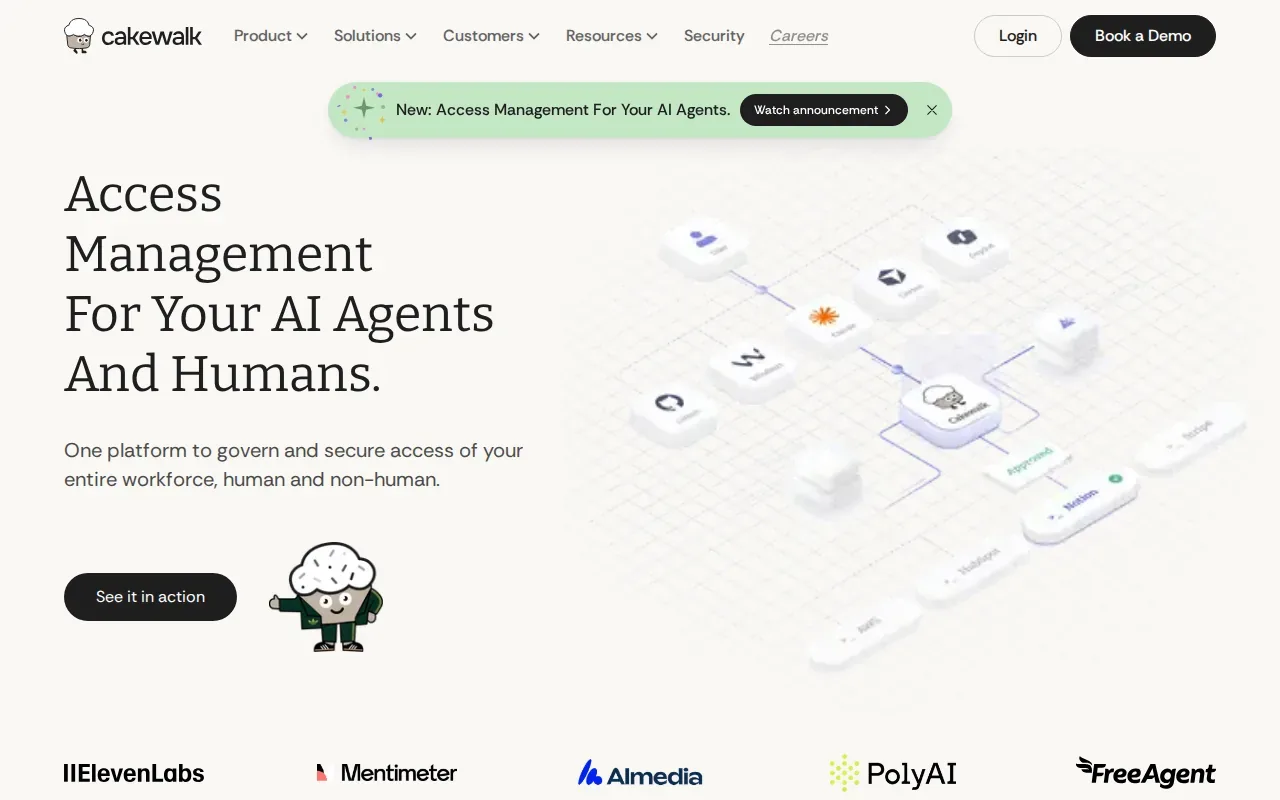
Reviewers can see details such as access reason, last activity, and group membership. That gives a manager more to work with than a name beside an application. The platform can run review campaigns on a schedule, show reviewers context, and execute decisions automatically. It also assembles evidence for audit use.
A key distinction is that a revoke decision can remove access through the review workflow. That cuts out a separate handoff where someone must create a ticket, track it, and later confirm the change. Cakewalk also supports access reviews for AI agents, which can hold delegated access just like other identities.
It may suit teams replacing spreadsheet reviews, while a large enterprise with layered governance needs may prefer a broader IGA suite. For a small review, test whether the app and identity details you need appear clearly to each reviewer.
2. SailPoint Identity Security Cloud: Certification tied to identity data
SailPoint Identity Security Cloud ties certification campaigns to identity data across directories, applications, and HR sources. It fits enterprises that want reviews connected to joiner, mover, and leaver changes, rather than treated as a stand-alone quarterly task.
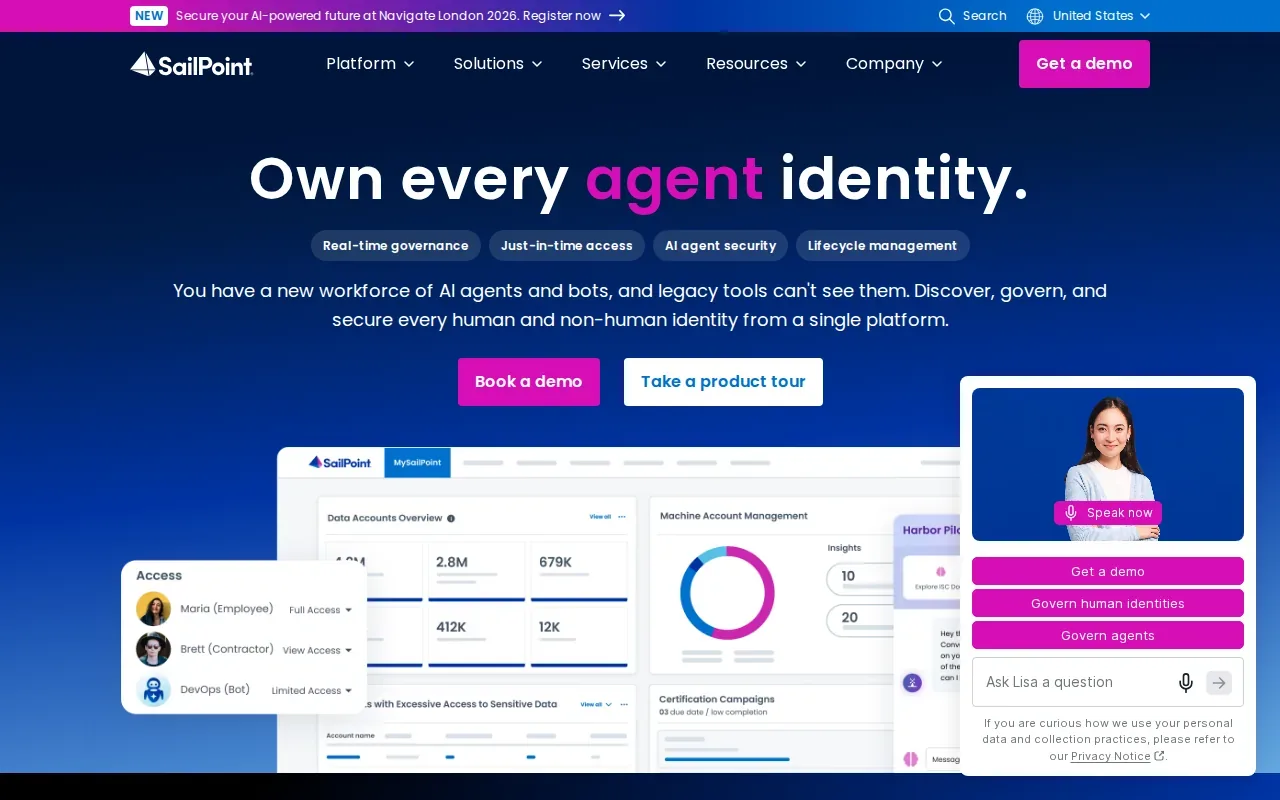
Teams can assess how identity data from directories, applications, and HR sources fits their recertification program, including when employees change roles. Before choosing it, map which sources feed your campaigns and which access changes require an owner to act.
3. Saviynt Enterprise Identity Cloud: Recertification with attestation outcomes
Saviynt Enterprise Identity Cloud collects access data, builds reviewer campaigns, and records attestation outcomes.

That evidence-first approach matters when an audit asks what the reviewer decided about a particular grant. A useful record should connect the item under review with its decision and any resulting action. Saviynt packages evidence for reviewed items, so teams can retain the outcome as part of the review process.
Saviynt supports recurring review cycles and exception handling. A recurring campaign can keep review work on a regular schedule. Exception handling gives teams a workflow for cases that don’t follow the default path, such as a decision that needs added review or a documented reason.
The distinction from a lightweight review tool is the policy and workflow emphasis. If different access types need different reviewers or escalation paths, map those rules before rollout. Then test a routine case and an exception. Check that both produce an attestation outcome and evidence your audit team can use.
Saviynt is a sensible candidate when review policy is complex and the organization needs recurring campaigns at scale. The key evaluation question is whether the review path fits the controls your team already follows, not simply whether it can launch a campaign.
4. Okta Identity Governance: Certification and rule-driven remediation
Okta Identity Governance combines access certification workflows with controls in the Okta ecosystem. It suits organizations already using Okta that want campaign scoping and rule-driven remediation close to their identity workflows.
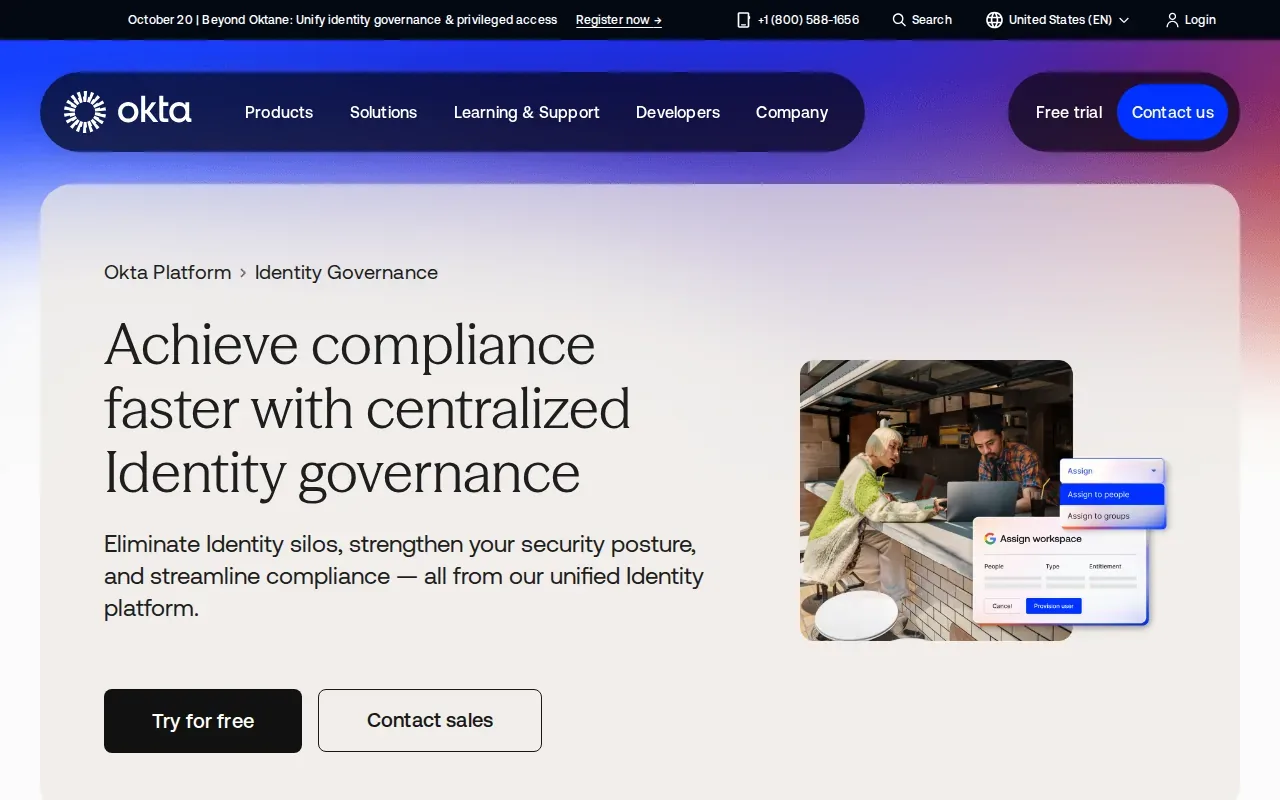
Campaigns can be scoped for review, and the product supports audit log reporting. Its remediation workflows can use rules to carry out the next action after a reviewer’s decision. That can reduce the gap between approving a change and getting it handled, provided the rule matches the organization’s process.
Okta Workflows and APIs can connect identity events to provisioning. In practice, that means a team can assess how an event such as an identity change connects to provisioning tasks.
Okta’s ecosystem connection is a plus when your access process already depends on Okta. Still, check each application in scope and confirm how a revoke decision is handled there. A rule-driven action only helps when it reaches the system that owns the access being reviewed.
Choose this option when Okta is already central to your identity setup and its workflows match the way your team handles certification outcomes. Include one connected app and one exception in a pilot, so you can see what gets automated and what still needs an owner.
5. Microsoft Entra ID Governance: Native reviews and entitlement management
Microsoft Entra ID Governance includes native access reviews alongside entitlement management and lifecycle workflows. It’s a natural candidate for organizations built around Microsoft identity services that want reviews close to their existing administration.
Reviewers can approve or deny continued access for users in scope. They may also record that they don’t know, which keeps the user’s access and logs the choice. Recommendations can use sign-in activity or peer access. For example, the system may recommend denial when a user has been inactive for 30 days or more, if that setting is enabled.
Administrators can set up multi-stage reviews, with later reviewers seeing earlier decisions when enabled. They can also define what happens when a reviewer doesn’t respond. Depending on the setup, unreviewed access can receive an automatic decision at the end of the review period.
Entra ID Governance is listed at a starting price of $7.00 per user per month, paid yearly, and requires Microsoft Entra ID P1 or P2. Check the licensing requirements for the specific review functions you need before planning a rollout.
The fit is strongest when Entra already anchors identity management. Confirm the groups and applications you need to review are in scope, then test the full path from reviewer decision to the resulting access change.
Compare the five user access review tools
Every option here supports a review workflow, but the best fit depends on what the reviewer sees and what happens after a decision. Start with your identity stack and the access sources that need certification. Then check the handoff from approval or denial to remediation.
| Tool | Review strength | Best fit | Decision to test |
|---|---|---|---|
| Cakewalk | Context-rich reviews for people and AI agents | Teams needing decisions to execute | Does a revoke decision remove the access? |
| SailPoint Identity Security Cloud | Certification tied to identity data | Enterprises with lifecycle-driven governance | Which sources and access items enter campaigns? |
| Saviynt Enterprise Identity Cloud | Policy-driven recertification and attestation | Large enterprises with formal review controls | Do exceptions produce usable evidence? |
| Okta Identity Governance | Certification with rule-driven remediation | Organizations centered on Okta | Which connected systems receive the rule? |
| Microsoft Entra ID Governance | Native reviews and entitlement workflows | Organizations centered on Entra | Do licensing and review scope match the need? |
A user access review checks whether an identity should keep its current permissions. Reviews may be periodic, focused on privileged access, or tied to a role or identity change. A typical cycle sets the scope, assigns reviewers, gives them enough context to decide, records outcomes, and confirms that denied access is removed.
Quarterly reviews can be a starting point for some teams, but high-risk or fast-changing access may need a shorter cycle or a review triggered by a change. Skipped reviews can leave old permissions behind after a transfer or offboarding. Watch completion time and the time between a denial and confirmed removal. Those measures show whether the process closes the loop.
For development teams, access to environment secrets is a related but narrower problem. EnvManager manages encrypted, version-controlled .env files with role-based access and sync to local machines and CI/CD pipelines. It isn’t one of the identity review tools above; see our identity governance and administration overview for the broader governance category.
FAQ: User Access Review Tools
What is a user access review?
A user access review is a check of whether a person or other identity still needs its current permissions. A reviewer considers the access, records an approval or denial, and follows through on changes. Reviews can cover a group, application, role, privileged grant, or non-human identity, depending on the program and tool.
How often should access reviews happen?
Set review frequency based on risk and how quickly access changes in your organization. Quarterly reviews may work as a starting point for some access, while sensitive or fast-changing permissions may need more frequent checks. Also consider event-based reviews after a role change, contractor end date, or other identity change.
What should I compare in access review software?
Compare campaign scope, reviewer context, identity sources, remediation, and evidence. Ask what happens after a reviewer denies access: does the tool remove it, start a workflow, or leave a manual task? Then test the systems your organization actually uses. Connector counts alone don’t show whether the right data and actions work for your review.
Can access reviews cover AI agents and service accounts?
Yes, some review tools can include non-human identities, but coverage varies by product and setup. Cakewalk supports reviews covering humans and AI agents. Include these identities in scope only when you can identify an owner and understand what access the identity holds.
What happens when reviewers don’t respond?
The outcome depends on the policy set for the campaign. Some workflows can route or reassign a review. Decide the fallback before launch. A silent timeout can leave access unchanged unless the policy says otherwise.
Conclusion
Pick the tool that reaches your actual access sources and carries a reviewer’s decision through to a verified outcome. If you’re reviewing identity access, pilot one campaign before expanding it; if your concern is shared development secrets, EnvManager can manage those files and their access separately. Start by choosing one high-risk app or environment for that test.