
Best User Access Review Software: 5 Top Tools
Compare the best user access review software for 2026, including EnvManager, ConductorOne, Zluri, SailPoint, and Microsoft Entra.
Access reviews fail when teams can’t see the full permission picture. Access review tools differ in their support for audit logging and role-based access. Here are five named options, with EnvManager first for teams that need tight control over environment secrets.
1. EnvManager: Secure access to environment secrets
EnvManager is a self-serve SaaS platform for encrypted, version-controlled .env files. It fits DevOps teams, SaaS developers, engineering leads, and security staff who need to review access to secrets used by local workstations or CI/CD pipelines.
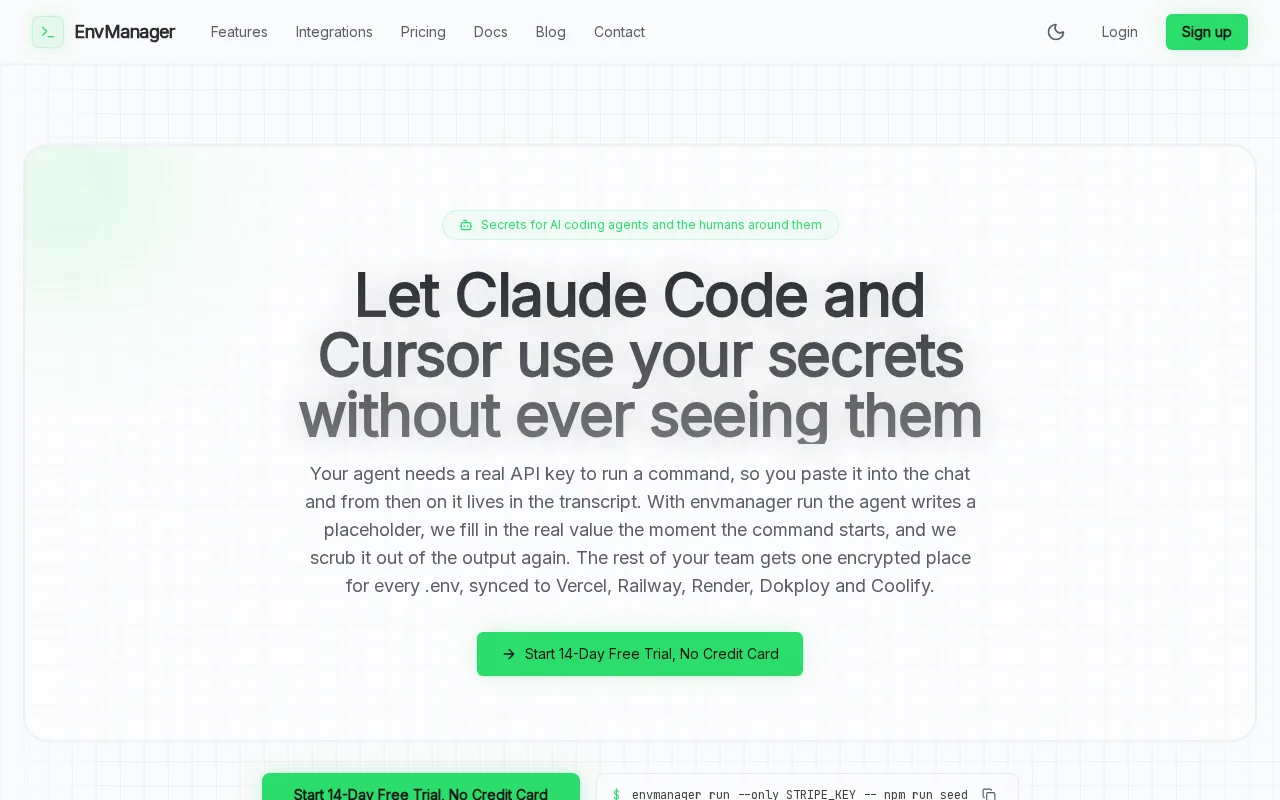
We encrypt each value with AES-256 on import. Role-based access control, or RBAC, lets you give people only the secret access their work needs. Every access, change, and export can be tied to a user and time, which gives reviewers a usable audit trail instead of a hunt through chat logs.
The key difference is scope. Most user access review tools focus on identity records, apps, or group membership. EnvManager focuses on the secrets those systems protect. That matters when a former engineer still has a production database key inside a copied .env file.
You can also manage versions instead of passing updated files around by hand. A developer pulls the right environment values, while a pipeline gets the values it needs without exposing the full file to every team member.
EnvManager isn’t a replacement for a full identity governance suite. It is a better fit when your highest-risk access sits in API keys, database credentials, and deployment secrets. For a closer look at review controls, see our audit and compliance controls.
2. ConductorOne: Access reviews with workflow automation
ConductorOne is a cloud-first identity security and automation platform for teams that want to reduce manual review work. It suits mid-sized organizations that need lifecycle workflows and risk-aware access reviews, especially when they can invest time in integration setup.

A reviewer needs to know what changed, who approved it, and which access rules apply before signing off.
ConductorOne lists Slack, Teams, and CLI request channels. Those channels can bring an access request into the place where work already happens. Its discovery is limited to identity-provider integrations, so teams should check coverage before assuming every app and permission will appear automatically.
The platform is aimed at workflow automation rather than a simple spreadsheet replacement. It can support user lifecycle work and access decisions, but the value depends on how well your identity providers and approval paths are connected.
That makes ConductorOne a sensible choice for an organization with a clear identity stack and a team ready to tune workflows. It is less attractive if you want broad application discovery with little setup. The Microsoft Entra identity overview is also useful when you’re comparing identity-centered approaches.
Ask one question during evaluation: can the tool show the evidence behind each approval, or does it only collect a yes-or-no response?
3. Zluri: Broad application and identity visibility
Zluri is a user access review platform built around wide application and identity visibility. It fits teams that need to connect access data across SaaS apps, identity systems, devices, HR records, and finance data.
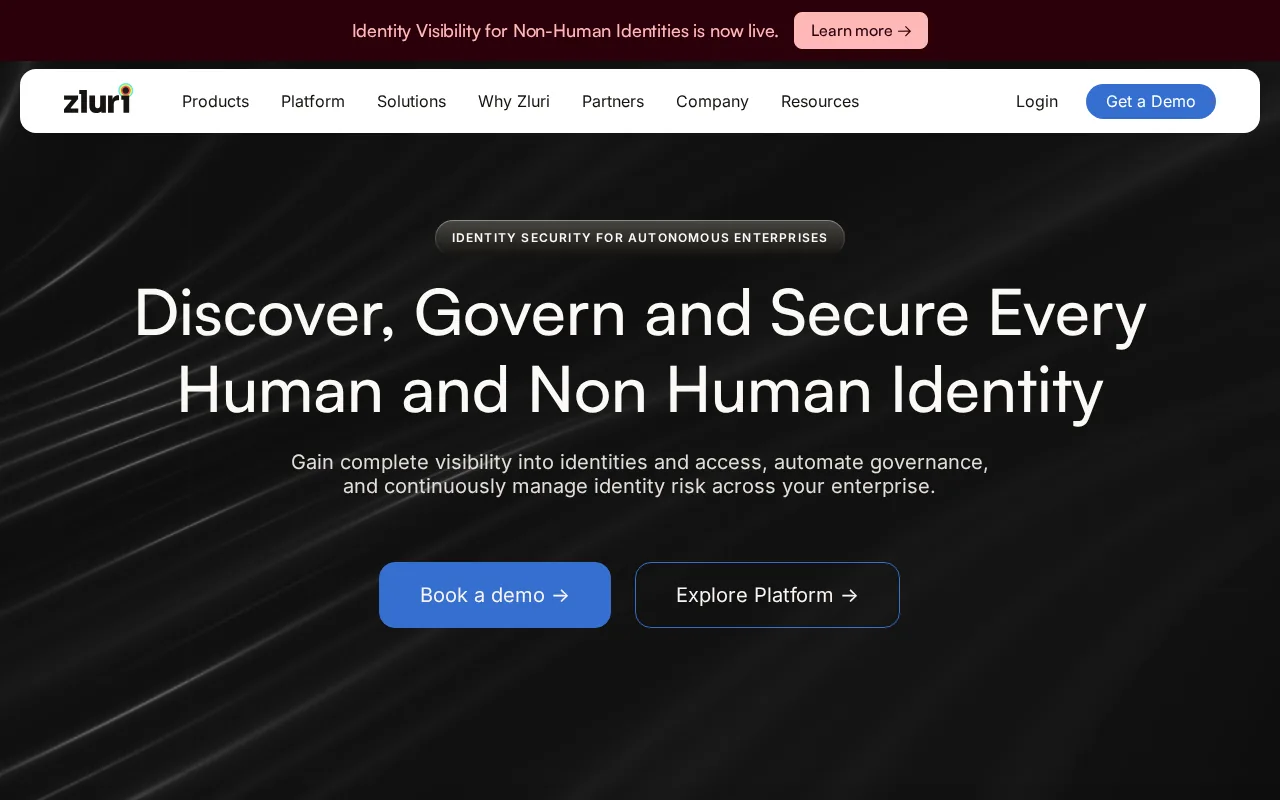
Its listed integration scope is broad. It includes SSO, MDM, direct app connections, finance and expense data, CASBs, HRMS, directories, browser agents, and desktop agents.
The named integrations include BambooHR and Google Workspace. The source data also lists Azure AD and Okta among its integration coverage. That range helps when access is spread across an employee record, a group, a device, and the application itself.
Zluri’s access review model can work at several levels. You might review a person’s application access, a role group, or everyone connected to a sensitive system. Group-based review can cut down the number of decisions when your SSO groups match real job roles. It can also carry old mistakes forward if those groups are poorly managed.
The broader lesson is simple: visibility comes before review quality. If the tool can’t see a direct app assignment or a stale group member, the reviewer may approve access without knowing the full picture.
Zluri is a strong candidate for teams with many SaaS systems and a need to connect identity data with business context. Smaller teams may find its wider scope unnecessary. Use a pilot to test whether its connectors expose the permissions your reviewers actually need.
4. SailPoint: Enterprise identity governance and access certification
SailPoint is an enterprise identity governance platform for complex environments. It is best for organizations that need centralized identity lifecycle management, automated access certifications, and policy enforcement across a large user population.
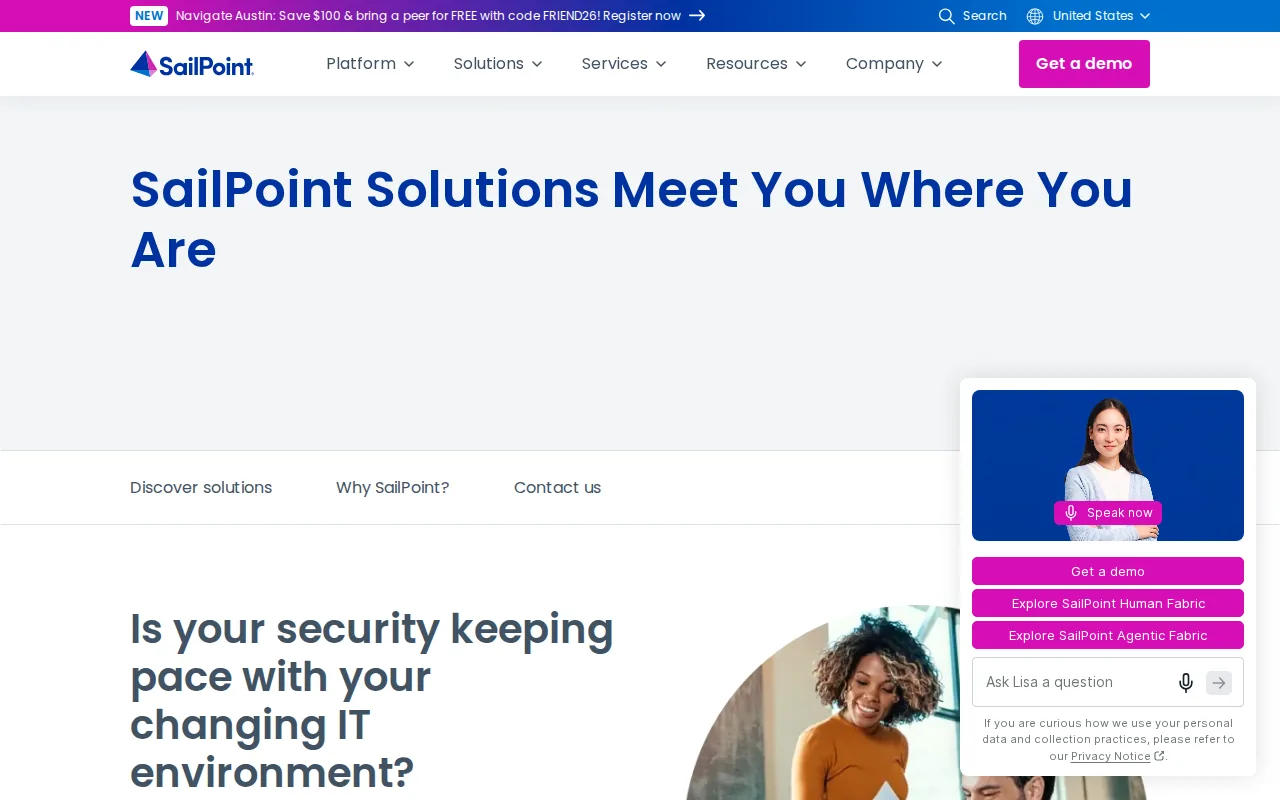
Its main strength is governance depth. Access certification gives managers a formal way to confirm that permissions still match a person’s job. Lifecycle management helps connect changes in employment status or role with access decisions.
SailPoint also fits organizations with formal compliance programs. A policy can define what access should exist, while certification checks whether reality still matches that policy. This separation helps teams explain their control process during an audit.
The tradeoff is time and skill. SailPoint is described as a mature enterprise platform, but its complexity and resource needs can be a concern for smaller teams. You may need dedicated owners for role design, connector work, policy review, and exception handling.
It also may be more system than you need if your main problem is a small set of production secrets. In that case, EnvManager keeps the review close to the credentials that power deployments. In a large enterprise, SailPoint makes more sense when identity lifecycle and certification must span many business systems.
Before signing a contract, map one full review cycle. Include the request, approval, certification, revocation, and evidence export. Any gap will show up before the platform reaches production.
5. Microsoft Entra: Access reviews for Microsoft-centered environments
Microsoft Entra includes access reviews for group memberships, enterprise applications, and role assignments. It suits organizations already centered on Microsoft identity services, group memberships, and guest collaboration.

Access reviews can help organizations check whether users still need continued access. You can review group membership, application access, or role assignments. Guest access is a clear use case, since outside users may retain access after a project ends.
Reviewers can include guests themselves or a decision maker such as a group owner. After the review, an administrator can apply the result and remove access for people who no longer need it. Guest-review flows can support this process.
Licensing needs close attention. Available licensing depends on the access-review capabilities and scenarios an organization needs.
Entra is a usable choice when your access model already lives in Microsoft groups and applications. It is less complete for teams that need a single view across many non-Microsoft systems, app-specific permissions, or deployment secrets. Pair it with a secrets tool when credentials sit outside the identity directory.
User Access Review Software Comparison
The right user access review software depends on what you need to see. A directory-centered tool can work well for group membership. A secrets-focused product is better when API keys and deployment credentials are the main risk.
| Tool | Best fit | Strongest review angle | Watch closely |
|---|---|---|---|
| EnvManager | DevOps and SaaS teams | Environment secrets and pipeline access | Not a full enterprise IGA suite |
| ConductorOne | Mid-sized identity teams | Workflow automation and review evidence | Discovery is limited to IdP integrations |
| Zluri | SaaS-heavy organizations | Application and identity visibility | Group quality still affects review quality |
| SailPoint | Large enterprises | Lifecycle governance and certification | Complex setup and resource needs |
| Microsoft Entra | Microsoft-centered environments | Groups, apps, roles, and guests |
The same sample listed no secret-rotation automation and no free tier across its 11 entries. Treat those findings as a starting point, not a complete market census, because the data came from one buyer’s guide.
Use this short checklist before you choose:
- Can it show direct access, inherited group access, and privileged roles?
- Does every approval produce an audit record with the reviewer and time?
- Can it revoke access, or does it only report the problem?
- Does it cover service accounts and deployment secrets?
- Are connectors available for the systems that hold your real data?
- What license is needed for recurring reviews and automated action?
For developer teams, the last two questions often decide the purchase. A polished review screen cannot fix missing connectors or hidden credentials. If your main gap is secret access, start with EnvManager. If the gap is enterprise identity governance, test SailPoint or Microsoft Entra against your actual review scope.
FAQ
What is user access review software?
User access review software helps teams confirm that people still need their current permissions. It gathers access data, sends review tasks to managers or owners, records decisions, and may remove access after approval. The best fit depends on whether you need coverage for apps, groups, roles, guest users, service accounts, or environment secrets.
Which tool is best for reviewing environment secrets?
EnvManager is a strong fit for reviewing access to environment secrets. It encrypts and manages.env values, supports role-based access, and keeps versions for controlled distribution. That focus helps engineering teams review the credentials used by local machines and CI/CD pipelines instead of treating secrets as an afterthought.
Does Microsoft Entra include access reviews?
Yes, Microsoft Entra includes access reviews for group memberships, enterprise applications, and role assignments. It also supports guest access review scenarios. Access-review availability and licensing depend on the edition and configuration.
What features should access review software have?
Access review software should show who has access, what level they have, why they have it, and when it changed. Look for audit logging, role-based controls, broad integrations, review schedules, revocation workflows, and support for privileged or non-human identities. Add secret coverage when API keys and deployment credentials are part of the risk.
Are access reviews the same as identity governance?
No. An access review checks whether current permissions remain appropriate. Identity governance is the wider practice that includes lifecycle rules, access requests, policy enforcement, segregation of duties, certification, and removal. A review is one control inside that larger process, not the whole program.
Conclusion
Choose EnvManager when your biggest access risk lives in .env files, API keys, or CI/CD secrets. Choose a broader identity platform when you need enterprise-wide certification across apps and roles. Start with one sensitive system, run a review, and compare what the tool sees with the source system’s own records before expanding.