
Best Identity Governance and Administration Tools
Compare the best identity governance and administration tools, including EnvManager, Fischer Identity, One Identity, Omada, and Microsoft options.
Identity governance tools rarely come with a free tier. Plan for a license budget before you start.
Here are the best identity governance and administration tools for different access problems, team sizes, and system mixes.
1. EnvManager
EnvManager is a self-serve SaaS tool for teams that need control over environment secrets. It encrypts .env values, tracks file versions, and manages access from one place.
It fits DevOps engineers, SaaS developers, engineering leads, and security teams that still pass secrets through chat, local files, or ad hoc scripts. Role-based access control lets you decide who can view or manage each environment. Teams can sync approved values to local machines and CI/CD pipelines.
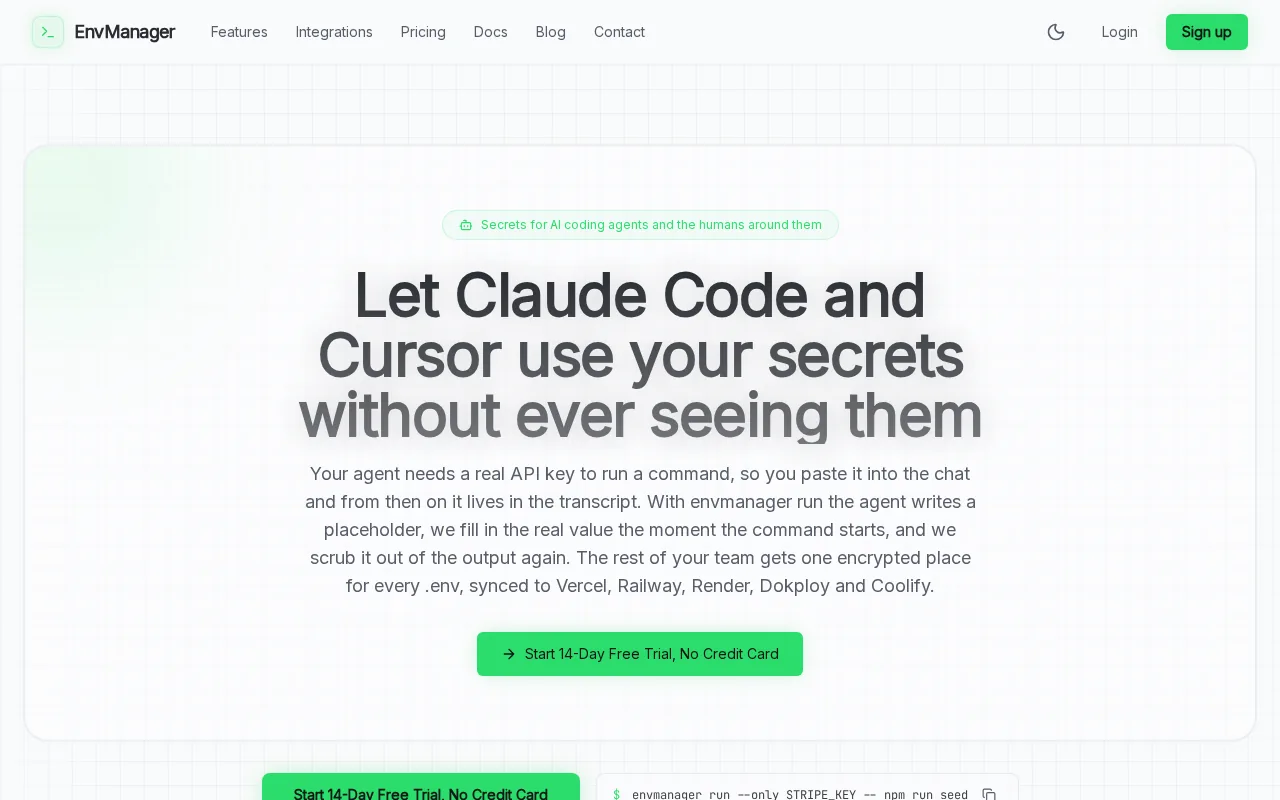
That workflow addresses a gap in many identity programs. A governance platform may show who has access to an application, while your delivery pipeline still holds unmanaged keys. EnvManager keeps those values under team control during development and deployment.
Version control also helps during a handoff. You can see which configuration changed, restore an earlier version, and avoid asking several developers to copy values by hand. No more hunting through old messages for the right key.
EnvManager isn't a full replacement for an enterprise IGA suite. It focuses on secrets and environment access rather than broad employee lifecycle governance. That focus is useful when your main risk is exposed configuration data.
Use EnvManager when you need a fast way to bring application secrets into a controlled workflow. Start by mapping which environments and pipelines need access.
2. Fischer Identity: Deep governance and lifecycle automation
Fischer Identity is an IGA option for organizations with complex identity sources and frequent role changes. It focuses on governance, lifecycle automation, and workflow orchestration.
It is a strong fit for large teams that must connect identity data across ERP systems, student information systems, HR platforms, LDAP, mainframes, custom applications, and more than one directory. That breadth matters when one clean directory does not describe how your business works.
Fischer's lifecycle approach covers the full user journey. A new hire can receive access based on role. A transfer can trigger a review of old permissions. An offboarding event can start deprovisioning instead of leaving accounts active until someone remembers them.
That can lower the burden on help desk teams, especially in sectors with high staff turnover. Healthcare and education are good examples because role changes can happen often.
Fischer also makes sense when compliance work spans many systems. A simple joiner, mover, leaver flow becomes harder when records sit in separate directories and older applications still need access. Its integration breadth is the main reason to consider it.
Still, broad connectivity can mean a longer project. You should test the connectors that matter most to your business rather than trusting a general integration list.
Pick Fischer Identity when your access model crosses many systems and departments. Ask for a demo built around one difficult lifecycle process, not a generic tour.
3. One Identity: Enterprise governance with privileged access management
One Identity combines identity governance with privileged access management. It is aimed at enterprises that need to govern people, service accounts, workloads, and other non-human identities.
This makes it a better match for an organization where machine access has become as important as employee access. API keys, certificates, service accounts, bots, and AI agents can all need an owner, a scope, and a review path.
It also points to role-based access control, just-in-time access, privileged credential protection, auditing, and analytics. JIT access means a user or workload receives improved rights only when needed, for a limited window.
That model can help security teams handle a common handoff problem. Developers need access to run a job. Security teams don't want a permanent administrator credential sitting in a script. Governance and privileged access controls can give each side a clearer process.
One Identity is especially relevant when privileged access management is already part of the security roadmap. It can reduce the need to treat employee identities and machine identities as separate programs.
The caveat is scope. A broad enterprise platform may require more design work than a focused secrets tool. You will need clear ownership for access policies, reviews, and exceptions. The machine identity use case deserves explicit attention.
Choose One Identity when privileged access and identity governance must sit in the same operating model. Include service accounts in your proof of concept from day one.
4. Omada Identity Cloud: Deep identity governance and lifecycle management
Omada Identity Cloud is built for deep governance across the identity lifecycle. It targets regulated and complex organizations that need access decisions, role controls, and compliance work in one operating model.
Omada emphasizes intelligent automation, visibility, and configurable workflows.
The platform also focuses on role management and separation-of-duties controls. Separation of duties stops one person from holding conflicting rights, such as creating a payment record and approving that same payment.
Its centralized portal is designed for provisioning, access requests, approvals, and compliance work. Omada also describes dashboards and anomaly detection for teams that need a current view of identity risk instead of a report built once a quarter.
Another point in its favor is configurable workflow design. If your process changes after an audit, the team may be able to adjust the flow without rebuilding the whole program. That matters in regulated firms where policy changes are part of normal operations.

Omada is a good shortlist choice when governance depth matters more than a quick secrets deployment. The tradeoff is that you should plan for a formal implementation, data cleanup, and policy work before rollout.
Use a pilot with one business unit and one high-risk access process. Measure how much manual review remains after the workflow runs.
5. Entitlement Management: Access packages and external-user governance
Entitlement Management is a Microsoft identity governance module built around access packages. It helps teams govern access for employees, guests, and other external users.
It fits organizations that already use Microsoft Entra and need a structured way to grant access to groups, applications, and Azure resources. Access packages can gather related permissions into one request and approval path.
Entitlement Management supports direct assignment for external users through email. It also covers governance of Azure role assignments through access packages. That is useful when contractors or partners need access for a defined project.
Think about a vendor who needs a set of resources for six weeks. A package gives the business a place to define the request, approval, and expiry rules. The team can then review the package instead of chasing separate permissions across several systems.
This option is less suited to a mixed estate that includes many unrelated directories and legacy platforms. It also depends on how deeply your organization uses the Microsoft identity stack. If your main need is application secret control, EnvManager is a more focused fit.
Pick Entitlement Management when external access and Azure permissions are the main pain points. Start with one access package for a common partner or contractor workflow.
Identity Governance and Administration Tools Compared
The right choice depends on what you need to govern. These identity governance and administration tools do not all solve the same layer of the problem.
| Option | Best fit | Strongest angle | Watch for |
|---|---|---|---|
| EnvManager | DevOps and SaaS teams | Encrypted .env files and pipeline secrets | Not a broad employee lifecycle suite |
| Fischer Identity | Complex, mixed environments | Lifecycle automation across many identity sources | Connector and rollout planning |
| One Identity | Enterprise governance programs | IGA paired with privileged access management | Broader scope may require more design work |
| Omada Identity Cloud | Regulated and complex organizations | Deep governance, roles, and compliance workflows | Formal implementation and policy cleanup |
| Entitlement Management | Microsoft Entra users and guests | Access packages for external users and Azure roles | Less suited to a highly mixed identity estate |
Fischer points toward ERP, HR, LDAP, mainframe, and custom application links. Microsoft modules focus more tightly on Azure resources, Entra tenants, and access packages.
That split matters. Integration claims are fragmented, so a buyer should map each important system before signing a contract. A long feature list cannot tell you whether your payroll system or old finance app will work as expected.
The same review found that automation descriptions were strong across the six products that listed automation details. Audit logging was less clear. Only Lifecycle Workflows explicitly described a secure, consistent, and auditable experience, while seven of eight entries gave no audit-logging details.
Cost needs the same care. None of the eight reviewed options offered a free tier. Ask for a full license estimate that includes connectors, implementation, support, and the identities or resources covered.
For access reviews specifically, compare approval paths and evidence retention in the user access review software shortlist. For secret-heavy delivery teams, the environment variable management comparison gives you a narrower lens.
Use this table to narrow the field, then test one high-risk workflow. The best platform is the one that can prove access changed when the underlying business event occurred.
FAQ
What are identity governance and administration tools?
Identity governance and administration tools control who gets access, why they get it, and when it should end. They often manage joiner, mover, and leaver events, access requests, approvals, reviews, and policy evidence. Some also cover privileged accounts, machine identities, external users, or application secrets.
Which IGA tool is best for DevOps teams?
EnvManager is a strong fit in this shortlist for DevOps teams whose main problem is secret and environment access. It encrypts and version-controls.env files, then syncs approved values to local systems and CI/CD pipelines. A broader IGA suite may still be needed for employee access and application lifecycle rules.
Do identity governance tools offer free plans?
All eight surveyed identity governance and administration tools required a paid subscription. You should ask vendors about trial access, proof-of-concept terms, implementation fees, connector costs, and how they count identities or managed resources.
What should an IGA proof of concept cover?
Test one complete access change, such as a new hire, department transfer, contractor expiry, or service account review. Check the trigger, approval path, provisioning result, removal step, and audit evidence. Also test a failed connector and an exception. That shows how the tool behaves when the clean demo path breaks.
Are access packages the same as full identity governance?
Access packages are one part of identity governance, not always a full IGA program. They can organize requests and approvals for groups, applications, external users, and Azure resources. Full identity governance may also include lifecycle automation, role modeling, separation of duties, privileged access, and wider system integrations.
Conclusion
Choose EnvManager when your immediate risk is unmanaged application secrets across developers and CI/CD. Choose Fischer Identity, One Identity, Omada Identity Cloud, or Entitlement Management when broader identity governance is the priority. Start with one high-risk workflow, test the audit trail, and confirm every required connector before you commit.