Best Static Application Security Testing Tools
Compare the best static application security testing tools, including EnvManager, Semgrep, CodeQL, SonarQube, Snyk Code, and Checkmarx.
Static analysis can catch risky code before it reaches production, but the tools differ sharply in how they inspect code. Some match patterns. Others trace data flow or use AI-assisted analysis. Here are six strong options, with the best fit for each team.
1. EnvManager, secure secrets for AppSec workflows
EnvManager is a secrets management platform that helps keep .env values out of source code and unsafe handoffs. It belongs at the top of an AppSec shortlist because a clean code scan cannot help if a live API key sits in a repository.
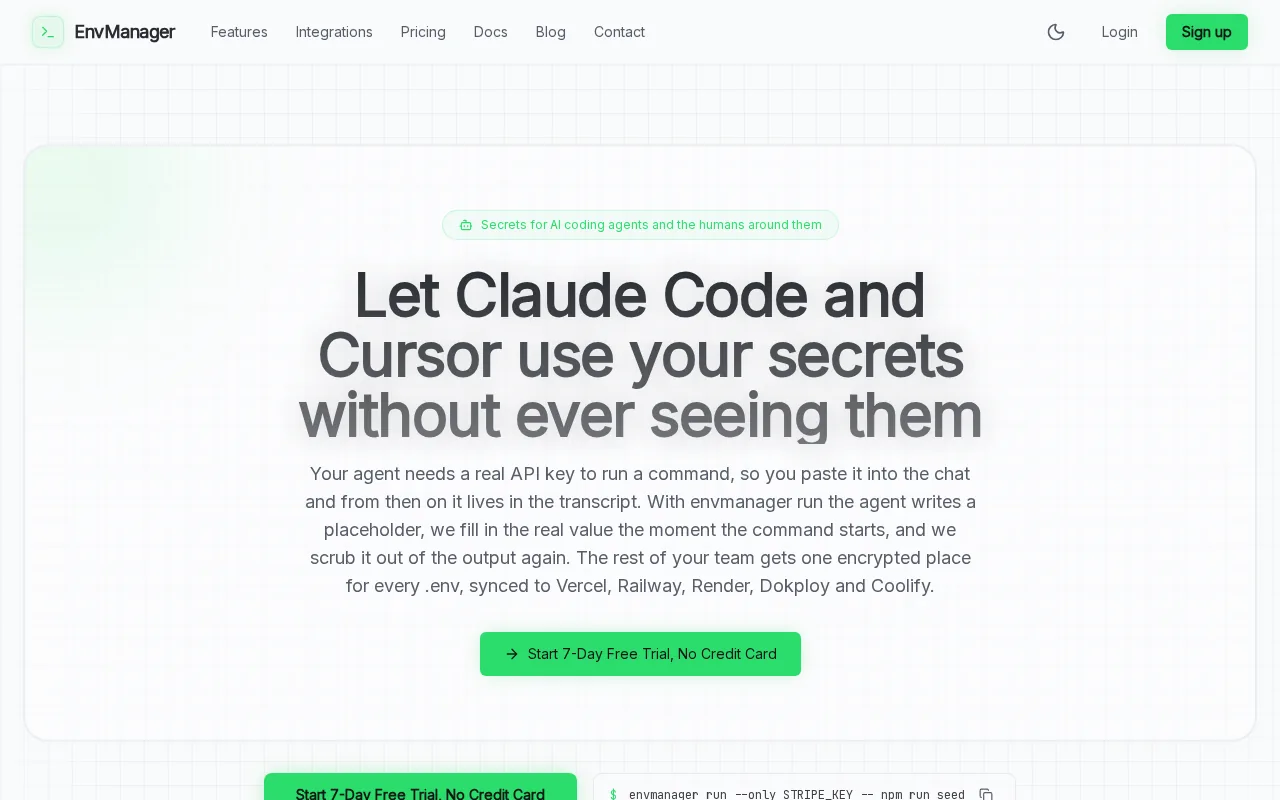
We encrypt every value with AES-256 on import. Teams can version-control .env files without exposing their contents, then sync approved values to local machines and CI/CD pipelines. Role-based access control, or RBAC, limits who can view or change each environment.
That workflow fits a common AppSec gap. A developer removes a hard-coded secret from code, but the same value remains in a shared file, chat message, or build script. EnvManager gives the team one controlled place to manage it. An immutable audit trail also helps security teams see who changed access or pulled a value.
EnvManager works best for DevOps engineers, SaaS developers, engineering leads, and security teams that need less copy-paste. JIT access can grant temporary access when a task needs it, then remove that access later.
It is not a replacement for SAST. It protects configuration and secret flow, while static application security testing tools inspect code for weaknesses. Use both. Start by moving shared .env files into secure environment variable management, then scan the code that consumes those values.
2. Semgrep, flexible rules that fit naturally into CI
Semgrep uses pattern matching to find risky code, and its open-source CLI gives teams a low-friction way to start. It is a strong choice for developers who want rules that look like code instead of a separate query language.
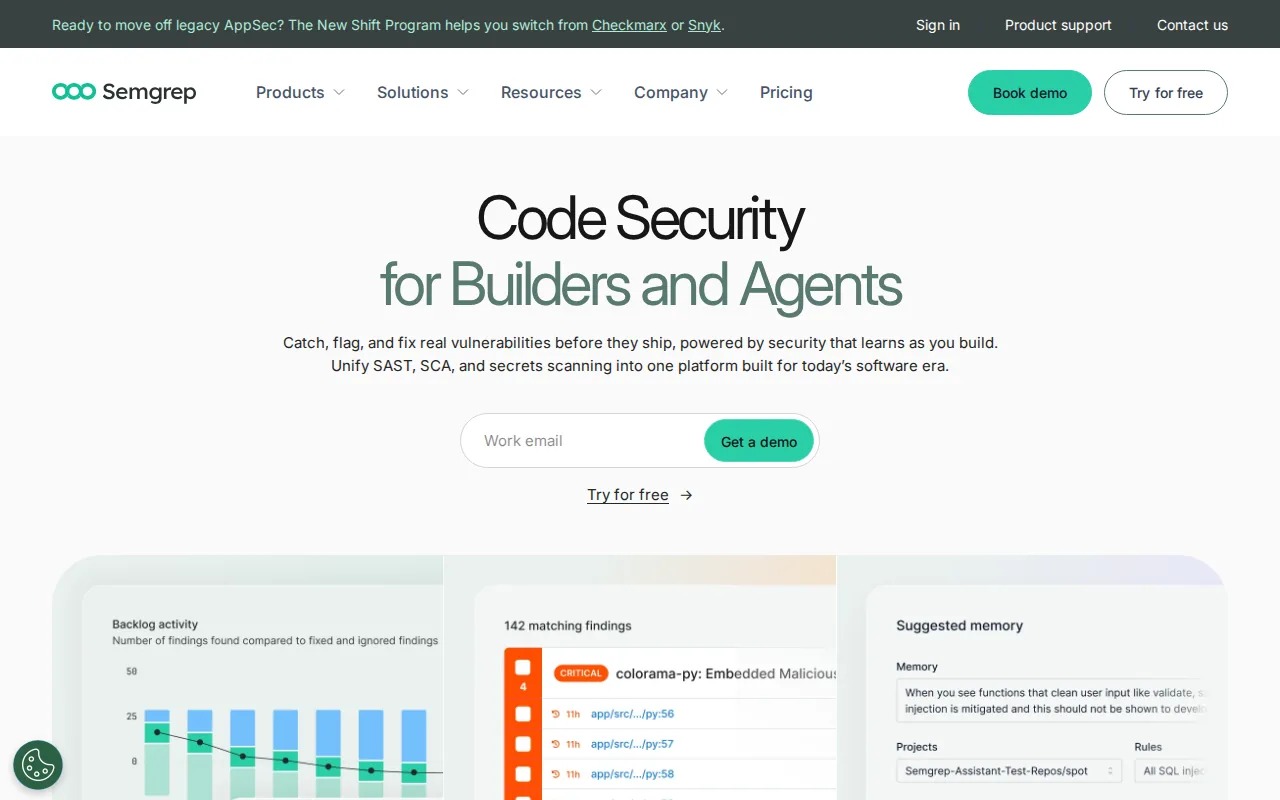
Its main strength is rule flexibility. A security team can write a rule for an unsafe function, a banned internal pattern, or a framework-specific mistake. That makes Semgrep useful when generic rules miss the way your team actually writes software.
Semgrep fits naturally into CI/CD. Teams can run checks during a pull request, then set a policy for which findings block a merge. The free open-source CLI also gives small teams a way to test the workflow before they commit to a larger program.
Pattern matching is fast, but it has limits. A rule may flag a function even when its input is safe. Developers then spend time checking false positives. You will need to tune rules, set sensible thresholds, and review custom framework behavior.
Semgrep is best when your team values control over detection logic. It is less suited to buyers who want every finding explained through a deep model of the whole application.
3. CodeQL, deep semantic analysis for GitHub teams
CodeQL uses semantic data-flow analysis to study how values move through a codebase. It is a strong pick for teams already committed to GitHub because its workflow fits GitHub-based development and security review.
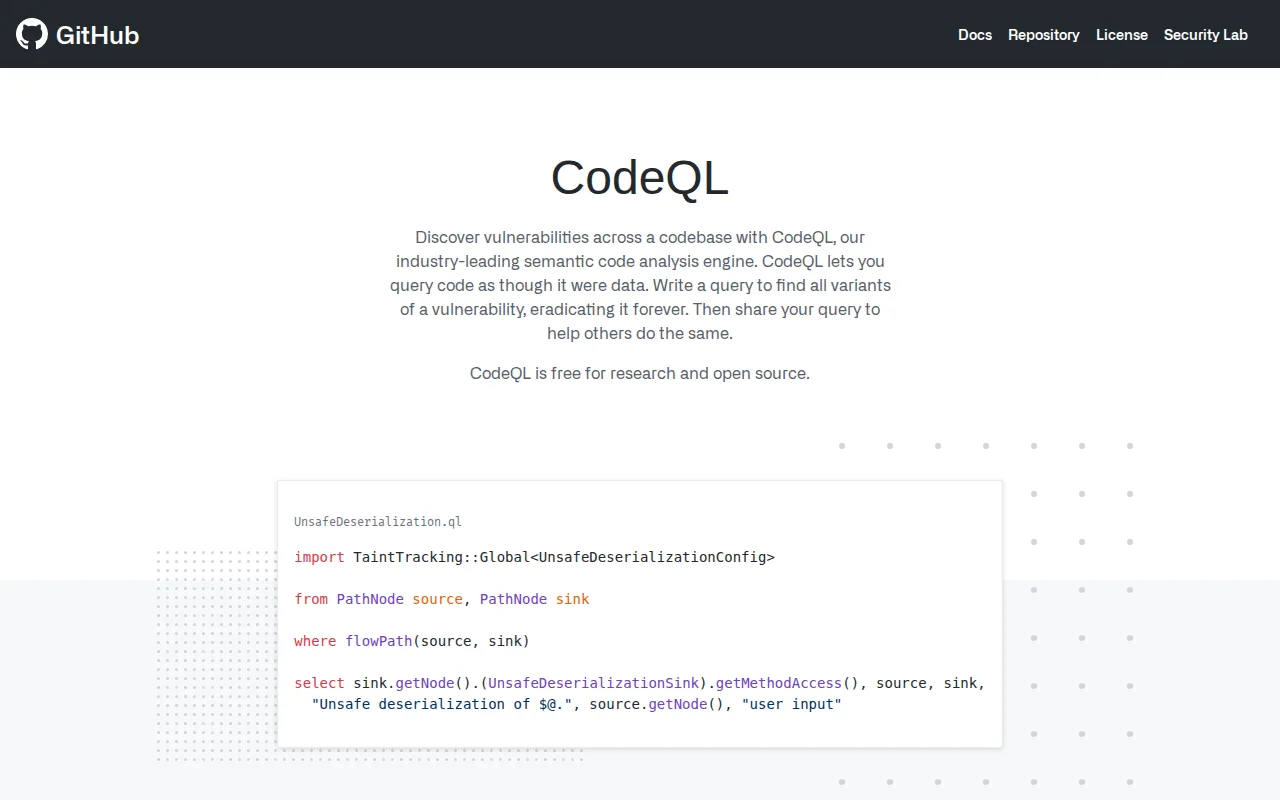
Semantic analysis looks past a single line. It can follow an input through several functions before it reaches a sensitive operation. That extra context can help separate a reachable injection path from a harmless use of the same function.
CodeQL also supports custom queries for teams with unusual code patterns. GitHub teams can add analysis to pull requests, and some findings may support patch generation. The free tier for public repositories makes it easier for open-source maintainers to test the approach.
The trade-off is depth and setup. A semantic model needs enough knowledge of the language, framework, and data flow to make a useful judgment. Large repositories may also need careful query and build configuration before results become consistent.
CodeQL makes the most sense when GitHub is already the center of your source and review process. If your work spans several code hosts, check integration details before making it the only scanner.
For teams building a wider pipeline, SAST is one part of a broader DevSecOps toolset. Code scanning should sit beside secret controls and dependency checks, not replace them.
4. SonarQube, security and maintainability under one quality gate
SonarQube combines code quality work with security checks under a shared quality gate. It fits teams that want maintainability and security reviewed in the same developer workflow.
The quality gate gives engineering leaders a clear policy point. A pull request can pass when it meets the team’s rules, or stop when new issues exceed the chosen threshold. That is useful when security findings compete with bugs, code smells, and technical debt for developer attention.
SonarQube offers a free starting point for teams. This can work well for a small engineering group that wants to learn how quality gates affect delivery before adding broader controls.
The main caveat is scope. A combined quality view can make security easier to manage, but it may not provide the deepest analysis for every threat model. Teams in regulated settings may need a dedicated AppSec platform alongside SonarQube.
Set the gate around new code first. Blocking every old finding can bury the team in backlog work and teach developers to ignore the signal. A focused rule for newly changed code is easier to enforce.
5. Snyk Code, fast SAST with developer-friendly PR feedback
Snyk Code focuses on fast analysis and inline feedback during pull request review. It is best for development teams that want security advice close to the changed code.
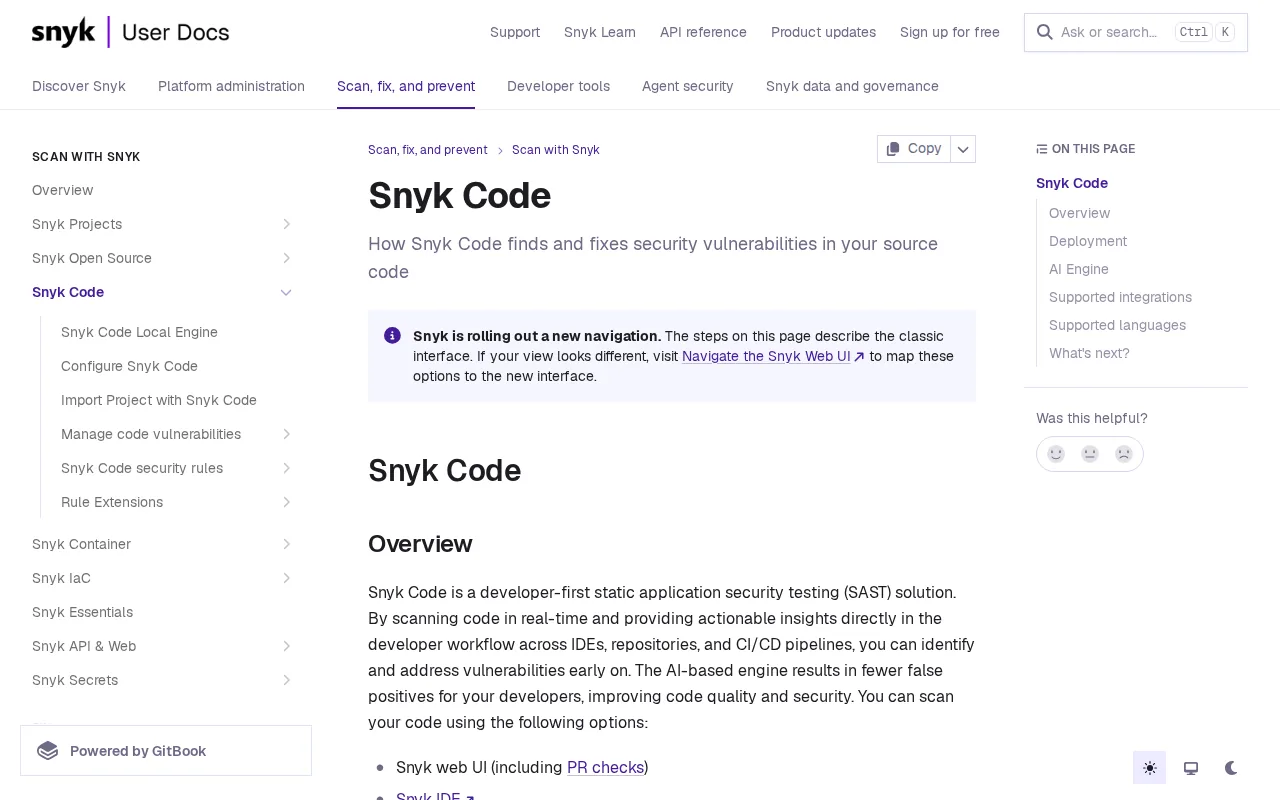
Inline feedback shortens the gap between finding and fix. A develo instead of opening a separate security dashboard days later. That placement matters because the code context is still fresh.
Snyk Code is a useful fit when developers already work in a pull-request-centered process. It can help security teams shift review earlier without asking every develo specialist.
Speed can come with a trade-off. Teams should test how well the tool understands their languages, frameworks, and internal libraries. A finding that lacks enough context may still need manual review, even when it appears directly in a pull request.
Free access is also worth checking closely. Research on SAST options shows that free-tier details are often unclear. Free-tier details vary by product, so check whether scans are limited or allowances are unstated.
Choose Snyk Code when developer adoption is the first hurdle. If you need deep custom analysis or formal audit records, compare it with a heavier enterprise platform.
6. Checkmarx, broad language coverage for enterprise programs
Checkmarx is an enterprise application security platform with SAST, secrets detection, software composition analysis, infrastructure checks, and runtime testing. It suits large programs that need one place to govern risk across several stages.
Its current platform combines rules-based scanning with AI-powered agents and unified risk intelligence. Checkmarx also describes findings through reachability, exploitability, and business context. That focus can help a security queue move beyond a raw count of alerts.
The platform supports checks in the IDE and CI/CD. It also includes features for secrets, dependencies, containers, APIs, and AI components. That wider scope matters when the buyer wants SAST to sit inside a larger governance program.
Checkmarx reports documented records for findings, decisions, exceptions, and approvals. Those records can support review work when several teams share responsibility for risk acceptance.
The caveat is weight. An enterprise platform needs clear ownership, policy design, and time for rollout. Smaller teams may find that a focused scanner solves the immediate problem with less process overhead.
Checkmarx is the better fit when language coverage, compliance reporting, and broad security scope matter more than a lightweight developer tool.
Static application security testing tools comparison table
The right choice depends on how much context your scanner needs and where developers will inspects code without running the application, so it cannot show every condition in a live deployment. The comparison below keeps the decision focused.
| Tool | Best fit | Analysis angle | Main watchout |
|---|---|---|---|
| EnvManager | Secret control around AppSec workflows | Encrypted, versioned environment values | Complements SAST rather than replacing it |
| Semgrep | Custom rules and CI checks | Pattern matching | Rules may need tuning |
| CodeQL | GitHub-centered teams | Semantic data-flow analysis | Needs code and build setup |
| SonarQube | Security plus maintainability | Quality gates | May not cover every deep AppSec need |
| Snyk Code | Developer-friendly pull requests | Fast inline feedback | Validate language and framework fit |
| Checkmarx | Large enterprise programs | Broad hybrid platform analysis | Requires stronger rollout planning |
Across the wider market, detection methods are fragmented. Pattern matching, semantic analysis, AI-native analysis, and binary analysis each suit different threat models. Language coverage also varies widely, so “broad support” should always mean the languages your teams actually use.
CI/CD support is less varied. GitHub Actions, GitLab CI, Azure DevOps, and Jenkins appear repeatedly as common pipeline targets. Treat those integrations as a starting check, then test how findings behave in your own pull-request and release flow.
FAQ
What are static application security testing tools?
Static application security testing tools inspect source code, bytecode, or binaries without running the application. They look for insecure patterns, risky data flow, policy violations, or defects before release. SAST works best during coding and pull-request review, but it cannot show every behavior that depends on live configuration or production traffic.
Which SAST tool is best for small development teams?
Semgrep is a strong starting point for small teams that want flexible rules and an open-source CLI. CodeQL can also fit teams with public repositories and a GitHub-centered workflow. If secret handling is the immediate risk, pair either scanner with EnvManager so .env values do not sit in code or shared files.
Can SAST tools find hard-coded secrets?
Yes, many SAST tools can flag hard-coded secrets or suspicious credential patterns. Detection is not the same as safe storage, though. A scanner may find a key after it reaches a repository. EnvManager helps keep secrets encrypted, access-controlled, and available to approved local or CI/CD workflows.
What is the difference between SAST and DAST?
SAST checks code before execution, while DAST tests a running application from the outside. SAST can expose unsafe code paths early. DAST can show how a deployed application responds to requests. Teams often use both because static analysis cannot see every runtime condition.
How do I choose among static application security testing tools?
Start with your code hosts, languages, pull-request flow, and threat model. Choose pattern matching when custom rules matter, semantic analysis when data flow needs deeper context, or an enterprise platform when governance spans many security areas. Then run a pilot on changed code and measure finding quality before enforcing gates.
Conclusion
For most teams, the best setup pairs a code scanner with disciplined secret control. Start with Semgrep, CodeQL, SonarQube, Snyk Code, or Checkmarx based on your workflow, then use EnvManager to secure the .env values those applications depend on. Run one pilot on a live repository, review the findings with developers, and set a small pull-request gate first.