Best Environment Variable Versioning Tools for Compliance Audits
Compare environment variable versioning for compliance audits, including audit trails, access controls, CI/CD fit, and limits for engineering teams.
A .env change can break a release, but a missing change record can make an audit harder. These five options help teams manage versions, control access, and connect environment values to delivery workflows.
1. EnvManager
EnvManager is a self-serve SaaS platform for encrypted, version-controlled .env files. It’s the strongest fit here for teams that need environment variable versioning for compliance audits without building a secret workflow from scratch.
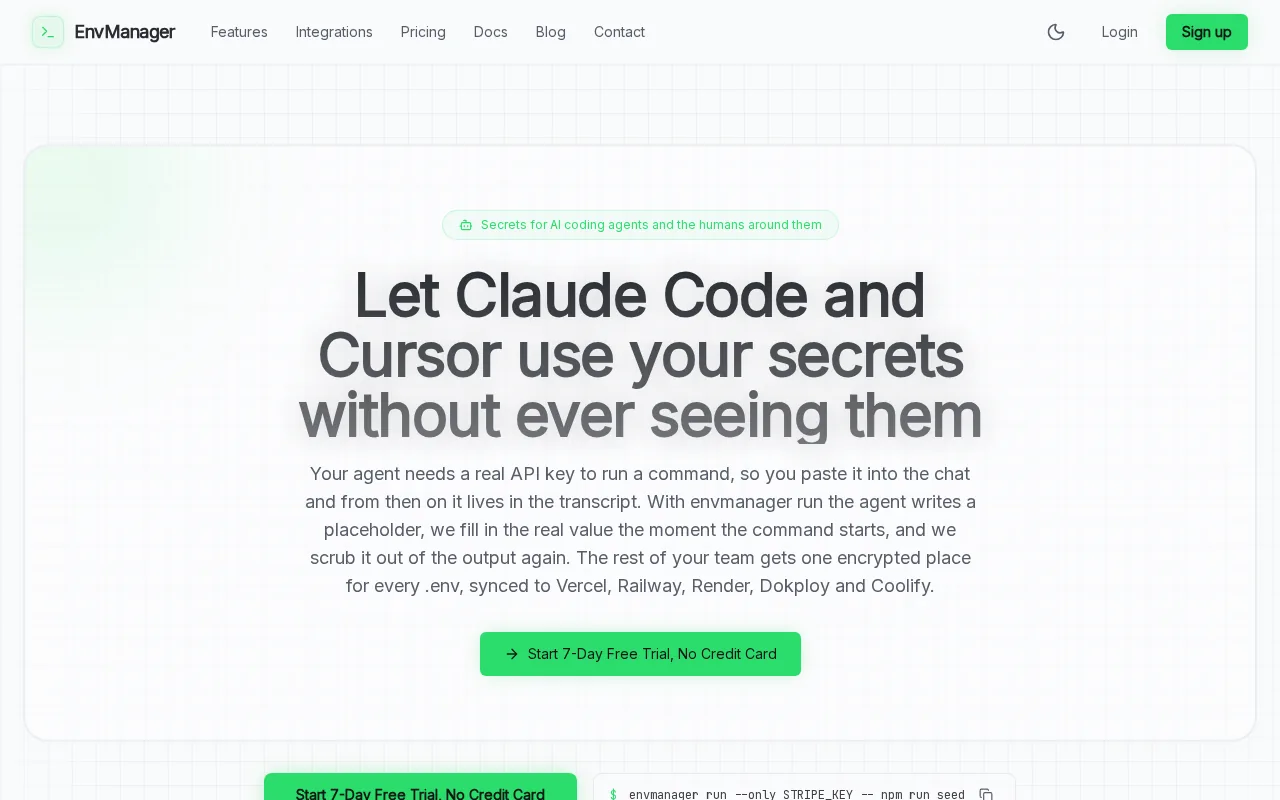
We centrally manage environment values and use role-based access control, or RBAC, to limit who can work with them. Teams can sync approved secrets to local machines and CI/CD pipelines. That gives developers one managed source instead of a trail of copied files in chat, laptops, and build settings.
For an audit, the useful detail is the change history, a central consideration when evaluating audit trail software. EnvManager logs changes with timestamps and keeps versions, so teams can review how a value changed rather than relying on someone’s memory. We also use AES-256 encryption on import, as described in our comparison of environment variables and config files.
CI/CD access matters too. A release pipeline can retrieve the approved environment values through the managed workflow instead of depending on a developer to paste secrets into a job. That reduces manual handoffs, though your team still needs to decide which roles can access production values and how long audit records must be retained.
EnvManager focuses on environment files and application secrets. It isn’t a full compliance program or a replacement for mapping evidence to your organization’s controls. Start with one project, define access by environment, then check whether the recorded history answers your auditor’s questions.
2. Doppler: Per-environment secret versions and audit capabilities
Doppler is a secret-management option with per-environment versions and audit capabilities. It may suit teams that want version history tied to distinct environments such as development, staging, and production.
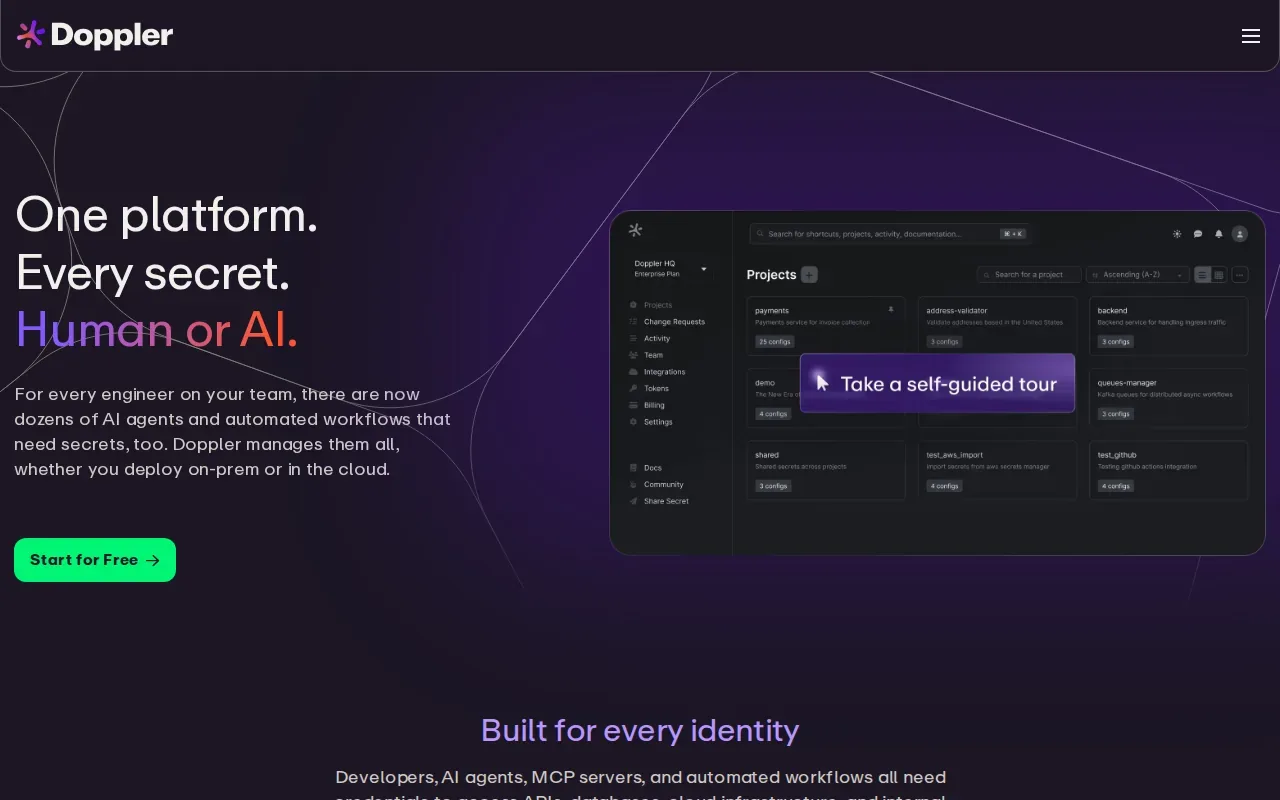
That separation can help during an investigation. If a production value changes, reviewers need to distinguish it from a staging update. Per-environment versions give teams a way to keep those states separate rather than treating every secret as one shared value.
Doppler also handles rotation policy and audit. Those capabilities are relevant when your evidence process needs a record of secret activity alongside the value history. A team should still confirm what events its logs capture and how those records can be retained for its audit window.
For policy-as-code, define the checks your organization expects before a release. For example, a pipeline can fail when a required production variable is missing or when an environment has an unapproved key. Don’t assume that version history alone enforces those rules; verify where the check runs and whether its result is saved as evidence.
Doppler’s per-environment versions are useful, but they don’t by themselves establish the exact review, recovery, or evidence workflow your audit requires. Test a real change and confirm that the resulting record is clear to both engineers and reviewers.
3. Infisical: Environment-specific versioning for secrets
Infisical is a secret-management option with per-environment versions, audit logs, and role-based access control. It can fit teams that need to separate secret handling by environment and review changes under defined user roles.
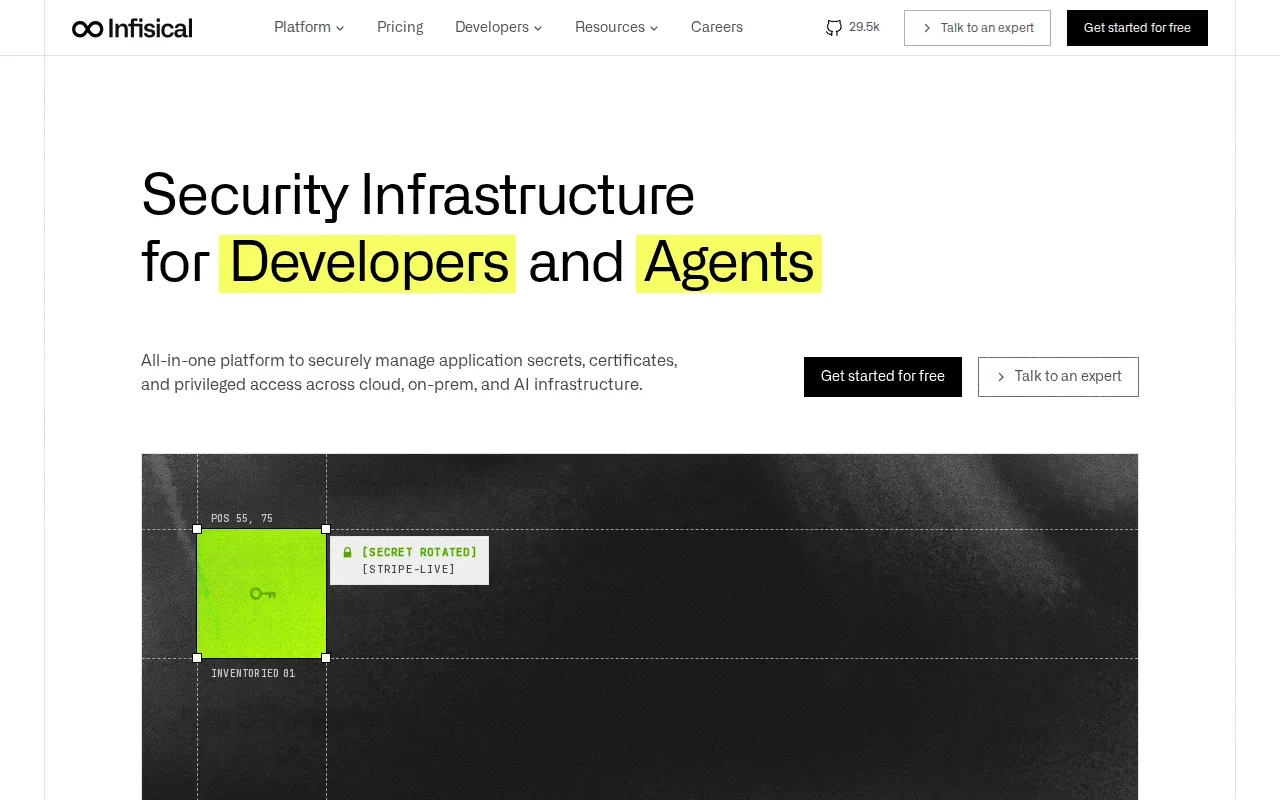
RBAC helps limit access based on a person’s role. For instance, you can distinguish who should work with development secrets from who needs access to production. The audit question is whether your own permission design matches the job, and whether the activity record captures the events your reviewers ask about.
Infisical also includes secret scanning. Scanning can help flag exposed secrets during a development workflow, but it doesn’t replace version history. A scan may identify a risky value; versioning helps you inspect how the managed value changed. Treat these as separate controls and document what each one proves.
Its per-environment versioning and audit logs make it relevant to compliance work. Still, the details matter: check whether the version record shows the actor, time, environment, and change context you need. Then confirm how a pipeline receives secrets and whether its activity is included in the evidence trail.
Infisical’s features give teams several useful controls, but the audit fit depends on configuration and evidence needs. Test a change in a non-production environment first. Make sure a reviewer can follow the record without asking the engineer who made it to explain every step.
4. Secret Server by Delinea: Enterprise vault and privileged-access controls
Secret Server by Delinea is an enterprise-grade vault focused on identifying and securing accounts across applications, services, machines, and administrative access. It may fit organizations whose environment-variable audit needs sit inside a wider privileged-access program.
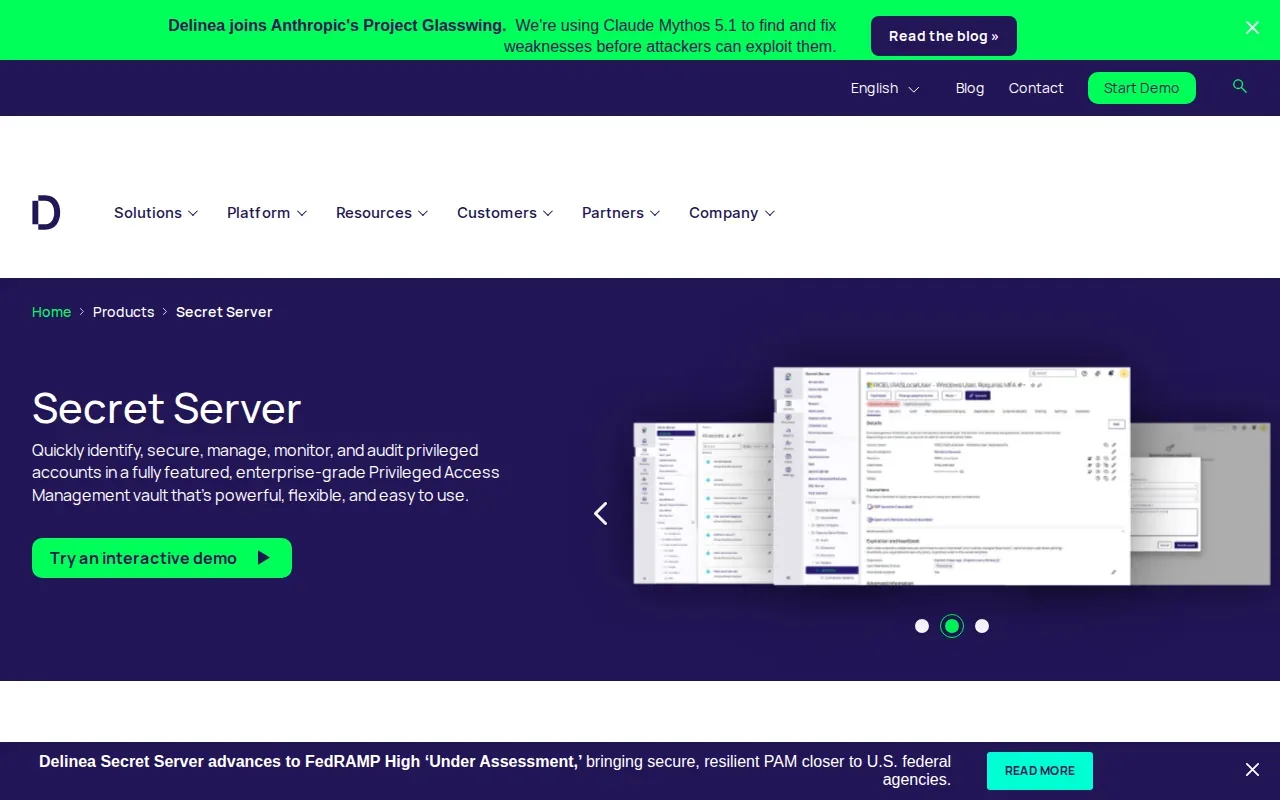
A vault can give security teams a central place to manage sensitive credentials. Delinea also links privileged access with secret access policies. That relationship can matter when auditors ask how access to an application credential connects to a user’s broader privileges.
For environment-variable versioning, don’t assume that an enterprise vault automatically provides the same workflow as a versioned .env manager. Confirm how it records changes to the specific values your applications consume. Also check whether your delivery path connects cleanly to developer machines and CI/CD jobs.
A useful evaluation is to trace one credential from approval through use. Ask who can retrieve it, where the retrieval is recorded, and how a reviewer finds the right event later. Those answers help establish whether the vault’s access controls match your audit process.
Secret Server’s focus is broader account and privileged-access security. That can be a better fit when those controls are the main need. If your immediate gap is editing and versioning .env files across software projects, validate that workflow before choosing it as the central tool.
5. CyberArk Conjur: Policy-as-code access control for machine identities
CyberArk Conjur is a machine-identity secret management option with a role-based access model expressed as policy-as-code in YAML. It may suit teams that want access rules managed alongside their infrastructure workflows.
Policy-as-code makes access rules explicit. A team can define which machine identity may access a resource, then review the policy change as code. That can help make approvals and changes easier to inspect than informal permission edits, provided your review process captures the policy history.
Conjur’s integrations include Kubernetes, Ansible, and Jenkins. Those connections make it relevant to automated delivery. In a pipeline, the key question is whether the workload gets only the secrets it needs and whether the access event leaves evidence your team can retrieve later.
Audit work needs more than a policy file. Pair policy changes with a record of who approved them and when they reached the target system. Then map those records to the control requirements in your audit plan.
Conjur’s policy-as-code model is a clear point of fit for machine identities. It may require more policy and deployment work than a focused .env management workflow. Choose it when those identity controls are central, and verify how your team will inspect environment-specific secret versions.
Compare the Options for Environment Variable Audit Readiness
For environment variable versioning for compliance audits, compare the evidence each option can help you produce, not only whether it stores secrets. A version may show that a value changed; an access record may show who reached it. Your control map should say which evidence answers each audit question.
| Option | Versioning or policy detail | Audit and access details | Best evaluation question |
|---|---|---|---|
| EnvManager | Version-controlled .env files | Timestamped change logging; RBAC; CI/CD and local sync | Can reviewers trace a change across the value history and delivery path? |
| Doppler | Per-environment secret versions | Audit capability and rotation policy | Which events appear in the log, and can your team retain them as needed? |
| Infisical | Per-environment secret versions | Audit logs; RBAC; secret scanning | Does the record show the details your reviewers need for each environment? |
| Secret Server by Delinea | See website | Enterprise vault; links privileged access with secret access policies | How does it record edits and deliver values to your application workflow? |
| CyberArk Conjur | Policy-as-code in YAML for machine-identity access | RBAC policy model; integrations include Kubernetes, Ansible, and Jenkins | Can you connect policy approvals to runtime access evidence? |
For standards mapping, start with the control your team needs to demonstrate. A cybersecurity framework can provide a structure for organizing cybersecurity outcomes, while your audit plan should identify the specific evidence and control references that apply. ISO or STIG mapping also requires your team to connect tool records to the relevant requirements; a vendor feature alone doesn’t prove compliance.
Then test one variable change from edit to deployment. Save the version record, access event, pipeline result, and approval evidence your process requires. If a reviewer can’t tell what changed or who authorized it, add a control or improve the evidence workflow before expanding the rollout.
Frequently Asked Questions
What should an environment variable audit trail record?
An environment variable audit trail should show who changed a value and when, with enough context to identify the affected environment. Teams may also need access and export events, depending on their audit plan. Keep the actual secret out of ordinary evidence files. Check that the record can be reviewed after the change and tied to the related deployment or approval.
Is Git enough for versioning environment variables?
Git can track text changes, but it isn’t automatically a safe place for secret values. A committed credential may remain in repository history even after removal. For environment variable versioning for compliance audits, use a managed secret workflow that controls access and records changes. Keep non-secret templates in code when useful, and keep live credentials in an approved store.
How does policy-as-code help with secret audits?
Policy-as-code makes access rules readable and reviewable as code, rather than leaving them as undocumented settings. A team can review a rule change and connect it to a deployment process. It still needs evidence: preserve approvals and policy history, then verify that runtime access follows the rule. A policy file alone doesn’t prove that production uses the approved version.
Do audit logs prove compliance?
No, audit logs are evidence, not proof that an organization meets every requirement. They can help show who changed or accessed a secret, but your team must map those events to its controls and retention rules. Review the log fields, access limits, and export process. Also confirm whether your organization needs a formal certification or independent assessment.
How should we test a tool before an audit?
Test one non-production secret change from request through deployment. Confirm the right person can make the change, the system retains the prior version, and the pipeline receives the approved value. Then ask someone who didn’t make the change to review the evidence. That check shows whether the record is clear without relying on the original engineer’s explanation.
Conclusion
For teams focused on .env files, EnvManager is the clearest first choice in this shortlist because it combines version control, access roles, timestamped change logs, and CI/CD sync. Pick one service, define its production permissions, and test a full change before moving more secrets.