Best Entitlement Management Software
Compare the best entitlement management software for SaaS access, feature gates, usage limits, licensing, and secure team workflows in 2026.
Entitlement management software can cost very little, or it can become a major enterprise purchase. Public starting prices range from $7 to $7,500, while many vendors publish no price at all. The right choice depends on what you need to control: secrets, SaaS features, usage limits, workforce access, or software licenses.
Here are five named options, with the best fit and the main trade-off for each.
1. EnvManager
EnvManager is a self-serve platform for managing encrypted environment files and secret access across development teams. It fits teams that need entitlement-style control over sensitive configuration, rather than customer plan enforcement inside a SaaS product.
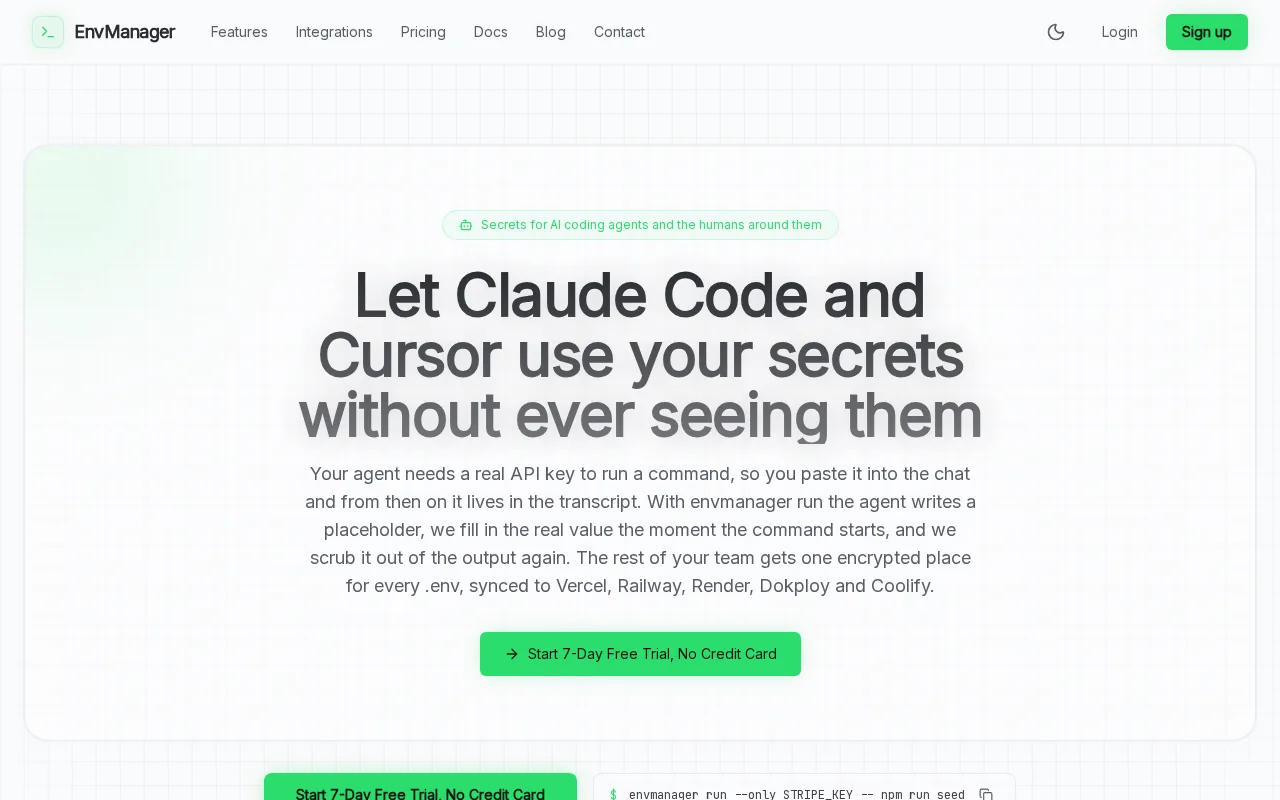
We encrypt every value with AES-256 on import. Teams can then version-control .env files and sync approved values to local machines or CI/CD pipelines. RBAC, or role-based access control, limits who can view or change each file. That gives engineering leads a clear way to separate access by team, project, or environment.
The workflow is useful when a developer needs access to staging but not production. A security lead can grant the right role, review the change, and remove access later. An immutable audit trail can also help explain who changed a secret and when.
EnvManager is a strong first choice for DevOps teams that treat configuration access as an entitlement problem. It also fits security teams that want fewer secrets copied into chats, tickets, laptops, or shell history.
There is a limit. EnvManager is not a full commercial entitlement engine for metered API calls, customer plans, or AI credits. It controls access to environment data and secrets. If your main problem is product packaging, look further down this list.
For teams focused on secret access, start by mapping each environment to a clear role. Then runenvmanager pullonly where the user or build job has approved access.
2. Stigg, usage-based entitlements for complex SaaS pricing
Stigg is built for SaaS teams that enforce usage rights before a request creates compute cost. It is best for AI products that charge by token, credit, or inference call.
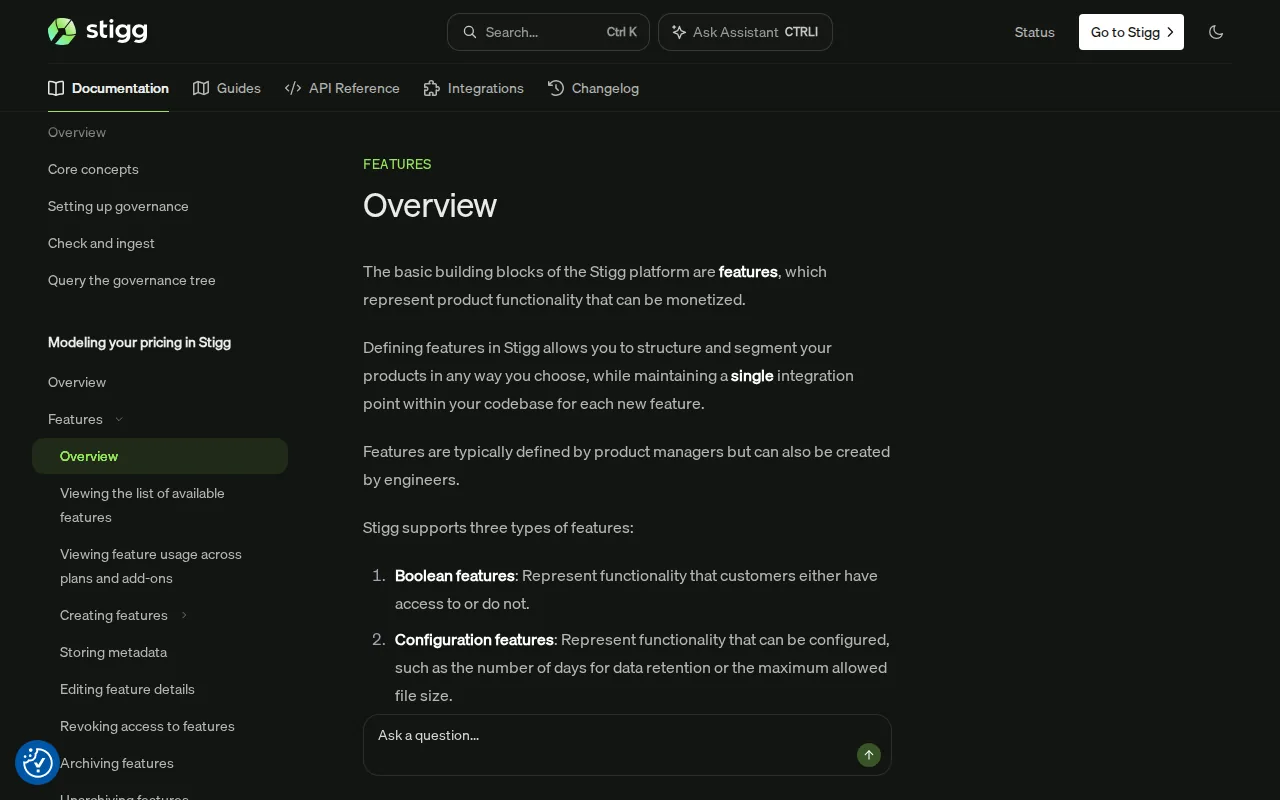
Stigg checks entitlements, credits, limits, and spend rules inside the request path. That matters when a request has a direct cost. If a usage check happens after a model runs, the company may already have spent money before it knows the customer crossed a limit.
The fit is strongest when a product has several account layers. One customer may have teams, agents, departments, and separate credit pools. A billing system can record the subscription, but it may not decide what each layer can do at request time.
Stigg can also be adopted in parts. A team might begin with credits or entitlement checks, then add more usage controls later. That approach can reduce the need to rebuild the full billing and access stack in one release.
Its main drawback is fit, not capability. If you have one plan and a few basic feature gates, the extra depth may slow you down. A small SaaS team may get more value from a simpler control plane.
Choose Stigg when every request has a measurable cost and an overage needs a fast answer. It is a better match for usage governance than for secret storage or workforce identity review.
Public pricing is hard to compare across this market. Reported starting prices run from single-digit dollars to thousands per month, so ask for the full cost of metering, support, and usage enforcement before approval.
3. Schematic, plan-based access and feature entitlements
Schematic gives product and engineering teams one place to manage plan-based access, feature gates, usage limits, and commercial entitlements. It suits teams that have outgrown scattered feature flags and hard-coded plan checks.

The useful distinction is simple. A feature flag controls how code behaves during a release. An entitlement controls what a customer can use based on a plan, billing state, limit, trial, or override.
That difference becomes clear when a team adds a new package. With scattered checks, engineers may need to edit several services and remember every sales exception. A central catalog gives the team one place to define the plan, then apply the decision at runtime.
Schematic is a good fit for hybrid pricing. A plan might include seats plus API calls. Another customer might receive a temporary limit increase through a negotiated contract. Those rules are easier to track when they sit outside ordinary application conditionals.
The product also helps teams keep commercial access separate from individual permissions. RBAC answers what a person can do. Entitlements answer what the customer account has bought. You need both when an administrator can invite users, but the account plan limits how many seats it may use.
The caveat is future complexity. Teams with strict low-latency checks, ledger-grade credits, or deep per-agent hierarchies should test those cases early. A clean plan model today may need a more specialized usage engine later.
Schematic makes the most sense when pricing changes are becoming engineering work. Before you commit, model one trial, one upgrade, one overage, and one enterprise override in a test environment.
4. Microsoft Entra ID Governance, access packages and approval workflows
Microsoft Entra ID Governance uses access packages to manage workforce and external access to groups, applications, sites, roles, and permissions. It is best for organizations that already rely on Microsoft identity services.
An access package bundles the resources a person needs for a project or job. Policies then set the guardrails. A policy can define who may request access, who must approve it, how long access lasts, and when a review must happen.
That model works well for contractors and outside partners. A contractor might request a package containing a project group and a SharePoint site. The request can go through one or more approvals. Access can expire after a set period instead of remaining open forever.
Microsoft documents entitlement management as a way to automate access requests, assignments, reviews, and expiration in its identity governance service. Its official guidance on external access workflows also stresses approval, expiration, and recurring review for guest access.
This option is different from SaaS monetization tools. It does not decide whether a customer may use a particular number of API calls. It governs identity access to business resources. That makes it a poor fit for product packaging but a strong fit for access certification and JIT access.
Licensing also needs care. Confirm your tenant licensing before planning a rollout.
Pick this option when your main question is, who should have access, for how long, and under whose approval? For a wider look at related identity tools, see identity governance and administration tools.
5. Revenera, licensing and entitlement operations for established ISVs
Revenera is an enterprise licensing and entitlement platform for software companies with on-premises, SaaS, cloud, or embedded deployments. It is best for established ISVs with complex license models and quote-to-cash workflows.
FlexNet Operations gives software suppliers a central view of customer use rights and transaction lifecycles. Revenera describes support for automated provisioning, renewal tracking, software delivery, compliance monitoring, and self-service customer actions.
The deployment range is the key reason to consider it. A vendor may sell a connected cloud product to one buyer, a disconnected installation to another, and embedded software to a third. A licensing system needs to track those rights without forcing each delivery model into a separate process.
Revenera also connects entitlement data to revenue operations. Revenera supports Salesforce connectivity. That can help a sales or renewals team see whether a customer has used its purchased rights before a contract discussion.
The platform is a poor fit for a small team that only needs secrets or a few SaaS feature gates. Enterprise licensing brings setup work, process changes, and vendor review. You should also check how it handles the exact license types your product sells.
Choose Revenera when licensing is the business system you need to fix. If your product has moved fully to simple SaaS plans, compare the implementation cost against a lighter entitlement layer first.
Entitlement Management Software Comparison
The best entitlement management software depends on where the access decision happens. EnvManager governs sensitive configuration. Stigg checks usage before compute. Schematic manages commercial plans. Microsoft Entra ID Governance manages people and resource access. Revenera manages software rights across mature delivery models.
| Option | Best fit | Primary decision | Main caution |
|---|---|---|---|
| EnvManager | DevOps and security teams | Who can access environment files and secrets? | Not a customer usage or billing engine |
| Stigg | AI and usage-priced SaaS | Can this request consume credits or compute? | May be more than simple plans require |
| Schematic | SaaS teams with growing packaging needs | What does each plan include right now? | Test advanced credit and tenancy needs early |
| Microsoft Entra ID Governance | Microsoft-centered enterprises | Who gets access, approval, and expiration? | Requires the right Microsoft licensing |
| Revenera | Established software vendors | Which license rights apply across deployments? | Enterprise setup may be heavy for small teams |
Price transparency is a weak point across the category. Only a minority of tools publish a starting price, and disclosed figures span from $7 to $7,500. Free tiers are also uncommon. Treat the posted price as an entry point, not a complete budget.
Ask each vendor to show four workflows before you buy:
- A new user requests access or a new customer starts a trial.
- An account reaches a seat, credit, or API limit.
- A manager grants a temporary exception.
- An auditor reviews the decision later.
Audit logging deserves special attention. Public product pages often explain automation while saying little about immutable records, export formats, retention, or review history. If compliance is part of the purchase, make those details a written requirement.
For secret access reviews, a related user access review software comparison can help you separate account review from product entitlement checks. They overlap, but they are not the same control.
FAQ: Entitlement Management Software
What does entitlement management software do?
Entitlement management software decides what a person, team, or customer account may access. The rule can depend on identity, plan, contract, usage, approval, or time. Some tools govern SaaS features and credits. Others manage workforce access, software licenses, or secrets.
What is the difference between entitlements and permissions?
Permissions describe what an individual user may do, while entitlements describe what an account has bought or received. For example, an admin may invite users, but the account entitlement may limit the total seat count. Good access design uses both layers.
Is entitlement management the same as feature flags?
No. Feature flags mainly control releases, experiments, or targeted code behavior. Entitlements connect access to plans, usage, trials, credits, or contract terms. A team may use both, but feature flags should not carry every commercial rule inside the application.
What should I check before buying an entitlement tool?
Check the decision point first. Then test plan changes, usage limits, temporary overrides, approvals, expiration, integrations, and audit records. Ask for a working example that matches your product. A polished feature list cannot show how the tool behaves during a failed payment or a high-volume request.
Can EnvManager replace a SaaS entitlement platform?
EnvManager can control access to encrypted environment files and secrets, but it does not replace a commercial SaaS entitlement engine. It fits teams that need secure configuration access across developers and CI/CD. For customer plans or metered usage, pair the right product entitlement layer with your secrets workflow.
Conclusion
Choose EnvManager when your main risk is uncontrolled access to environment files and CI/CD secrets. Choose Stigg, Schematic, Microsoft Entra ID Governance, or Revenera when the decision concerns usage, SaaS packaging, workforce identity, or software licensing. Start with one access workflow and one audit requirement, then test the tool before expanding.