
Best Credential Management System Options
Compare credential management system options for application secrets, PKI, healthcare credentialing, and digital certificates to find your team’s fit.
A credential management system can mean a safe home for app secrets, a way to manage smart cards, or a workflow for healthcare credentials. The right fit depends on what kind of credential your team handles. Here are six named options, starting with EnvManager for development teams managing .env files and CI/CD secrets.
1. EnvManager
EnvManager is a self-serve SaaS platform for encrypting, version-controlling, and centrally managing .env files. It fits DevOps engineers and development teams that need to share application secrets across local work and CI/CD without passing values around by hand.
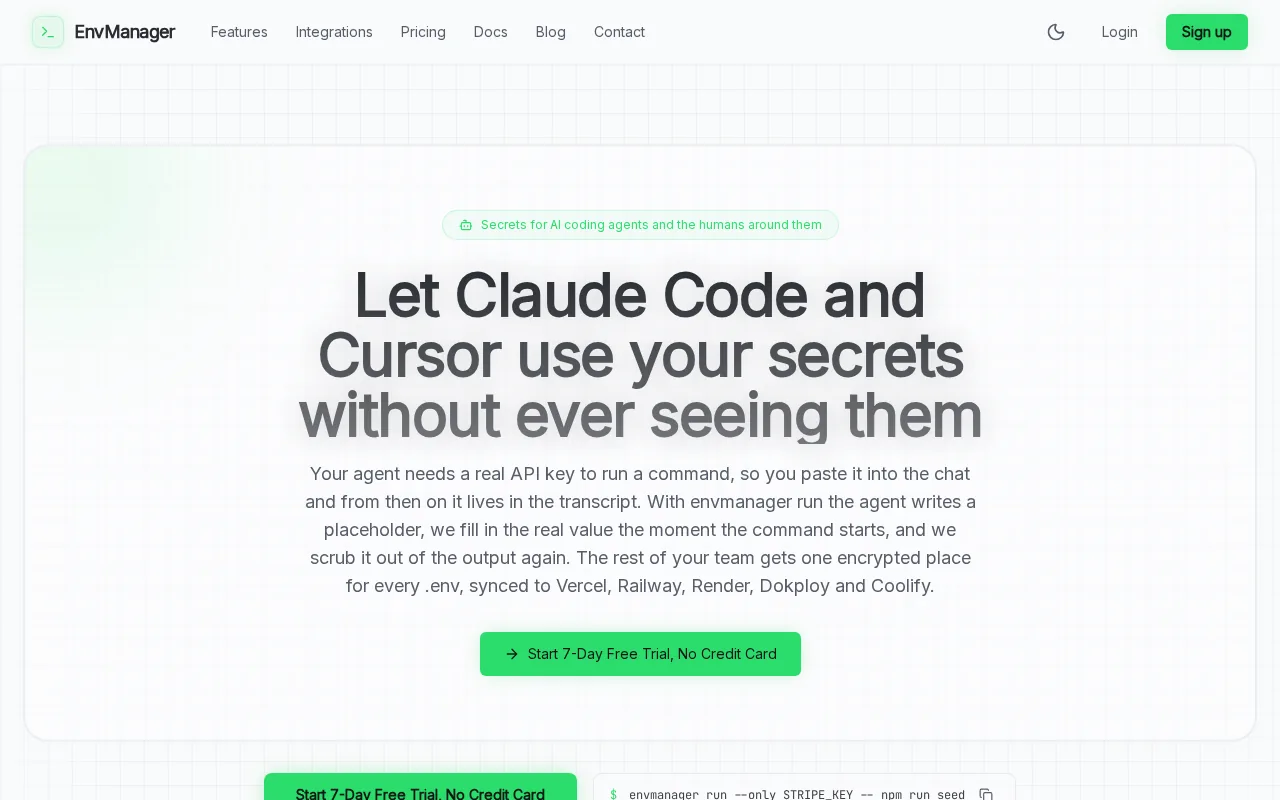
Role-based access lets teams control who can reach secrets. Version history helps track changes, while secure sync sends values to local machines and CI/CD pipelines. That keeps developers working with environment variables without making copy-paste the team’s sync plan.
EnvManager records secret changes in an immutable audit trail. That record can help a team investigate a failed deploy or answer who changed a value. Teams working through the broader setup can use our application secrets management implementation guide alongside their rollout.
Use EnvManager when your main job is controlling application environment variables, not issuing employee smart cards or reviewing provider credentials. A team with more complex certificate or privileged-access needs may need a broader platform. For a direct workflow, a single command injects one secret into a run: envmanager run --only STRIPE_KEY -- npm run seed.
2. Doppler: Secrets management with native AI-agent access
Doppler is a centralized secrets management platform for engineers, AI agents, and automated workflows. It fits teams that need to deliver secrets to services and people across cloud or on-prem environments, including teams building agent-based workflows.
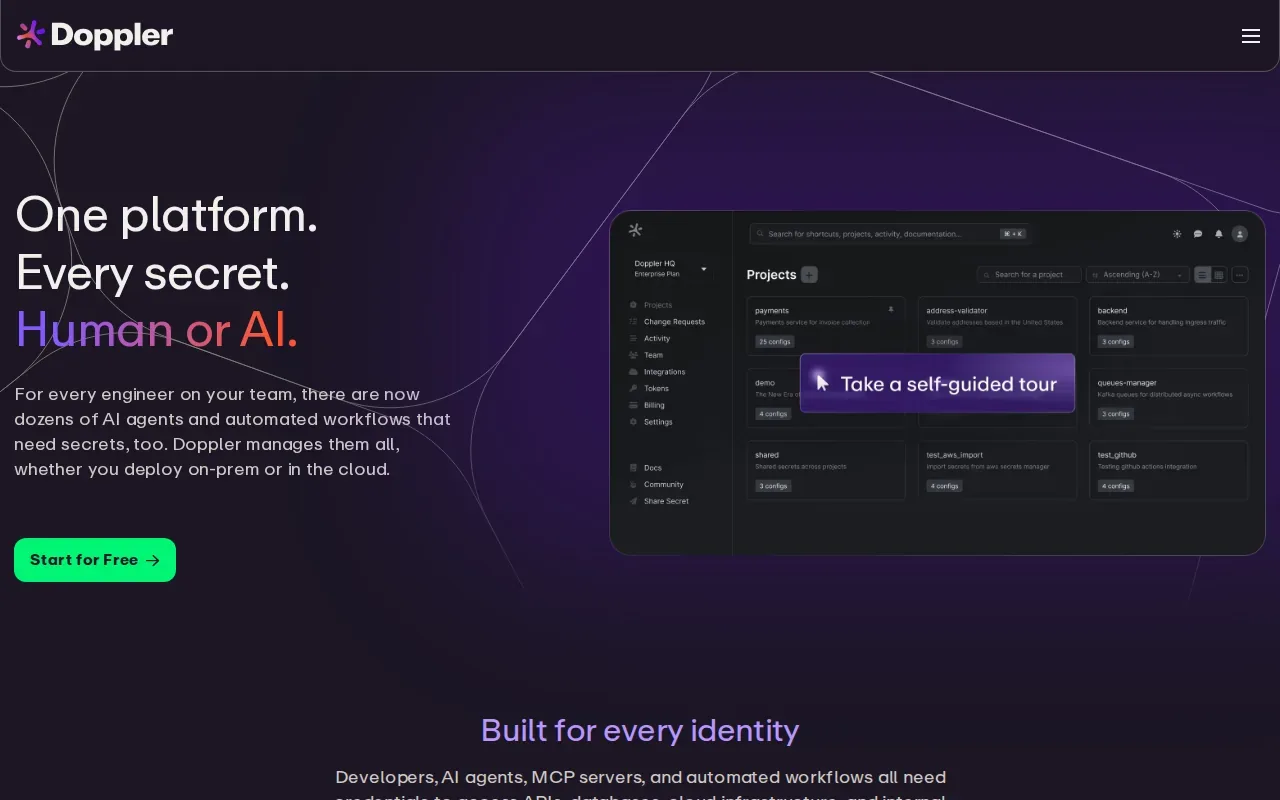
Its MCP server lets AI agents request secrets without custom scripts or hardcoded credentials. That gives an agent a defined way to ask for a secret rather than embedding one in its configuration. Doppler also supports native integrations across cloud platforms, Kubernetes, CI/CD, webhooks, and SDKs.
Doppler’s Dynamic Secrets issue a fresh credential on each deploy and revoke it automatically. That can reduce reliance on long-lived values that remain valid after a deployment. Teams can also give each AI agent its own scoped access, rather than reusing one powerful credential everywhere.
This is a strong match when agent access and deployment automation are central requirements. It may be more than a small team needs if the primary task is simply syncing .env files. For teams setting access rules for API calls, our API authentication best practices page covers related controls.
Before choosing, map which identities need secrets and which environments they can reach. A tool’s integration list matters less than whether it supports your actual deployment path.
3. Infisical: Application secrets, certificates, and privileged access
Infisical is an all-in-one platform for application secrets, certificates, and privileged access. It suits teams that want to manage several credential types under one identity model, with one place to review how applications and agents use credentials.
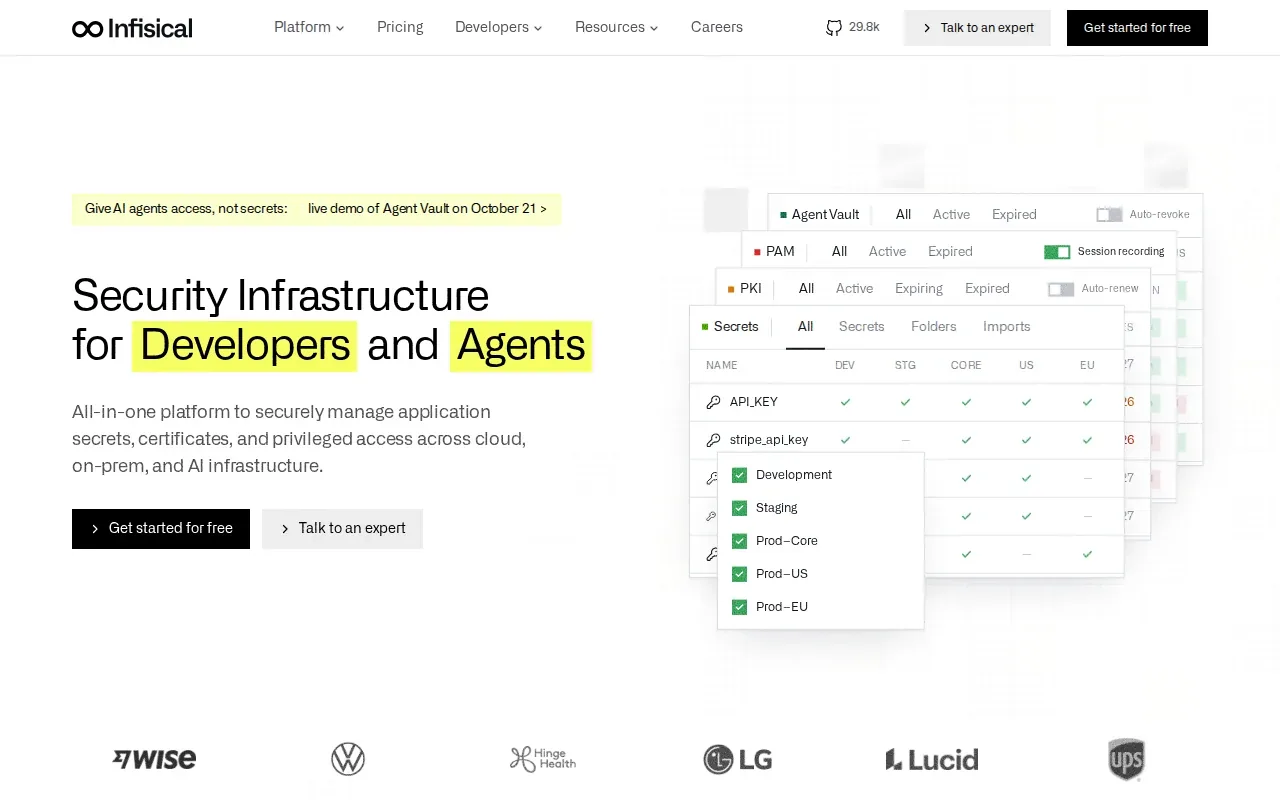
Infisical can rotate credentials on a schedule and issue short-lived secrets when needed. It also automates certificate lifecycle tasks, including issuance, renewal, and revocation. For teams that have to connect certificates to cloud services, its integrations include AWS load balancers and other external systems.
The appeal is breadth. A team can bring app secrets and certificate work into the same system rather than stitching together separate tools. Infisical offers cloud and self-hosted deployment choices, which may matter when an organization has specific infrastructure needs.
That range can be useful, but it means you should check which parts of the platform your team will actually operate. If your need is narrow, such as centralized .env files for local development and CI/CD, a more focused setup may take less planning. Our cloud secrets management comparison explains how application-secret workflows differ from broader infrastructure security needs.
Consider Infisical when secrets, certificates, and privileged access belong in a shared operating model. Confirm that the team can support the integrations and access rules it plans to use.
4. vSEC:CMS by Versasec: Enterprise PKI, FIDO2, and RFID credentials
vSEC:CMS by Versasec is enterprise credential management software for PKI, FIDO2, and RFID tokens. It fits organizations that issue and manage employee authentication credentials such as smart cards, USB security keys, and virtual smart cards.
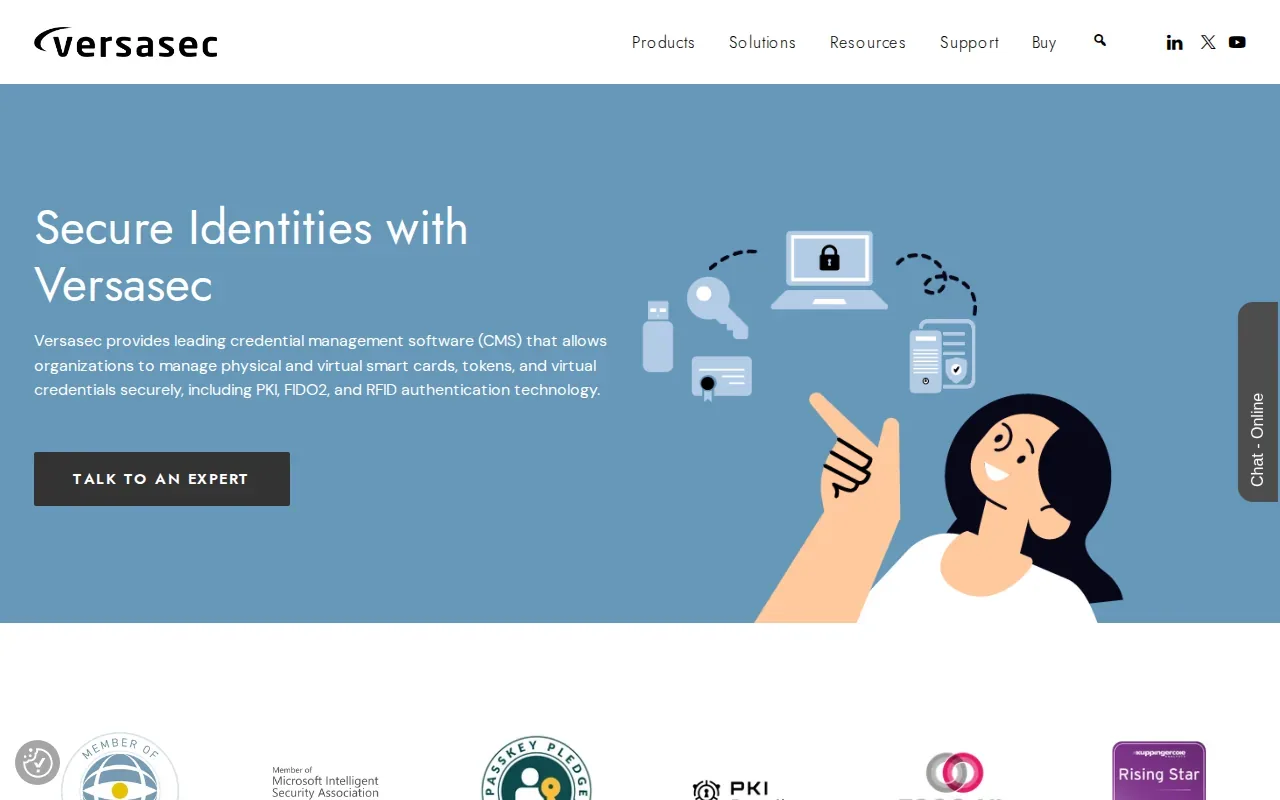
The system manages credential lifecycles and connects with enterprise directories, certificate authorities, physical access systems, and other identity infrastructure. This can help an organization coordinate credential issuance with systems it already uses, instead of treating each token as a separate manual process.
vSEC:CMS also supports FIDO2 credentials and PKI-based authentication. Those tools are relevant when an organization is planning phishing-resistant sign-in or moving toward passwordless authentication. The key decision is whether your problem involves employee identity credentials, rather than application values such as API keys and database passwords.
Implementation depends on the surrounding identity and certificate setup. Teams should map which credential types they issue and which existing systems need to connect before choosing a lifecycle tool. Versasec offers both on-premise and managed service options across its credential management products.
5. CredentialStream by HealthStream: Committee review tracking
CredentialStream by HealthStream is for healthcare credentialing teams that need structured document handling and committee approvals. Its strongest fit is a process where reviewers must track decisions as each provider record moves through approval stages.
Committee review workflow tracking logs decisions and status changes as items move through approval steps. That gives coordinators a record of what happened during review, instead of relying on email threads or informal status updates. For an audit, teams can follow the recorded steps and see where an item stands.
Healthcare provider credentialing is different from managing software secrets. It involves checking a practitioner’s qualifications and keeping the review process moving. Credentialing is also distinct from privileging, which authorizes specific clinical work.
Choose this option when committee routing, document management, and a clear approval history are central to the team’s work. It is not a replacement for a developer secrets manager. A hospital or health organization should assess the provider review process it needs to track before selecting software.
6. Accredible: Digital certificates and badges at scale
Accredible is a digital credential platform for issuing, managing, and tracking badges and certificates at scale. It fits education, training, and certification teams that need to issue branded credentials to learners.
Its pathways model groups multiple credentials into a learning journey. That can help a training team show how separate certificates fit into a larger program, rather than treating each award as an isolated item. Accredible also provides API access for teams that need to connect credential workflows with other systems.
Think about the job you need to do before comparing this with a secrets tool. Accredible manages credentials awarded to learners. It does not fill the same role as a system that controls API keys used by a production service. A related overview of learning management systems can help teams place digital credentials within a broader training setup.
| Need | Accredible fit | Decision to make |
|---|---|---|
| Issue digital badges or certificates at scale | Designed for issuing, managing, and tracking digital credentials | Decide which programs and teams will issue credentials |
| Group several credentials into a learning journey | Pathways model groups multiple credentials | Map the order or structure learners should follow |
| Connect credential workflows to another system | API access is available | Define the system connection your team needs |
Accredible makes sense when the credential is proof of learning or certification. If the credential is a machine secret, choose a tool built for application access instead.
Frequently Asked Questions
What is a credential management system?
A credential management system controls digital credentials through their lifecycle. Credentials can include passwords, API keys, tokens, and digital certificates. The work can include creating, storing, monitoring, rotating, and revoking credentials. Different systems focus on different needs, so check whether a product manages human, machine, healthcare, or learning credentials.
What features should a credential management system have?
Look for secure storage, access controls, and a record of credential use or changes. For application secrets, check how values reach local development and CI/CD, and whether you can rotate or revoke them. For employee authentication, check support for the credential types and identity systems you use. The right feature set depends on what the credentials protect.
How do I keep application secrets safer?
Give each person or service only the access it needs, and avoid sharing one credential across unrelated systems. Keep secrets out of source code and restrict where they can be used. Set a rotation plan that fits the credential and workload, then revoke values when they are no longer trusted or needed. Monitor access so unusual use can be reviewed.
Are healthcare credentials the same as software secrets?
No. Healthcare provider credentialing verifies a professional’s qualifications and tracks review or approval steps. Software secrets are values such as API keys that applications use to access services. They have different owners and workflows. A healthcare organization may need tools for both provider review and application security, but one tool should not be assumed to cover both jobs.
Conclusion
For development teams focused on .env files and deployment secrets, start by assessing EnvManager’s role-based access, version history, and secure sync against your CI/CD workflow. If your need centers on healthcare review, employee authentication, or learner certificates, choose the option built for that credential type. Write down one workflow to test, then check whether the tool supports it end to end.