
Best API Key Management Tools for Developers
Compare API key management tools for developers, with options for .env workflows, secret rotation, cloud key storage, and team access.
A leaked API key can turn a routine deploy into an incident. Good API key management keeps credentials out of code and gives your team a clear way to control access. Here are five tools, starting with EnvManager for teams that manage secrets through .env files and CI/CD.
We analyzed 35 comments from Reddit and YouTube about API key management and found that 29% mentioned the security of stored keys.
1. EnvManager
EnvManager is a self-serve SaaS platform for encrypting, version-controlling, and centrally managing .env files. It’s built for developers and DevOps teams who need secrets to reach local machines and CI/CD pipelines without passing plaintext files around.
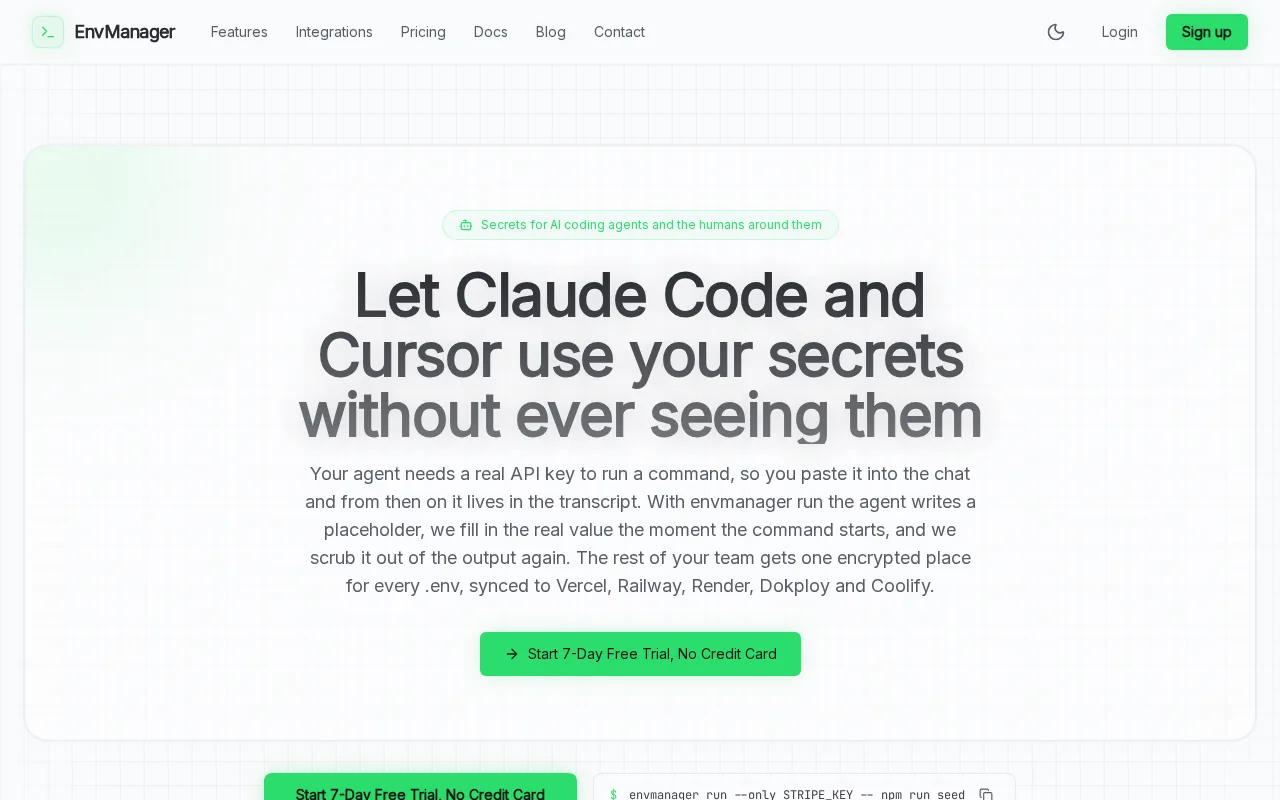
We encrypt values with AES-256 and use role-based access control, or RBAC, to set who can view or change secrets. Changes are logged with timestamps, so your team can review what changed during a deployment or investigate a configuration issue. Version history also gives you a way to check or restore an earlier value.
EnvManager syncs secrets to local machines and pipelines. It also connects with services such as Vercel, Dokploy, and Coolify. That can help when each app has its own set of variables and manual copying has become part of every release. The platform has a seven-day trial with no credit card required.
If your team is tightening its controls around exposed credentials, these API key security best practices can help you set rules for storage, access, and rotation alongside the tool.
EnvManager is a focused fit when your daily work centers on environment variables. Start by moving one development or staging project into a central, versioned store.
2. Infisical: Open-source secrets management with rotation capabilities
Infisical is an open-source secrets management platform with developer workflows and infrastructure features. It fits teams that need more than a shared store, especially when automated rotation or self-hosting is part of the plan.
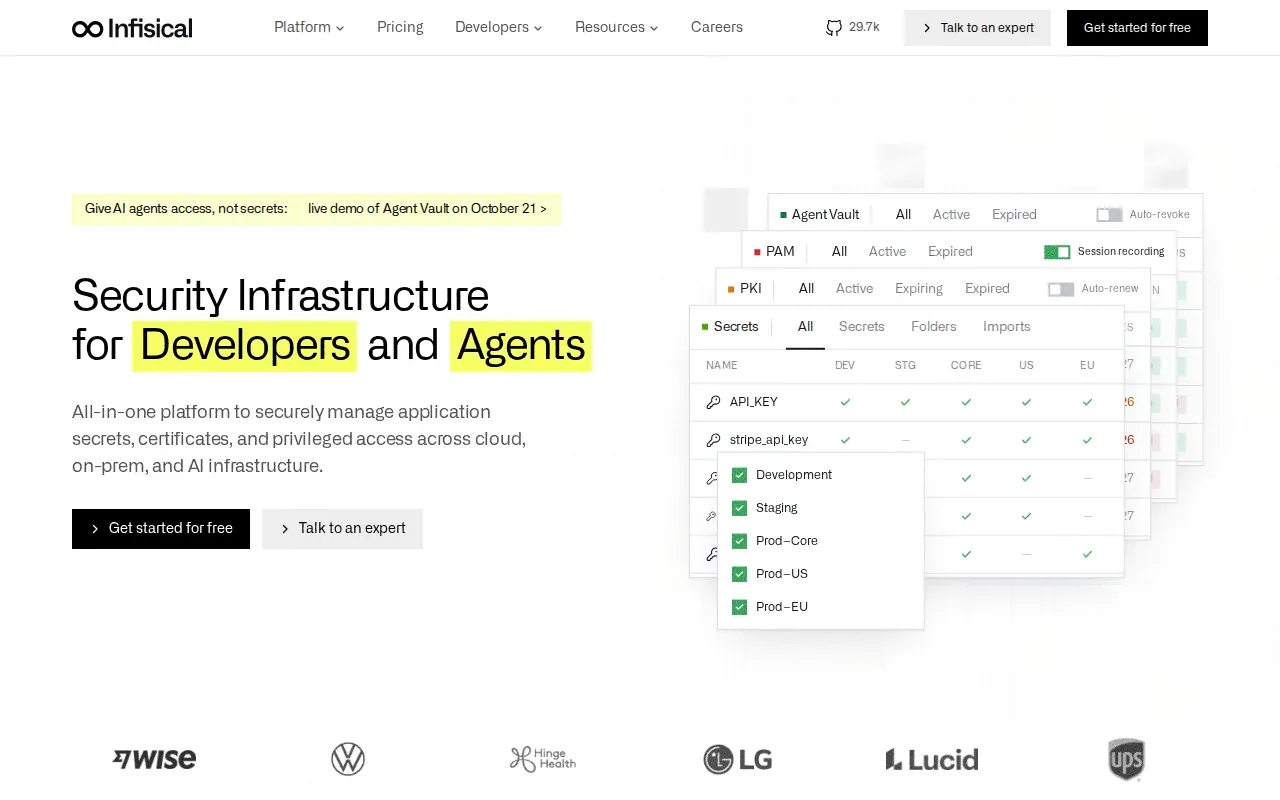
Its rotation policies can rotate secrets automatically. Dual-phase rotation keeps the old secret active until the replacement has propagated, which can reduce the chance that an app breaks during a change. The platform also supports dynamic secrets, role-based access, audit logs, and secret scanning in Git repositories.
Infisical can run in its cloud or be self-hosted on cloud, on-premises, or hybrid infrastructure. Its CLI, SDKs, and dashboard support different ways for people and services to reach secrets. A native Kubernetes operator is also available. The self-hosted open-source edition is free with no limits.
Those capabilities suit teams that manage secrets across infrastructure and want rotation policies built into the workflow. For a closer look at safe replacement and rollout patterns, see how to automate secret rotation for API keys.
Choose Infisical when rotation automation or self-hosting is a key requirement, not simply because you expect every tool to handle secrets the same way.
3. Doppler: Developer-focused secret distribution and audit logging
Doppler is a secrets management platform for developers. It replaces .env files, hardcoded credentials, and manual secret sharing with central configs that teams can use across environments.
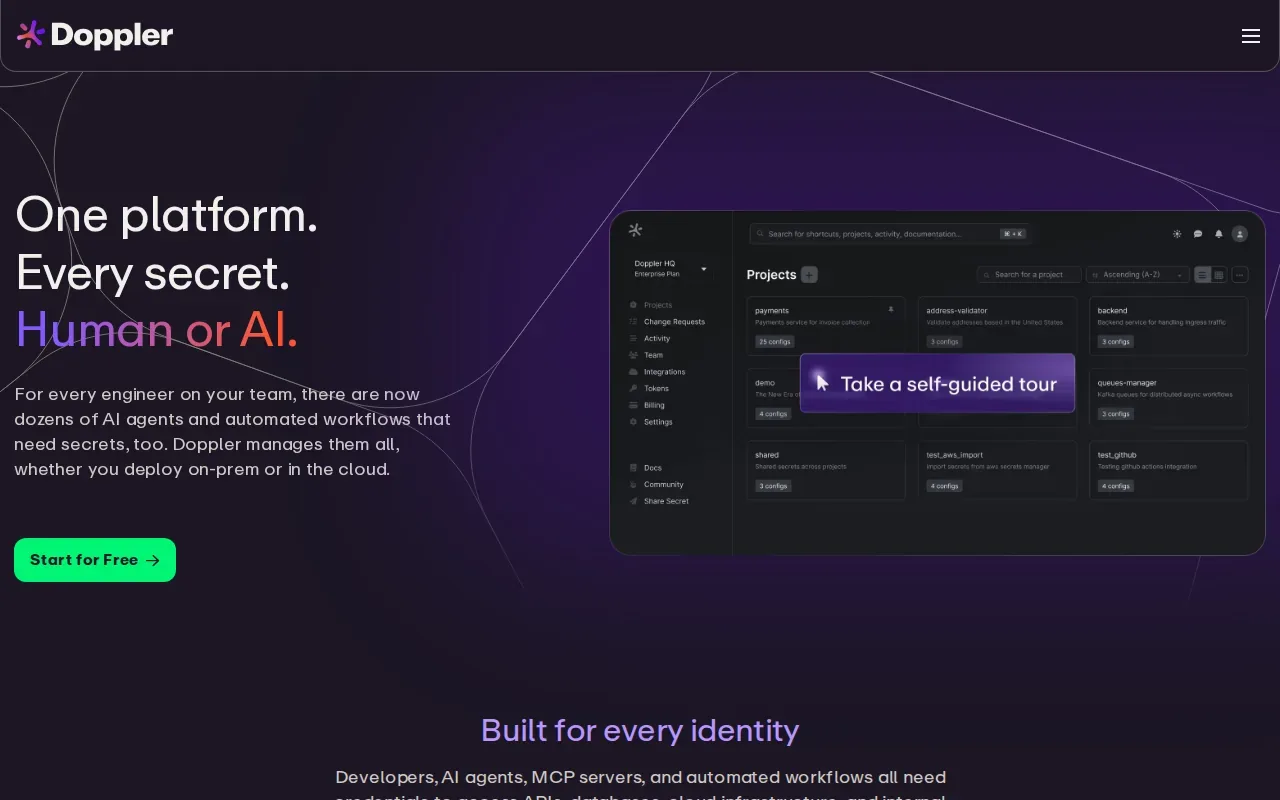
Its multi-environment configs help keep development, staging, and production values separate. Branch configs support work tied to different code branches, while secret versioning gives teams a record of changes. Doppler also has service tokens, role-based access control, and integrations with more than 50 platforms.
Activity logs are kept for 3 days on the free Developer plan and 90 days on the Team plan. That detail matters if your team needs a record of secret-related activity for reviews or incident follow-up. Doppler’s free Developer plan covers three users, with each additional user at $8 per month.
Doppler fits teams that want a developer-centered way to distribute secrets across many services. Its broad integration set may help when the same secrets need to reach varied build and runtime systems. Keep the plan-level audit log detail in mind when checking whether it fits your review needs.
It’s a good match when central distribution is the main pain point and teams need configs that map to multiple environments.
4. Azure Key Vault by Microsoft: Centralized secrets, keys, and certificates
Azure Key Vault is Microsoft’s cloud service for managing secrets, cryptographic keys, and certificates. It fits teams that already run workloads on Azure and want those assets managed within that cloud environment.
Applications can use managed identities to access resources such as Key Vault without a team having to provision or rotate a separate secret for that identity. Managed identities are generated and managed by Azure. Access can be granted through role-based access control or access policies.
Key Vault also supports certificate lifecycle management. Its Premium tier includes hardware security module-backed key storage. This makes it relevant when an application needs centralized access to certificates or cryptographic keys as well as API credentials.
Consider this option when your workloads already rely on Azure identity and access controls. Teams with mixed cloud or local .env workflows should map those paths before choosing it as their main store.
5. 1Password Secrets Automation: .env references for developer workflows
1Password Secrets Automation is the developer-facing layer of the 1Password platform. Its .env file references make it relevant to teams that want to connect secrets to familiar developer workflows without treating a local file as the long-term source of truth.
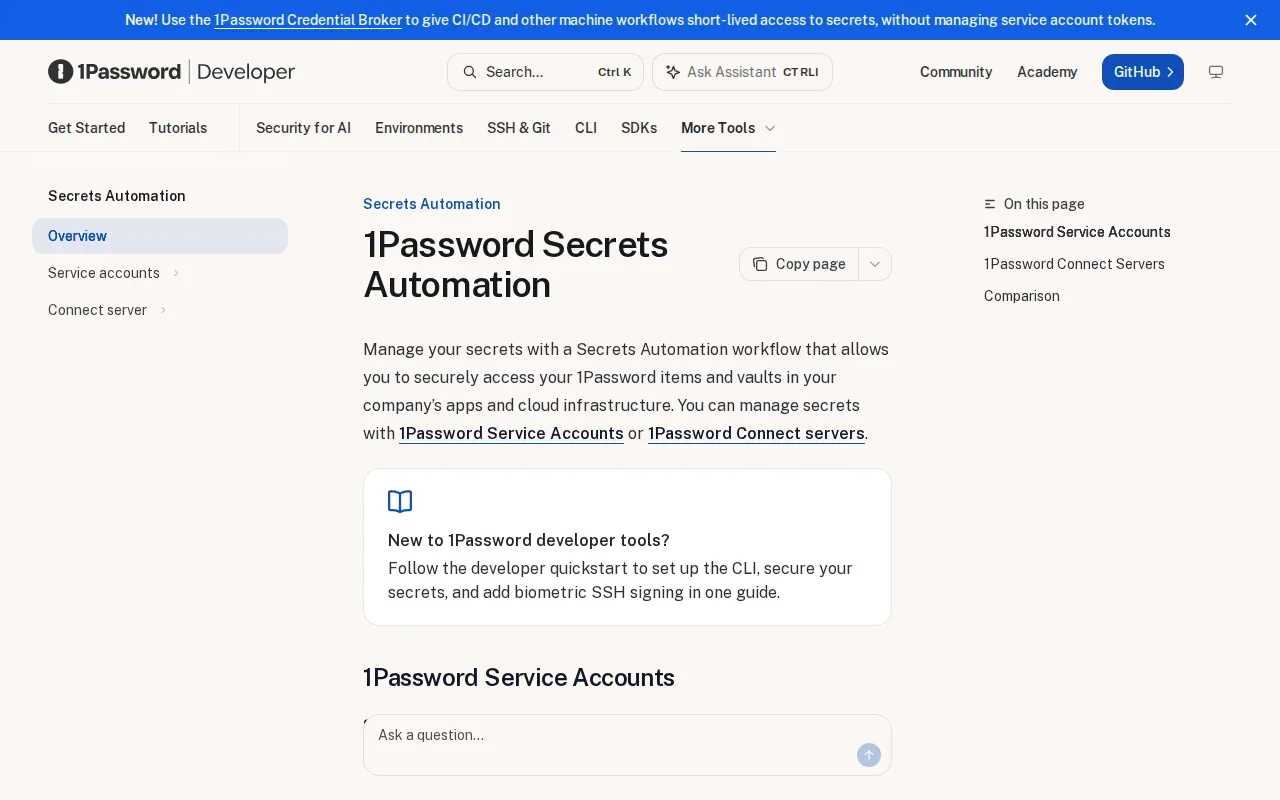
Service accounts can access shared vaults and secrets across infrastructure and applications. Teams can set access based on least privilege, so a person or process gets only the secrets it needs. The CLI can also help with repetitive credential work: update a value once, then sync it across infrastructure.
Its integrations include Terraform, Kubernetes operators, and CI/CD pipelines. Those connections make it worth considering when automated deployments need governed access to shared secrets. The core distinction is workflow: teams can keep a .env-style developer experience while connecting it to service accounts and shared vaults.
Pick this option when your team values .env references and already wants to manage infrastructure secrets through the broader 1Password platform.
Compare the API key management tools by workflow and security needs
API key management is the work of controlling how credentials are stored, accessed, changed, and revoked. A key may identify a client, but it shouldn’t grant more access than that client needs. An API key is generally a credential used to identify or authenticate a caller, so storage is only one part of its lifecycle.
Use this comparison to start with the work your team needs the tool to do. Then check how it fits your deployment path, access rules, and operating model.
| Tool | Best fit | Workflow strength | Key point to weigh |
|---|---|---|---|
| EnvManager | Teams managing .env files and CI/CD secrets | Encrypted, versioned env files with role-based access | Focused on environment-variable workflows |
| Infisical | Teams needing automated rotation or self-hosting | Dynamic secrets, rotation policies, and infrastructure integrations | Broader infrastructure secret management |
| Doppler | Developer teams distributing secrets across environments | Config versioning, branch configs, and broad integrations | Activity log kept 3 days free, 90 days on Team |
| Azure Key Vault by Microsoft | Teams using Azure services and identities | Central management for secrets, keys, and certificates | Strong fit for Azure-centered workflows |
| 1Password Secrets Automation | Teams using .env references and shared vaults | Service accounts and automation through CLI integrations | Connects developer workflows to 1Password governance |
Managed services can reduce the work of running a secrets system yourself. Self-hosting can give a team more control over where the service runs, but the team also owns its deployment and upkeep. Infisical supports both approaches. Azure Key Vault is a cloud service, while EnvManager is a self-serve SaaS platform.
For key rotation, define the change path before an incident forces it. Create a replacement key, store it centrally, update the workloads that use it, confirm they still work, and revoke the old key. The exact automation depends on the service that issued the credential and your deployment setup.
For a related view of credential handling across authentication flows, see API authentication best practices. A tool can govern secret storage, but your application still needs to validate requests and limit each key’s permissions.
API Key Management FAQ
What is API key management?
API key management is the process of storing, controlling, updating, and revoking API credentials. It includes deciding who or what can use each key and where that key is delivered. A central manager can replace scattered values in files or pipeline settings with controlled access and a clearer change history.
How should developers store API keys?
Store API keys in a secrets manager or a secure CI/CD secret store, not in source code or committed .env files. Keep development and production credentials separate. Give each workload only the key and permissions it needs, and make sure logs don’t print secret values during builds or error handling.
How do you rotate an API key without downtime?
Create a replacement key and store it in the system that delivers secrets to your app. Update the app or pipeline to use the new value, then check that requests succeed. Revoke the old key only after its consumers have switched. If the issuing service supports overlapping keys, use that window to validate the rollout.
Should API keys be rotated automatically?
Automatic rotation can help when the issuing service and dependent applications support a safe update path. Set a rotation policy, make sure new values reach each consumer, and test that the app works before the old credential expires. If the change requires manual steps, assign an owner and keep a clear replacement and revocation plan.
What’s the difference between a secrets manager and an API gateway?
A secrets manager stores and delivers credentials to people, applications, or deployment jobs. An API gateway handles API traffic and may enforce rules on incoming requests. Some teams use both: the manager protects the key before use, while the gateway or API service controls how callers access the API.
Conclusion
For teams whose day-to-day work centers on .env files and CI/CD, EnvManager is a strong place to start because it combines encryption, version history, and role-based access in that workflow. Choose one non-production project, move its secrets into a central store, then check the handoff from local development through deployment.