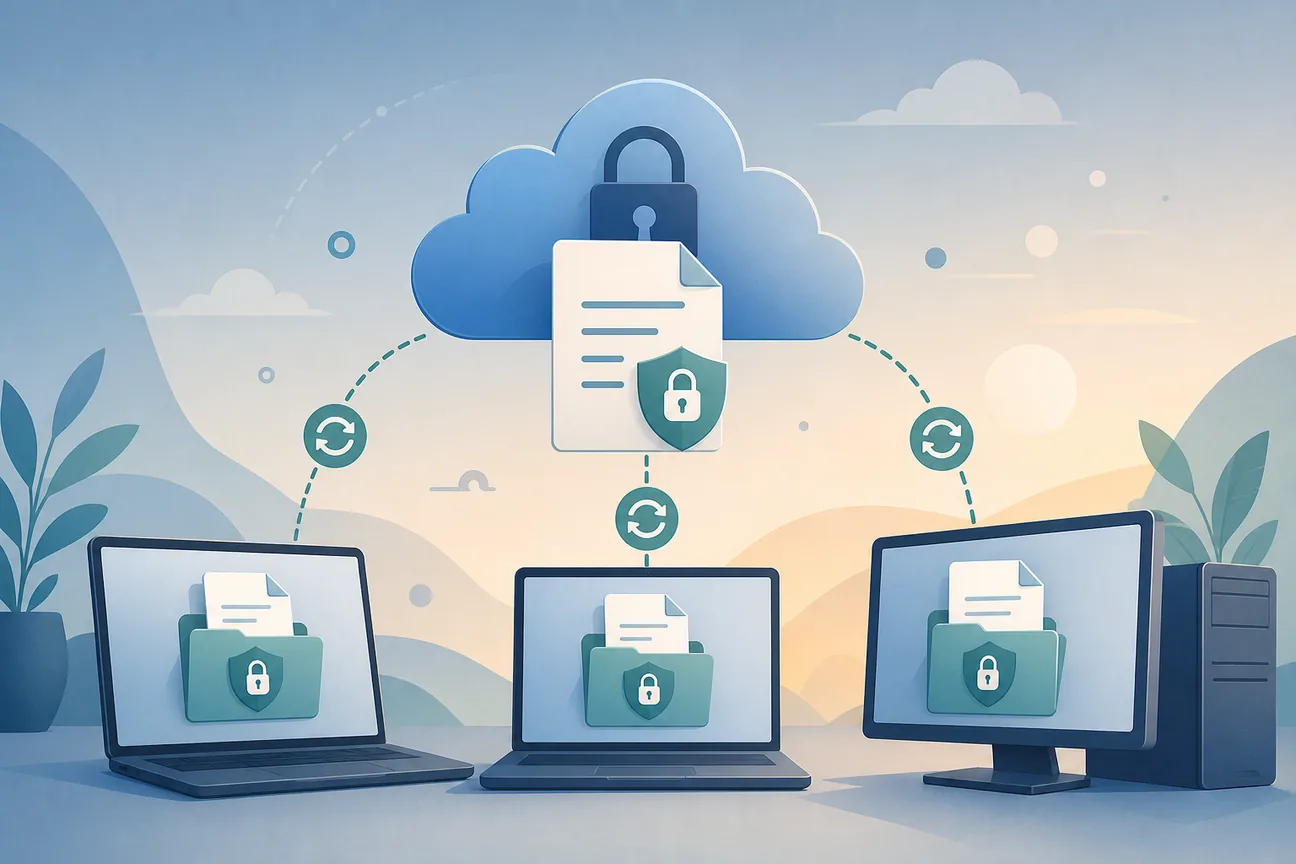
Best Tools to Sync Encrypted .env Files Locally
Compare tools for syncing encrypted .env files to local machines, with details on CLI workflows, access control, and team use.
A stray .env file can put live credentials in your Git history, where deleting the file won’t erase its earlier copies. A tool to sync encrypted .env files to local machines can cut out manual sharing while keeping secrets out of source control. Here are six options, starting with EnvManager.
We analyzed 40 comments and questions from Reddit, YouTube and Quora about syncing encrypted Env files and found that 22% mentioned methods for injecting secrets into CI/CD pipelines.
1. EnvManager
EnvManager is a self-serve SaaS platform for encrypting, versioning, and centrally managing .env files. It syncs secrets to local machines and CI/CD pipelines, with role-based access so team members can get the values their roles require.
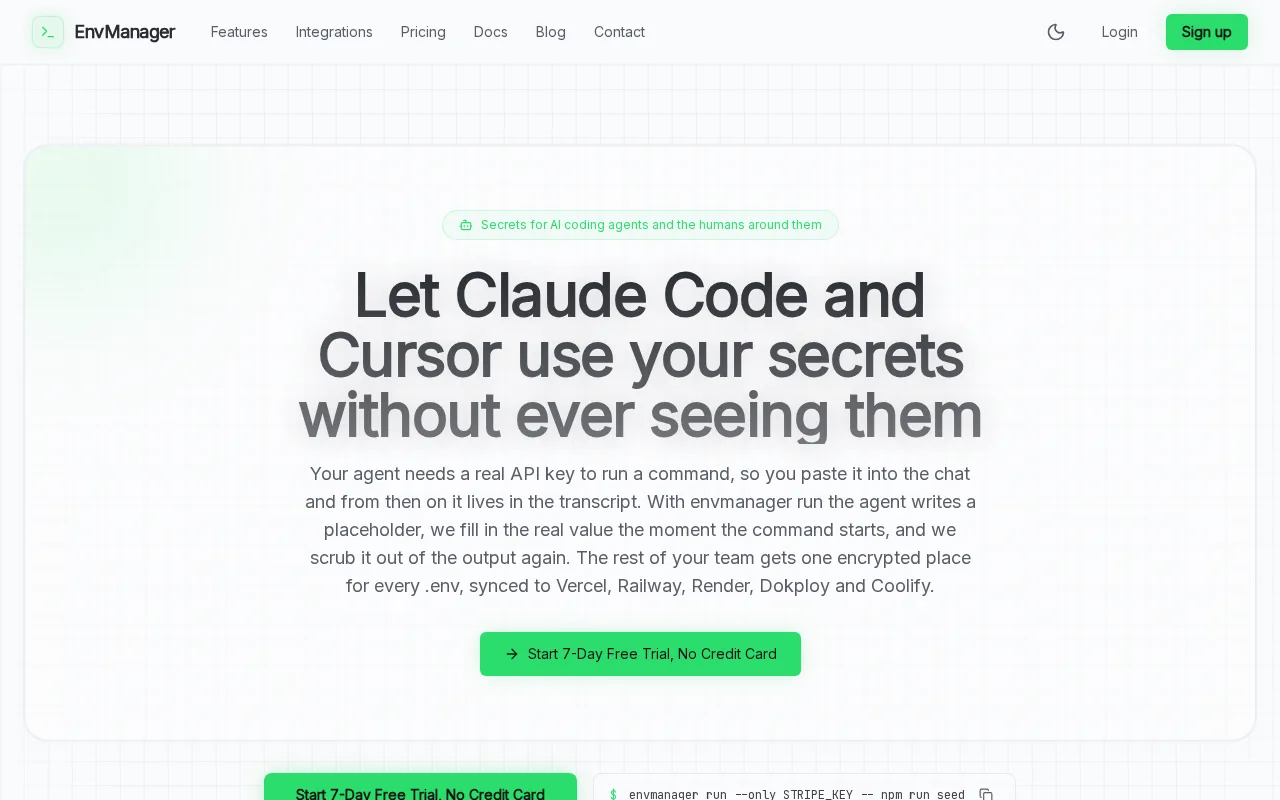
For a team workflow, the useful part is having one source for environment values. A developer can pull the needed file instead of asking a teammate to paste credentials into chat. When values change, version history helps the team track the change and roll back when needed. EnvManager uses AES-256 encryption through Supabase Vault.
The CLI can pull secrets into a local .env file or inject them into a command. For example, envmanager run --only STRIPE_KEY -- npm run seed, which passes a selected key to a process rather than asking a developer to copy it into a script. The EnvManager CLI workflow for developers covers pull, push, and terminal-based secret use.
EnvManager also syncs environment values to CI/CD and deployment services. That makes it a fit for teams that need to keep local development and deploy targets aligned, without treating each teammate’s laptop as a separate source of truth. It’s the first option to assess if your main task is team-wide .env management.
2. Doppler: multi-environment secrets with a local CLI
Doppler is a secrets manager with multi-environment configs and a CLI for local development. It suits teams that need to keep development and production settings separate, then load the right values into a local process.
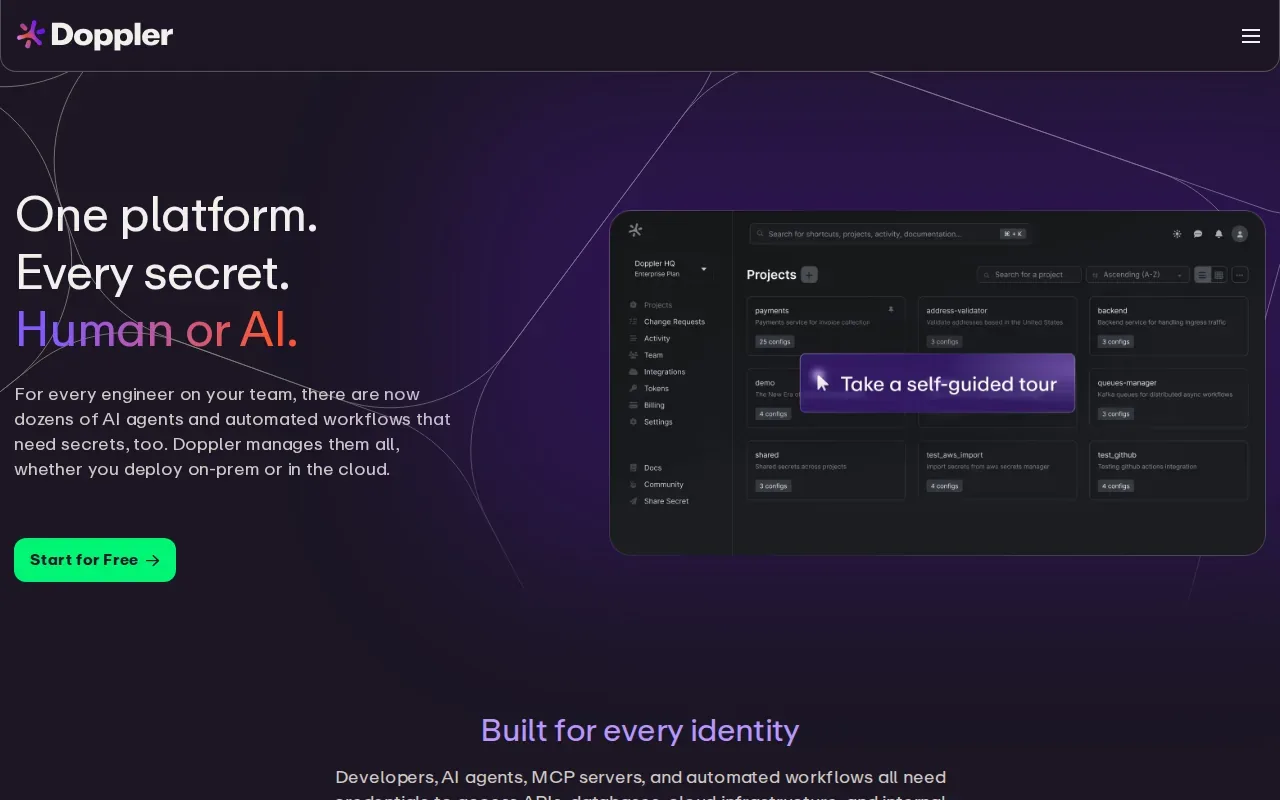
Doppler supports branch configs for ephemeral environments, which can help teams give short-lived branches their own config. It also lists integrations with more than 50 platforms. That breadth may matter when one engineering group deploys several apps through different services.
Its local workflow uses CLI-based secret injection. Rather than relying on an app to read a plaintext file, the CLI can provide values to the process that starts the app. That distinction helps when a local .env file is the wrong place to keep long-lived credentials. Still, teams should check that each developer’s CLI setup uses the intended project and environment before running commands.
Doppler uses role-based access control. Its team pricing is per seat, with extra charges for some add-ons, and it has deeper enterprise features. That may make Doppler a reasonable fit where enterprise needs and integration breadth matter more than a flat team price.
3. Infisical: CLI sync with self-hosting flexibility
Infisical is a secrets platform with a CLI and a self-hosting option. It’s a fit for teams that want local secret access through a command line, while also wanting the choice to run the platform themselves.
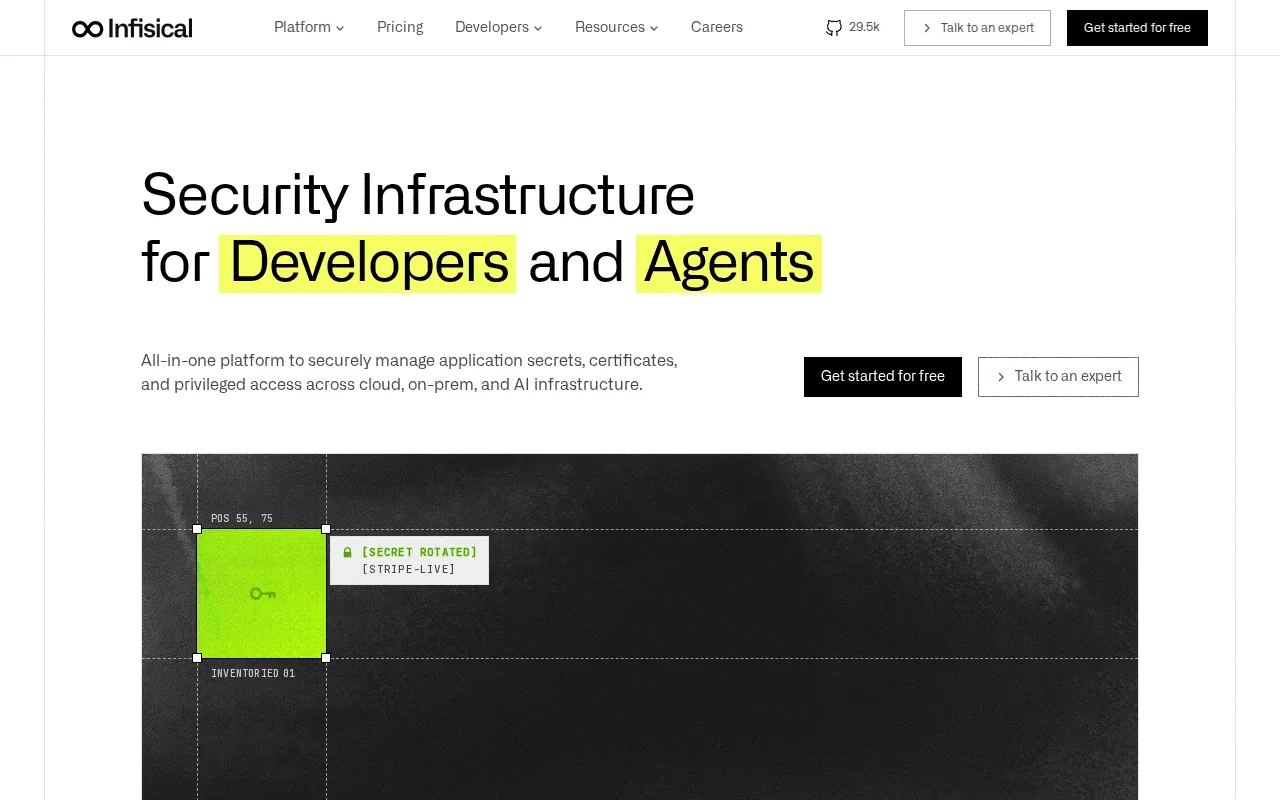
A CLI workflow can inject values when an app starts, so developers don’t need to store every secret in a local plaintext file. The key detail is where the values enter the workflow: use them at runtime, and check that local commands point to the intended project and environment. That matters because a development command can otherwise pick up values meant for another stage.
Infisical includes dynamic secrets, browser-based secret detection, and approval workflows for production changes. It also has audit logs. These features make it worth considering when secret handling reaches beyond sharing .env files, such as when a team needs review before production changes.
Infisical is a broad infrastructure security platform, with features such as dynamic secrets, PKI, and SSH. That extra scope can suit infrastructure teams. A team that mainly needs .env files synced to developer machines may prefer to compare the setup they need with the scope of the wider platform. For a closer look at environment permissions, see this guide to per-environment access control for .env files.
Self-hosting can also change who manages upgrades and service operations. Decide whether your team wants to own that work, or prefers a hosted service. Then test the local CLI flow with a non-production project before rolling it out to developers.
4. dotenv-vault: encrypted push and pull for dotenv projects
dotenv-vault extends the dotenv library with encryption and a sync service. It suits existing dotenv projects where developers want a direct push-and-pull flow between local files and teammates.
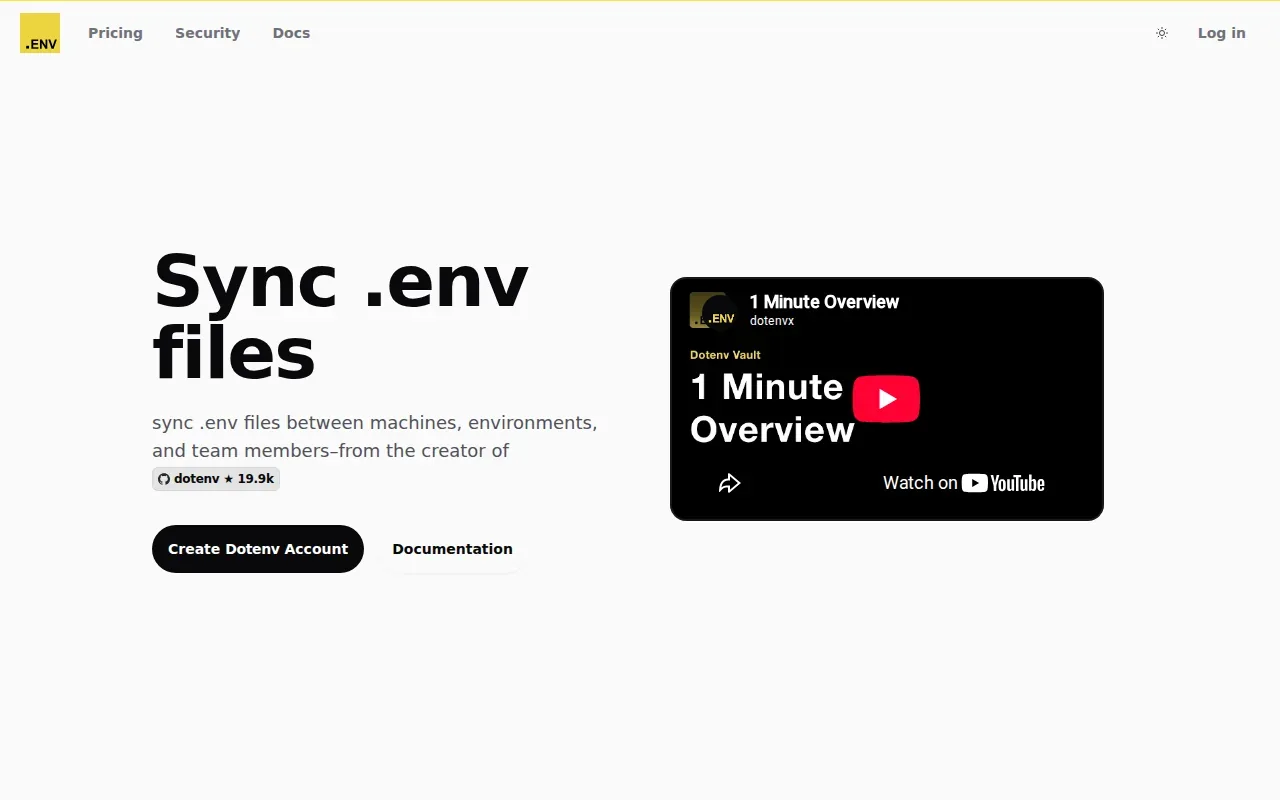
Its CLI can push a local .env file and let another team member pull the synced values. The plaintext .env stays out of version control.
For a developer joining a project, the setup can be as simple as pulling the current environment instead of asking a teammate to send values one by one. The CLI also supports choosing an environment, which helps keep development, staging, and production values distinct. Teams should still control who can access the decryption key, since encryption doesn’t remove the need to manage access.
dotenv-vault supports automatic decryption for local pulls. It’s a close fit if your team already uses dotenv and wants an encrypted file workflow. Check how key access and environment selection will work across laptops and deployment jobs before adopting it.
5. dotenvx: encrypted .env files committed with code
dotenvx encrypts .env files so teams can commit the encrypted files with code, then load environment variables across languages and frameworks. It’s a strong fit for developers who want encrypted, file-based configuration kept alongside a project.
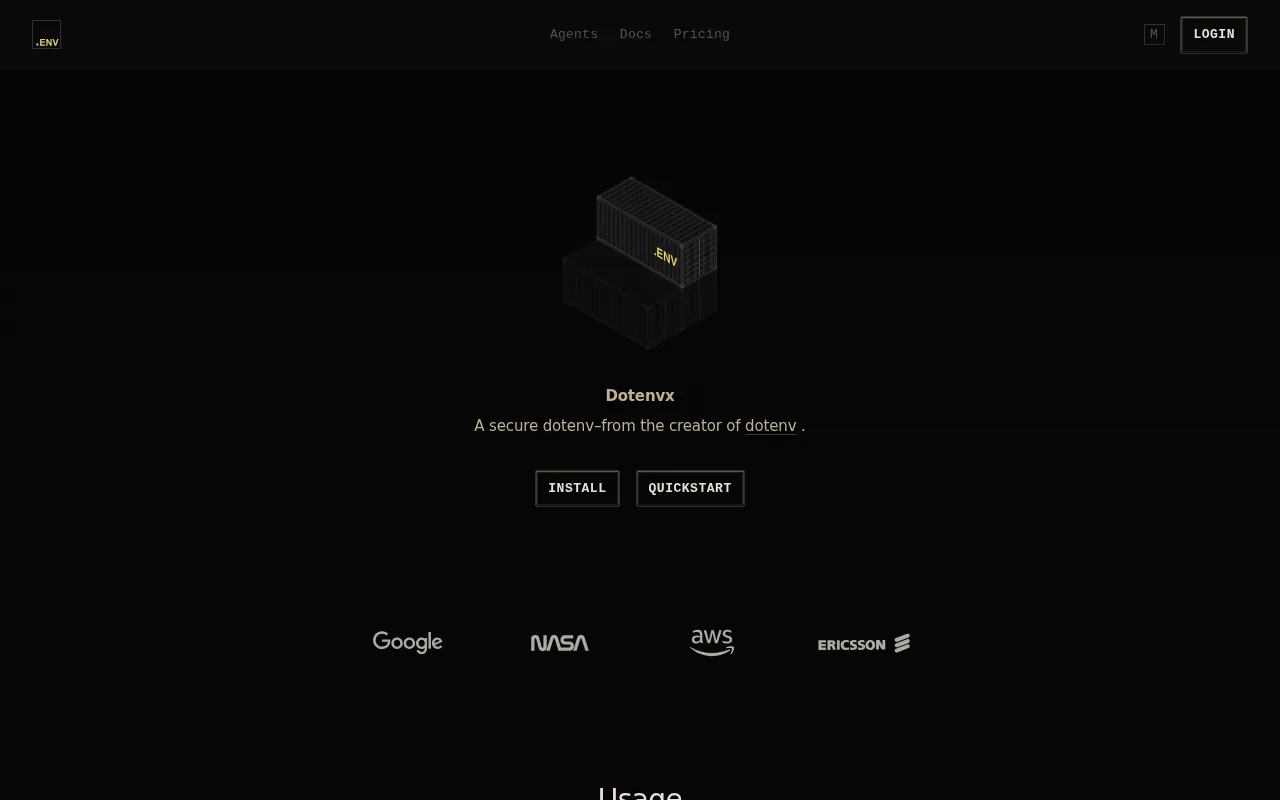
The model differs from a central environment manager. With dotenvx, the encrypted file travels with the repository, while a key is needed to decrypt it. That can make it easier for a developer to get the project’s config after cloning the repo, provided they can get the needed key through a separate secure path.
Keeping ciphertext in Git doesn’t make the decryption key safe to commit. Keep the key out of source control, and make sure developers know how to access it. If a key gets exposed, rotating it and rebuilding the encrypted files helps cut off access through the old key.
dotenvx Core is free and open source, and dotenvx Pro adds managed private keys and team permissions. dotenvx fits encrypted file-level workflows, while EnvManager is aimed at teams that also need a dashboard, role-based access, audit logs, and deployment sync.
Choose dotenvx when the repository-based workflow is the point. If the team needs shared control over who can change or access each environment, compare that need with a centrally managed service before settling on a file-first approach.
6. Envault: CLI pull and push with audit history
Envault is a CLI option for pushing and pulling environment values, with automatic decryption for local sync. It’s worth assessing if you want command-line file sync and a record of secret changes.
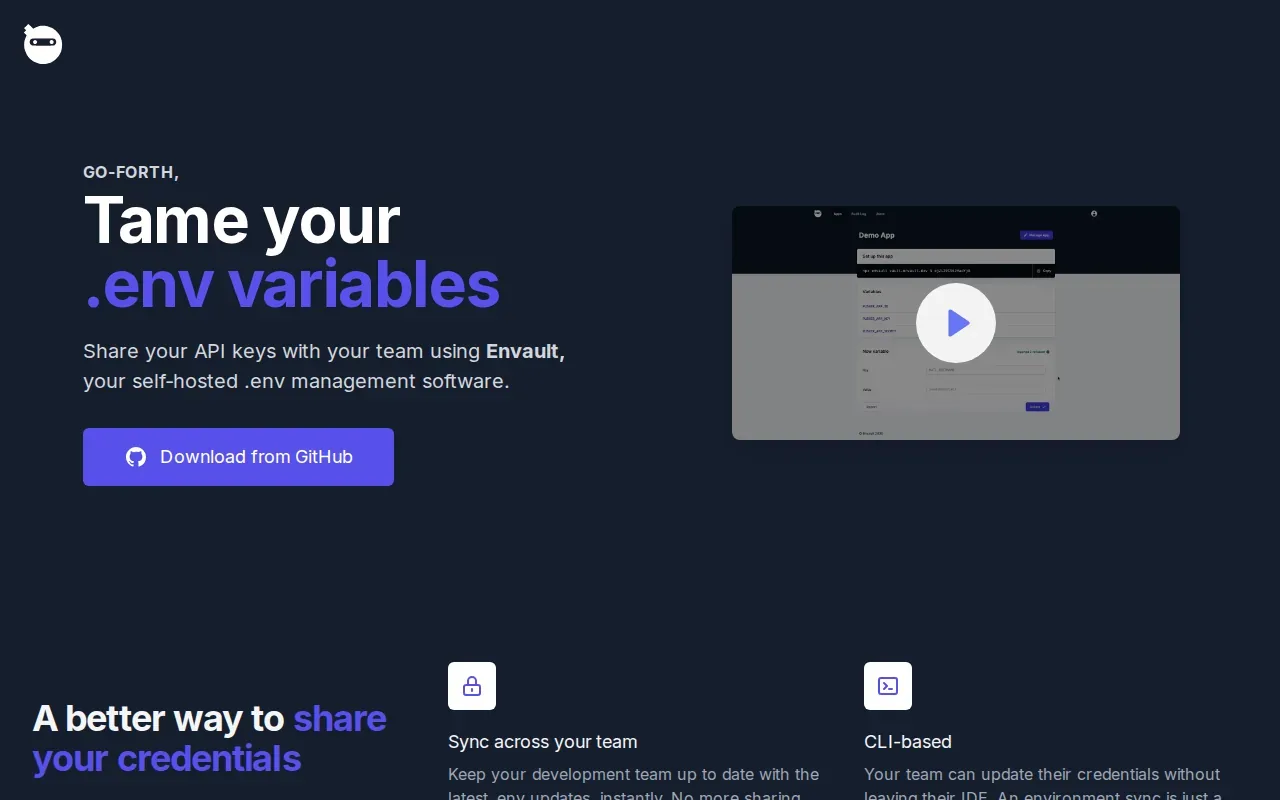
Envault’s rotate command generates a new value, updates the source environment, and records the action in an audit log. That can help when a credential needs rotation: the change and the action are recorded rather than left to someone’s memory. The CLI’s pull and push workflow handles local synchronization.
Its audit history is useful when a teammate asks when a value changed or who initiated a rotation. A log gives the team a record to inspect. It doesn’t replace a clear process for approving changes or sharing access, so decide which people should run commands that update shared values.
| Workflow question | Envault detail | What to check in your setup |
|---|---|---|
| How do local files sync? | CLI push and pull with automatic decryption | Confirm the pull target is the intended environment. |
| What happens during rotation? | The rotate command generates a value and updates the source environment. | Make sure the affected app receives the new value. |
| Can changes be reviewed later? | Rotation actions are recorded in an audit log. | Set a team habit for checking the log after sensitive changes. |
If your priority is an auditable CLI routine, try the commands against a test environment before using them with production credentials.
FAQ
Can I sync an encrypted .env file between two computers?
Yes, several tools here support syncing encrypted environment values between machines. The exact flow depends on the tool: some use CLI push and pull, while others inject values into an app process at runtime. Keep plaintext files out of Git, protect the decryption key, and confirm each machine pulls the right environment.
Should an encrypted .env file be committed to Git?
It depends on how the file is encrypted and how its key is stored. Some tools support workflows that allow encrypted files in a repository, but the decryption key must stay separate. Never commit a plaintext .env file or its decryption key. If a secret lands in Git history, rotate the exposed value.
Is CLI injection safer than saving a local .env file?
CLI injection can keep secrets out of a persistent local file by passing values to a process when it starts. It still depends on correct access controls and a safe command setup. A local file can be easier for tools that need file input, but keep it out of version control and limit who can read it.
How do I stop a dev container from committing secrets?
Keep the environment file outside source control, then configure the dev container to load it when it starts. A devcontainer configuration can point to an environment file path, so values are available inside the container without adding the file to the repo. Check that the path works on each developer’s machine.
Conclusion
If you need team-managed .env files with local and pipeline sync, start with EnvManager and test its CLI against a development environment. If your workflow centers on encrypted files in Git or a broader secrets platform, compare the other options against your key access and audit needs. The EnvManager CLI and integration docs are a useful next step before you move team secrets.