
Best Privileged Access Management Software
Compare privileged access management software for credential vaulting, JIT access, session recording, auditing, and infrastructure control.
Privileged access management software controls high-impact accounts and tracks how people use them. The five picks below cover different jobs, from vaulting admin credentials to granting temporary infrastructure access. EnvManager handles a related but distinct need: managing .env secrets across developer workflows.
1. PAM360 by ManageEngine: broad coverage from vaulting to just-in-time elevation
PAM360 by ManageEngine is a full-stack PAM platform for teams managing privileged accounts, resources, and sessions. It combines vaulting and password rotation with session recording, just-in-time elevation, certificate management, and SSH key management.
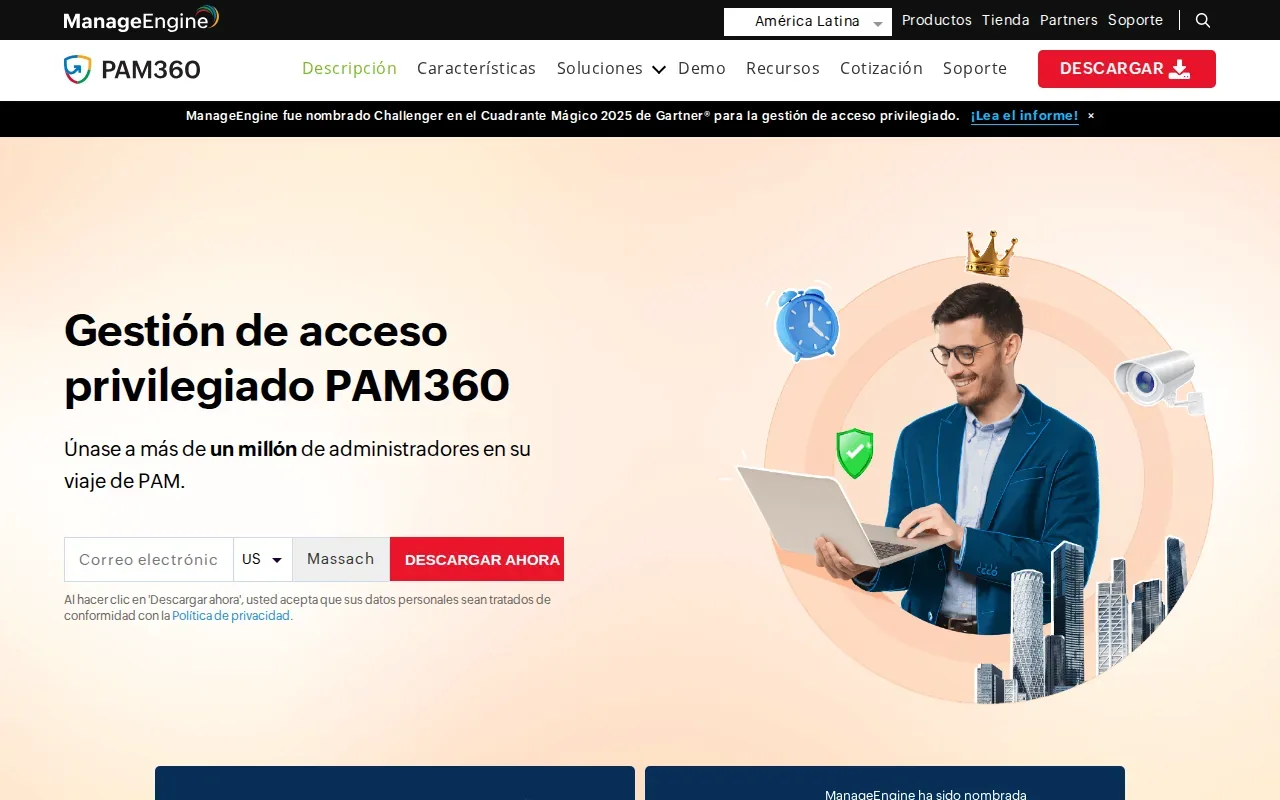
That range fits IT and security teams that need one system for several privileged access tasks. Just-in-time elevation can grant higher rights for a defined task instead of leaving them in place. Session recording gives reviewers a record of privileged activity, while certificate and SSH key management address credentials beyond user passwords.
The platform also supports least-privilege workflows and controls for applications and commands. For a team reviewing a production access request, that can mean granting a specific elevated action rather than broad administrator rights.
Its breadth can suit organizations with a mixed infrastructure estate and formal audit needs. It may be more than a team needs if the main issue is just sharing application secrets with a few developers. Start by mapping the privileged accounts you want to govern, then check that each maps to a PAM360 control.
2. Securden Unified PAM: credential vaulting with rotation automation
Securden Unified PAM combines credential vaulting with session monitoring and secret rotation automation. It suits IT security and compliance teams that want a broad PAM stack without adding legacy complexity.
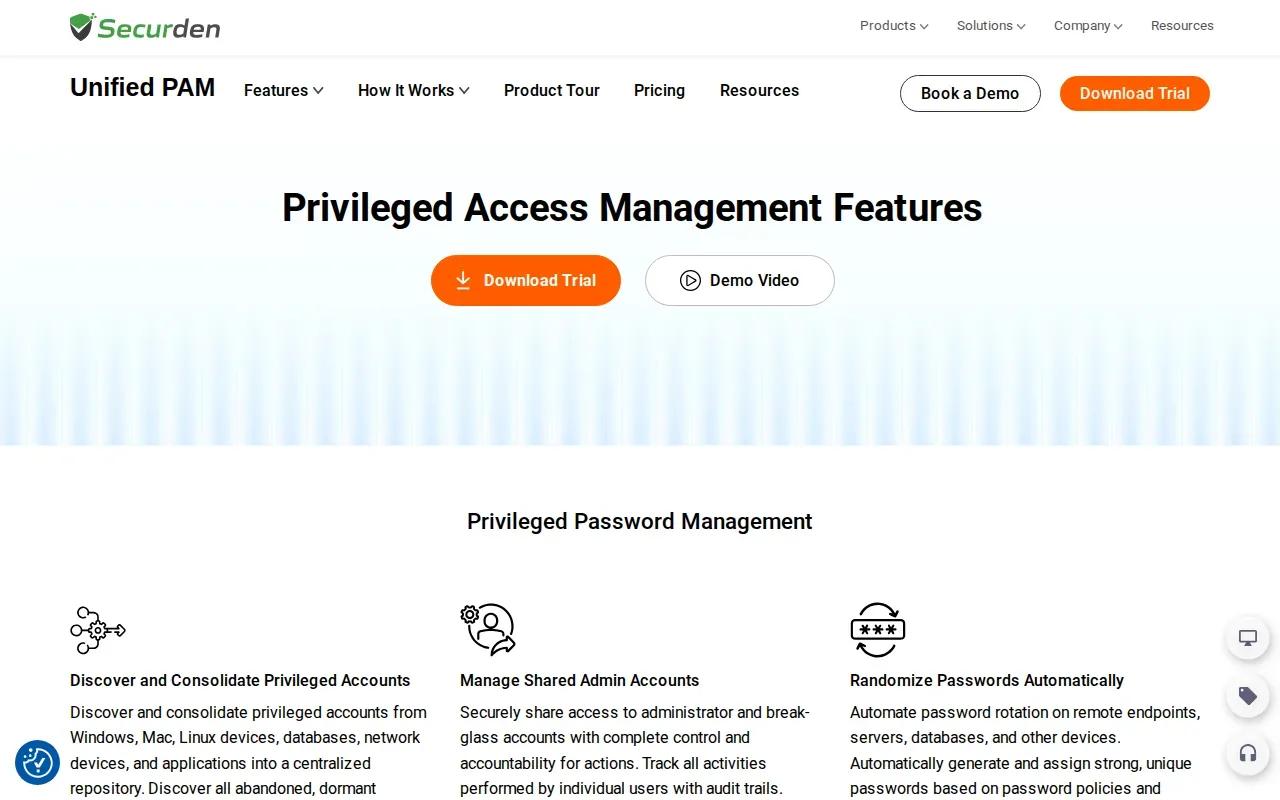
Rotation automation is a key distinction. Securden can rotate passwords on remote endpoints, servers, databases, and other devices. Teams can also manage SSH keys and use APIs to retrieve passwords, keys, or certificates for applications and scripts.
For a service account shared by several systems, central storage and rotation can reduce the need to update the same credential by hand in each place. Securden also supports recorded privileged sessions, access trails, and time-limited access. That gives security staff evidence to review after a sensitive maintenance window.
The integrations include ServiceNow, IBM QRadar, AWS, Google Cloud Platform, Microsoft Entra ID, Okta, OneLogin, Duo, YubiKey, RADIUS, Freshservice, and API connections. These can matter when access approvals, identity checks, or security logs already sit in other systems. Teams comparing admin credential controls with developer-focused secret storage may also find our credential management software comparison useful.
Choose Securden when rotating privileged credentials is part of the core problem, not a future add-on. Before rollout, confirm which account types and systems need rotation first, then set a test group.
3. miniOrange PAM: just-in-time access with real-time auditing
miniOrange PAM is an identity-first PAM solution with just-in-time access, real-time auditing of privileged activity, and secret rotation automation. It is a fit for organizations that want access decisions tied closely to identity and time.
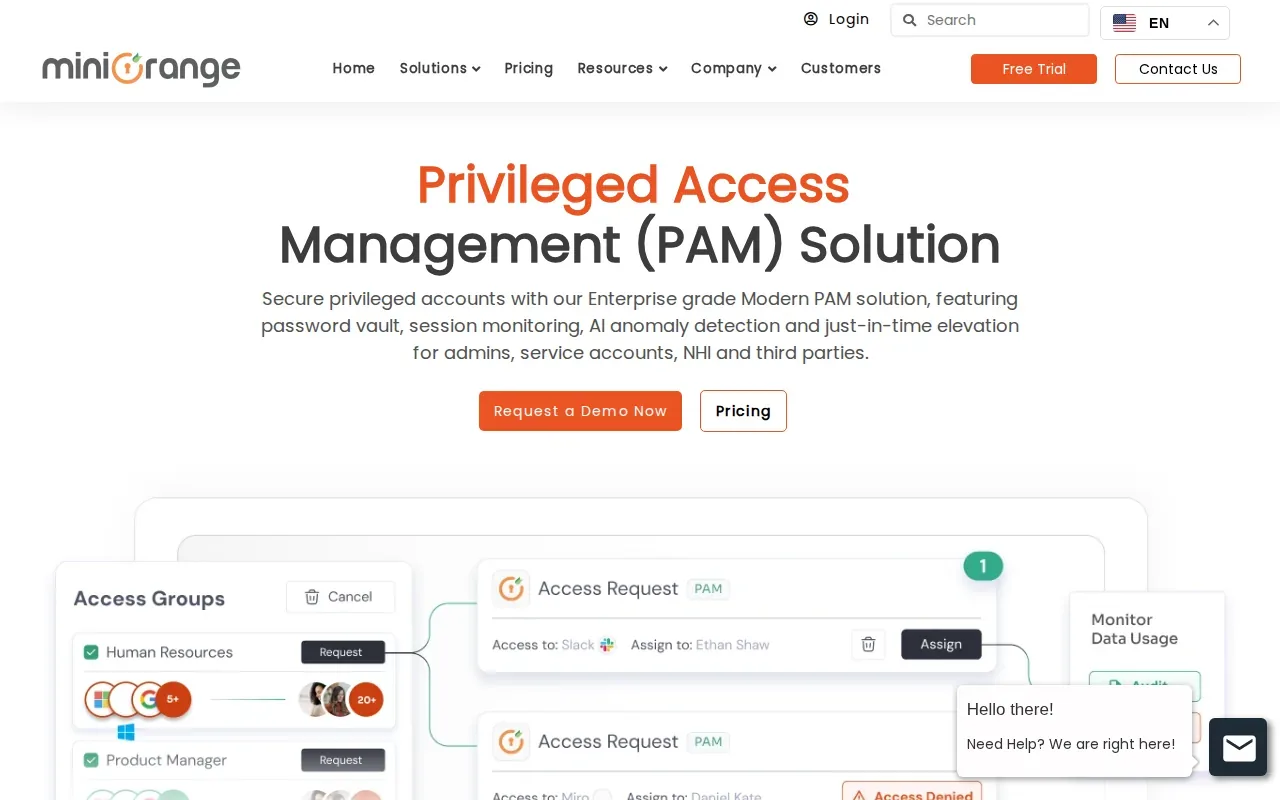
JIT access grants elevated rights only when a user needs them. That makes it useful for a support engineer handling a one-off production task: access can be scoped to the work window rather than kept active by default. The activity audit can help a reviewer trace what happened during that access period.
Secret rotation automation adds another control for credentials that need regular changes. It addresses a different part of the access lifecycle than JIT: JIT limits when a person can act, while rotation changes a secret used by an account or system.
miniOrange PAM provides just-in-time access, real-time auditing, and secret rotation automation.
4. Safeguard by One Identity: session recording and behavior analytics
Safeguard by One Identity combines a privileged password vault with session recording and behavior analytics. It suits teams focused on managing privileged passwords and reviewing activity within sessions.
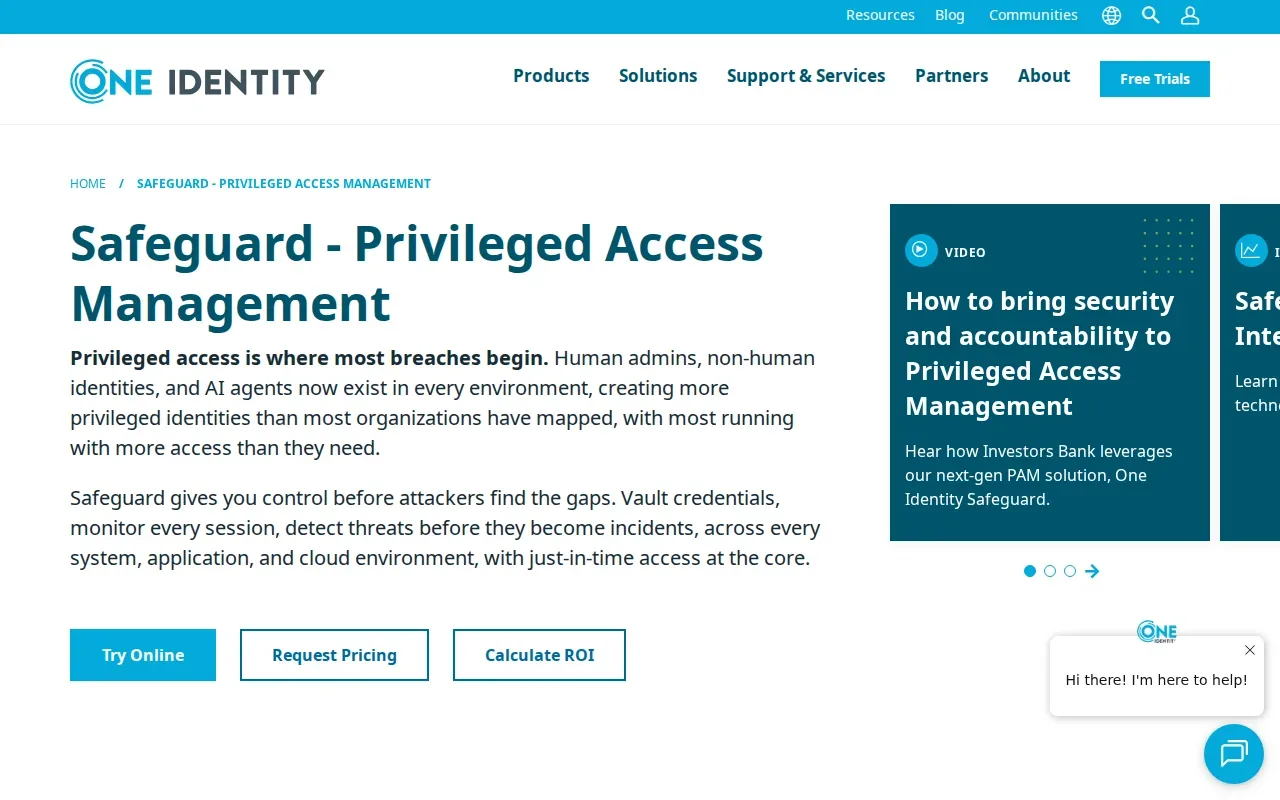
Session recording creates a reviewable record of privileged work. That can help when an administrator changes a production setting and a later audit asks who took the action. Behavior analytics adds another way to examine privileged activity, rather than relying only on a stored password or access approval.
Safeguard delivers privileged password and session management. It also pairs naturally with One Identity Manager, which may be relevant when an organization already uses that identity management product. Keep the decision tied to your current workflow: password control and session oversight are the strengths here.
For compliance work, identify what evidence reviewers need before deployment. Do they need to confirm who used an account, inspect a session, or review behavior signals? Matching the review task to the product’s controls helps avoid buying a broad suite without a clear operational use.
5. StrongDM: protocol-aware access to infrastructure
StrongDM puts a protocol-aware proxy between users and infrastructure. Engineers connect through a local app while using their normal clients, making it a fit for teams that need just-in-time access to servers, Kubernetes, and databases.
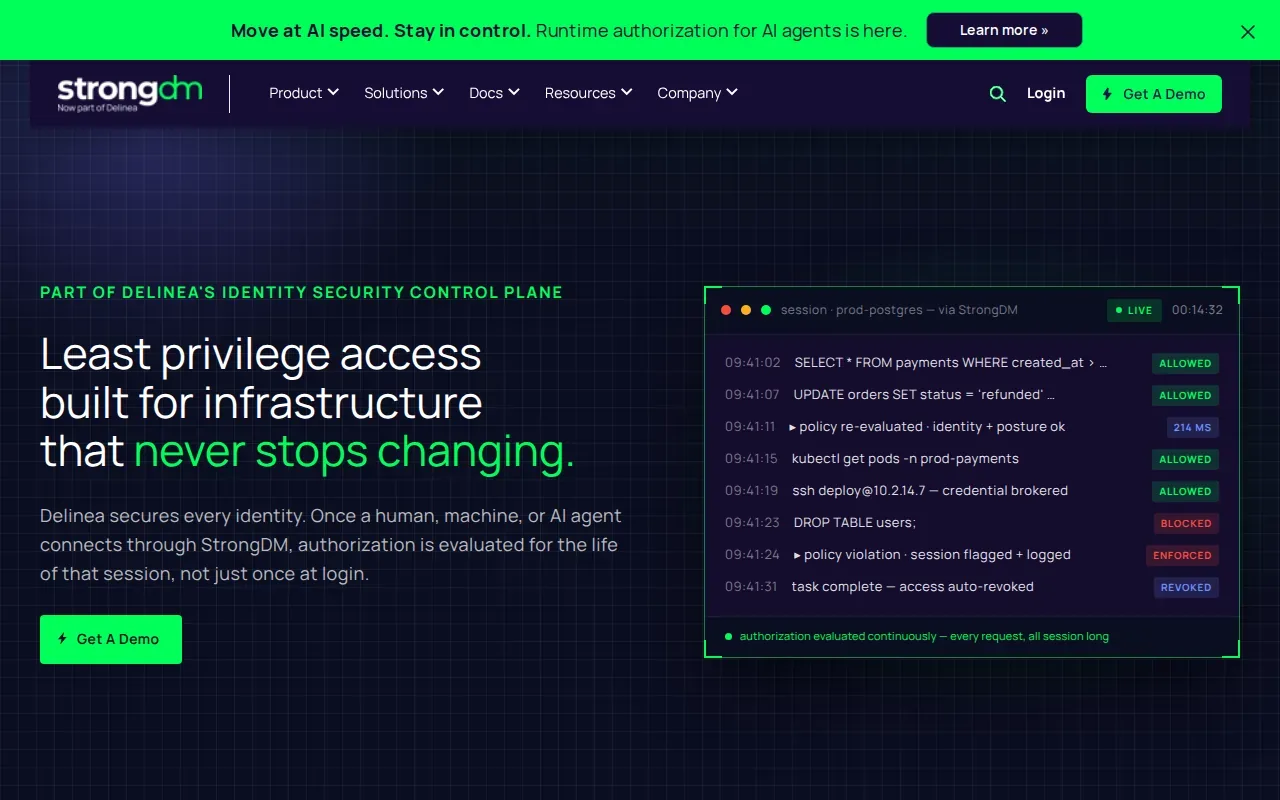
Instead of treating every infrastructure connection as a separate path, the proxy sits between users and the resources they need. StrongDM logs every query or command, which can help answer who accessed a resource and what they did. That detail is useful when a database change or server command needs review.
For an engineer using a familiar database client, the normal-client workflow can reduce changes to daily habits while access stays mediated. The fit is strongest when the goal is controlling human access to infrastructure.
Separate this use case from application secret management. A proxy for infrastructure access does not, by itself, describe how a team manages every .env file or delivers secrets into a build pipeline. Decide which access path you need to govern before you assess the fit.
Compare the five privileged access management platforms
The right choice depends on the access path you need to control. Use this matrix to narrow the shortlist by the main job each product handles, then validate the workflow with your own users and systems.
| Option | Best fit | Main controls | What to verify |
|---|---|---|---|
| PAM360 by ManageEngine | Teams that need broad PAM coverage | Vaulting, rotation, session recording, JIT elevation | Which account and infrastructure types are in scope |
| Securden Unified PAM | Security and compliance teams seeking a full PAM stack | Credential vaulting, monitoring, automated rotation | How rotation fits your target accounts and approval flow |
| miniOrange PAM | Organizations focused on identity-first access | JIT access, real-time auditing, rotation automation | How access windows and audit views fit a pilot task |
| Safeguard by One Identity | Teams focused on password and session management | Password vault, session recording, behavior analytics | What session evidence reviewers need to inspect |
| StrongDM | Engineering teams accessing infrastructure | Protocol-aware proxy and query or command logs | Which servers, Kubernetes resources, and databases need access control |
Cost also depends on what your team must deploy and operate. Compare licensing with the work needed to onboard accounts, define access rules, review sessions, and maintain integrations. Ask vendors to map those tasks to your actual environment, rather than comparing plan labels alone.
PAM typically addresses human access to administrative accounts and infrastructure. EnvManager is a separate, developer-focused option for encrypting, versioning, and centrally managing .env files with role-based access and sync to local machines and CI/CD pipelines. For a wider look at access models, our PAM solutions comparison covers adjacent approaches.
Frequently Asked Questions
What does privileged access management software do?
Privileged access management software controls accounts and actions with elevated rights. It can store credentials, limit access to specific users or tasks, and record privileged sessions. Some products focus on infrastructure access, while others cover credential rotation or session review. Start by identifying which privileged accounts and systems carry the greatest risk in your environment.
What is just-in-time access in PAM?
Just-in-time access grants elevated permissions for a limited need instead of leaving them active all the time. A user might request access to a server for a maintenance task, then lose that access when the approved period ends. Check how each product scopes access and records the activity tied to the request.
Does a PAM platform manage developer .env files?
Some PAM products support secrets used by applications, but the listed platforms focus mainly on privileged accounts, sessions, or infrastructure access. EnvManager is built for centrally managing .env files, with role-based access and sync to local machines and CI/CD pipelines. Teams may use a PAM system and a developer secrets tool for different access paths.
What should I compare when choosing a PAM product?
Compare the specific controls tied to your risk: credential vaulting, automatic rotation, JIT access, session records, or infrastructure connection logs. Then test a real workflow with the people who request access and the staff who review it. Include deployment and ongoing review work in your cost discussion, not only the license.
Conclusion
Choose the PAM platform that matches the privileged access path you need to govern, then run a focused pilot before expanding. If your main pain is .env handling across developer workflows, learn how JIT access fits a broader access design and see whether EnvManager complements your PAM setup. Start with one service and document the access flow.