
Best Privileged Access Management Solutions
Compare privileged access management solutions for admin credentials, session oversight, and developer secrets. Find the right fit for your team.
A shared admin password can open far more than one system. Privileged access management solutions help control who can reach sensitive accounts and what they can do there. Here are five platforms for broader privileged access needs, plus a note on where EnvManager fits for software secrets.
1. KeeperPAM by Keeper Security: Cloud PAM for teams already using Keeper
KeeperPAM by Keeper Security is a cloud PAM platform that grew out of a business password manager. It’s a fit for teams that already use Keeper and want privileged access controls in the same cloud platform.
KeeperPAM combines enterprise password management, secrets management, connection management, zero-trust network access and remote browser isolation in one interface. Keeper Discovery, run through the Keeper Gateway, catalogs machines, databases, directories, accounts and credentials across local infrastructure, AWS and Azure and imports them into the Keeper Vault as managed resources.
Keeper describes the platform as cloud-native and zero-knowledge, with end-to-end encrypted connections from Keeper to the target systems, and it lists integration with identity providers. The deciding question is whether a cloud PAM approach built on the Keeper Vault matches your existing tools.
2. Safeguard by One Identity: Privileged access with identity governance connections
Safeguard by One Identity provides privileged password and session management. It’s a strong fit for enterprises that want privileged access management alongside identity governance, especially where One Identity Manager is already part of the identity stack.
Its key distinction is the link between privileged access controls and identity governance. That connection can help teams relate a privileged account to the wider access decisions they manage.
That matters in a setting where an audit asks more than whether a password sits in a vault. Teams may also need to show who requested access, which privileged session followed, and how that access fits the person’s broader permissions.
Safeguard is worth considering when PAM and governance should be planned together. If the immediate pain is secret delivery to build and deploy jobs, compare that need with a developer-focused tool before choosing an enterprise identity platform.
For teams evaluating temporary elevation, the guide to just-in-time access explains the core pattern: grant access for a defined task, then remove it when the task ends.
3. PAM360 by ManageEngine: Unified controls for IT teams
PAM360 by ManageEngine is a unified PAM platform for IT teams that need to manage privileged accounts and routines from a central console. The product covers account discovery, access controls, and privileged session management.
ManageEngine describes fine-grained permissions that limit users to the rights their roles require. It also supports time-restricted elevation, which can reduce the number of accounts left with permanent admin access. Its session tools record critical activity, giving IT staff a record to review during an investigation or audit.
PAM360 also connects with container platforms and DevSecOps CI/CD solutions for secrets management. It includes certificate lifecycle controls for TLS and SSL certificates. Those functions make it relevant when an IT team wants to cover more than human admin passwords in one program.
The best way to assess the fit is to map the accounts, endpoints, and deployment systems you need to cover. Then test whether its controls match your current access review and incident workflows.
4. Okta Privileged Access: Infrastructure access within the Okta identity platform
Okta Privileged Access extends Okta’s identity platform to privileged infrastructure. It’s a natural option for organizations that already use Okta and want identity controls to cover server access, secrets, and service accounts.
The product covers SSH and RDP access, along with Kubernetes and database accounts. Its published materials also describe controls for shared, service, and break-glass SaaS accounts, plus other non-human identities such as bots. That scope helps teams handle machine access as part of identity policy instead of treating each account as a separate exception.
Okta describes time-bound access, request and approval flows, and session recording for SSH and RDP connections. Those controls can help teams remove standing access and keep an individual record of privileged activity.
Choose this route when tying infrastructure access to an existing Okta identity setup is a priority. Confirm that the resources and session types your team relies on fit the workflows you plan to enforce.
5. Secret Server by Delinea: Enterprise credential vaulting and account discovery
Secret Server by Delinea is an enterprise-grade vault for identifying and securing privileged accounts. It’s a fit for organizations that need to manage credentials across human users, machines, services, applications, and root accounts.
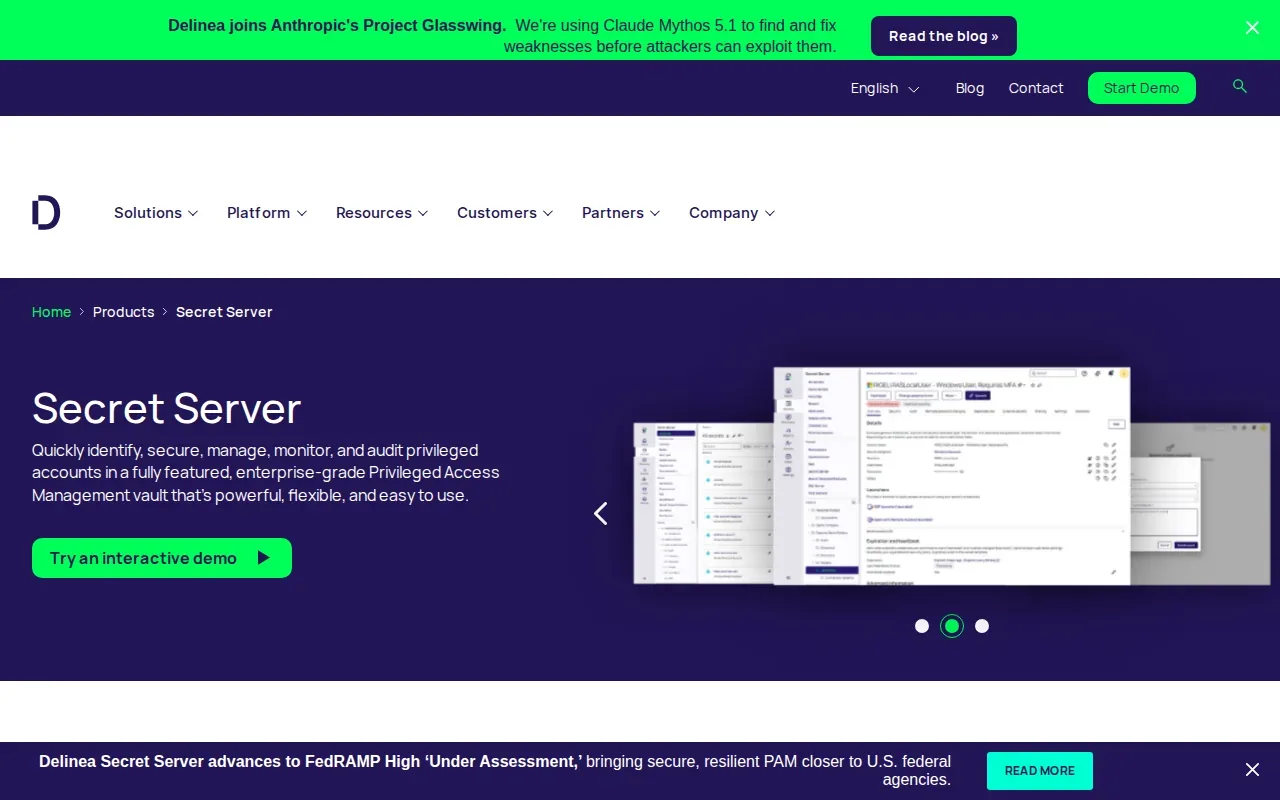
Account discovery matters when teams have lost track of service credentials or admin accounts. A central vault gives security staff a place to manage those credentials instead of relying on scattered notes or shared files.
In PAM projects, rotation changes a credential so an old value can’t remain in use indefinitely. The operational test is whether the rotation process fits the systems that depend on each key and gives owners a way to catch failed updates.
Secret Server is a relevant choice when enterprise credential control and discovery sit at the center of the PAM project. For teams whose main challenge is managing application values across local development and deployment, compare its vaulting focus with credential management software for application secrets.
Privileged access management solutions compared
These products overlap, but they don’t solve the same first problem. Use the table to match the control model to the systems your team needs to protect.
| Option | Best fit | Primary focus | Check during evaluation |
|---|---|---|---|
| KeeperPAM by Keeper Security | Teams already using Keeper | Cloud PAM with password and session controls | Map infrastructure and identity provider needs |
| Safeguard by One Identity | Enterprises linking PAM and governance | Privileged passwords, sessions, and governance ties | Fit with the existing identity governance model |
| PAM360 by ManageEngine | IT teams managing varied privileged routines | Accounts, sessions, certificates, and DevSecOps connections | Test access policies against real IT workflows |
| Okta Privileged Access | Organizations using Okta identity services | Infrastructure access and privileged identities | Check resource and session coverage |
| Secret Server by Delinea | Organizations focused on enterprise credentials | Credential vaulting and account discovery | Plan key rotation around dependent systems |
Before you commit, list the accounts that matter most, including service accounts and deployment credentials. Decide who approves temporary access and what activity needs review. Then test the connection to your directory, cloud services, or CI/CD workflow with one representative team.
Keep the categories clear: EnvManager focuses on software secrets and their delivery, while traditional PAM platforms often add privileged session controls. Access control, auditing and session monitoring are common PAM capabilities.
Frequently asked questions
What is privileged access management?
Privileged access management controls access to accounts with elevated rights, such as administrator, root, and service accounts. A PAM system may store credentials in a vault, limit who can retrieve them, and track privileged sessions. The goal is to grant only the access a person or workload needs, then remove it when that need ends.
What’s the difference between PAM and secrets management?
PAM often focuses on human access to privileged systems, including credential vaulting and session oversight. Secrets management focuses on sensitive values used by software, such as API keys and environment variables. Some platforms cover both areas, but teams should check which workflows they need before treating the terms as interchangeable.
How does just-in-time access help?
Just-in-time access gives a user elevated rights for a limited period instead of leaving admin access active all the time. A team can require a reason or approval, set an end time, and review the resulting activity. That reduces standing access, though the access policy still needs clear owners and review rules.
Can PAM manage service accounts and other machine identities?
Yes, some PAM platforms cover service accounts, application credentials, and other non-human identities. The exact scope differs by product. Make a list of the credentials used by scripts, deployment jobs, and services, then check how each candidate stores, grants, tracks, and rotates those values.
Conclusion
Choose EnvManager when your main need is controlled, versioned secrets for development and deployment workflows. Choose a broader PAM platform when you also need deep privileged session controls or enterprise account discovery. Start by listing the credentials and systems you need to protect, then test one workflow against that list.