
Best Key Management Software for DevOps Teams
Compare key management software for DevOps teams, including .env secret tools, cloud encryption keys, and certificate management.
A leaked or misplaced key can stall a deploy or expose a service. The right key management software keeps each kind of key in the right place and fits the way your team works. Here are five options, starting with a focused tool for encrypted .env files and secret syncing.
1. EnvManager
EnvManager is a self-serve SaaS platform for encrypting, version-controlling, and centrally managing .env files. It gives DevOps teams a shared place for secrets, with role-based access and syncing to local machines and CI/CD pipelines.
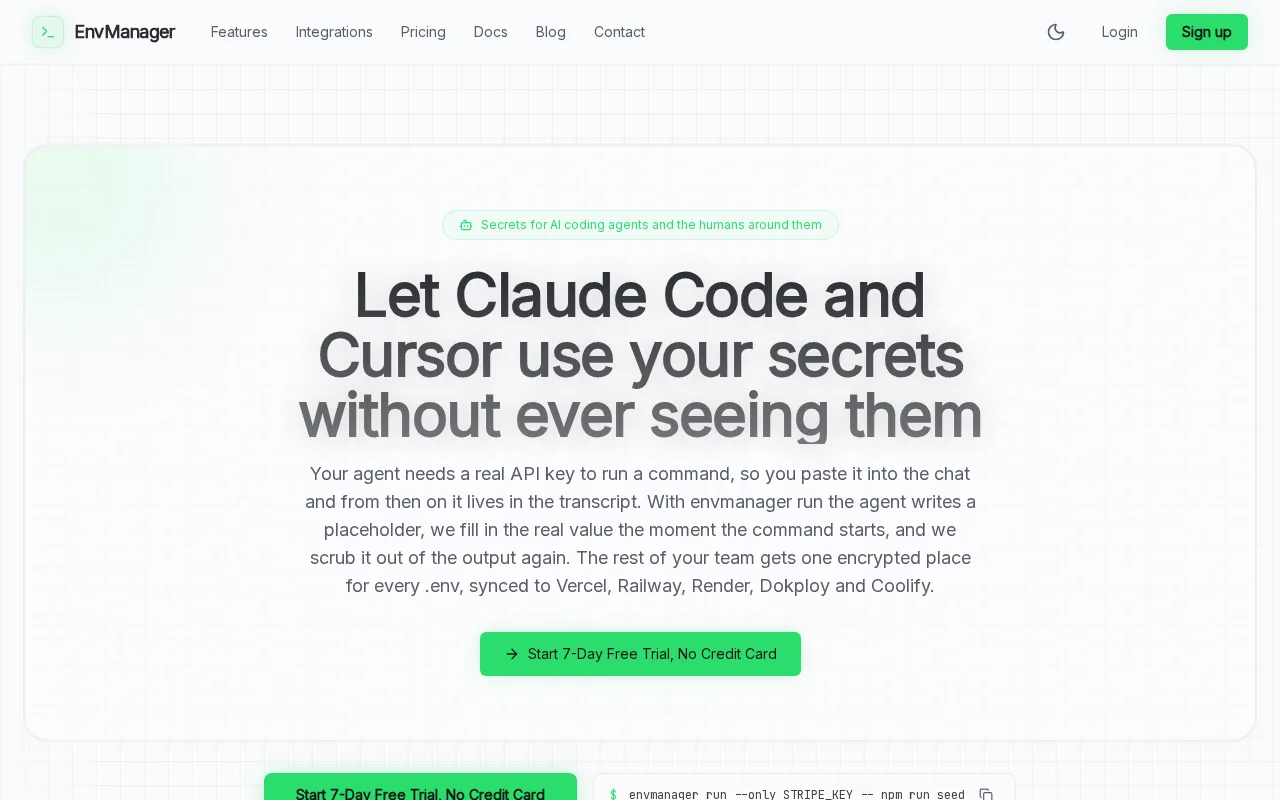
That makes it a fit for teams tired of passing secrets through chat, copying values by hand, or keeping separate files for each app. You manage environment values in one place, then sync them where your development and deployment workflows need them. For another view of the API credential use case, see our API key manager comparison.
EnvManager has one flat team price, unlimited members, and a seven-day trial with no credit card required. It also syncs to platforms such as Vercel, Dokploy, and Coolify. That helps teams working across multiple apps keep their secret workflow in one place instead of opening each app's settings page.
Choose EnvManager when your main need is .env secret management, rather than managing cryptographic keys used to encrypt stored data. It keeps the focus on application configuration. Try the workflow with a development project before moving production values.
2. AWS Key Management Service: policy-controlled cloud encryption keys
AWS Key Management Service (AWS KMS) manages cryptographic keys used to encrypt or digitally sign data. It fits teams that need customer-managed encryption keys and policy-controlled use within AWS services or through the AWS KMS API.
A useful distinction: AWS KMS manages key material, while an application may use a data key to encrypt the actual data. This setup can keep key operations under a defined policy while applications use encryption in their workflows. Common uses include server-side encryption, such as on an EBS volume, and client-side envelope encryption.
For supported customer-managed keys, teams can enable automatic key rotation. AWS says rotation updates the key material, while the KMS key remains the same logical resource. When decrypting, the service selects the material that encrypted the data, so applications can keep using the rotated key without code changes. Check how rotation works for your key type before setting a rotation policy.
Rotation has limits. AWS KMS notes that it does not rotate data keys or re-encrypt protected data. Also, automatic rotation is supported only for certain symmetric keys with AWS-generated material. This is a strong fit for cloud encryption key control, but it doesn't replace a shared .env workflow for application secrets.
3. Doppler: developer-first secrets management
Doppler is built around developer experience. It centralizes secrets across projects and environments, making it a fit for teams that want one workflow for secret values across their development and deployment setup.
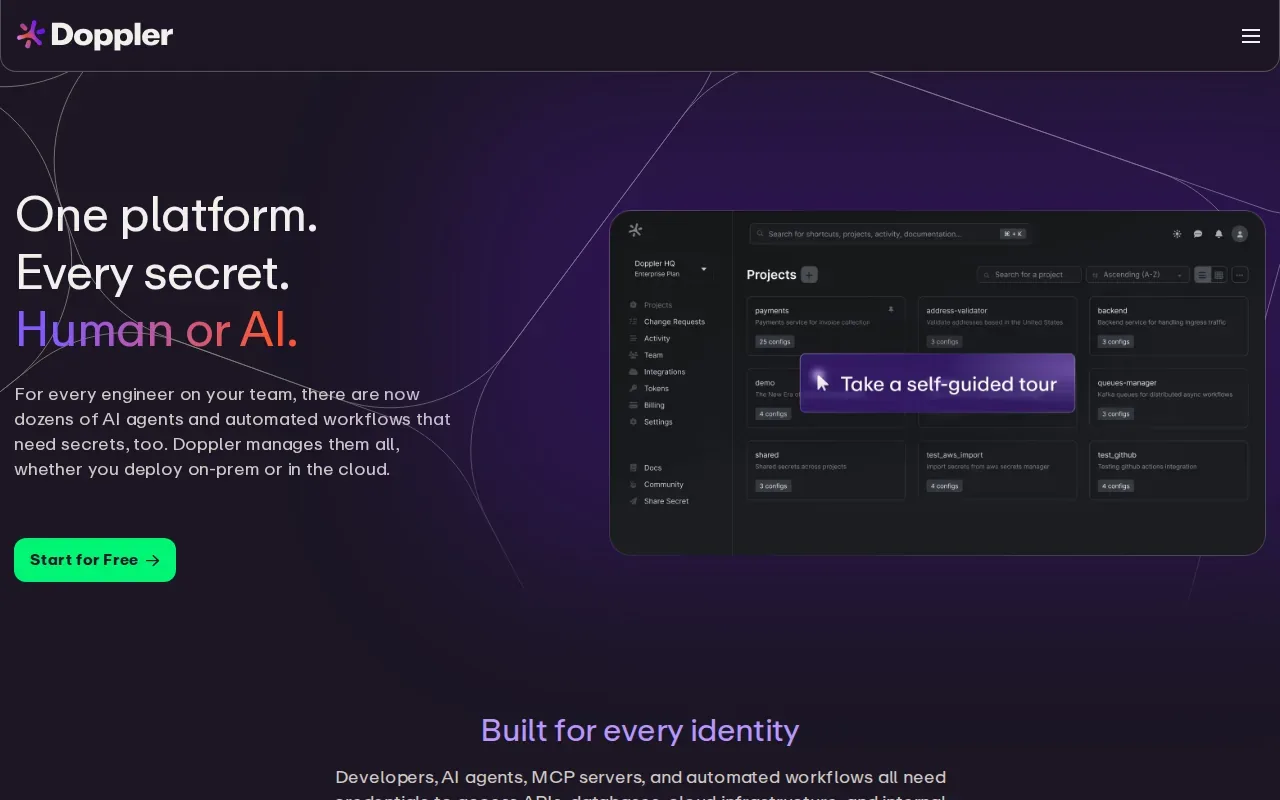
Its integrations include AWS, Azure, GCP, Kubernetes, and CI/CD tools. That breadth can help when a team deploys across more than one cloud or connects secrets to several build systems. Doppler's Dynamic Secrets can issue a fresh credential on each deploy and revoke it automatically, which can reduce reliance on long-lived credentials in that workflow.
The trade-off to weigh is cost structure against the features your team needs. Doppler charges per seat, and it offers deeper enterprise features than EnvManager. For a team with enterprise requirements and a need for wider integration coverage, that may matter more than a flat team price.
Pick Doppler if its SecretOps workflow and integration mix match your stack. Before rollout, check which projects and environments need access, then test how a changed secret reaches a deployment.
4. Infisical: open-source secrets management with self-hosting
Infisical is an open-source secrets management tool with a free self-hosted edition. It fits DevOps teams that want control over deployment location, including self-hosted, cloud, on-premises, or hybrid setups.
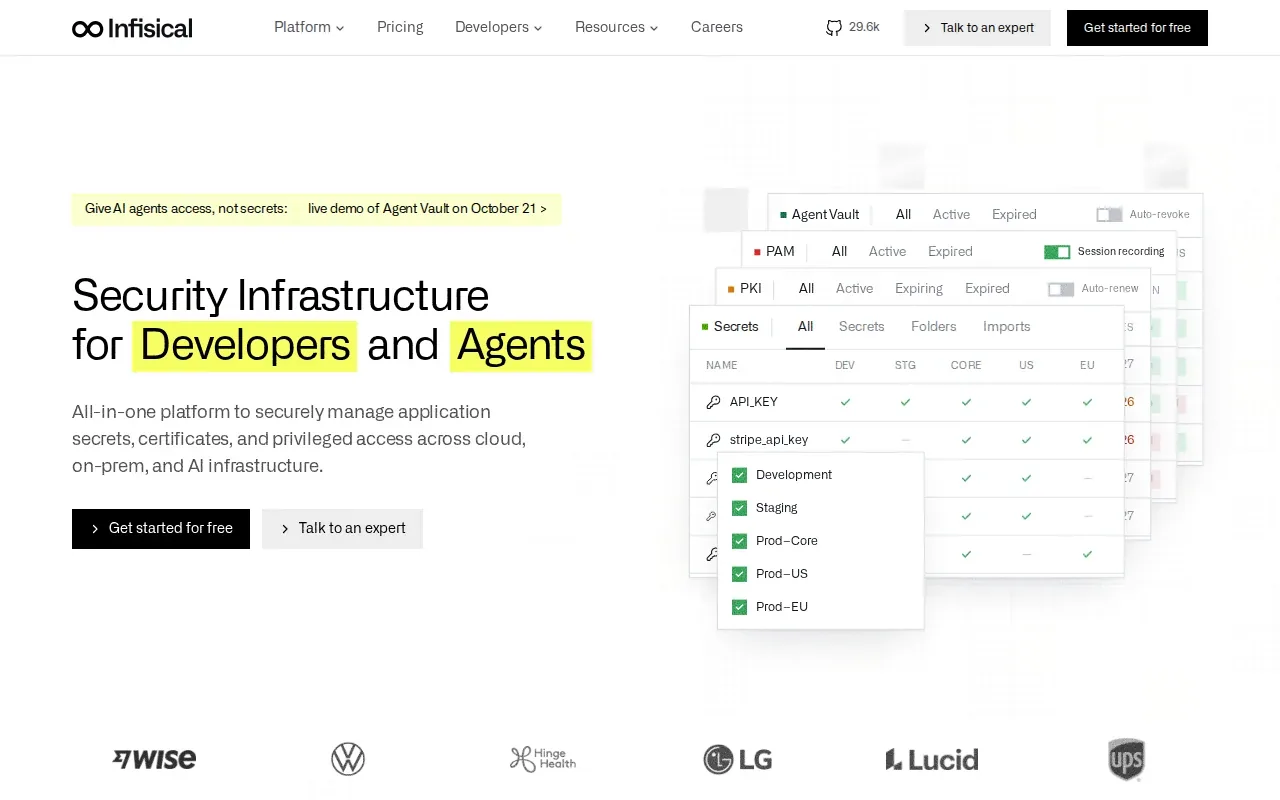
Its secrets management supports environment separation and role-based access by project and environment. Teams can deliver secrets through a CLI, SDKs, agents, Kubernetes, and CI/CD. That gives developers a way to pull secrets into local work or workloads without placing credentials in source code.
Infisical also supports scheduled secret rotation. The platform includes secret history, access requests, approval workflows, and event monitoring, so teams can trace changes and manage access in more detail.
Self-hosting can suit a team with specific infrastructure or compliance needs, but it also means the team must operate that deployment. Infisical is a broader infrastructure security platform, with features such as dynamic secrets, PKI, and SSH. See our secrets management tools comparison when deciding whether you need that wider scope or a focused .env workflow.
Choose Infisical when open-source access and deployment control are central requirements. Test the delivery path with a non-production secret before connecting production workloads.
5. Key Manager Plus by ManageEngine: digital keys and certificates
Key Manager Plus by ManageEngine is a web-based tool for digital key and certificate management. It suits teams that need to manage SSL/TLS certificates alongside SSH or other digital keys.
The product can automate certificate discovery and renewal workflows. It also has certificate lifecycle features that help admins manage procurement, deployment, and renewal from one interface.
For public certificates, the product can automate domain control validation and consolidate issued certificates in its repository. Admins can then deploy certificates to the related servers and track usage or expiration. That can help a team avoid manual tracking across separate certificate authority accounts.
It also provides REST APIs for certificate lifecycle automation and SSH key management. This is a better match for machine identities and certificates than for syncing everyday .env values into local development.
Key management software comparison: match the tool to the key type
“Key management” can mean several different jobs. First identify the asset at risk. Then choose a tool built for that asset, rather than expecting one system to cover every kind of key.
| Option | Key or secret type | Best fit | Decision point |
|---|---|---|---|
| EnvManager | .env files and application secrets | Local development and CI/CD secret syncing | Choose it for a focused environment-variable workflow. |
| AWS Key Management Service | Cryptographic keys | Encryption and signing within AWS workflows | Check key type and rotation requirements. |
| Doppler | Application secrets | Projects and environments across cloud and CI/CD tools | Check the integrations and seat-based cost model. |
| Infisical | Application secrets and infrastructure credentials | Teams seeking open-source deployment options | Decide whether you'll use its self-hosted or cloud setup. |
| Key Manager Plus by ManageEngine | Certificates and digital keys | Certificate and digital key management | Consider its web-based management approach. |
For teams weighing encryption key control, AWS KMS supports keys used to encrypt or digitally sign data. For DevOps teams handling .env values, that is a different job from secret distribution. EnvManager is the first place to look when your main pain is keeping app secrets synced and controlled.
Frequently asked questions
What does key management software do?
Key management software controls how keys or secrets are stored and used. The term can refer to cryptographic keys used for encryption, application secrets such as API credentials, digital certificates, or physical keys. Those jobs need different tools. Start by naming the asset, then check how the tool controls access, supports rotation, and fits your deployment setup.
Is secrets management the same as encryption key management?
No, they solve related but different problems. Encryption key management controls cryptographic keys used to encrypt or sign data. Secrets management handles credentials and configuration values that applications need, such as API keys. A team may need both, especially if it uses cloud encryption and also distributes secrets through development and CI/CD workflows.
Which tool is best for .env files?
EnvManager is built for centrally managing encrypted .env files with role-based access and syncing to local machines and CI/CD pipelines. Doppler and Infisical also manage application secrets across projects or environments. Compare the tools based on where you need secrets to go and whether deployment control or a focused .env workflow matters more.
Conclusion
For DevOps teams whose daily problem is scattered .env values, start with EnvManager and test it with one development project. If you need cryptographic key control, or certificates, choose the option built for that asset instead.