
Best API Key Manager Tools for 2026
Compare the best api key manager tools for 2026, with encryption, RBAC, rotation, audit logs, and CI/CD support.
API keys spread fast. One ends up in a local .env file, another sits in a CI setting, and soon nobody knows who can use them. Among 19 secret-management tools, EnvManager is the sole all-in-one solution in the data set. Here are the best options, plus who each one fits.
1. EnvManager
EnvManager is an api key manager for teams that need secure .env files without slowing down development. We encrypt every value with AES-256-GCM, version changes, and control access with RBAC.
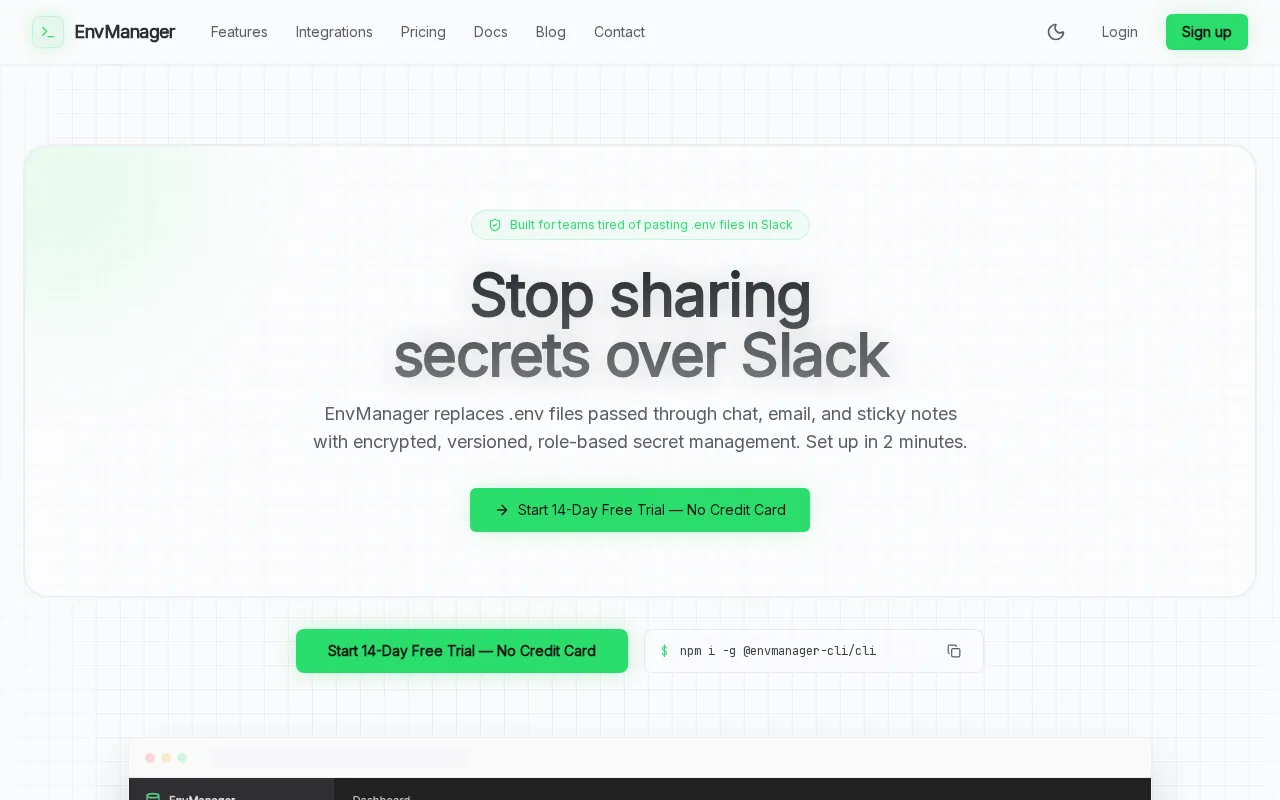
EnvManager keeps one source of truth for development, staging, and production. Teams can sync secrets to local machines or CI/CD systems through integrations for GitHub Actions, Vercel, Railway, Render, Dokploy, and Coolify. Audit logs show what changed and who accessed it.
That workflow also makes key setup less messy. Name a key after its service and environment, add a short description, then store it in the right project. You can pull it into an app without copying the value into source code.
| Task | EnvManager approach | Why it helps |
|---|---|---|
| Create a key | Use a clear name, description, and environment | People can identify its purpose later |
| Share a key | Use RBAC and project access | Access follows the user or team role |
| Deploy a key | Sync it to supported CI/CD tools | Less copy-paste during releases |
| Review changes | Use audit logs and version history | Investigations have a useful trail |
EnvManager is the strongest fit when your main pain is scattered environment variables and API secrets. Its limitation is focus: teams seeking deep infrastructure identity controls may need a broader platform.
2. AWS Secrets Manager
AWS Secrets Manager fits teams already running most workloads inside AWS. This api key manager stores secrets with AWS KMS encryption and supports automated rotation through built-in functions.
CloudTrail integration gives security teams an end-to-end audit log of access and changes.
That makes AWS Secrets Manager useful during an access review. A security lead can trace a change or inspect which role touched a protected resource. Rotation still needs careful testing because the application must handle the updated credential.
Choose it when AWS-native controls matter more than a simple cross-platform developer workflow. For teams managing .env files across many hosting services, the setup may feel heavier.
3. Google Cloud Secret Manager
Google Cloud Secret Manager is a cloud-native api key manager built around cloud-based identity and access controls. It encrypts stored values with AES-256 and lets teams tie access to existing cloud identities.

It suits applications already deployed on Google Cloud, where access-control roles can define which users or services may access a secret. That helps keep permissions close to the workload rather than passing credentials between teams.
The trade-off is workflow coverage. You may need scripts or another deployment layer for those tasks.
Use it when your cloud account is the center of your security model. Look elsewhere if you want one self-serve dashboard for local .env files and several hosting targets.
4. Doppler
Doppler is a developer-focused api key manager with broad CI/CD support. It is a natural fit for teams that want secrets to move through build and deploy systems without keeping values in repositories.

But feature labels need close review. The comparison dataset confirms CI/CD support and rotation, while it does not mark encryption at rest or access control with explicit yes values. Ask how permissions, logs, and key history work for your plan before you migrate.
Doppler makes sense for a delivery-first workflow. It may be less suitable when audit evidence and granular team controls are your first test.
5. Infisical
Infisical is an api key manager for developer teams that want shared secrets across environments.

Teams with many keys may want to avoid writing custom scripts for each service.
Infisical belongs on a serious shortlist, but compare the exact controls you need. The dataset confirms rotation, yet it doesn't provide explicit yes values for every core field. Check encryption details, RBAC depth, audit history, and CI/CD behavior during evaluation.
It is a reasonable option for teams that put developer workflow and rotation near the top. EnvManager is a better match when versioned environment variables and broad deployment sync are the center of the problem.
6. CyberArk Conjur
CyberArk Conjur is an api key manager for policy-based machine access. It fits security teams that need rules for which applications, containers, or jobs may retrieve a credential.

Policy-based access can work well in a large estate. A platform team can define access by workload instead of handing the same key to every developer. The research also lists Kubernetes, Ansible, and Jenkins integrations for Conjur.
The cost is operational effort. Conjur is aimed at machine identity and infrastructure control, so a small SaaS team may find it harder to run than a focused .env manager.
Pick Conjur when policy design is the main requirement. Pick EnvManager when engineers need a self-serve place to label, version, and sync application secrets.
7. Azure Key Vault
Azure Key Vault is an api key manager for Azure-native workloads. It supports audit history and access policies, while its Premium tier includes HSM-backed key storage.

Key Vault security controls can help protect function apps and their credentials. See the documentation for deployment details.
Key Vault makes sense when your identity, app hosting, and monitoring already live in Azure. It can keep secrets near those services and give security teams a clear audit trail.
The caveat is workflow scope. Teams with mixed hosting may need extra glue.
8. Keeper Secrets Manager
Keeper Secrets Manager is a managed api key manager for DevOps, IT security, and development teams. It uses RBAC, supports audit reporting, and handles machine secrets such as API tokens and service credentials.

Keeper Secrets Manager supports credential rotation. It also lists integrations for GitHub Actions, Jenkins, Terraform, and Kubernetes.
The admin console puts provisioning, reporting, auditing, and user management in one place. That can help when a security team needs to review access without asking each product team for screenshots.
Keeper is a strong fit for larger teams that want managed infrastructure secret controls. It may be more platform than you need if your main task is syncing environment variables to a few apps.
9. Akeyless
Akeyless is an api key manager with audit and compliance reporting plus dynamic secrets. Dynamic secrets can reduce reliance on long-lived credentials when a connected service supports that model.

Akeyless is worth a look when your team wants secret automation beyond static environment values. The design may be more than a small team needs, especially if there are few workloads and limited identity rules.
Ask for a clear map of supported services before rollout. Rotation only helps when the target system can accept a new credential without breaking the app.
10. Bitwarden
Bitwarden is an api key manager option for teams that want RBAC with CI/CD access.
Bitwarden can also fit local development workflows. A developer may pull a secret at runtime instead of leaving the value in a plain-text environment file. That lowers exposure on disk, though a secret can still exist in memory while a process runs.
Test the admin controls and reporting path before making it your central store.
Bitwarden is a sensible choice for teams that already use its ecosystem. EnvManager is more focused on versioned .env management across development and deployment environments.
API key manager buying checklist
Don't judge a tool by its feature list alone. Test the full key lifecycle with one non-production credential.
- Create: Give the key a purpose-based name, such as PAYMENTS_API_KEY_STAGING. Add an owner and description.
- Restrict: Apply the narrowest permissions available. Use IP or referrer limits when the API supports them. Set usage or quota limits where possible.
- Store: Keep the value in a secret manager, not source code, chat, screenshots, or an unencrypted file.
- Deploy: Inject the key through a protected environment variable. Never print it in a build log.
- Rotate: Create the replacement first. Update the app. Test it. Then revoke the old key.
- Review: Check access logs and labels. A dashboard should let you list, edit, disable, and delete keys without guesswork.
API keys work well for basic server-to-server access, usage tracking, and rate limits. JWTs fit stateless user sessions because they carry signed claims. OAuth fits delegated access, such as letting an app use a user's account without seeing the password. Pick the auth method that matches the identity and permission model.
For teams that need a fuller operating model, this approach can include encrypted storage, permission-based sharing, scheduled changes, and access logs.
FAQ
What is an api key manager?
An api key manager stores, protects, distributes, and revokes API credentials. It replaces scattered values in .env files, source code, chat, and CI settings with controlled access. Good tools also help you label keys, review changes, restrict permissions, and rotate credentials when a key is old or exposed.
How do I create a new API key?
Create a key in the provider's dashboard or CLI, then give it a clear name and description. State its app, environment, owner, and purpose. Copy the value once into your secret manager. Add restrictions before use, then test the key with the smallest permission set your application needs.
Should API keys be stored in a .env file?
API keys can work in a local .env file, but plain-text files create risk when copied or backed up. Keep the file out of version control and use a manager for shared or production secrets. EnvManager encrypts and versions .env values, then syncs them to supported development and CI/CD workflows.
How often should API keys be rotated?
Rotate API keys on a schedule set by your risk level and provider limits, following API key security best practices. Rotate them at once when exposure is suspected. Create the replacement first, update every dependent service, test the new key, and revoke the old one. Automated rotation helps, but it still needs a tested rollback plan.
Are API keys safer than OAuth or JWT?
API keys aren't automatically safer than OAuth or JWT. They fit simple application or server access, while JWTs suit signed user sessions and OAuth suits delegated access. API keys lack built-in expiry and fine-grained user context, so add restrictions, short lifetimes where supported, and a clear revocation process.
Conclusion
Choose EnvManager if you need one clear system for encrypted environment variables, RBAC, audit logs, version history, and CI/CD sync. Start with a free workspace, move one non-production integration first, and run a full create, deploy, rotate, and revoke test before you migrate the rest.