Best Code Security Scanning Tools for 2026
Compare code security scanning tools for SAST, container checks, and secret detection to find a fit for your team’s languages and workflow.
A code review can miss a risky pattern buried in a change. Code security scanning tools help catch those issues earlier, while developers can still fix them. Here are five options for 2026, covering source code, container images, and secrets. EnvManager handles a different but related job: managing environment secrets across teams and CI/CD.
1. Semgrep: Fast SAST scans with custom rules
Semgrep is a static application security testing (SAST) tool for teams that want quick scans and rules they can write for their own code. It supports more than 35 languages, so it can suit teams that work across several stacks.
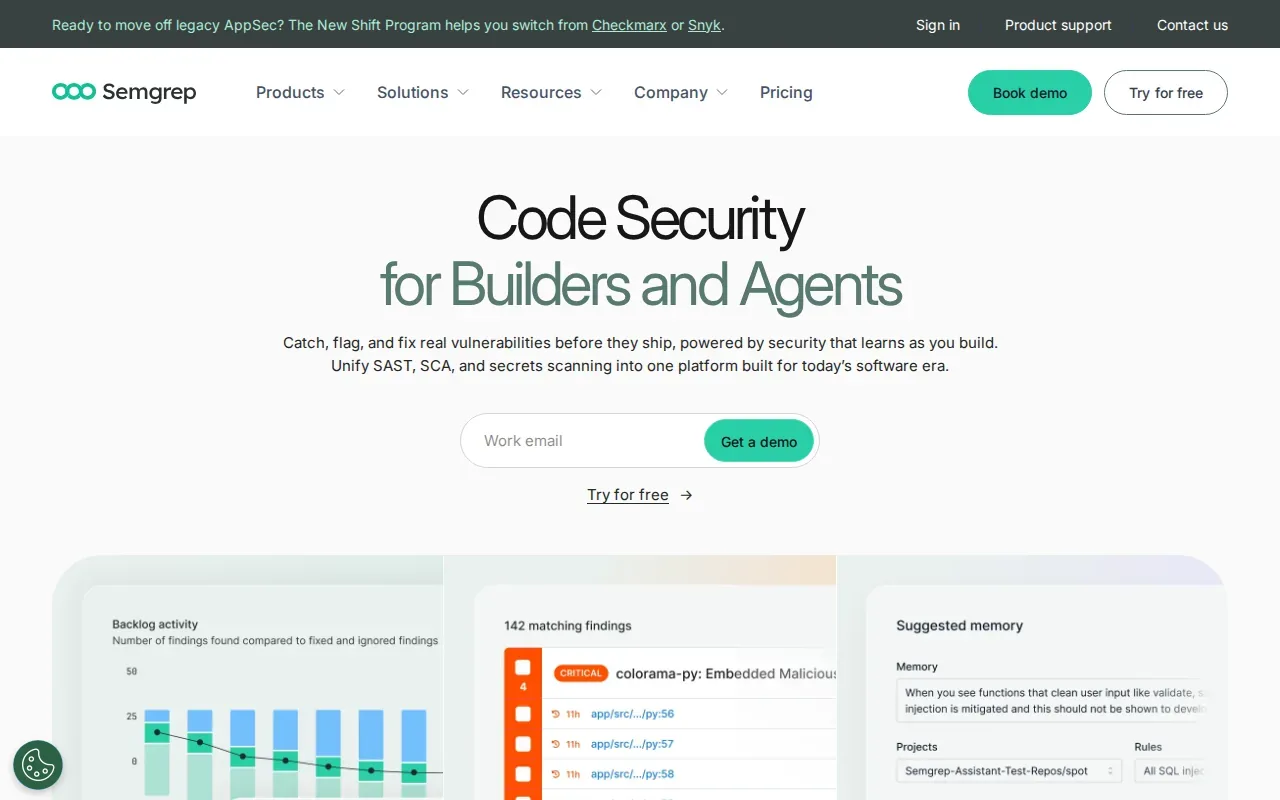
SAST checks code without running the application. A scanner can parse source files, match them against rules, and trace how untrusted input moves through the code. For example, it can flag user input that reaches a risky command without being checked first. That context can help a developer fix the path, rather than just search for a function name.
Semgrep’s custom rules are useful when a team has its own risky patterns to block. Say your codebase has a helper that runs a command, or an old internal library you want to phase out. A rule can flag new uses during development. SAST can fit into local development, pull requests, and CI/CD.
Custom rules need care. A rule that matches too broadly can create noisy alerts, while one that is too narrow can miss cases. Start with a pattern your team understands, then test it against code that should and should not trigger it.
If you’re comparing SAST approaches, our static application security testing tool comparison gives more context. Semgrep is a fit when you want rule-level control close to the code.
2. Checkmarx One: Enterprise SAST with broad language coverage
Checkmarx One is an enterprise SAST platform for AppSec teams that need broad language coverage, central governance, and audit reporting. That breadth can matter when a company has long-running systems alongside newer applications.
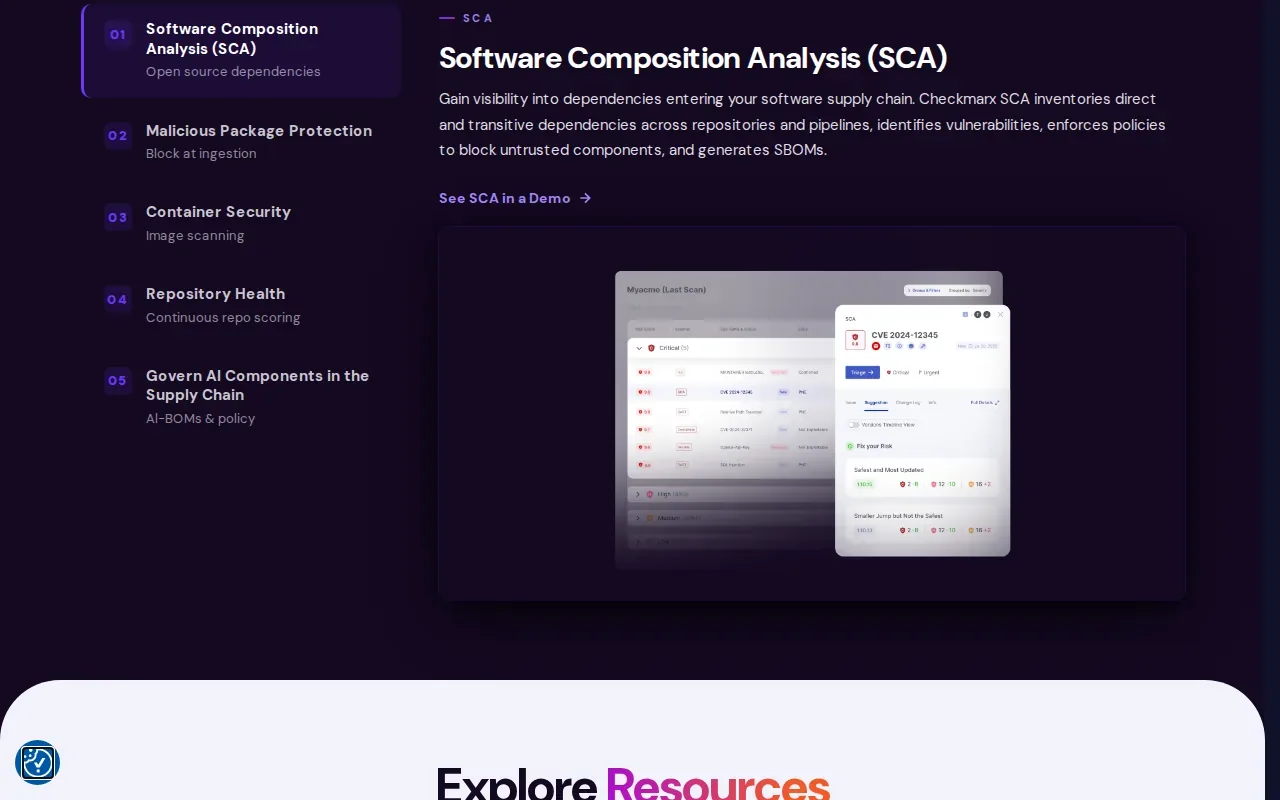
That breadth can help a central security team set a shared scanning approach across varied codebases. The key question is whether the languages and frameworks in your own repositories are covered. Broad language coverage won’t help if a tool misses the framework where your team handles user input or builds database queries.
Confirm the deployment model and the exact coverage you need before setting up a pilot.
It is worth assessing for teams that need central oversight across repositories. In a pilot, test how findings reach the developers who own the code, and whether the reports support the reviews your security team already runs.
Checkmarx One is best considered when governance and language range are central needs, not as a quick rule checker for a single repository.
3. Ostorlab: SAST for findings proven exploitable
Ostorlab is a SAST option for teams that want findings backed by evidence of exploitability.
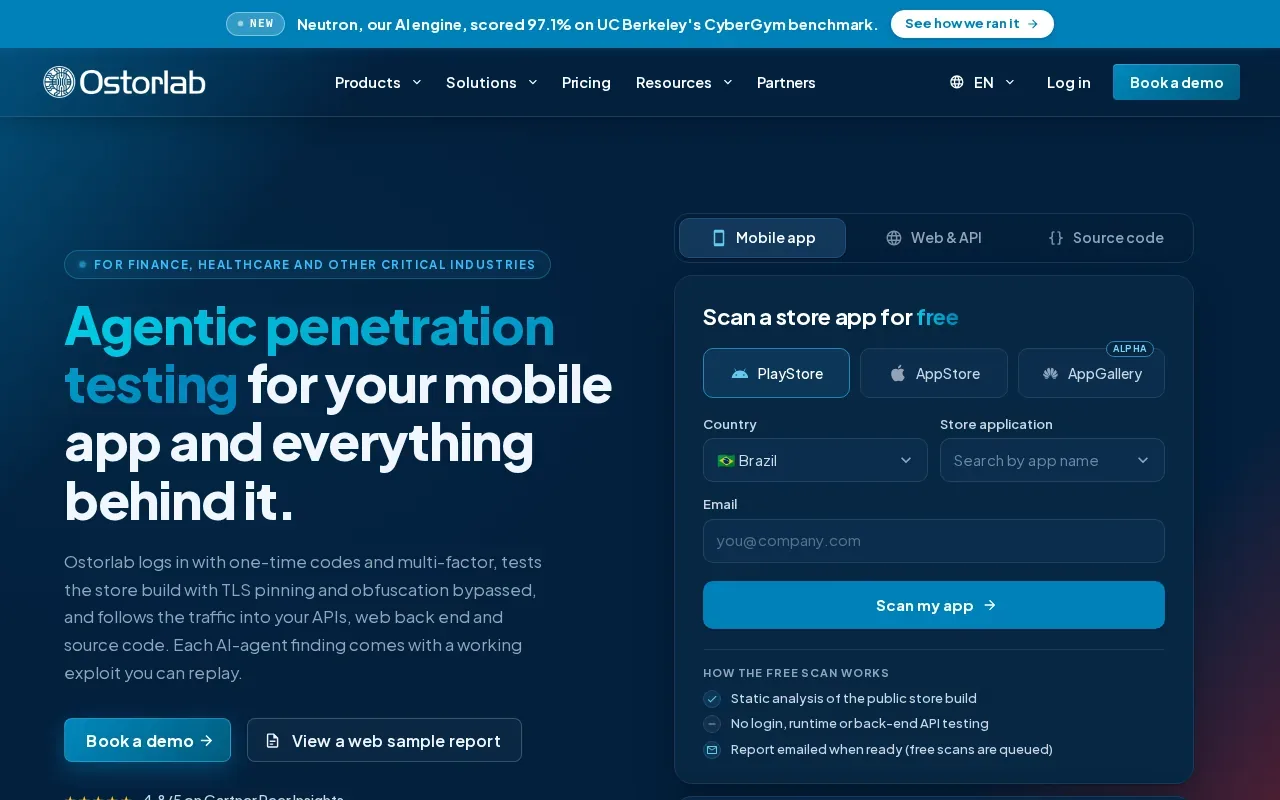
Ostorlab’s source code workflow keeps repository context, code revision, severity, and remediation guidance together. A team can select the branch, tag, or commit tied to a pull request, release, or hotfix. Developers can then review affected paths and send remediation back into the pull request.
The distinction is evidence. In a multi-asset scan that includes a running app, API, or mobile app, Ostorlab’s agent can try to exploit code findings against that target. A confirmed exploit can give a security reviewer more to work with than a rule match alone.
This approach is most relevant when your team spends too much time deciding whether an alert is reachable or worth fixing. It still depends on what assets are included in the scan. A repository-only scan gives code context and evidence, but exploit confirmation uses a running target in a multi-asset scan.
Check language coverage with your own code before you commit to a rollout, especially if your stack includes uncommon languages.
4. Trivy by Aqua Security: Simple container image vulnerability scanning
Trivy by Aqua Security is a software composition analysis (SCA) scanner with a simple one-line image scan. It checks for vulnerabilities, misconfigurations, and other security issues across the software development lifecycle.
That makes it useful beside source-code analysis, not a substitute for it. SAST looks for risky patterns in your own code. An image scan checks the built artifact for known issues and misconfigurations. If a pipeline builds a container, a scan can run against the image before the next release step.
The one-line workflow lowers the effort to try a scan, but a command alone doesn’t define a useful release gate. Decide which findings should stop a build, who reviews exceptions, and when the team will rescan after a fix. Keep that policy consistent so the same issue doesn’t block one project and pass another without a reason.
Container checks also don’t solve how credentials reach a build. EnvManager centrally manages encrypted, version-controlled environment files and syncs secrets to CI/CD pipelines. That addresses secret handling; Trivy’s scan addresses vulnerabilities and configuration issues in software artifacts.
Tip: Run a sample image scan in a non-blocking pipeline first. Review the output, then set a gate based on the findings your team is ready to act on.
5. Gitleaks: Secret scanning before code leaves a developer’s machine
Gitleaks is a secret-scanning tool that can catch secrets with a pre-commit hook before code leaves a developer’s laptop. That early check can flag a key accidentally added to a change before it reaches a shared repository.
This is a useful layer because code scanners and secret scanners look for different problems. A SAST scan looks for weaknesses in code. Secret scanning looks for exposed credentials, such as a token pasted into a file. A pre-commit check catches some mistakes early, but teams should still include checks in their wider development workflow.
A hook is only useful if developers can understand what it blocks and how to handle a valid exception. Keep the rule set clear. If a credential is committed, removing the text from the latest file may not be enough; the team should review the exposure and take the right response for that secret.
EnvManager gives teams a shared place to manage environment secrets instead of copying values between local files and pipelines. For a broader workflow around catching exposed credentials, see our guide to preventing secrets from leaking in build artifacts.
Use Gitleaks as an early warning step, and pair it with a clear process for reviewing and responding to findings.
Compare the Five Code Security Scanning Tools
These tools don’t scan the same thing. Semgrep, Checkmarx One, and Ostorlab focus on SAST. Trivy focuses on software composition analysis and container-related checks. Gitleaks checks for exposed secrets. Pick based on the gap you need to close, then test the tool in the workflow where the finding should be fixed.
| Tool | Main scan focus | Good fit when | Decision to test |
|---|---|---|---|
| Semgrep | SAST | You want fast scans and rules tailored to your code | Can your team maintain useful custom rules? |
| Checkmarx One | SAST | You need broad language coverage and central governance | Does the coverage fit your legacy and current code? |
| Ostorlab | SAST | You want findings proven exploitable | Can the tool prove a finding is exploitable? |
| Trivy by Aqua Security | SCA and image checks | You want a simple image scan in a delivery pipeline | Which findings should block a build? |
| Gitleaks | Secret scanning | You want to catch secrets before a commit leaves a laptop | How will the team review and handle a finding? |
Before you choose, map the tool to a real handoff. Decide where a scan runs, who owns its alerts, and how a developer gets enough context to fix a finding. CI/CD integration matters because a scan that never runs on a changed branch won’t help with that change. IDE or local feedback can surface issues sooner, while pull-request checks give reviewers a shared place to discuss them.
False-positive handling also deserves a test. Pick a known safe code path and a known risky one, then check how the tool explains each result. For SAST, data-flow context can help separate a dangerous path from a function call that never receives untrusted input. Treat suggested fixes as a starting point and review the code change before merging.
Scanning can support security and compliance work by finding issues early and preserving a repeatable review process. It doesn’t prove that an application meets a standard on its own. Your team still needs to map controls to the requirements it follows and keep evidence of how findings were reviewed.
One tool rarely covers every risk in a delivery workflow. Pair code analysis with image checks or secret detection where those gaps exist, and keep credentials out of source code through a separate secrets workflow.
Frequently Asked Questions
What do code security scanning tools check?
They check software for different kinds of security risk, depending on the scanner. SAST tools inspect source code for risky patterns or data paths without running the application. Image scanners check built artifacts for vulnerabilities or misconfigurations. Secret scanners look for credentials that may have been added to code. These checks work best as separate layers.
How does static code analysis work?
Static code analysis examines code without running the application. A scanner parses files, matches code against rules, and may trace how data moves through functions. For example, it can look for untrusted input that reaches a risky operation without proper checks. The result points developers toward code that needs review, but a human still decides how to fix it.
Can one scanner cover code, containers, and secrets?
Don’t assume one scanner covers all three. These picks focus on different jobs: SAST for source code, Trivy for software composition and image checks, and Gitleaks for secrets. Check the exact scan scope before rollout. If a risk isn’t covered, add a tool or process for that gap rather than treating another scan type as a substitute.
How should a team choose a code scanner?
Start with the languages and frameworks in your repositories, then test the scanner in your development flow. Check where findings appear, how much context they include, and who owns the fix. Run it against known safe and risky code to judge alert quality. Finally, confirm that the scan fits your pipeline and any deployment needs your team has.
Conclusion
Choose the scanner that matches the risk you need to catch, then pilot it in the workflow where someone can act on its findings. If secret handling is also a pain point, see whether EnvManager’s shared environment management fits your team. Start with one repository and review the first scan before expanding.