
Best Cloud Key Management Tools for Secure Secrets
Compare cloud key management tools for AWS, Azure, multi-cloud workloads, and application secrets. Find the right fit for your team and key controls.
Cloud key management keeps the keys that protect your data under defined access rules. For developers, the hard part is often the day-to-day secret workflow: who can use a value, where it goes, and how you know it changed.
We analyzed 70 comments and questions from YouTube, Reddit and Quora about cloud key management and found that 26% asked about key management and encryption concerns.
Here are five options for different needs, from encrypted .env files to managed hardware security modules. EnvManager is first for teams that need a shared development workflow.
1. EnvManager
EnvManager is a self-serve SaaS platform for encrypting, versioning, and centrally managing .env files. It suits DevOps engineers and product teams that need developers and CI/CD pipelines to use shared secrets without passing values around by hand.
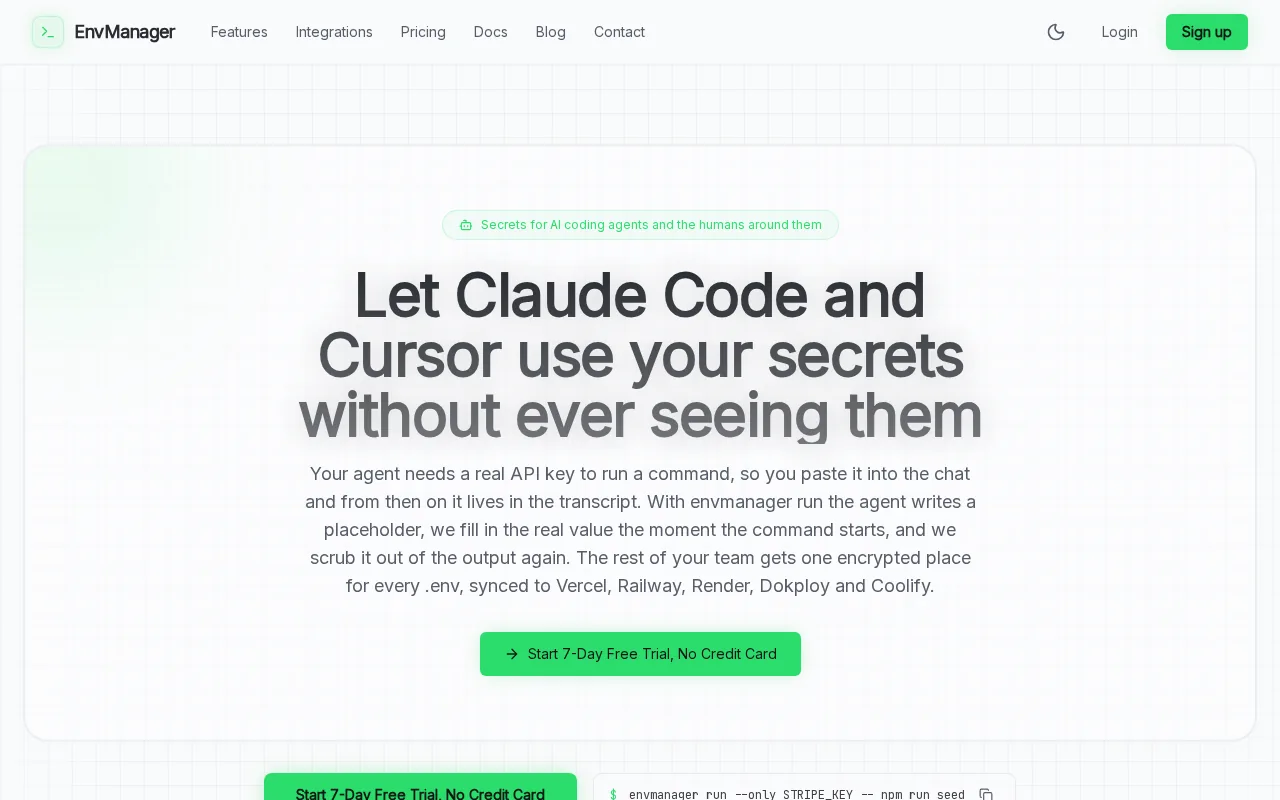
We keep environment values in one managed place, with role-based access to control who can use them. Teams can sync secrets to local machines and pipelines. Version history gives you a way to review changes when a deployment breaks after a value was edited.
That focus is useful when the same app has separate development, staging, and production values. You can keep those secrets managed as files rather than relying on each developer to copy the latest values from a chat or settings page. For a move off scattered files, our .env migration guide covers the handoff into encrypted cloud storage.
EnvManager also records audit events and uses role-based access controls. That gives a team a way to review secret access and changes as part of routine checks. Its 7-day trial has no card requirement. Pro is one flat team price: $9 per month for the first 50 teams, then $19 per month for new teams.
Choose EnvManager when the problem is secure .env handling and team access, rather than controlling cryptographic keys for cloud storage services.
2. AWS Key Management Service by Amazon Web Services: native AWS encryption controls
AWS Key Management Service by Amazon Web Services is a managed key service integrated with AWS services. It fits teams whose workloads and data protection needs are centered in AWS, especially when they want key permissions handled alongside AWS encryption workflows.
You can set separate permissions for key administrators and users. That separation helps keep the person who manages a key from automatically gaining permission to use it. AWS KMS also supports automatic rotation for eligible keys, while older key versions remain available to decrypt data encrypted earlier.
AWS Key Management Service provides native encryption controls across AWS services.
AWS KMS also supports imported key material and multi-Region keys for workflows that need to operate across Regions. One key boundary matters: keys created in the service cannot be exported. Imported keys require you to keep a secure copy so you can import them again if needed.
Key rotation deserves an owner and a test plan, not a calendar reminder alone. A rotation can affect every service that relies on the old value, so map the consumers and validate the new key before revoking the old one. Our API key rotation guidance covers that kind of overlap and validation for application credentials.
This is a natural fit when AWS-native encryption and key-use auditing are your main goals. Teams managing application .env values across several environments may still need a separate secrets workflow.
3. Azure Key Vault Managed HSM by Microsoft: validated hardware security
Azure Key Vault Managed HSM by Microsoft is a managed cloud service that protects cryptographic keys with FIPS 140-3 Level 3 validated hardware. It is aimed at organizations that need a hardware-backed root of trust for Azure workloads.
Its single-tenant design is a key distinction. The service manages the HSM hardware, while the customer controls the security domain that acts as the HSM's root of trust. That control has a serious operational implication: losing the security domain can mean permanent loss of the keys it protects.
With customer-managed keys, your organization creates and manages the keys. That model can support a BYOK approach, where you bring in key material from another source.
Managed HSM also offers an external key management option for organizations with a legal or contractual requirement to keep key material outside Microsoft's infrastructure. That design delegates wrap and unwrap operations to an external HSM through a proxy that the customer or HSM vendor operates. That added control also brings more operational work and can trade away availability or simplicity.
Read the requirements closely before choosing external key management.
Managed HSM makes sense when hardware validation and control over the root of trust matter more than a simple application-secret workflow. Plan who will protect the security domain and how recovery will work before placing critical keys there.
4. Fortanix Data Security Manager: auditable governance across cloud workflows
Fortanix Data Security Manager provides governed key access tied to auditable policies across AWS, Azure, and Google Cloud workflows. It fits teams that need one policy layer for key operations across more than one cloud environment.
Its Cloud Data Control functions can support BYOK workflows, key inventory, replication, backup, and rotation across cloud accounts or regions. A team can manage linked key copies from a source key, then rotate linked copies together rather than update each destination by hand. That can help when one workload needs access to the same protected data across multiple environments.
Policy controls can enforce who may use keys and which actions require extra approval. Fortanix documents optional multi-user approval for actions such as disabling or rotating keys.
There is a tradeoff. A central policy layer and externally managed key copies require careful planning around recovery, ownership, and permissions. Teams must know which key is the source, where copies are linked, and how a change will reach each cloud account.
Fortanix is the stronger match when you need governed cryptographic operations across cloud workflows. If you only need a shared home for app configuration values, that breadth may be more than your workflow calls for.
5. Infisical: application secrets across cloud and on-prem environments
Infisical is an application secrets platform for cloud, on-prem, and AI infrastructure. It suits teams that want one place to manage application credentials, certificates, and privileged access across varied environments.
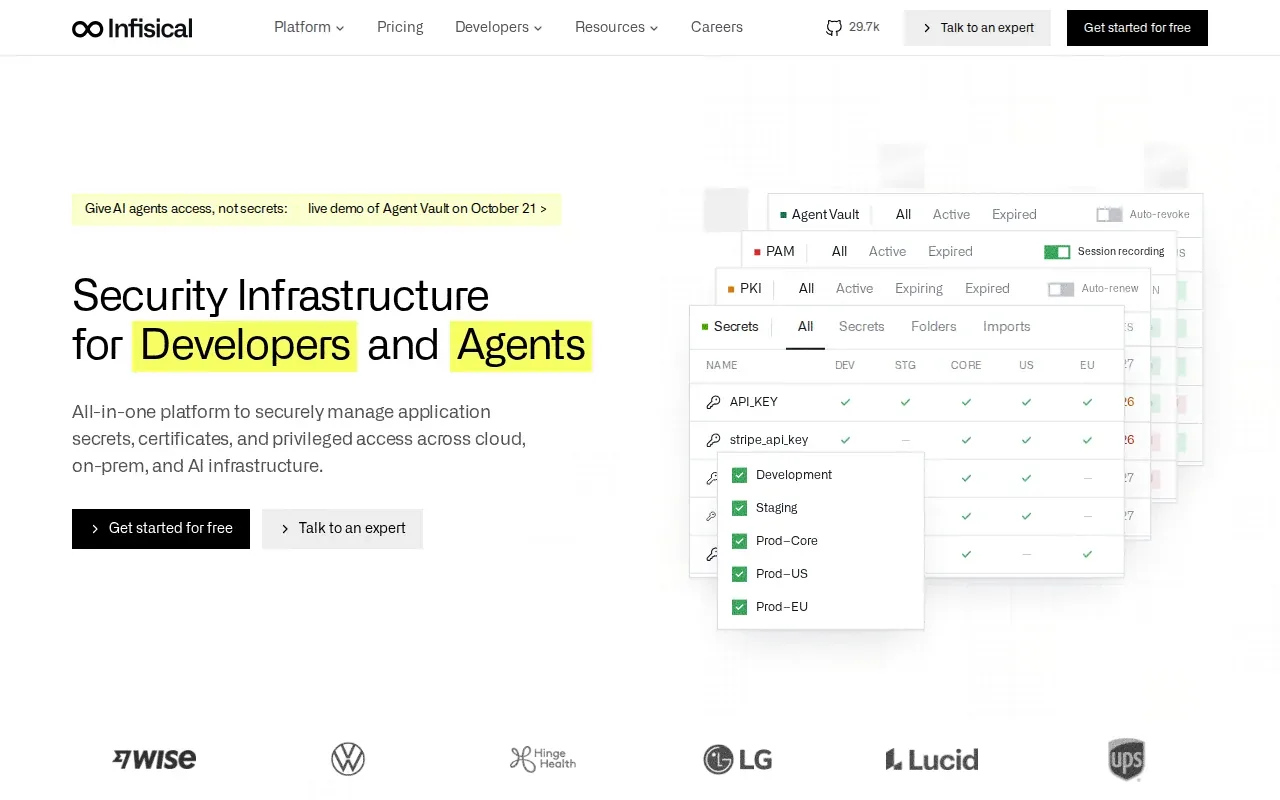
The platform supports secret sync, credential rotation, and audit records. Its role-based access controls can scope access by project and environment, including access for human users and machine identities. That helps teams keep a staging workload from receiving production secrets by default.
Infisical also supports private certificate authority lifecycle automation. Its documented workflow includes importing existing secrets, delivering them to applications, and setting rotation policies. Dual-phase rotation can keep the old secret active until the replacement has propagated, which gives dependent services time to switch.
The platform has a CLI, SDKs, and a dashboard for people who manage secrets. It can run as a cloud service or be self-hosted on cloud, on-prem, or hybrid infrastructure. Teams considering the broader product should compare its scope with simpler .env tools; our Infisical alternatives comparison looks at differences in team workflows and secret handling.
Infisical Pro costs $20 per identity each month billed annually, or $23 billed monthly, and the free plan covers five identities. Those limits and the per-identity model matter when you estimate the cost of adding teammates or machine identities.
Pick Infisical when certificates, privileged access, or self-hosting are part of the same application-secrets program. If your team's main pain is .env file sharing, compare the access model and pricing unit before taking on a broader platform.
Cloud key management tools compared
These options solve related but different problems. Some manage cryptographic keys used to protect stored data. Others focus on application secrets that services need at run time. Decide which job you need covered before comparing controls.
| Tool | Best fit | Key control focus | Access and audit |
|---|---|---|---|
| EnvManager | Shared .env files for development teams | Encrypted, versioned environment values synced to local machines and CI/CD | Role-based access and audit logging |
| AWS Key Management Service by Amazon Web Services | AWS-centered encryption workflows | Key lifecycle, permissions, rotation, and AWS service integration | Fine-grained key policies; request logging when enabled |
| Azure Key Vault Managed HSM by Microsoft | Azure workloads that need validated single-tenant HSM protection | Customer-controlled security domain; external key management | FIPS 140-3 Level 3 validated HSMs |
| Fortanix Data Security Manager | Governed key operations across cloud workflows | BYOK, key inventory, backup, replication, and rotation | Policy-controlled operations and audit trails |
| Infisical | Application secrets across cloud and on-prem environments | Secret sync, rotation, certificates, and privileged access | Fine-grained RBAC and audit records |
For broader cloud key management, BYOK is the key decision point: you bring key material under your control instead of relying only on provider-managed keys.
Pricing needs the same workload-level review. EnvManager uses a flat team price and has a seven-day trial. Infisical Pro is priced per identity. For key services, estimate key counts and likely operations, then account for whether your requirements call for HSM protection or external key control. Ask vendors to price that workload, not an abstract feature checklist.
Frequently asked questions
What is cloud key management?
Cloud key management is the process of controlling cryptographic keys used to protect data in cloud services and applications. It includes decisions about who can manage or use a key, when it rotates, and how it is disabled or retired. Some tools manage encryption keys, while secrets platforms focus on credentials applications need at run time.
What is the difference between key management and secrets management?
Key management controls cryptographic keys that encrypt or decrypt data. Secrets management handles sensitive values such as API credentials that applications need to connect to other services. The jobs can overlap, but they aren't interchangeable. A team may use a key service for data encryption and a secrets platform for local development and CI/CD values.
What does BYOK mean in cloud security?
BYOK means Bring Your Own Key. Your organization supplies key material for use in a cloud service rather than relying only on provider-managed keys. The exact setup depends on the service. Before adopting it, confirm who controls the key, where it lives, how it is backed up, and what happens if access is lost.
How often should cloud encryption keys be rotated?
There isn't one rotation schedule that fits every key and workload. Use the service's supported rotation controls, then set a policy based on your security requirements and the systems that depend on each key. Test the change with consumers before retiring an older key version, so encrypted data and applications remain accessible.
How do I choose between a cloud HSM and an application secrets tool?
Choose a cloud HSM when your requirement centers on hardware-backed cryptographic keys and control of key operations. Choose an application secrets tool when developers or workloads need controlled access to credentials, certificates, or environment values. If you need both, map which system owns each secret or key and how services will receive it.
Conclusion
For teams wrestling with shared .env files, EnvManager is the focused place to start; choose a managed HSM or multi-cloud key tool when your requirements call for cryptographic key control. Pick one non-production service, move its environment values, and test the workflow during EnvManager's seven-day trial.