
Best Encrypted Env Managers for Startups: 7 Picks
Compare the best encrypted env manager for startups, including EnvManager and six alternatives. See how each handles team access, workflows, and cost.
A shared .env file can turn a small deploy into a secret-sharing mess. The best encrypted env manager for startups keeps secrets controlled without adding needless work. Here are seven options, starting with EnvManager for teams focused on encrypted, version-controlled .env files.
1. EnvManager
EnvManager is a self-serve SaaS platform for encrypting and managing .env files. It’s best for startup teams that need shared secrets with role-based access, version history, and sync to local machines or CI/CD pipelines.
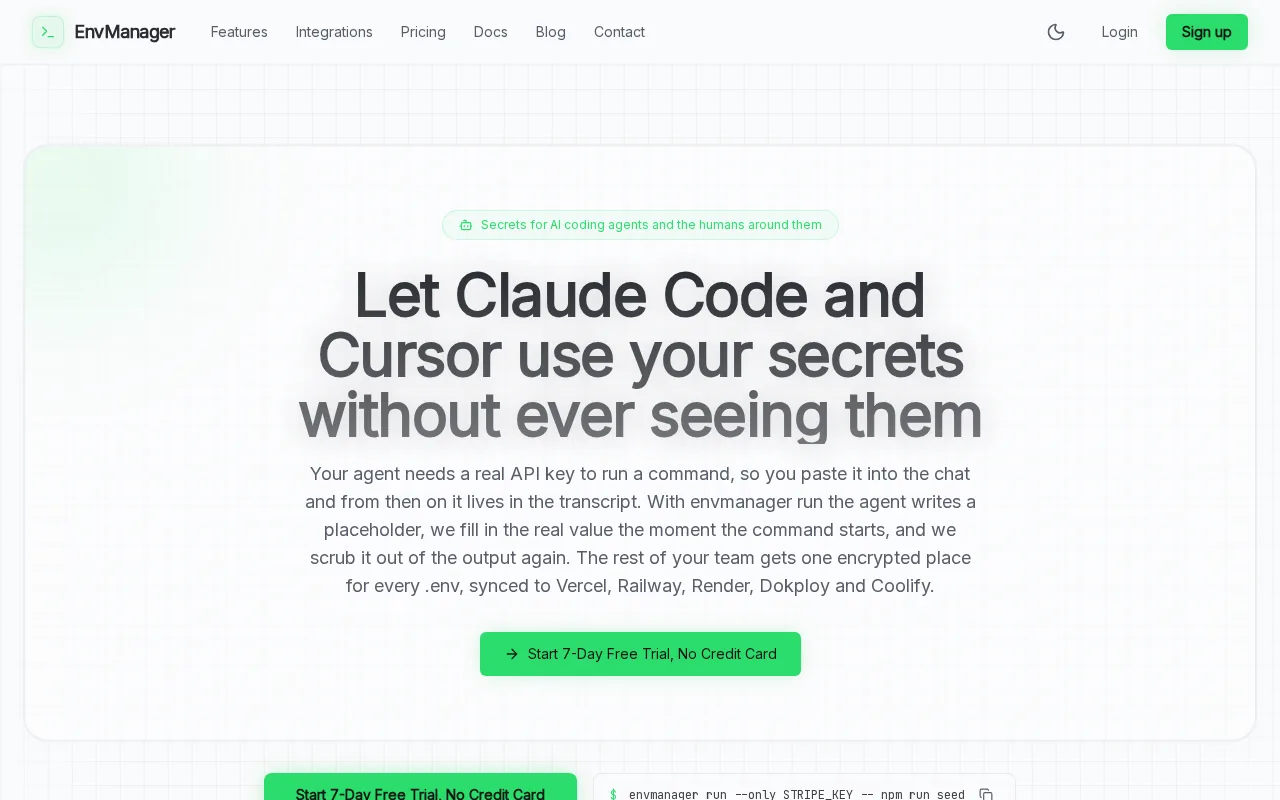
We built EnvManager around the everyday environment-variable workflow. A teammate can work with the secrets they need, while access rules help limit who can view or change them. Version control gives the team a way to track changes and return to an earlier value when a configuration update causes trouble. You can also compare environment variable management tools if your team is weighing different ways to handle .env files.
EnvManager’s listed price is $9 per month, with a free 7-day trial. That gives a startup a way to test its own setup before making a longer commitment. It’s a focused fit when the main job is managing application secrets across development, staging, and production.
One caveat: teams looking for dynamic secrets or a broad infrastructure secrets system may need to assess a wider platform. EnvManager’s value is its direct fit for .env management and team access, rather than a claim to cover every secrets use case.
Use the trial to test the handoff from a developer’s local setup to a CI/CD pipeline.
For teams tired of pasting values into chat or keeping separate copies of configuration, a shared controlled workflow can reduce the number of places secrets live.
2. Doppler: Developer-first secrets management
Doppler is a developer-first secrets management platform for storing, syncing, and controlling application secrets. It’s a fit for teams that want secrets organized into projects and configs, then synced to development or deployment environments.
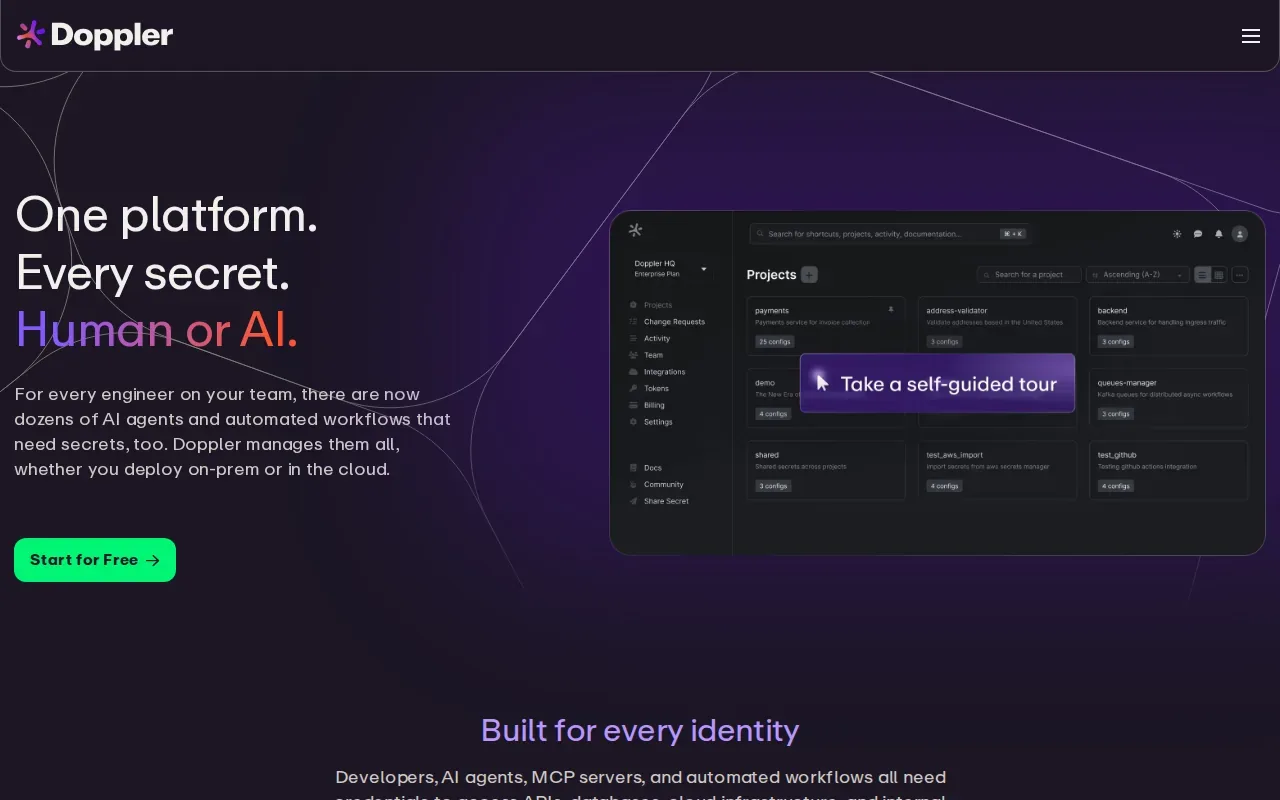
That project-and-config model can help when one application has distinct settings for local work, staging, and production. Role-based access control (RBAC) is also listed, so teams can assign permissions based on a person’s role instead of sharing one broad credential. The usable question is how closely its project setup matches the way your team names services and environments.
Doppler is a known alternative for teams comparing developer-oriented secret workflows. Before adopting it, map one service’s current environment variables to the proposed project and config structure. Then check how your build and deployment flow will retrieve the right values for each environment.
Pricing details aren’t included in the available product information here, so confirm the current cost and plan limits directly before comparing budgets. Also test the setup with a service that has a clear owner. That makes it easier to spot permission gaps before moving secrets used by more teams.
Doppler’s developer-first focus may suit a team that prioritizes organized application secrets. EnvManager remains the stronger fit in this shortlist when your main need is managed, version-controlled .env files.
3. Infisical: Open-source workflows with infrastructure-grade capabilities
Infisical is an open-source secrets management platform that combines developer-friendly workflows with infrastructure-grade capabilities. It’s worth considering for startup teams that want an open-source option while evaluating a broader secrets-management approach.
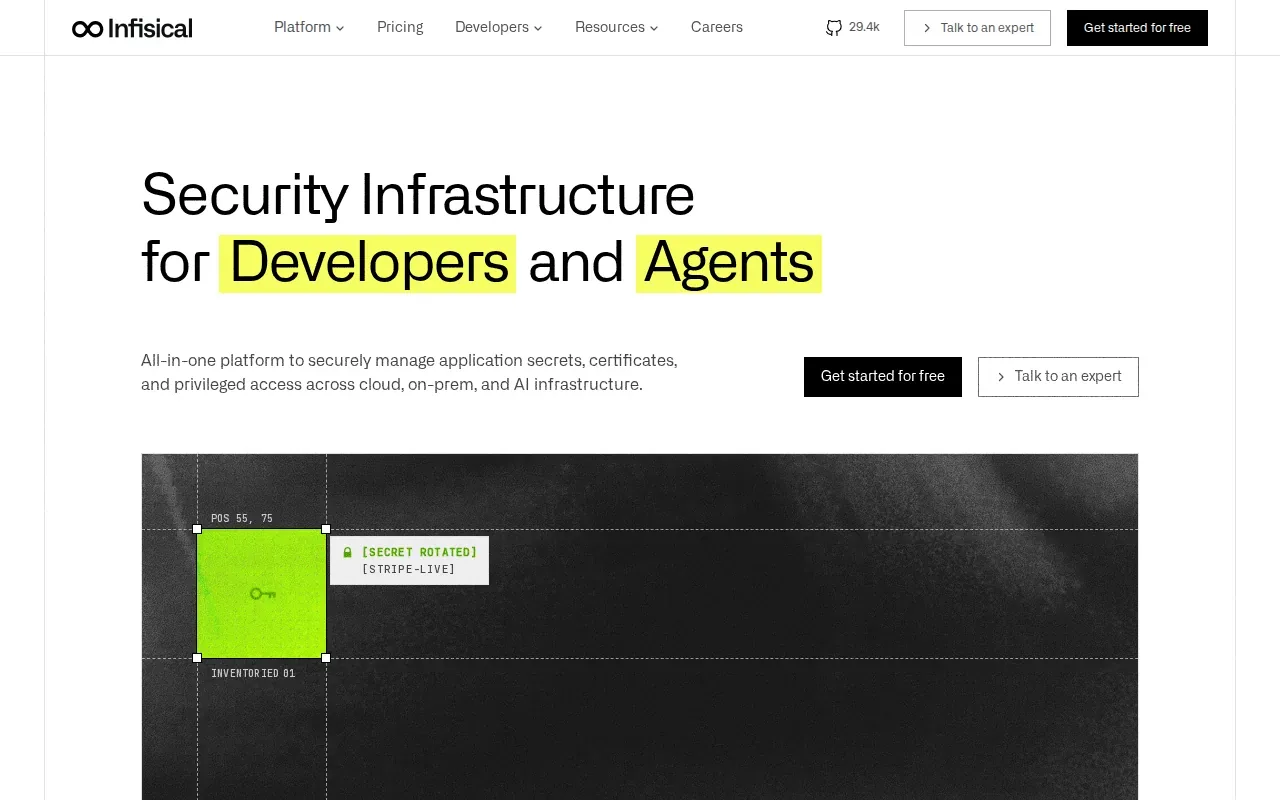
Infisical lists RBAC, which lets a team set access by role. Its Pro tier starts at $8 per user per month. That per-user model is worth checking against the number of people who need access, especially as a startup adds developers or separates production access from day-to-day development.
Open source can matter when a team wants to examine the project and weigh its operating model. But the label alone doesn’t settle questions about who will manage the service, how it fits existing workflows, or what the team needs from a paid plan. Compare those needs with the narrower .env workflow described in secrets management best practices.
Infisical’s mix of developer workflows and infrastructure capabilities may be useful as requirements grow beyond environment files. The tradeoff is that teams should test how much of that broader scope they’ll actually use. A small startup focused on .env sharing may prefer a more direct setup.
Try the permissions model with a staging project first. It’s a simple way to see whether access rules match your team’s roles.
Teams comparing interfaces can also map one deployment from local development to CI/CD, then check whether each step feels clear to the people who’ll own it.
4. 1Password Secrets Automation: Machine access from a familiar vault
1Password Secrets Automation extends the familiar 1Password vault to machine access, including CI/CD pipelines. It may suit startups whose team already uses 1Password and wants to extend that familiar password-manager workflow to developer secrets.
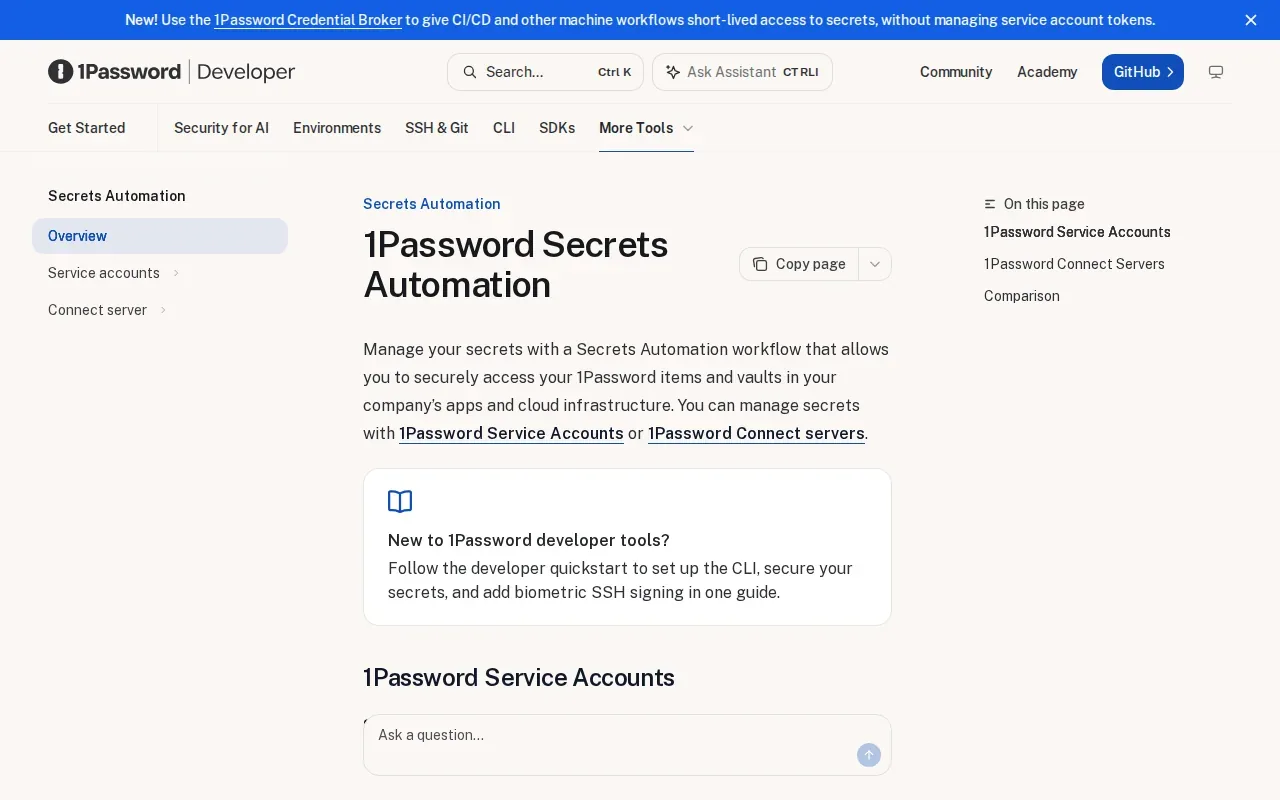
Its key distinction is the move from human access in a vault to machine access in a pipeline. For example, a team can assess how a build process gets the secrets it needs without treating a developer’s personal login as the deployment mechanism. The right test is a real CI/CD job, not just a tour of the vault interface.
The listed starting price is $7.99 per user per month for the Business plan. Check which team members need seats and whether the plan aligns with your intended machine-access workflow. A familiar password manager can reduce the learning curve for users, but it doesn’t remove the need to define ownership and access rules for deployments.
Consider this option if your team wants developer secrets tied to a familiar vault experience. If your primary goal is controlling .env files across environments, compare that workflow directly with EnvManager before moving your team’s secrets.
5. HashiCorp Vault: Fine-grained policies and dynamic secrets
HashiCorp Vault is a secrets management platform with fine-grained policy control, dynamic secrets, and broad integration across cloud and hybrid environments. It’s best suited to teams that need those controls and have the time and skills to operate a more flexible secrets system.
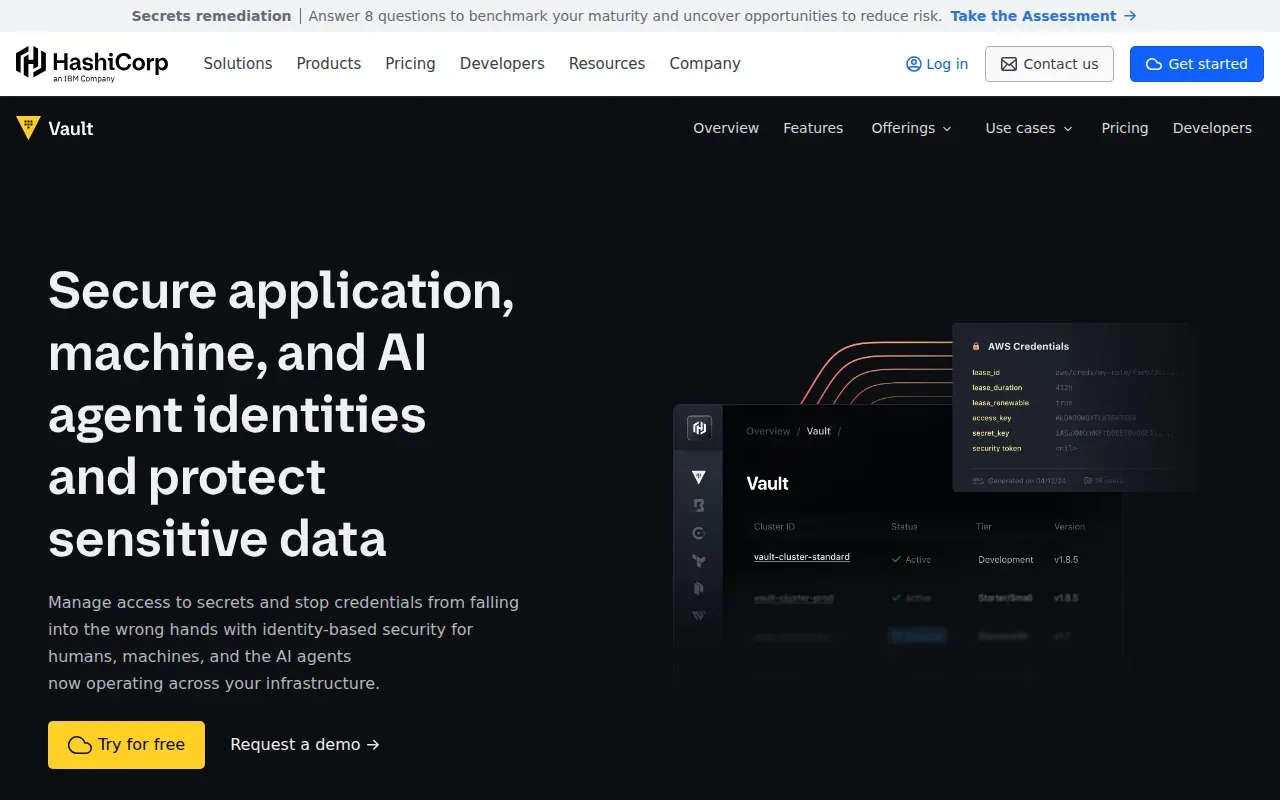
Dynamic secrets are credentials generated for a particular need rather than copied from a long-lived shared file. Fine-grained policies let teams define who or what can access secrets. Those capabilities can support complex setups, but they also ask the team to design and maintain the policies and workflows that make them useful.
HCP Vault Dedicated pricing for the Development edition starts at $0.030 per hour. That figure is an entry point, not a full estimate for your use. Check the expected runtime and the service level you need before comparing it with a per-user tool price.
Vault can be a fit when the requirements include dynamic secrets or detailed policy controls across cloud and hybrid systems. A startup that mainly needs to share encrypted .env files may find it broader than the job calls for. Pick it because you need those capabilities, not because a larger platform sounds safer by default.
6. Google Cloud Secret Manager: A managed choice for GCP startups
Google Cloud Secret Manager is a managed service for storing and accessing secrets within the Google Cloud ecosystem. It’s a natural option to assess when your startup already runs its workloads on Google Cloud and wants a managed secrets service in that setting.
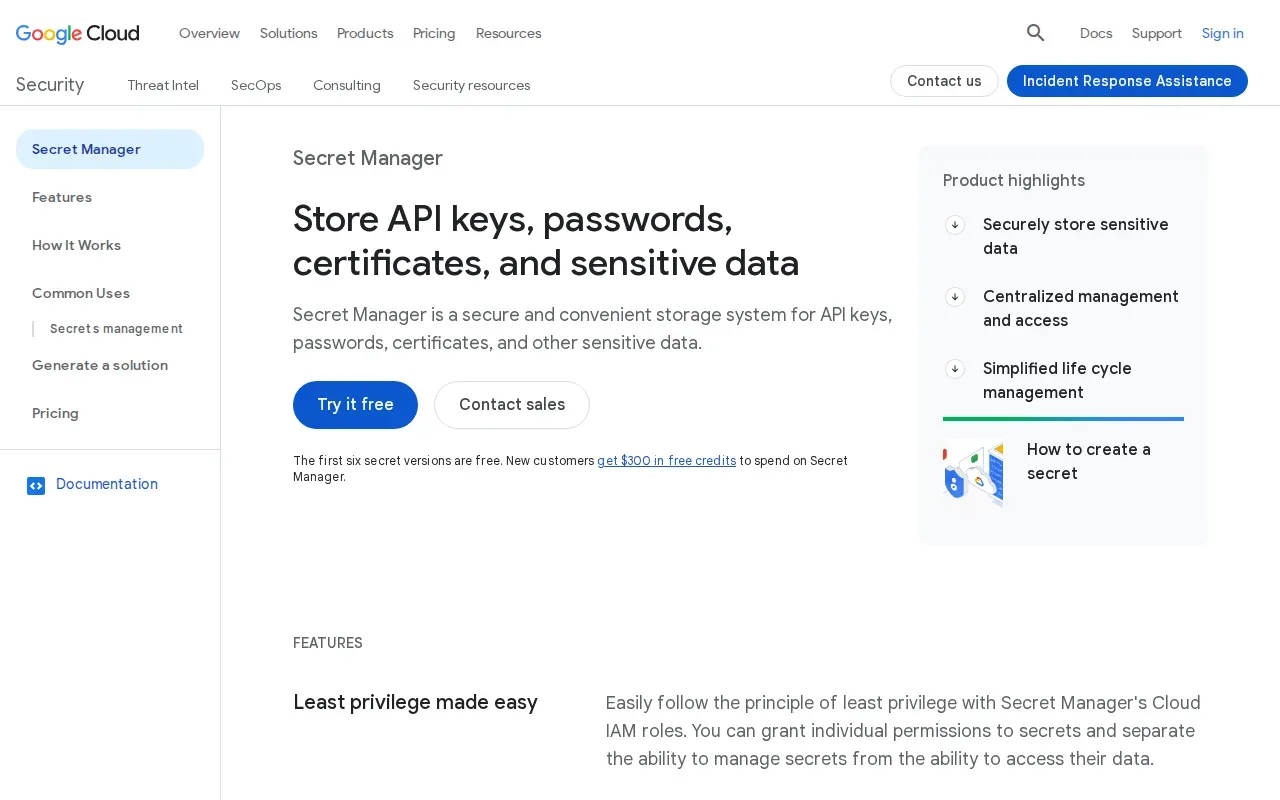
The service supports secret lifecycle management with versioning. Requests can be pinned to the latest version of a secret, which gives a team a defined way to choose which value an application retrieves. Be clear about whether a workload should follow the latest version or use a specific one, then test what happens during a change.
This option is tied to the GCP ecosystem, so its fit depends in part on where your applications run and how your team manages cloud access.
Choose it for an existing Google Cloud workflow when a managed service is the priority. If developers also need a shared local .env workflow, check how they’ll manage those files alongside the cloud service.
7. Bitwarden Secrets Manager: Infrastructure secrets alongside password management
Bitwarden Secrets Manager extends Bitwarden’s password manager into infrastructure secrets. It’s suited to teams that want developers and DevOps staff to centrally manage and deploy secrets.
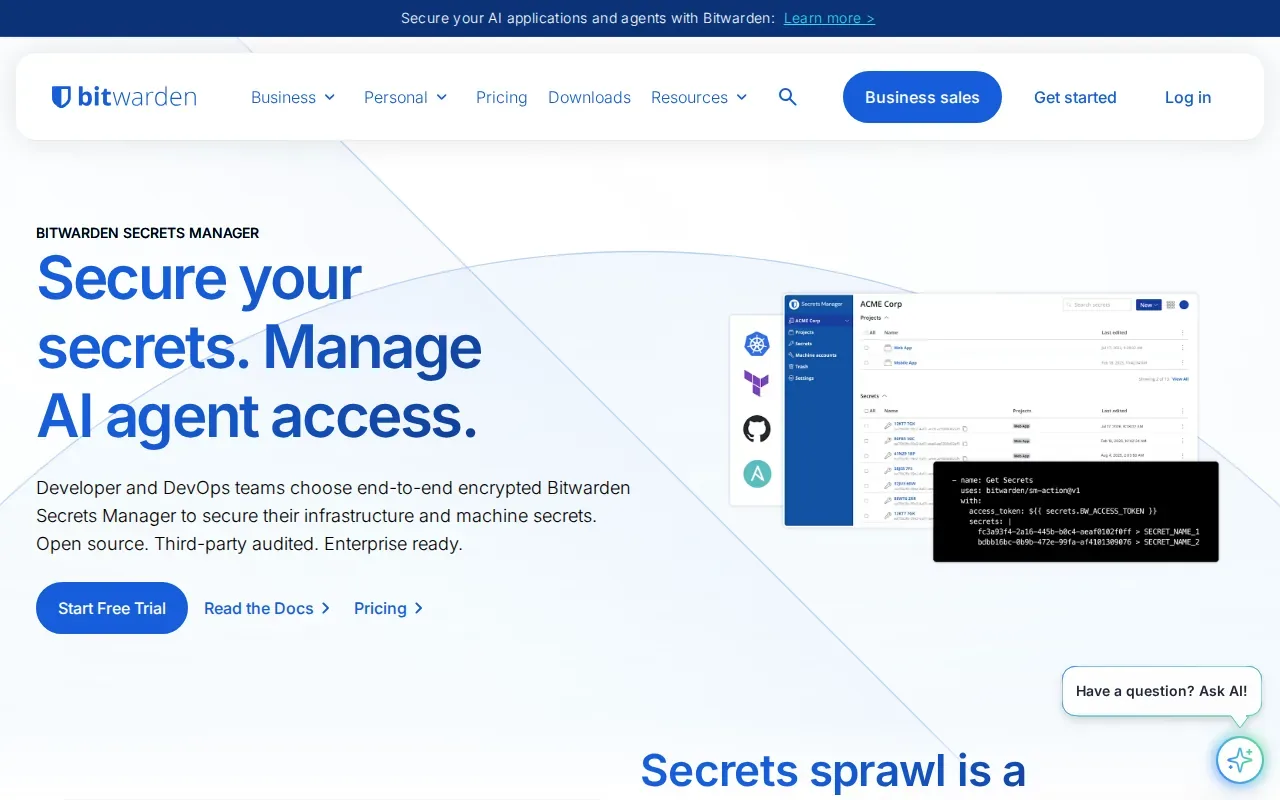
The listed free tier covers up to two users. The Teams plan starts at $6 per user per month. That gives a small founding team a way to assess the product before paying for a larger group, though the team should check how the free tier maps to its actual roles and deployment needs.
Its infrastructure-secrets functionality may make it worth considering for teams evaluating secrets management. Still, test the developer handoff separately. A personal or team password vault and a deployment secret workflow may have different access needs.
Use a non-production service to check how secrets move into a deployment and who can manage them. If the main challenge is version-controlled .env files across development stages, EnvManager is the more direct fit.
Quick Comparison: Which Encrypted Env Manager Fits Your Startup?
The best encrypted env manager for startups depends on the workflow you need to control. This table compares each option by its clearest fit, not by a feature count that may not match your setup.
| Option | Strongest fit | Known price detail | Check before choosing |
|---|---|---|---|
| EnvManager | Encrypted, version-controlled .env files with RBAC and CI/CD sync | $9 per month; free 7-day trial | Confirm it covers your broader infrastructure needs |
| Doppler | Developer-first secrets organized into projects and configs | Not specified here | Test project structure and current plan cost |
| Infisical | Open-source workflows with infrastructure-grade capabilities | Pro starts at $8 per user per month | Check whether the broader scope fits your needs |
| 1Password Secrets Automation | Machine access through a familiar vault workflow | Business starts at $7.99 per user per month | Test the CI/CD pipeline flow |
| HashiCorp Vault | Fine-grained policy control and dynamic secrets | Development edition starts at $0.030 per hour | Estimate operating needs and full cost |
| Google Cloud Secret Manager | Managed secrets within the GCP ecosystem | Not specified here | Check cloud fit and current charges |
| Bitwarden Secrets Manager | Infrastructure secrets management | Free for up to two users; Teams starts at $6 per user per month | Test developer and deployment access needs |
If your decision centers on local and CI/CD .env handling, start by testing EnvManager. For a broader secrets setup, compare the operational work each tool adds, not only its entry price.
For another view of how environment secrets fit into a larger setup, see this secrets management tools comparison.
Frequently Asked Questions
What is the best encrypted env manager for a startup?
EnvManager is a strong fit when your startup needs encrypted, version-controlled .env files with role-based access and CI/CD sync. It costs $9 per month and includes a free 7-day trial. If your team needs dynamic secrets or a cloud-specific managed service, compare those requirements before settling on a tool.
How is an env manager different from a secrets manager?
An env manager focuses on environment variables and .env workflows, while a secrets manager may cover broader infrastructure needs. The terms can overlap. For a startup, check where secrets live today, who needs access, and how values reach local development and deployment systems.
Can startups use an open-source secrets manager?
Yes, a startup can consider an open-source option such as Infisical. Its Pro tier starts at $8 per user per month, and the platform combines developer-friendly workflows with infrastructure-grade capabilities. Compare the operating model and required features with a focused .env tool before choosing.
What should a startup check before choosing an encrypted env manager?
Test the team’s actual workflow: how a developer accesses local values, how permissions differ by role, and how a deployment gets its secrets. Then check version history, audit needs, and total cost for the people who need access. This makes it easier to compare tools on work your team really does.
Is a free env manager enough for a startup?
A free tier may be enough for a small team if it covers the needed users and workflow. Bitwarden Secrets Manager lists a free tier for up to two users. Check limits and access needs as the team grows, and compare the cost of paid plans with the time spent managing secrets by hand.
Conclusion
For startups centered on secure .env sharing and CI/CD sync, EnvManager is the clearest first option in this shortlist. Start a free 7-day trial and test one service across local development and deployment before moving the rest of your secrets.