
Best API Security Tools: 5 Options Compared
Compare the best api security tools for API testing, threat detection, secrets management, and CI/CD workflows.
Many API security tools promise continuous protection, yet automation and audit logs remain rare across the market. The right pick depends on the gap you need to close: leaked secrets, broken authorization, runtime attacks, or low-cost testing. Here are five strong options and the teams each one fits best.
1. EnvManager
EnvManager is a secrets management tool for teams that need to protect API keys and environment values across development and CI/CD. It fits DevOps engineers, SaaS developers, engineering leads, and security teams that are tired of copying secrets between machines.
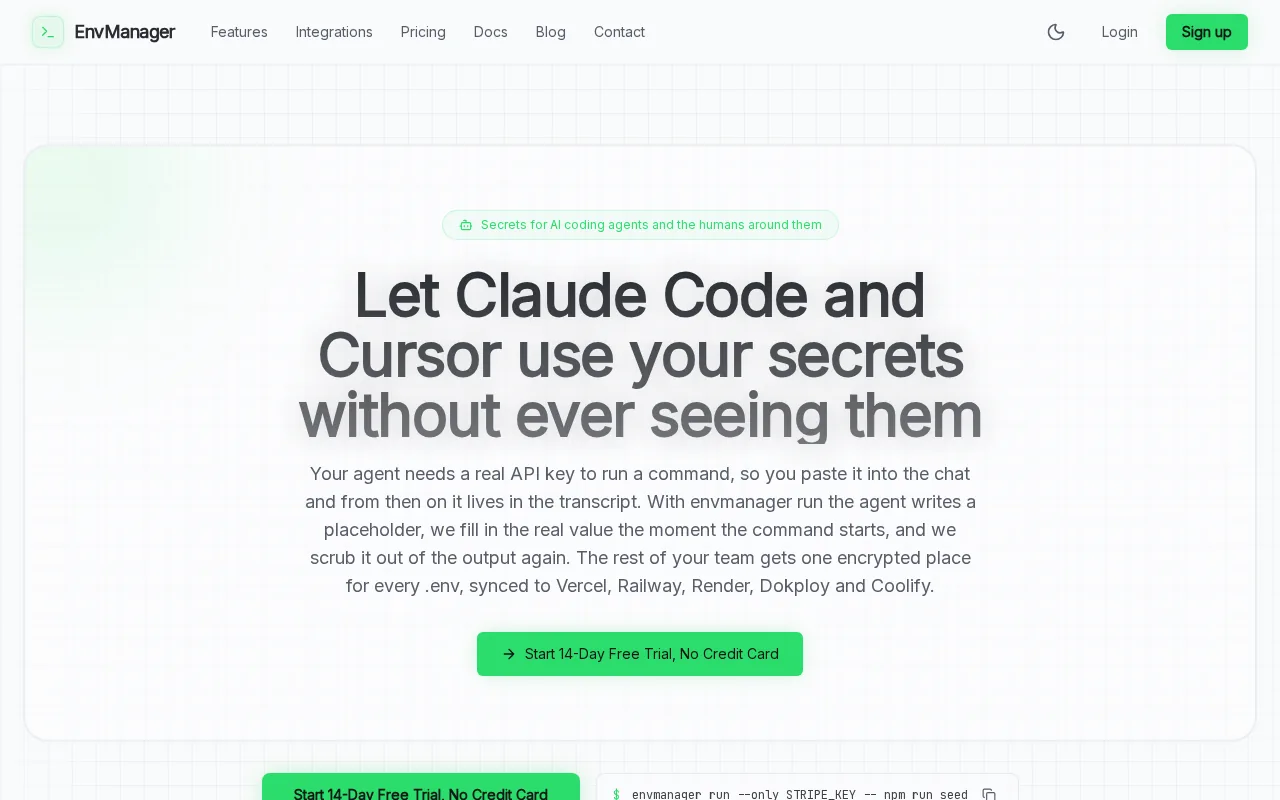
We encrypt every value with AES-256 on import. The service keeps .env files version-controlled while restricting access with role-based access control, or RBAC. RBAC lets you decide which users can view or change a secret.
That makes EnvManager different from a DAST scanner. It won't probe an API for broken authentication. Instead, it reduces a common source of API exposure: keys pasted into chat, committed to Git, or left in old local files.
Teams can sync secrets to local machines and CI/CD pipelines. A CLI can inject values into a process, so developers don't need to keep plaintext copies on disk. An immutable audit trail also shows who accessed a value and when.
Consider a handoff between engineering and security. Security can grant JIT access, meaning access lasts only as long as needed. Engineering can run the same approved configuration in a build without asking someone for a key.
EnvManager's limitation is its scope. You still need a scanner or runtime control to test API behavior. Pairing it with a DAST tool makes sense when your team needs both secret control and attack testing.
If secrets are your first concern, start with EnvManager. You can also compare its workflow with these API key manager tools and review other secrets management tools before you set up access rules.
2. Escape: API-first testing for authorization and business logic flaws
Escape is an API-focused DAST tool for teams that need to test authorization boundaries and business logic. It was built for APIs rather than adapted from a broad web scanner.
Escape reads OpenAPI and GraphQL definitions, then generates attack payloads aimed at real API behavior. That focus helps when a normal scan finds basic issues but misses a rule such as, “User A must never read User B's invoice.”
Authorization flaws often hide inside valid requests. The request may have a correct token and valid JSON. The bug is that the server fails to check ownership. Escape's testing approach targets those boundaries instead of treating each endpoint as an isolated URL.
Its research profile also highlights shadow API discovery, business logic coverage, GraphQL depth, remediation quality, and time to value. Those are useful buying criteria because API inventories change fast. A test plan based only on last quarter's specification can miss an endpoint that developers added last week.
Escape fits teams that want continuous runtime testing as part of delivery. It can run on each build, which gives developers a chance to fix findings before release rather than waiting for a periodic review.
The caveat is setup. Authorization tests need useful identity and role data. If your test environment has only one account, the tool can't prove how two users interact with the same resource. Plan test identities before rollout.
Choose Escape when authorization and business logic are your biggest blind spots. Keep a separate secrets workflow for the credentials used by those tests.
3. StackHawk: Developer-friendly DAST in every build
StackHawk is a developer-focused DAST tool that runs during pull requests and builds. It fits teams that want security feedback inside the CI/CD workflow instead of a separate security queue.
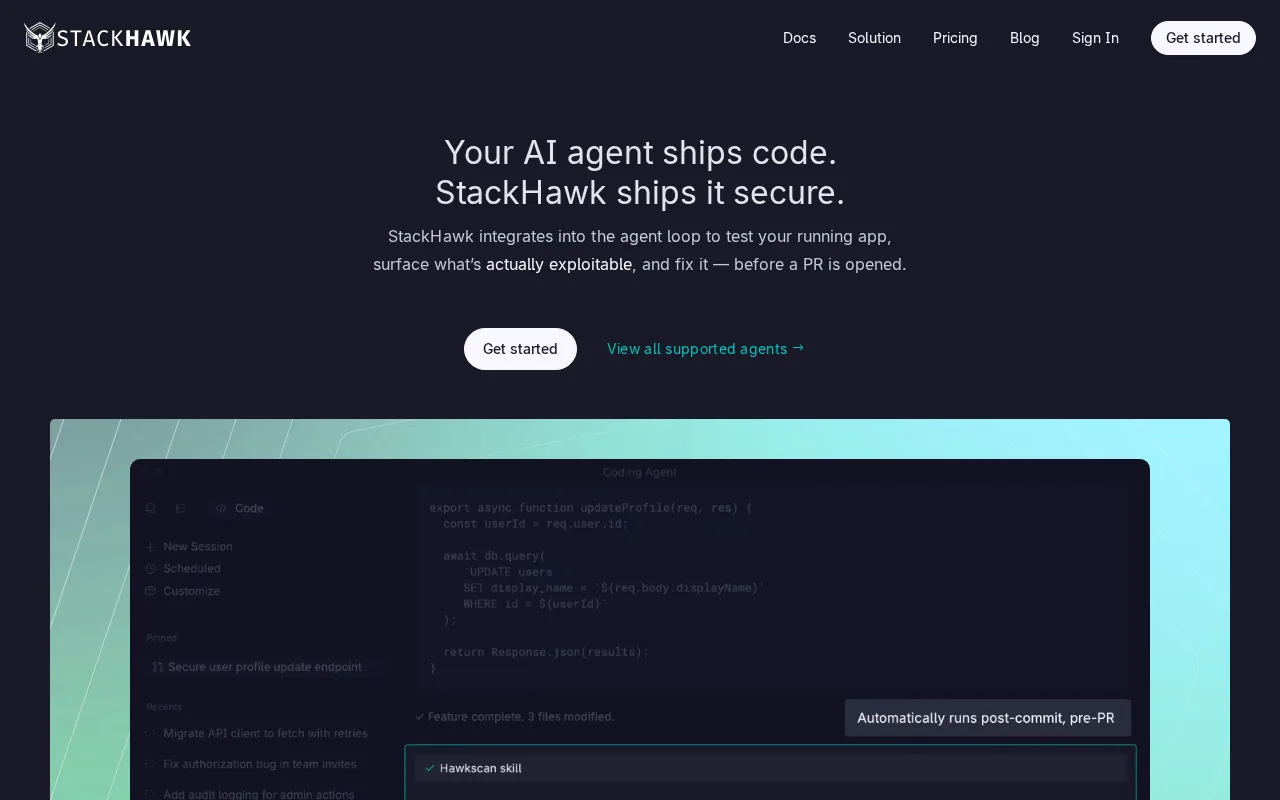
The main appeal is timing. A scan that runs with a pull request can reach the developer while the code change is still fresh. The result is easier to act on than a report delivered weeks after deployment.
StackHawk also has CI/CD integration. That matters because a security check must fit the path code already takes. If engineers have to open a separate console, copy a request, and start a scan by hand, coverage often drops.
Use it for repeatable checks against a running build. A team might deploy an API to a test environment, run the scan, then block the build when a defined issue appears. The exact policy should match your release risk. Blocking every low-confidence finding can train developers to ignore the tool.
StackHawk is a good fit for teams that value fast feedback and have an established pipeline. It is less suited to a group that needs deep runtime behavior analysis without first wiring test environments and authentication into CI.
A DAST result also needs a clear owner. Send findings to the team that owns the endpoint, not to a shared security inbox. That simple rule keeps the feedback loop short.
StackHawk's limitation is the same one many runtime scanners have: it can only test flows your environment exposes. Missing routes, weak test accounts, or incomplete API definitions can leave gaps.
4. Salt Security: Behavioral analytics and API posture management
Salt Security focuses on runtime API traffic, behavioral analytics, posture management, and sensitive data detection. It fits larger organizations that need to understand API activity after deployment.

Behavioral analytics builds a picture of normal traffic, then flags activity that differs from that pattern. This helps with attacks that look harmless when viewed one request at a time.
Credential stuffing is a good example. An attacker may spread login attempts across many IP addresses or slow the pace to avoid simple rate limits. Behavior baselines can help spot abnormal traffic, token manipulation, and unusual movement of data. Basic IP blocking can miss distributed attempts.
Posture management adds a governance layer. Salt describes templates for policies and alerts, plus the ability to make custom rules. That can help a security team review API exposure across many services instead of checking each service by hand.
Salt's published pricing range runs from $50,000 per year to $350,000 for enterprise contracts. That puts it in a different buying class from free scanners or small-team developer tools. Ask whether your traffic volume, API count, and compliance needs justify that spend.
The main caveat is focus. Salt can show what happens in production, but it doesn't replace secret storage or source-code review. You still need controls that keep credentials out of repositories and local files.
For organizations with API sprawl and high traffic, Salt is worth a serious review. For a small team with a few services, start with a narrower tool.
5. OWASP ZAP: Free, extensible API vulnerability testing
OWASP ZAP is a free, open-source DAST tool for teams that need a low-cost way to test applications and APIs. It suits developers, security learners, and teams that can invest time in setup.
ZAP can identify flaws such as injection issues, authentication problems, and configuration mistakes. Its open design also lets teams extend testing instead of accepting a fixed scan path.
Cost is the clear advantage for teams seeking a low-cost testing option. That makes it easier to add an initial security check before a larger platform purchase.
Use ZAP against a safe test environment. Start with a narrow group of endpoints, confirm authentication behavior, then expand coverage. Store scan settings with the code where possible, so another engineer can reproduce the result.
ZAP's limitation is the work around the scanner. You may need to tune authentication, review alerts, and build your own reporting flow. It won't give a small team the same managed experience as a paid platform.
Pick ZAP when budget matters more than convenience. It is also a sound lab tool for learning how API requests behave under attack.
API Security Tools Compared: Capabilities, Best Fits, and Limitations
These API security tools solve different problems. A DAST scanner tests a running application from the outside. A secrets manager protects values before they reach that application.
| Tool | Best fit | Strong point | Watch for |
|---|---|---|---|
| EnvManager | Teams securing API keys and .env files | Encryption, RBAC, version control, and CI/CD sync | Doesn't test API behavior |
| Escape | API teams testing authorization | OpenAPI and GraphQL attack testing | Needs useful roles and test identities |
| StackHawk | Developer-led CI/CD teams | DAST in pull requests and builds | Coverage depends on exposed test flows |
| Salt Security | Large production API estates | Behavior analytics and posture management | Enterprise-level pricing |
| OWASP ZAP | Budget-conscious teams and learners | Free, open, and extensible testing | More setup and alert review work |
Also separate SAST from DAST. SAST checks source code before the app runs. DAST checks behavior in a running app. Each method can catch issues the other can miss.
For many teams, the sensible stack is small. Use EnvManager for secrets, add a DAST scanner to CI, and add runtime analytics only when traffic and risk justify it.
FAQ: API Security Tools
What are API security tools used for?
API security tools find, prevent, or monitor risks in APIs. Some test live endpoints for broken authorization and injection flaws. Others watch production traffic for abnormal behavior. Secrets managers protect API keys and configuration values. Your choice should match the layer where exposure starts.
What is the best API security tool for API keys?
EnvManager is a strong fit in this shortlist for teams managing API keys in.env files and CI/CD. It encrypts values, controls access with RBAC, and keeps an audit trail. It won't scan endpoint behavior, so pair it with DAST when you also need attack testing.
Are free API security tools good enough?
Free API security tools can provide useful first coverage, especially when a team can tune scans and review alerts. OWASP ZAP is the clearest low-cost pick here. Free software still needs test accounts, safe environments, and someone who owns the findings.
What is the difference between DAST and API security monitoring?
DAST sends test requests to a running application to find weaknesses. API security monitoring watches real traffic after deployment and looks for unusual behavior. DAST can expose a missing authorization check. Monitoring can spot an attack pattern that emerges across many requests.
Do API security tools provide audit logs?
Some API security tools provide audit or compliance reporting, but you shouldn't assume they do. Ask to see the exact event record, retention period, and export path before purchase.
Conclusion
Choose EnvManager first when leaked keys and weak secret handling are your main API risk. Then add Escape, StackHawk, Salt Security, or OWASP ZAP based on your testing need. Start by moving one service's secrets into EnvManager and run the first controlled sync through your development pipeline.
Ready to stop copying API keys?