
API Gateway Security Best Practices
Apply API gateway security best practices to protect authentication, traffic, secrets, and monitoring across APIs, microservices, and CI/CD pipelines.
API gateways often look secure on paper. The gaps usually sit elsewhere, especially in secret storage, audit logs, and access rules. Use these API gateway security best practices to build a safer request path, then connect the gateway to a secret workflow your team can actually maintain.
Start with the gateway itself. Then test each control against a leaked key, a changed object ID, a burst of traffic, and a failed deployment.
We pulled three 2025 industry datasets to measure how often leaked secrets and API authorization gaps actually occur. GitGuardian counted 23.8 million new hardcoded secrets on public GitHub in 2024, and found that 70% of secrets leaked in 2022 remain valid today. Wallarm's Q3 2025 API ThreatStats report logged 1,602 API vulnerabilities, with 28% tied to authorization and access-control gaps. Salt Security found 99% of organizations faced an API issue last year, and 34% involved data exposure, showing authorization and secret handling deserve close attention.
1. EnvManager
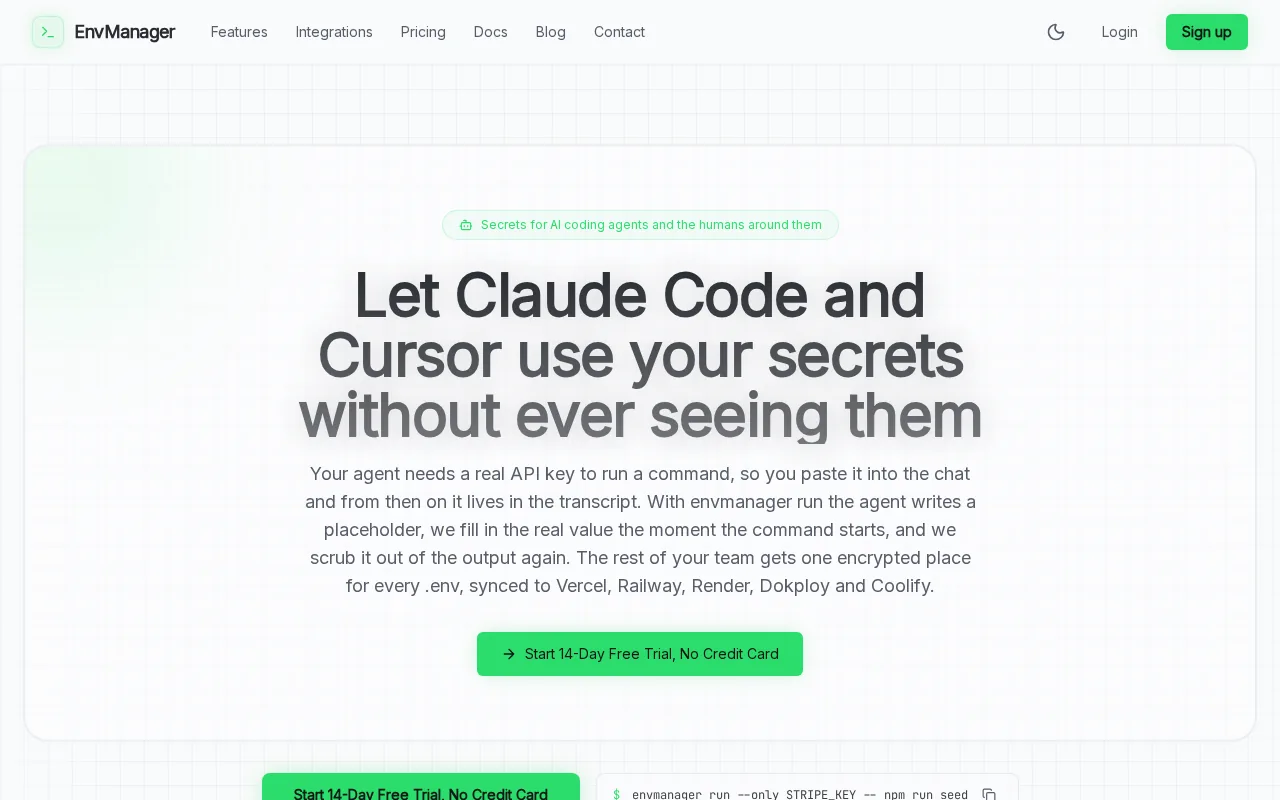
Use EnvManager to keep gateway keys and environment secrets out of code, tickets, and shared chat. Every secret gets a central home before your gateway or CI/CD job needs it.
EnvManager encrypts values with AES-256 on import. It adds version control and RBAC, so access follows a team member's role instead of a shared file. We also let teams sync secrets to local machines and CI/CD pipelines without copy-pasting values into deployment scripts.
That workflow fixes a common failure point. A developer adds an API key to a local .env file, commits a sample by mistake, and then rotates the key by hand across several services. The gateway may reject bad requests, but it cannot protect a credential that leaked before the request arrived.
Set separate values for development, staging, and production. Give a build job access only to the values it needs. Keep production access away from local laptops unless a person has a clear reason to use it.
EnvManager also gives teams a version trail. When a deployment breaks after a secret change, you can check which value changed and restore the known-good version. That is much faster than searching through old messages or asking who last edited a file.
Use a short-lived credential when your identity system supports one. If you must use a long-lived key, set a rotation owner and a review date. Treat that date as part of the service's operational work, not as a task you might remember later.
Milestone: every gateway secret has an owner, an access rule, and a recovery path. Run your normal secret sync command only after those three pieces exist.
Step 2: Enforce Strong Authentication and Authorization
Strong API gateway security starts by proving who is calling and what that caller may do. Authentication answers the first question. Authorization answers the second.
Pick a clear identity method for each API. OAuth 2.0 with short-lived access tokens fits user-facing APIs. Mutual TLS can suit service-to-service calls. API keys can identify a client, but they shouldn't carry broad user permissions by themselves.
JWTs need careful handling. A JWT is a message format, not a security system. The receiving service must check the signature, issuer, audience, expiry, and accepted algorithm. Use an allow-list for signing algorithms rather than a deny-list, which can fail when values differ in case or spelling. Use this JWT security guidance for the token checks behind that rule.
Do the checks at the gateway, then repeat token validation inside each service. Internal traffic still needs validation. A network boundary can change, and an attacker who reaches the internal network should not gain a free pass.
Authorization needs more than a valid token. Check the caller's role against the route and the requested object. For example, a user with access to order 123 must not gain order 456 by changing the number in the path.
Use least privilege at every layer:
- Give a client access only to the routes it needs.
- Keep admin actions behind a separate scope or role.
- Limit service accounts to named resources.
- Set expiry and rotation rules for keys and tokens.
Keep sensitive data out of tokens. Bearer tokens work like cash, because whoever holds one can present it. If token theft would cause serious harm, consider proof-of-possession controls or mutual TLS.
For teams building an identity flow, these API authentication best practices can help connect token rules with key storage and rotation.
Milestone: test one valid request, one expired token, one wrong audience, and one forbidden object. Each must produce the expected result before you protect the next route.
Step 3: Validate Requests and Block Common API Threats
Request validation gives your API gateway a clear shape to enforce. It blocks bad input before that input reaches application code.
Start with an OpenAPI schema for each public route. Check the request body, query values, path parameters, and headers. Reject unknown fields where possible. Set sensible size limits for uploads and nested objects. A malformed request should fail at the edge with a useful error, not reach five backend services first.
Then map the schema to known API risks. Test for broken object-level authorization by changing an object ID. Check property-level rules by requesting fields meant for admins. Send unexpected types and oversized values. Confirm that the gateway rejects them without exposing stack traces or internal service names.
The most common API risks teams face are often simple permission mistakes. An authenticated caller can still access the wrong record if the service trusts an ID from the request. Authentication alone won't stop that.
Use threat controls that match your traffic. A web application firewall can block common injection patterns. IP rules can stop known bad sources. Bot controls can slow scripted abuse. None of these replaces authorization checks inside the service.
Watch for shadow APIs as well. A route created for a test project can remain online after the project ends. Keep an inventory of gateway routes, owners, schemas, and data sensitivity. Remove an endpoint when its owner cannot explain why it exists.
Gateway vendors often advertise large plugin counts, but feature counts can hide the same baseline underneath. Secret handling and audit detail showed more variation. That is why your test plan should focus on control behavior, not product badges.
Use the gateway's logs to confirm each rejection. Record the route, request ID, caller identity, policy result, and reason. Never log full bearer tokens or secret values.
Milestone: every public route has a schema, an authorization test, and a safe failure response. Add those checks to CI so a later change cannot silently remove them.
Step 4: Apply Rate Limits, Quotas, and Traffic Controls
Rate limits give API gateway security a hard boundary around traffic. They protect capacity, reduce abuse, and limit the damage from a stolen credential.
Set limits by the identity that matters. A single global limit can punish every customer when one key misbehaves. Use a client, user, route, or token scope as the counter when your gateway supports it.
- Set a burst limit for short spikes.
- Set a sustained limit for longer traffic.
- Set a quota for daily or monthly consumption.
- Return clear response headers so clients can slow down.
Distributed gateways need a shared view of counters. A limit stored only in one gateway node can be bypassed by sending requests to another node. Tyk describes distributed rate limiting with Redis and supports policies across API traffic types through its official platform page. That detail matters when a service runs across several regions.
Don't use one limit for every route. A read endpoint may handle more traffic than a password reset route. A report query may need a far lower cap because each request consumes more database work.
Add a traffic response plan. Decide what happens after a limit is reached. The gateway may return a 429 response, slow the caller, or block the key for a set period. Your client teams need a rule for retries, too. Unchecked retries can turn a small outage into a large one.
Watch traffic by route and identity. A sudden rise in valid requests can still signal abuse. Compare error rates with request volume. A key that produces many authorization failures deserves review before it consumes more capacity.
Keep gateway limits below the real service limit. If your database fails at 2,000 expensive requests, a gateway ceiling near 10,000 requests per second won't protect it. Set a limit based on measured backend capacity, then leave room for normal bursts.
Milestone: load-test each important route with normal traffic, a burst, and many identities. Confirm that the gateway protects the backend without blocking normal clients.
Step 5: Secure Secrets, Logging, and Incident Response
Secrets and logs complete the API gateway security plan. A gateway can reject bad traffic, but your team still needs to know what happened and act fast.
Keep secrets out of source files and infrastructure code. Use environment variables or a dedicated secret manager at runtime. Encrypt state files when infrastructure tools store credentials or connection strings. Restrict state access, rotate credentials, use short-lived secrets, and monitor state changes.
Do not put secrets in logs. Redact authorization headers, cookies, API keys, and sensitive query values before logs leave the gateway. Test redaction with a fake key. A rule that looks right in a config file can fail when a framework formats the same value in a different field.
Every request should have a trace ID. Log enough context to link a gateway event to a backend event:
- Request time and route
- Trace ID and gateway region
- Caller or client ID, without the secret
- Authentication result
- Authorization result
- Rate-limit outcome
- Response status and latency
Send security events to a system your response team checks. Group repeated failures by identity and route. Alert on patterns, not one noisy request. A burst of expired tokens from one client is different from a single failed login.
Write the response steps before an incident. Decide who can revoke a key, who can change a gateway rule, and who approves a rollback. Keep an emergency break-glass role with tight logging and a short review window.

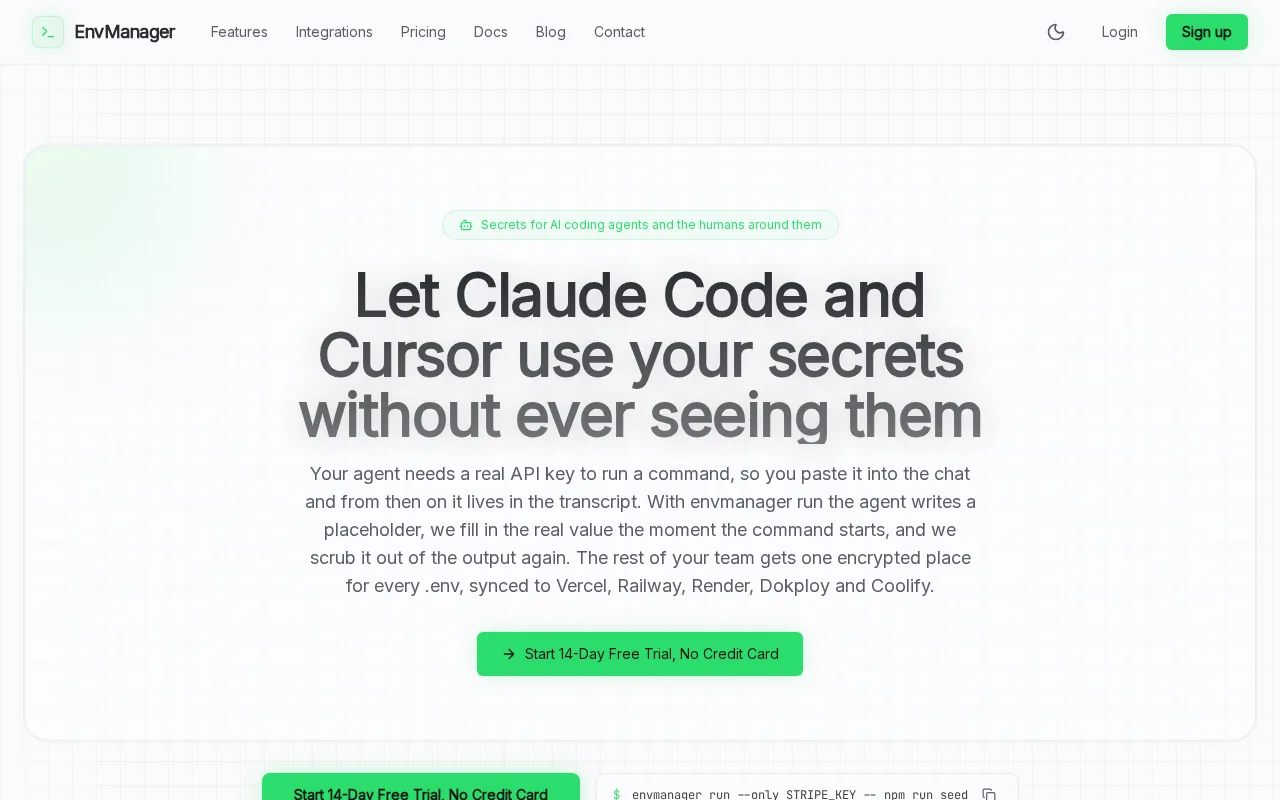
EnvManager helps here by keeping environment values versioned and access-controlled. If a key must be revoked, update the managed value, sync the approved environments, and record the change. No more hunting through old .env files.
Run a quarterly access review. Remove inactive users, old service accounts, unused keys, and routes without owners. A clean inventory makes the next incident smaller because responders can see what needs to change.
Operational rule: every alert should lead to an action, an owner, and a review time. If nobody knows what an alert means, it is noise.
FAQ
What are the most important API gateway security best practices?
The most important practices are strong authentication, object-level authorization, schema validation, rate limits, secret protection, and useful logs. Start with the routes that expose sensitive data. Test both accepted and rejected requests, then repeat the tests after gateway policy changes.
Should JWT validation happen at the API gateway?
Yes, JWT validation should happen at the API gateway and inside the receiving service. The gateway can reject clearly bad traffic early, while the service keeps its own trust boundary. Check the signature, issuer, audience, expiry, and accepted algorithm. Never treat a token as safe only because it has a JWT format.
How do you protect API gateway secrets?
Protect gateway secrets with a managed secret store, encryption, RBAC, rotation, and short-lived credentials where possible. Keep values out of source control and infrastructure files. Give CI/CD jobs only the access they need. EnvManager can centralize encrypted environment values and sync approved secrets to deployment workflows.
What should API gateway logs include?
API gateway logs should include a trace ID, route, time, caller ID, policy result, response status, and latency. They should also record rate-limit events and authentication failures. Redact tokens, passwords, keys, and sensitive request fields. Send logs to a monitored system so the team can link gateway events to backend activity.
Can rate limiting stop API attacks?
Rate limiting can reduce abuse, but it cannot stop every API attack. It limits request volume and helps contain stolen keys or denial-of-service attempts. You still need authorization checks, schema validation, secret rotation, and anomaly review. Set limits by route and identity, then test them across all gateway nodes.
Conclusion
Build your gateway controls in this order: protect secrets, verify identity, enforce object access, validate requests, then tune traffic limits and alerts. Start with one sensitive API today. Move its keys into EnvManager, write four negative tests, and review the resulting logs before expanding the pattern.