Best Secure Secret Sharing Tools for Remote Teams
Compare secure secret sharing for remote development teams, including EnvManager, Doppler, Infisical, Azure Key Vault, Bitwarden, Keeper, and Delinea.
A shared .env file can turn a quick handoff into a lasting security problem. For remote teams, the best fit depends on how you store secrets, set access, and recover from a bad change.
Here are seven options, with EnvManager first for teams that need encrypted .env files, versioned rollbacks, role-based access, and CI/CD delivery.
1. EnvManager
EnvManager is a self-serve SaaS platform for centrally managing encrypted .env files. It’s the strongest fit for remote development teams that want one controlled path from local work to CI/CD.
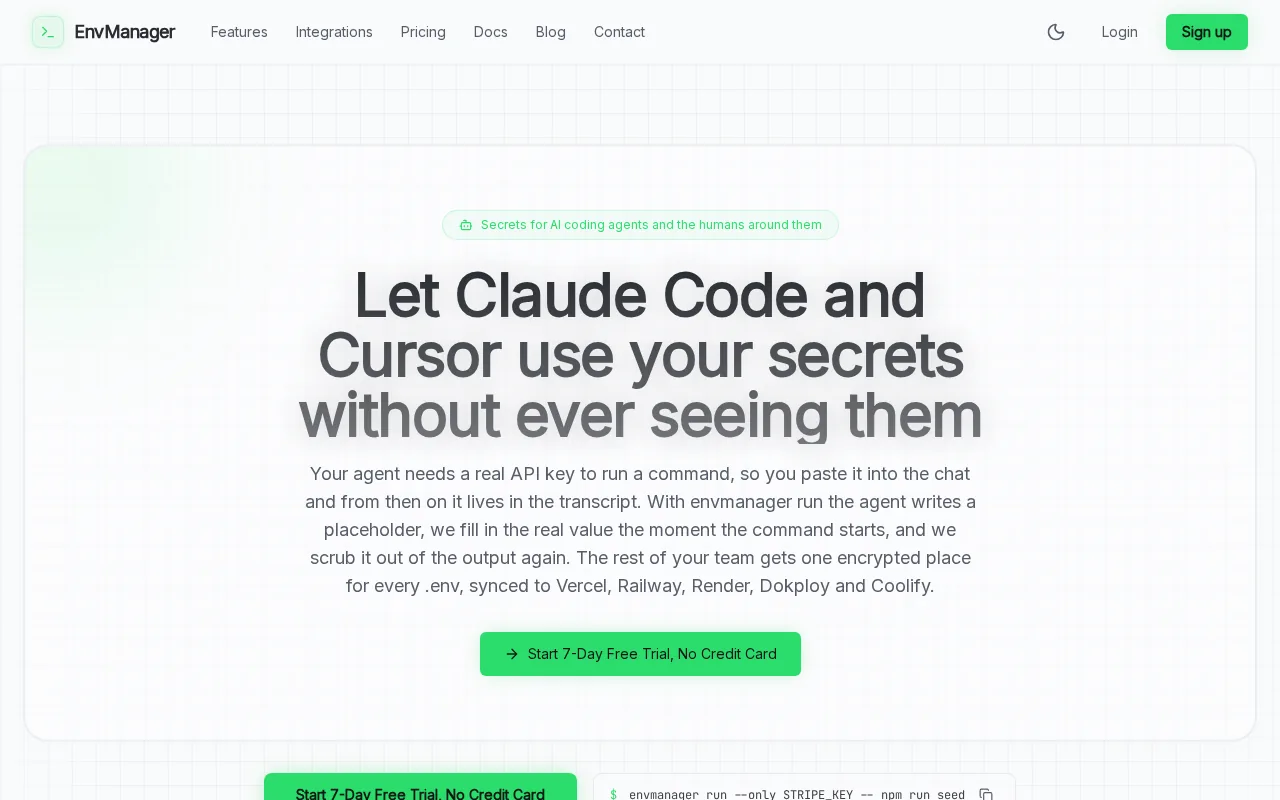
We encrypt .env values at rest and in transit, keep versions, and let teams manage access by role. If a secret change breaks a deploy, version history gives the team a way to restore an earlier value. That rollback path matters when a rushed key rotation causes an outage.
EnvManager also syncs secrets to local machines and CI/CD pipelines. A new teammate can pull the project’s approved values instead of asking someone to paste credentials into chat. The EnvManager secret-management features include audit logs and a way to pull secrets into local development.
For this shortlist, EnvManager is the only option with all four stated capabilities together: encryption at rest, versioned secret rollback, role-based access, and CI/CD support. Its focus is .env workflows, so teams seeking a broad enterprise vault may need to assess their wider infrastructure needs too.
2. Doppler: developer-first secrets management
Doppler is a developer-first secrets management platform for storing, syncing, and controlling application secrets across environments. It suits remote teams that want team access rules and a managed path for CI systems.
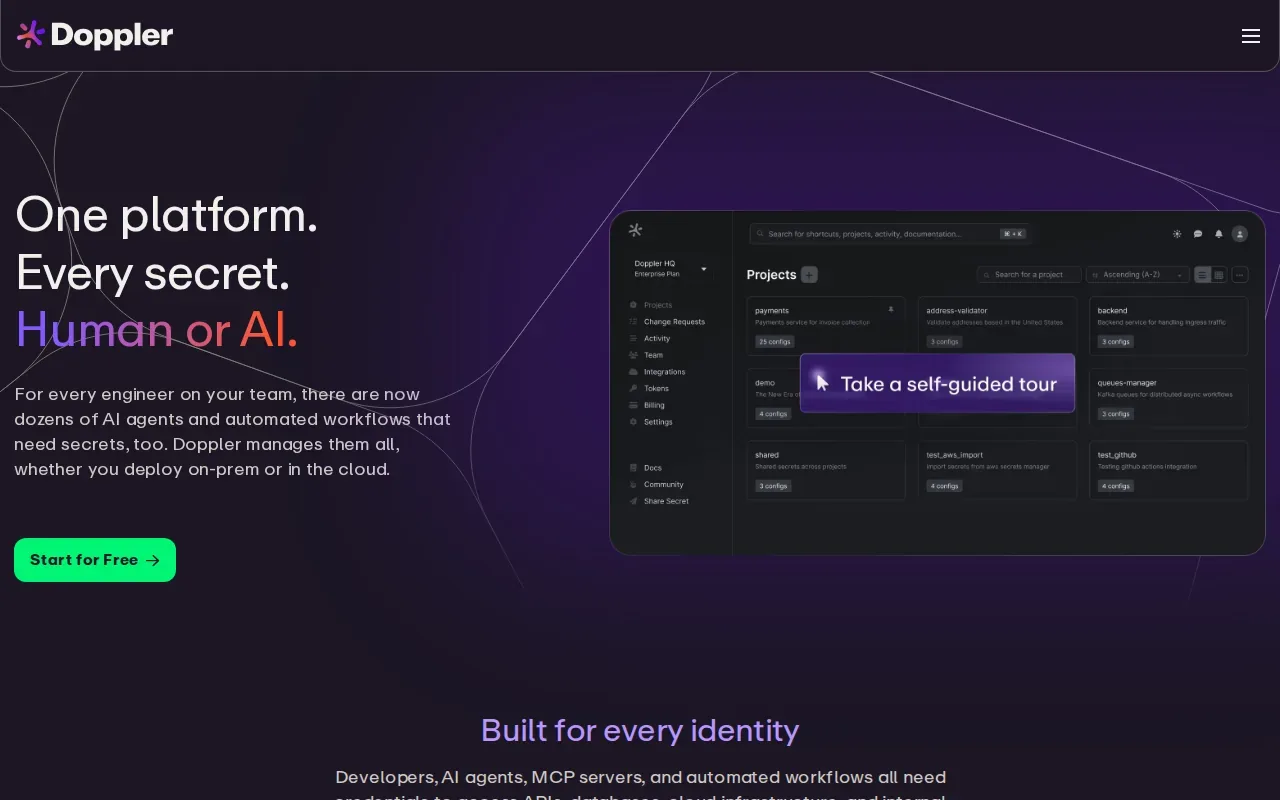
Its service account identities let CI systems authenticate with short-lived OIDC tokens instead of keeping long-lived API tokens in pipeline settings. That can reduce how long a static credential remains useful if a config file or runner is exposed. Doppler also supports service-account use with its CLI or API.
Teams can review secret changes through change requests. Activity logs and secret version history can help a team see what changed and roll back a value if a deploy fails. Some access and review controls depend on the plan, so check that the team’s required roles and log history are included.
Doppler encrypts data at rest with AES-GCM and has access controls. It can fit teams managing secrets beyond local .env files, but it isn’t the best match if instant rollback of versioned .env changes is a must-have across the shortlist.
3. Infisical: open-source core for flexible deployments
Infisical is a secrets manager with a free, MIT-licensed core. It may suit teams that want an open-source starting point and a broad set of infrastructure and CI/CD integrations.
Infisical uses AES-256-GCM encryption at rest. That gives teams a stated encryption detail to assess when they compare how secrets are stored. Its library of integrations can also help connect secret delivery to existing build and deployment workflows, rather than forcing engineers to move values by hand.
One tradeoff is access control. Role-based access is a paid feature, so teams should check the plan against their need to keep development and production access separate. A small team may be comfortable with the free core, while a team with strict access boundaries should include paid controls in its evaluation.
Infisical’s open-source core gives teams more choice about how they adopt the tool. But if you need .env version rollback as a core part of the workflow, confirm that exact behavior before moving existing projects.
For remote teams, a useful pilot is one service with a non-production environment. Test the integration path your developers and CI jobs will actually use.
4. Azure Key Vault by Microsoft: HSM-backed protection
Azure Key Vault by Microsoft stores secrets, encryption keys, and certificates in an Azure-native service. It fits teams already building on Azure that want application secrets managed alongside their cloud setup.
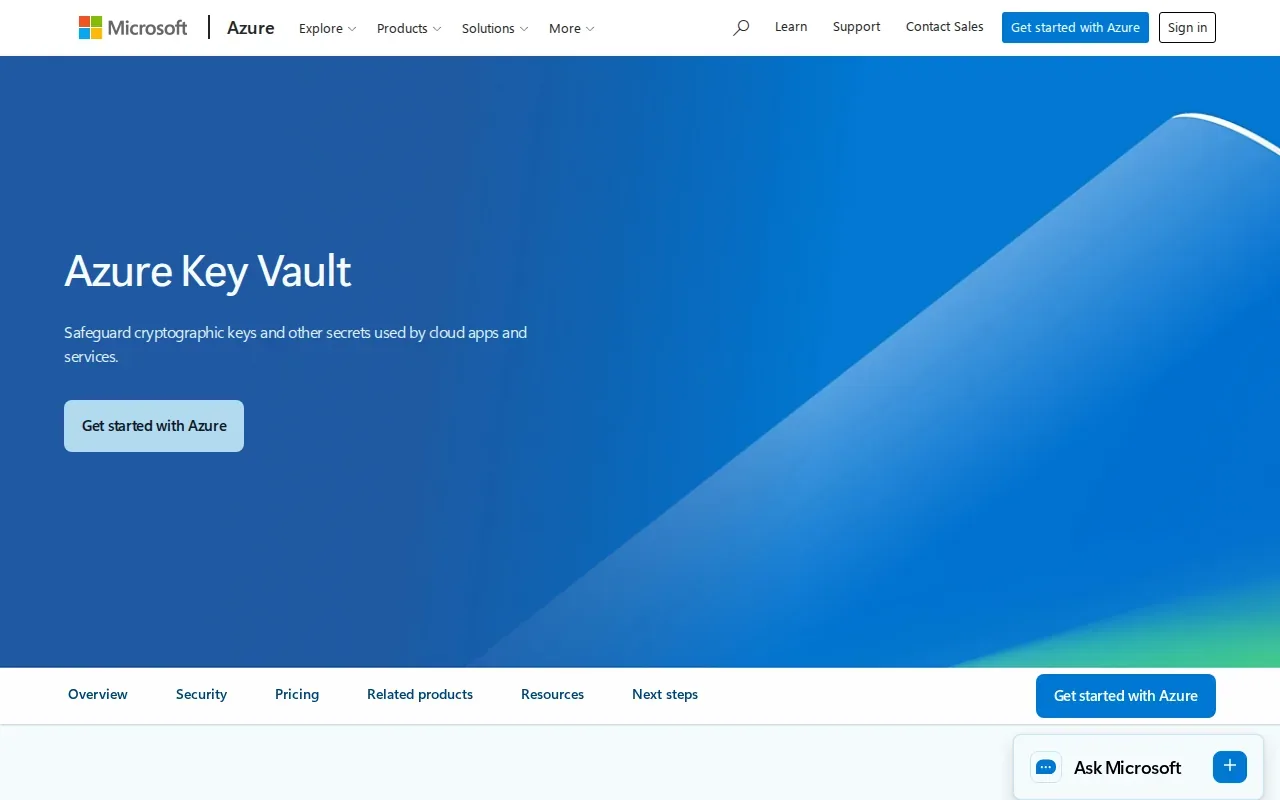
Key Vault can use hardware security modules, or HSMs, for strong data protection. It also integrates with managed identities, which let supported services access resources without relying on a developer’s personal credentials. Teams still need strict role-based access control so each identity gets only the permissions it needs.
Key Vault is designed for sensitive application credentials such as passwords, connection strings, and access keys. Microsoft’s guidance distinguishes those secrets from general configuration data. That makes it less direct as a shared home for every setting in a .env file, such as feature flags or service names.
Automated secret rotation isn’t listed as a built-in capability. Teams that need rotation should plan and test how that process will work in their own setup. Key Vault is a sensible fit for Azure-centered secret storage, but not a drop-in .env collaboration workflow.
5. Bitwarden Secrets Manager: transparent, open-source approach
Bitwarden Secrets Manager is an open-source secrets management tool for developers and DevOps teams. It’s worth considering when transparency in the product’s development model matters to the team.
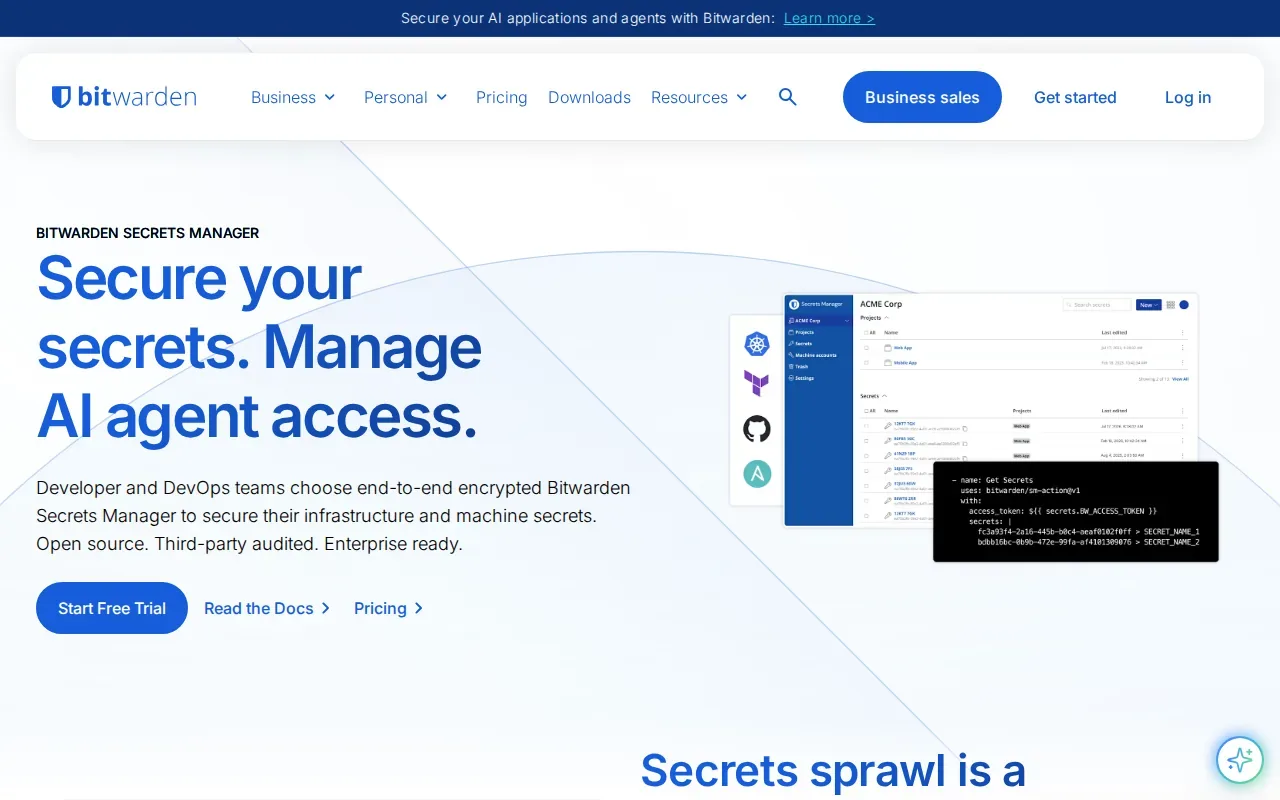
The tool centrally stores, manages, and deploys secrets at scale. That can give remote engineers a shared place to manage credentials, instead of relying on private notes or messages that other teammates can’t find. Its stated CI/CD support also makes it relevant to teams that need secrets in a build or deployment workflow.
Those strengths don’t answer every operational question. Its public materials don’t specify its encryption method, role-based access controls, or version rollback behavior. Before adopting it, verify how team permissions map to your environments and how you would recover from an incorrect secret update.
Bitwarden may be a reasonable shortlist candidate when open-source transparency and centralized deployment are priorities. If your main need is .env version history with rollback, test that path directly instead of assuming it matches your current workflow.
6. Keeper Secrets Manager: centralized application-secret protection
Keeper Secrets Manager centrally protects application secrets, credentials, API keys, and other machine credentials. It may suit teams that want role-based access controls for secrets used by applications and services.
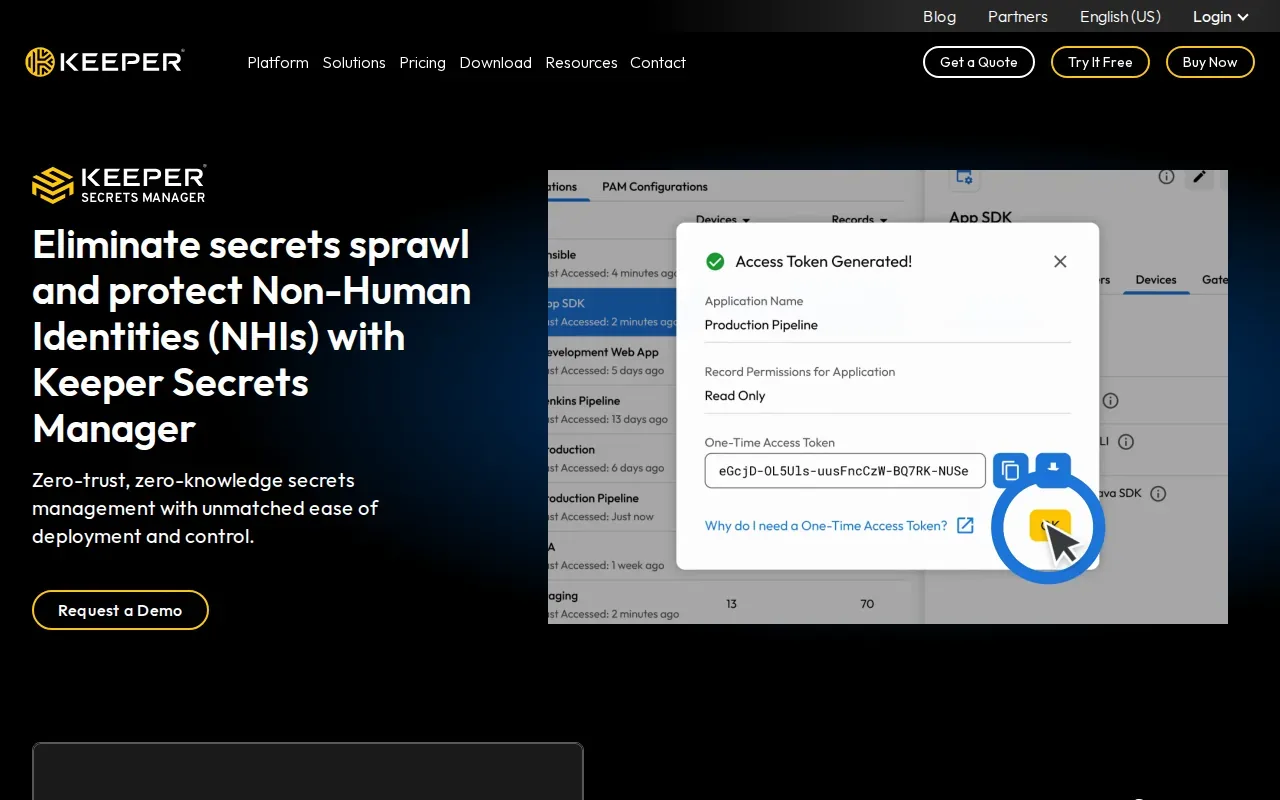
Keeper also has biometric login, adding another way to verify a user. That can support a stronger sign-in process for people accessing sensitive credentials. For remote teams, the key test is still whether access roles fit the project’s needs. A developer working on staging shouldn’t automatically need access to production secrets.
Keeper lists CI/CD integrations and role-based access controls. They don’t list automated secret rotation. Teams should also confirm how secret changes are tracked and whether they can restore a prior value after a failed release.
That distinction matters in incident response. A central vault can limit where secrets live, but the team still needs a clear recovery plan when a new value breaks an app or a service.
7. Delinea Secret Server: granular role-based governance
Delinea Secret Server uses role-based access control to define who can access secrets. It may suit organizations that need clear access rules and audit trails for credential use.
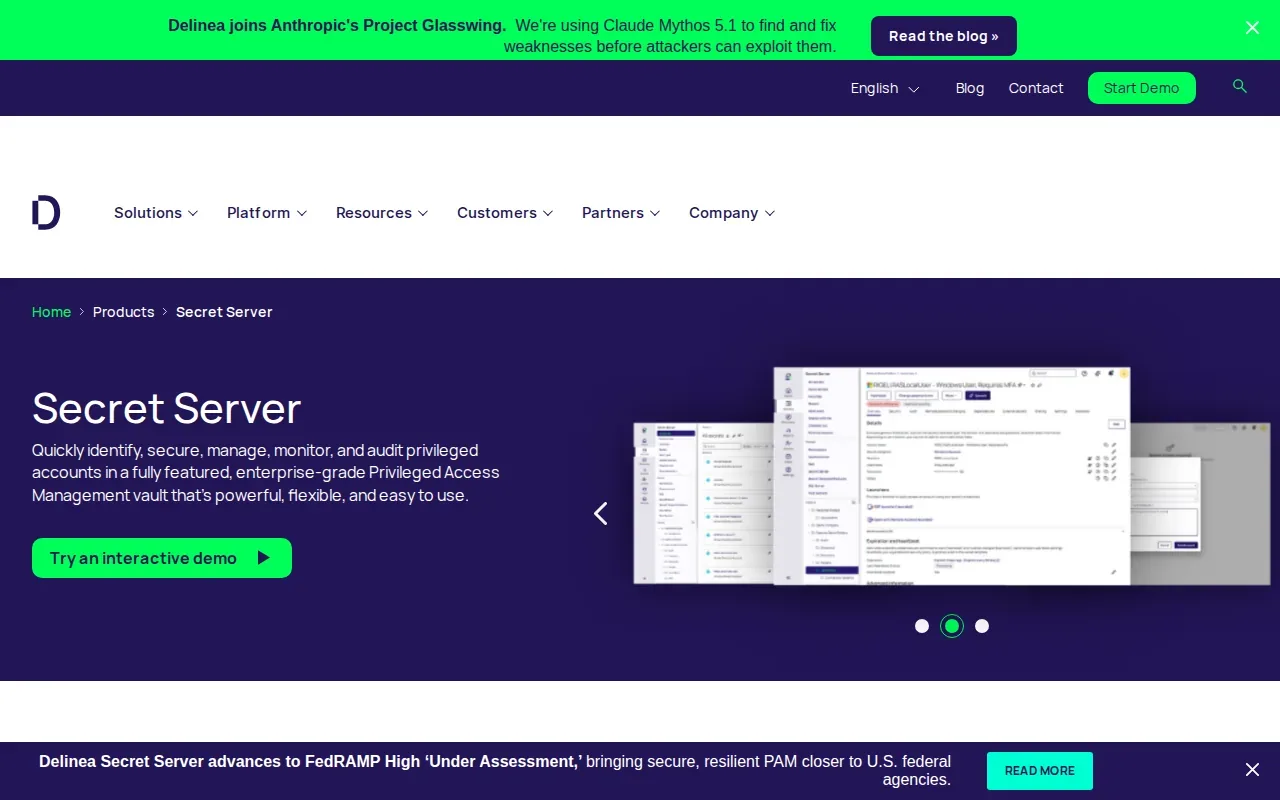
Its audit trails provide visibility into data access and use. That can help a security team review activity after a concern, or give an auditor a record to inspect. The value depends on how the team assigns roles and how often it checks that access still matches each person’s work.
The details available for this comparison don’t specify encryption at rest or CI/CD integrations. Automated secret rotation isn’t listed either. That doesn’t determine how a specific deployment will work, but it does mean teams should verify those requirements before treating Delinea as their full developer secret workflow.
| Decision area | What’s stated | What to verify |
|---|---|---|
| Access | Role-based access control | Can roles be scoped to the environments your team uses? |
| Review | Audit trails for access and use | Can your team find the events it needs during an audit? |
| Rotation | Automated rotation isn’t listed | How will you change and test credentials? |
| Developer workflow | CI/CD support isn’t stated here | How will local developers and build jobs retrieve secrets? |
Delinea is a stronger fit when governance and access review lead the requirements. If engineers need an easy .env pull and rollback flow, make that a hands-on test before choosing.
FAQ
What is the best way to share secrets with a remote development team?
Use a central, access-controlled secret manager rather than sending raw values through chat or email. For secure secret sharing for remote development teams, EnvManager fits teams that need encrypted .env files, role-based access, CI/CD sync, and versioned rollbacks. Give each teammate only the access needed for their work, and test how you’ll restore a value after a failed change.
How should remote developers share .env files securely?
Keep the source .env values in a managed secret store, then let authorized developers pull the values they need. Avoid committing populated files to a code repository or pasting credentials into chat. For secure secret sharing for remote development teams, check that the tool also separates environments and gives you a way to review or undo secret changes.
Do developers need a separate secret manager for CI/CD?
Not always, but CI jobs need a safe way to access only the secrets they require. Secure secret sharing for remote development teams works best when the local workflow and CI/CD delivery follow the same access rules. Check whether the tool supports your pipeline and how it authenticates automated jobs before you move production credentials.
What should a team check before choosing a secrets manager?
Check encryption at rest, role-based access, CI/CD support, and recovery after a bad update. Those are the core checks for secure secret sharing for remote development teams. Then test the actual workflow with a non-production project: invite a teammate, pull a secret, change its value, and confirm how the team can review or recover that change.
Conclusion
For teams centered on shared .env files, EnvManager is the clearest fit in this shortlist because it combines encryption, roles, CI/CD sync, and versioned rollback. Pick one non-production project and test the full handoff, including recovery after a bad secret change.