
Best Secrets Vault Solutions for Teams
Compare secrets vault solutions for teams, including .env sync, CI/CD access, self-hosting, versioning, and governance. Find the right fit for your workflow.
Leaked .env files and copied API keys turn routine deploys into security risks. A secrets vault gives your team one controlled place to store and deliver credentials. Here are seven options, starting with EnvManager for teams focused on secure .env workflows.
1. EnvManager
EnvManager is a self-serve SaaS platform for encrypting, versioning, and centrally managing .env files. It suits engineering teams that want shared control without changing how developers work with environment variables.
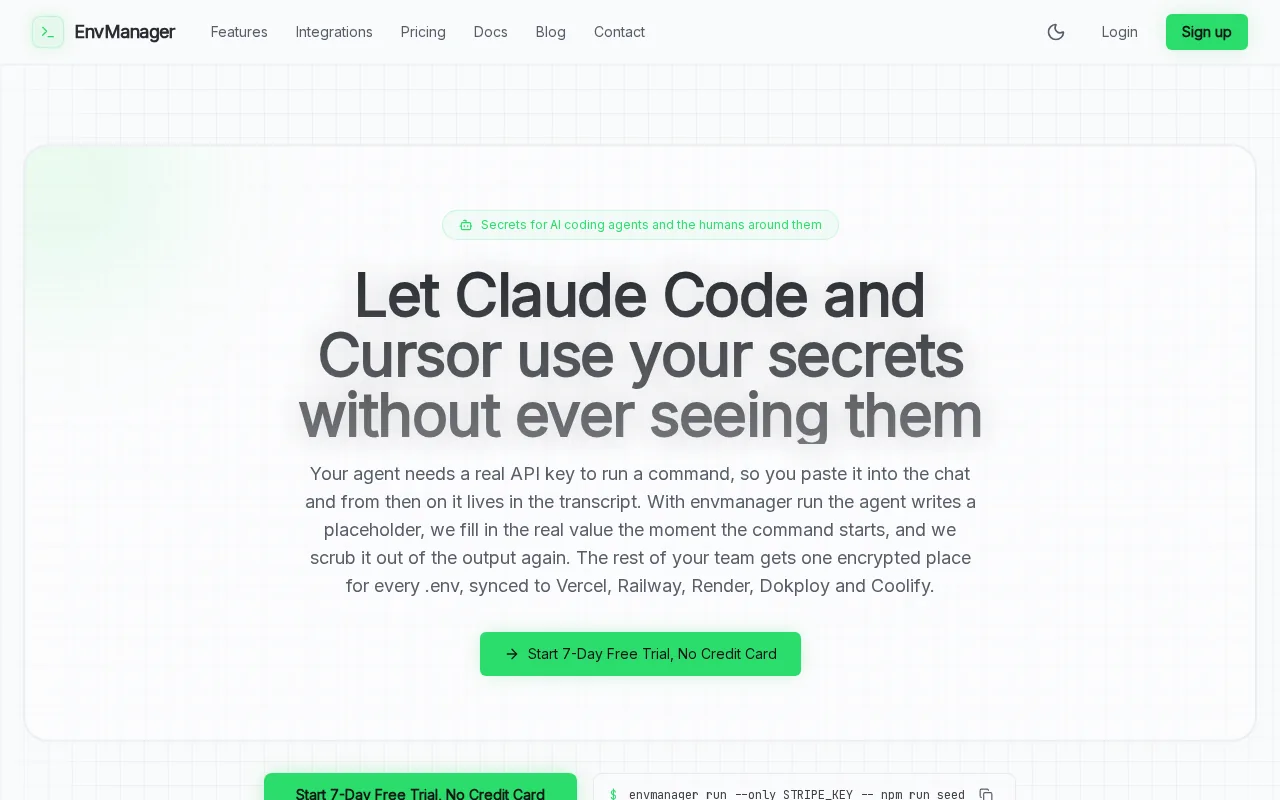
We use role-based access so teams can control who can reach secrets. The platform syncs them to local machines and CI/CD pipelines, which cuts down on copy-paste and separate settings-page edits. EnvManager also syncs to Vercel, Dokploy, Coolify, and other platforms.
Change records matter when a key is updated during a release or removed after a team handoff. EnvManager logs secret changes with timestamps, so teams have a trail to check during an audit. For a useful review process, see how to audit secret access.
This is a focused fit for app configuration and team .env files. If you need a larger platform for infrastructure secrets, certificates, or privileged access, compare the broader tools below.
2. Doppler: Fast setup for cloud-native teams
Doppler is a fully managed, cloud-only secrets platform. It fits cloud-native teams that want a quick path from setup to secret injection and prefer a hosted service over self-hosting.
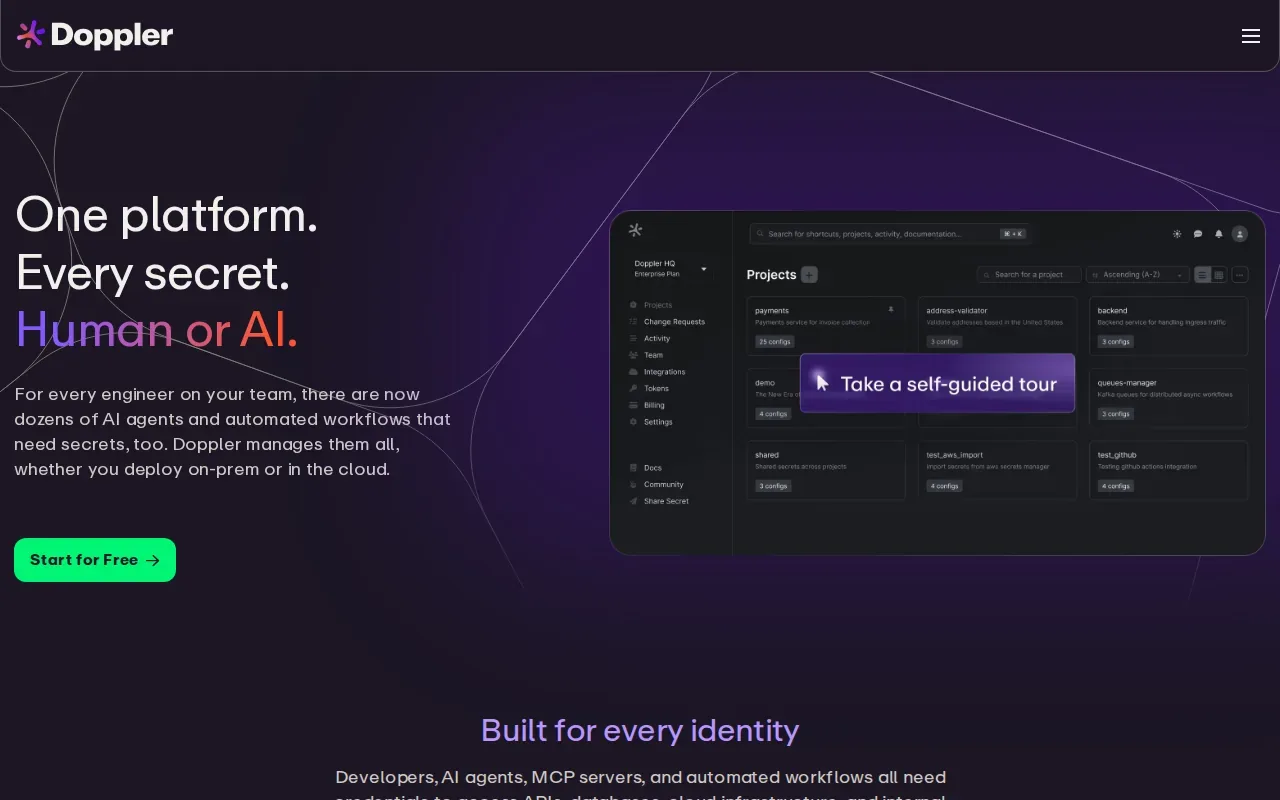
Its dashboard gives teams a central place to manage application secrets. A CLI can provide secrets to commands, while its sync engine pushes them to multiple targets. Automatic secret rotation can reduce manual key changes, and its activity logs cover 90 days on the Team plan (3 days on the free plan).
That setup can help when several services need the same updated value. Rather than editing each destination by hand, a team can manage the source and use sync targets. The tradeoff is a cloud-only deployment, so it may not suit teams that need to run the secrets system themselves.
For CI/CD, check how a secret reaches each job and whether it can leak into build output. EnvManager’s notes on keeping secrets out of build artifacts cover that workflow risk.
3. Infisical: Open-source flexibility and developer tooling
Infisical is an open-source security platform with secrets management plus tools for credentials and infrastructure access. It suits teams that want deployment choice, including a self-hosted setup, and need more than basic .env storage.
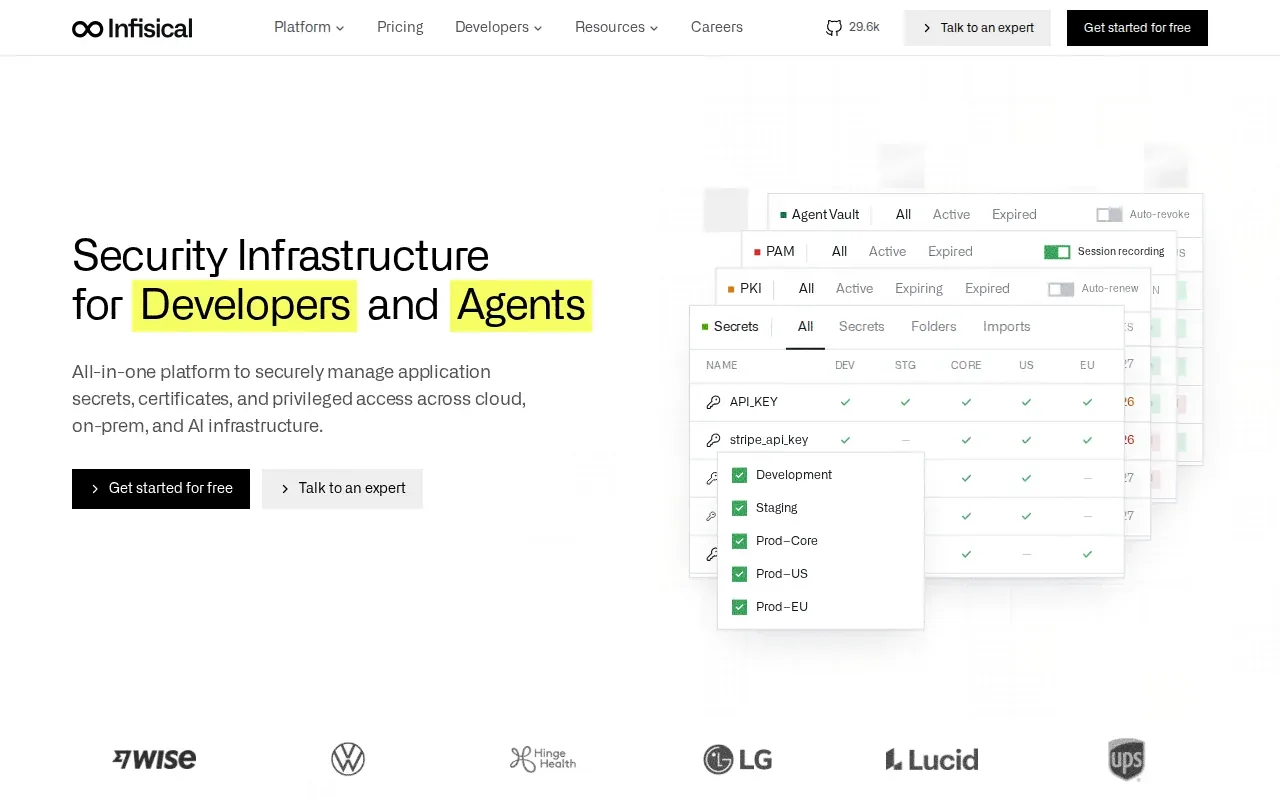
For application secrets, Infisical supports versioning, automatic rotation, and leak prevention. Teams can scope access by role, project, and environment. The CLI, SDKs, and dashboard serve both developers and machines, while integrations include Kubernetes and Terraform resources.
Self-hosting gives a team control over where the service runs, but it also means the team must own that deployment. Infisical’s documented options include its cloud regions or self-hosting in cloud, on-premises, or hybrid infrastructure. Audit log retention is 30 days on its Pro plan and 90 days on higher tiers.
Infisical can make sense if your team needs PKI, SSH access, or dynamic secrets alongside app configuration. For a narrower job, such as sharing .env values among developers and deployment pipelines, a focused tool may take less setup.
4. CyberArk Conjur: Governance for enterprise environments
CyberArk Conjur is a secrets option for organizations focused on enterprise governance. It fits teams that want machine and application secrets managed within a privileged-access governance model.
Conjur’s defining point in this shortlist is PAM-grade governance. That can matter when security teams need machine credentials handled under the same audited control plane as privileged access. It is a different emphasis from tools centered on syncing .env files to developer machines.
Use this option when governance is the main buying need and your security program already centers on privileged access. Before adopting it, map which workloads and application teams need access, then confirm that the governance workflow fits how they deploy.
For a team whose main pain is local configuration drift, weigh that governance focus against a simpler .env workflow. The best fit depends on whether your main control point is privileged access or everyday app configuration.
5. Secret Manager by Google Cloud: Versioned secrets for GCP workloads
Secret Manager by Google Cloud is Google Cloud’s service for managing secrets. It fits teams whose workloads already run on Google Cloud and who want a cloud-native service rather than a separate developer-focused vault.
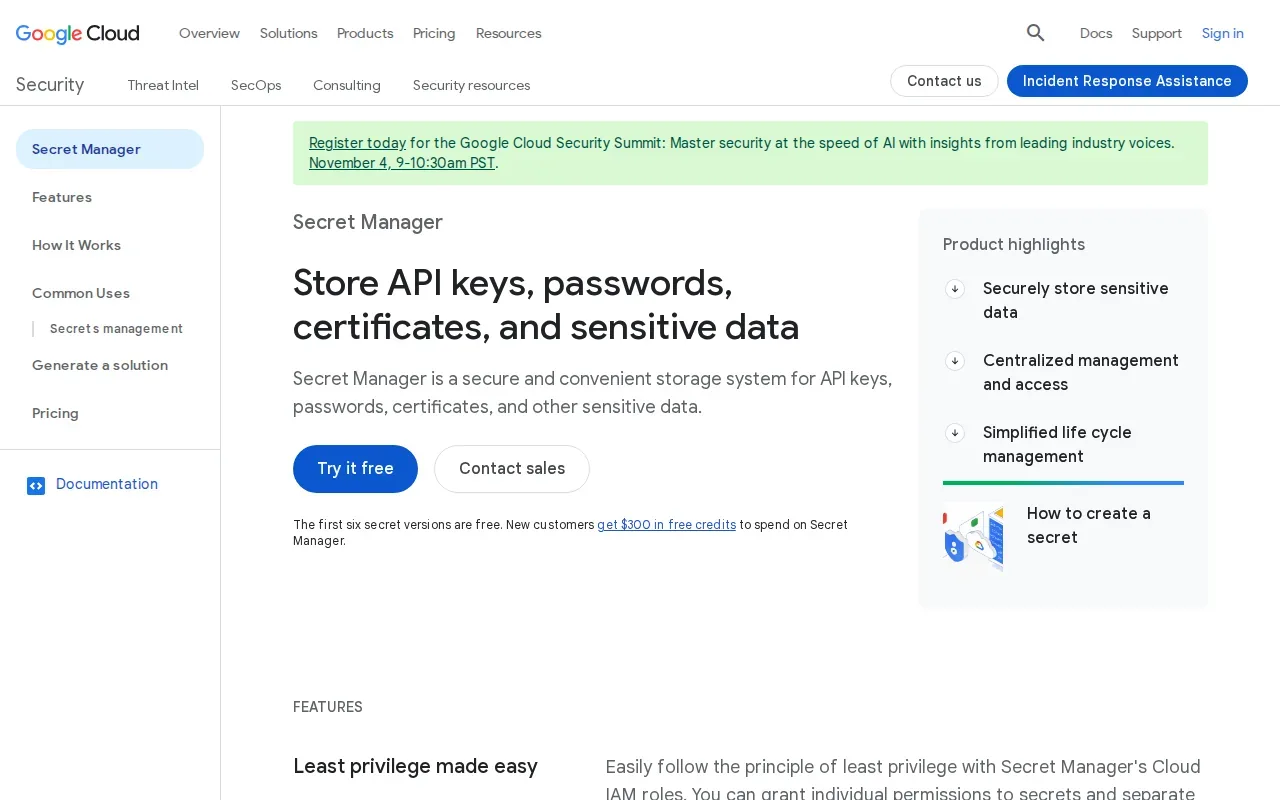
Its key strength in this shortlist is secret lifecycle management with versioning. A request can be pinned to a specific version or use the latest version, which gives teams a way to control when an application picks up a change.
Version pinning is useful during a staged rollout. A team can keep an app on a known version while testing an update, then move it when ready. If a workload should always follow the newest value, requesting the latest version supports that pattern.
This choice is most direct for Google Cloud workloads. If your daily work centers on syncing .env files across local machines and several deployment targets, compare that workflow with EnvManager before choosing a cloud-specific service.
6. Keeper Secrets Manager: Centralized machine credential protection
Keeper Secrets Manager protects application secrets, API keys, and other machine credentials in a cloud-based service. It fits teams that want centralized machine-secret management with developer and DevOps integrations.
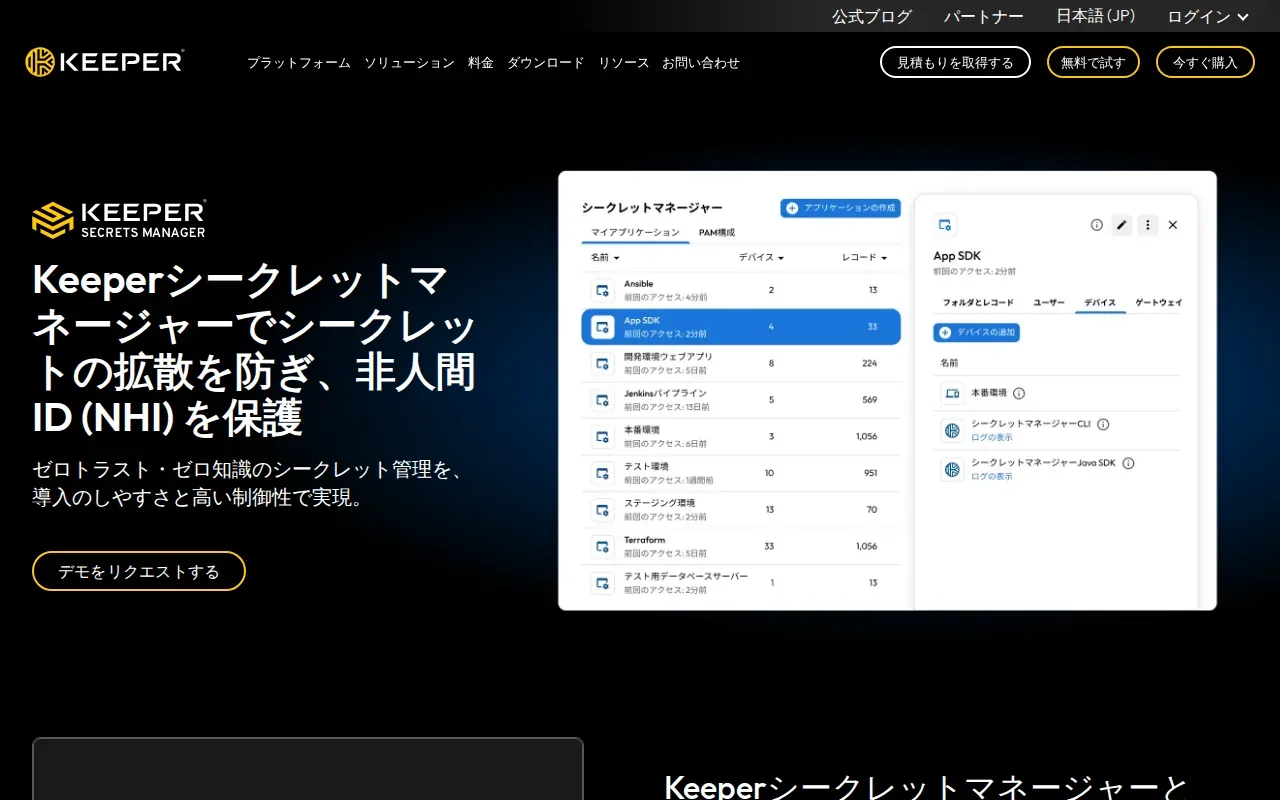
Teams can access secrets through a REST API, CLI, or SDKs. Keeper also supports CI/CD and Kubernetes integrations, plus dynamic secret injection and role-based access controls. Those paths let developers and automated workloads retrieve credentials without hard-coding them in source files.
Keeper describes its model as zero-knowledge encryption, with secrets decrypted on designated devices. Its materials also describe automated rotation and auditing. For teams running both cloud and on-premises workloads, the service can connect with both environments.
Choose it when you need a central place for machine credentials and want established developer access paths. Check how its access roles map to your project and environment boundaries before moving production credentials into it.
7. OpenBao: Community-driven Vault-compatible option
OpenBao is a community-led, open-source secrets platform forked from Vault. It suits teams seeking a Vault-compatible option without the Business Source License terms associated with later Vault releases.
OpenBao supports a Vault-compatible API, namespaces for multi-tenancy, and horizontal read scalability. Its self-hosted model gives operators control over deployment, but the team must plan for running and maintaining the service. That includes assigning ownership for upgrades and operational tasks.
Think through migration before switching. Check how clients authenticate, how policies map, and whether existing automation depends on behavior beyond API compatibility. Test a small workload first, then verify retrieval and rotation before shifting production use. For .env-specific moves, follow a migration plan for existing environment files.
| Decision point | OpenBao | EnvManager |
|---|---|---|
| Deployment model | Open-source platform run by your team | Self-serve SaaS |
| Main workflow | Vault-compatible secrets management | Central .env management and sync |
| Fit to consider | Teams seeking a Vault-compatible replacement | Teams sharing .env values across local work and CI/CD |
OpenBao makes sense when compatibility and control over deployment lead the decision. EnvManager is the more direct fit when the job is .env management with team access controls.
FAQ
What is a secrets vault?
A secrets vault is a system that stores sensitive values and controls how people or software retrieve them. Teams use one to manage items such as API keys and application credentials instead of scattering them across code or shared files. Depending on the product, access may happen through a dashboard, CLI, API, or deployment integration.
How do teams create and retrieve secrets?
Teams create secrets in a vault’s interface or through its supported API or CLI. An application or CI job then retrieves the value through an approved identity and access rule. Before choosing a tool, confirm the clients and integrations your team uses, then test creation, retrieval, updates, and deletion in a non-production environment.
Can I use Terraform with a secrets vault?
Yes, some tools in this shortlist support Terraform workflows. Infisical includes Terraform resources, and Keeper lists Terraform among its native integrations. Confirm the supported resource types and access method for your setup, then keep sensitive values out of Terraform state and logs wherever your workflow allows.
What should I check before migrating secrets?
Inventory where secrets live and which apps or jobs read them. Map identities, permissions, versions, and rotation needs before moving values. Test one low-risk service first, verify its new retrieval path, then remove old copies only after the new workflow works. Keep a rollback plan for any production credential change.
How often should a team rotate secrets?
Set rotation based on the credential’s risk and the systems that depend on it. Use automatic rotation when the tool and target support it, and test that dependent services accept the new value before retiring the old one. Record changes and assign an owner, so rotation does not rely on someone remembering a calendar reminder.
Conclusion
For teams managing shared .env files across local development and CI/CD, EnvManager is the clearest fit in this shortlist. Start its seven-day free trial to test the sync and access workflow with one project before moving the rest of your secrets.