Best Secrets Scanning Tools for DevOps Teams
Compare secrets scanning tools for repositories, CI/CD, cloud workloads, and developer workflows. Find the right fit for your team.
A secret committed to code can give someone access your team never meant to share. The best secrets scanning tools catch exposed credentials at different points in development, but they vary in what they scan and how they help teams respond. Here are five options, plus a way to keep day-to-day .env files out of risky handoffs.
We analyzed 41 comments and questions from Reddit, Quora and YouTube about secret scanning tools and found that 34% mentioned support for private repositories and CI/CD pipelines.
1. GitGuardian: Broad repository and secret exposure coverage
GitGuardian scans repositories and their history for exposed secrets, with public monitoring, honeytokens, and non-human identity governance. It’s best for security programs that treat leaked credentials as a leading risk and need a response workflow alongside detection.
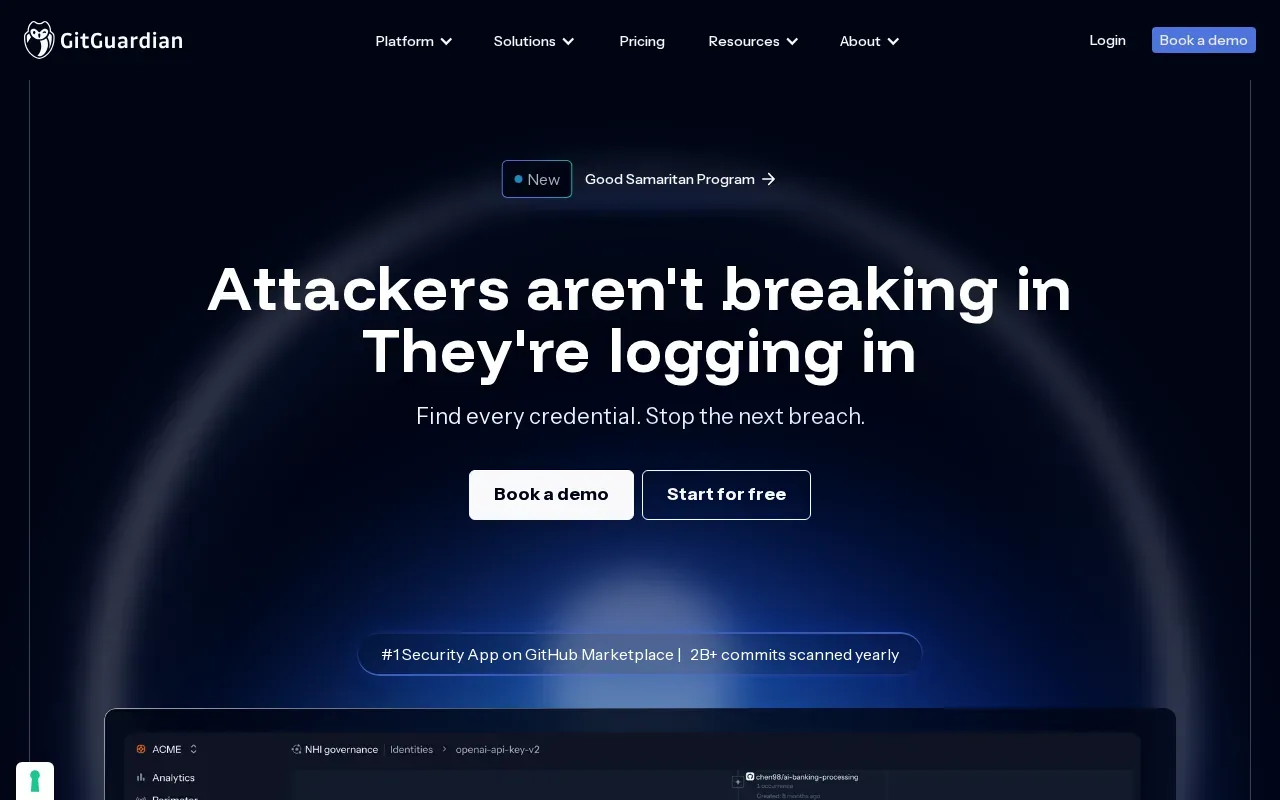
Repository history matters because deleting a key from the latest file doesn’t remove it from old commits. GitGuardian’s coverage includes public and private repository monitoring, plus secret detection in collaboration tools and container images.
Teams can add checks at several points in the workflow. GitGuardian offers in-editor alerts, pre-commit scanning through its CLI, and CI/CD protection with configurable policies. For a leaked credential, its remediation workflow helps developers and security teams investigate and coordinate the fix.
GitGuardian also offers honeytokens, which are decoy credentials that can alert teams to unauthorized access attempts. That’s a different job from finding a real key in a repository, but it can add a signal when a decoy is touched. Teams managing .env values still need a safe place to store and share active secrets. EnvManager handles encrypted, version-controlled .env files and syncs them to local machines and CI/CD pipelines.
GitGuardian fits when repository exposure and follow-up work are central concerns. It covers more than a single commit or branch, which helps when a key was added long before anyone noticed.
2. GitHub Secret Scanning: Native protection for GitHub repositories
GitHub Secret Scanning is built into GitHub repositories. It’s a good fit for teams that want alerts close to their code and push protection to catch supported secrets before they land in a repository.
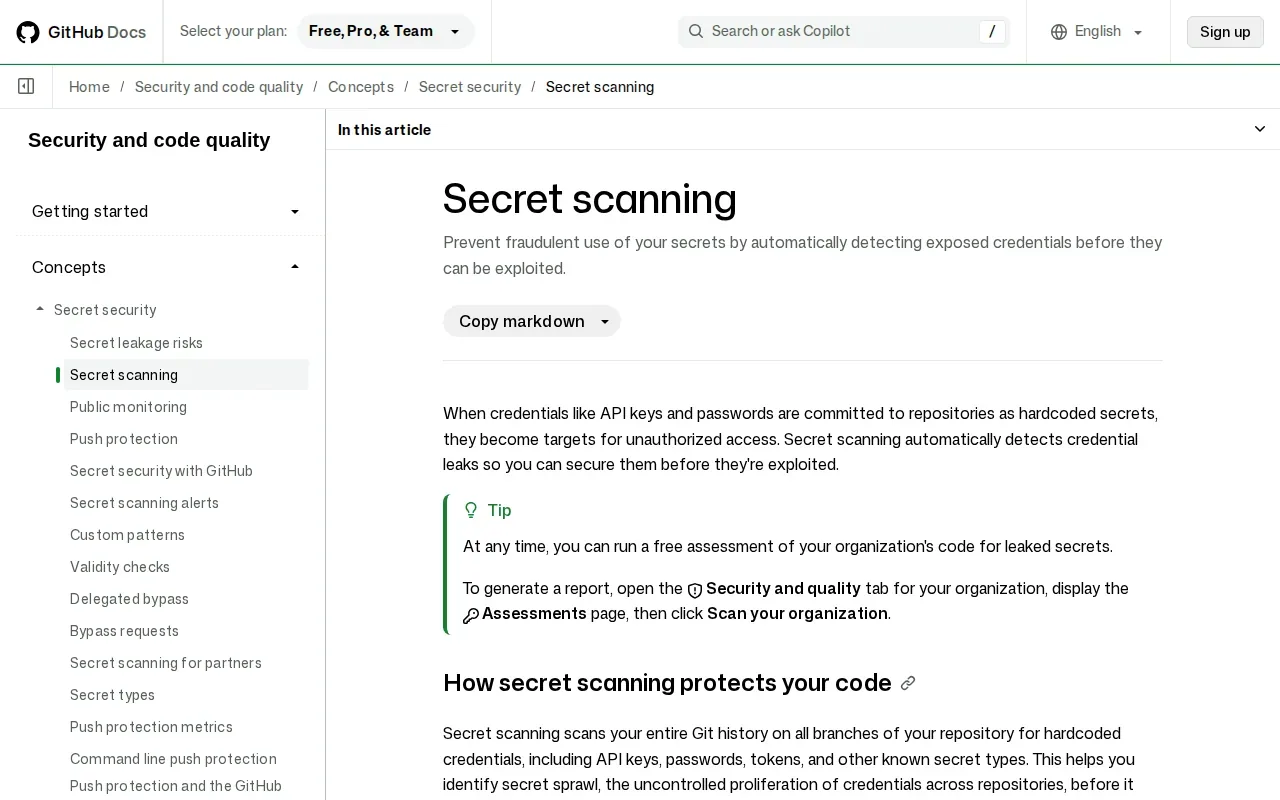
GitHub scans repository history across branches for hardcoded credentials, then creates an alert when it finds a match. GitHub Secret Scanning can notify partners about supported secrets, so a service provider can take action such as revoking a credential. That response doesn’t remove the need for your team to assess and rotate affected keys.
Push protection adds a point-of-entry control. It can stop a supported secret from being pushed, giving the developer a chance to remove it before it enters repository history. For a walkthrough of enabling the feature, use our GitHub secret scanning setup instructions.
Keep the response step clear. Once an active key is exposed, revoke or rotate it first. Removing the text from Git history can take more work and may not be needed after revocation. And for the secrets your app still needs, EnvManager keeps .env values encrypted and available to approved local and pipeline workflows.
3. Trivy by Aqua Security: Secret checks alongside cloud-native scans
Trivy by Aqua Security includes secret scanning in a tool that also checks container images, Kubernetes manifests, and Infrastructure as Code. It suits teams that want credential checks alongside their existing cloud-native scans.
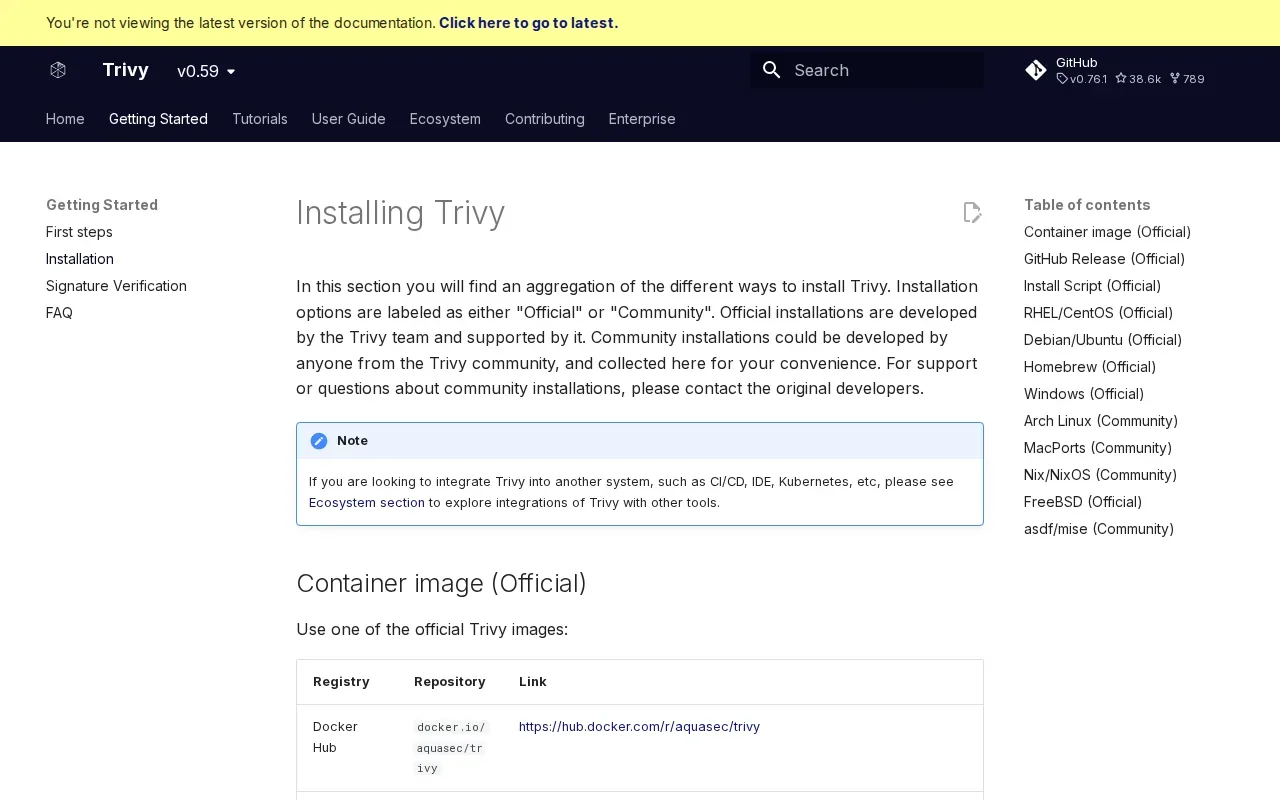
Trivy scans container images, filesystems, and Git repositories for passwords, API keys, and tokens. Its secret scanner uses built-in rules and can scan plaintext files, along with compiled Python files. It can also scan a container image while avoiding some base-image layers to reduce repeated work.
Detection uses pattern rules, but it doesn’t verify whether a found credential is live. That means a finding still needs review before the team decides how urgent it is. For example, a pattern match in a test fixture may need a different response from an active production credential.
Rule tuning is part of the workflow. Trivy lets teams add or change rules through a configuration file. You can enable only the rule sets you need, or disable rules that create noise in your environment. It also supports allowed paths and files, so teams can exclude known test data or areas that don’t need scanning.
Those controls help balance coverage against scan time and false positives. For build outputs, pair scanning with careful secret injection and log handling. Our guide to preventing secrets in build artifacts covers those workflow controls.
Choose Trivy when scanning containers or infrastructure is already part of the job. Treat its findings as candidates for review, not proof that each matched value is active.
4. Cycode: Secret detection across the software development lifecycle
Cycode scans for exposed secrets across the software development lifecycle. It’s a fit for teams that need repository and CI/CD coverage, with secret findings tied to broader development context.
Its coverage includes source code, configuration files, pipelines, logs, and messaging tools. That matters when a credential slips into a ticket or build log instead of a tracked source file. The scanner can also monitor public repositories, internal source control, and build artifacts.
Cycode’s secret detection uses context to help rank findings. That can help a security team sort an alert queue before assigning work to developers.
Remediation can fit into existing developer work. Cycode offers detection in IDEs and pull requests, plus ticketing workflows and automated actions. Teams can also use its CLI in CI/CD to detect, block, and monitor secrets in pull requests.
Broader coverage can be useful when secrets are spread across SaaS, chat, and tickets. Still, a scanner won’t replace a clear owner for each alert. Decide who confirms whether a value is active, who rotates it, and who checks that the old value no longer works.
Cycode is worth considering when your exposure crosses code and collaboration systems, rather than staying inside one repository host.
5. Wiz: Cloud context for prioritizing exposed secrets
Wiz combines cloud graph context, workload scanning, and code integration to help teams prioritize exposed secrets. It’s best for teams already using Wiz who want to rank leaks by blast radius.
A scanner may flag a credential without showing what it can reach. Wiz’s cloud graph context and prioritization can help teams assess findings across code and workloads. When evaluating it, consider whether this context fits the needs of your cloud estate.
A team evaluating exposed secrets can ask more than “Is this string a secret?” It can also ask what the credential can reach and how urgent the fix is.
Use Wiz when cloud relationships shape the response.
Secrets scanning tools comparison at a glance
These secrets scanning tools cover different parts of the same problem. The useful question is where your credentials can leak, and which workflow will get an alert to the person who can act.
| Option | Strongest fit | Coverage or response angle | What teams should plan for |
|---|---|---|---|
| GitGuardian | Programs focused on exposed credentials | Repository history, public monitoring, honeytokens, and remediation workflow | Set owners and response steps for alerts |
| GitHub Secret Scanning | GitHub-centered repositories | History scanning, push protection, alerts, and partner notifications | Rotate exposed active keys and review findings |
| Trivy by Aqua Security | Cloud-native scan workflows | Secrets in images, filesystems, Git repositories, and IaC | Review pattern matches; tune rules and allowed paths |
| Cycode | Secrets across the development lifecycle | Repository and CI/CD coverage with contextual prioritization | Assign clear owners across tools and teams |
| Wiz | Cloud estates that need blast-radius context | Workload scanning connected to cloud identity context | Use cloud access details to set response priority |
One gap is accountability after detection. More connectors don’t automatically give a team a record of who accessed a secret.
That’s why scanners and secret managers play separate roles. A scanner looks for exposed values. EnvManager encrypts and version-controls .env files, then syncs them to local environments and CI/CD pipelines. Use a scanner to find leaks; use controlled secret delivery to reduce risky copying in the first place.
Frequently asked questions
What do secrets scanning tools look for?
Secrets scanning tools look for credentials such as API keys, passwords, tokens, and private keys in code and related files. Some scan repository history, while others also cover build artifacts, containers, or collaboration systems. A match is a lead, not always proof that a credential is active, so teams should verify and respond based on access and exposure.
Can secret scanning find credentials in Git history?
Yes, some tools scan the full repository history across branches. That can reveal a key that was removed from the latest version but remains in an earlier commit. If a live credential appears in history, rotate or revoke it first. Then decide whether history cleanup is needed for your repository and response plan.
How do teams reduce false positives?
Teams can tune rules to match the credential types they use and exclude known test files or paths when appropriate. Review findings with context, such as where the value appeared and which service might accept it. Trivy supports rule configuration and allow rules, while GitHub documents custom patterns and validity checks.
Does a secret scanner replace a secrets manager?
No. A scanner finds credentials that may have leaked, while a secrets manager controls how approved values are stored and shared. Using both covers different stages of the workflow. EnvManager encrypts and version-controls .env files, with role-based access and sync to local machines and CI/CD pipelines.
Conclusion
Start with the scanner that covers your main leak path: repository history, cloud workloads, or the wider development lifecycle. Then run it on a real project and assign an owner for each alert and rotation. For safer handling of active .env values, see application secrets management steps and move shared credentials out of copy-paste workflows.