
Best Encrypted Environment Variable Manager Subscriptions
Compare encrypted environment variable manager subscriptions for shared .env files, team access, Git workflows, and CI/CD pipelines.
A plain .env file can hold a production key beside everyday app settings. If you want to purchase an encrypted environment variable manager subscription, choose one that fits how your team stores, shares, and loads secrets. Here are five options, starting with EnvManager for teams that want managed .env files and shared access.
1. EnvManager — encrypted, version-controlled .env management
EnvManager is a self-serve SaaS service for encrypting, version-controlling, and centrally managing .env files. It fits development teams that need shared variables across projects, with role-based access for people and secure syncing to local machines or CI/CD pipelines.
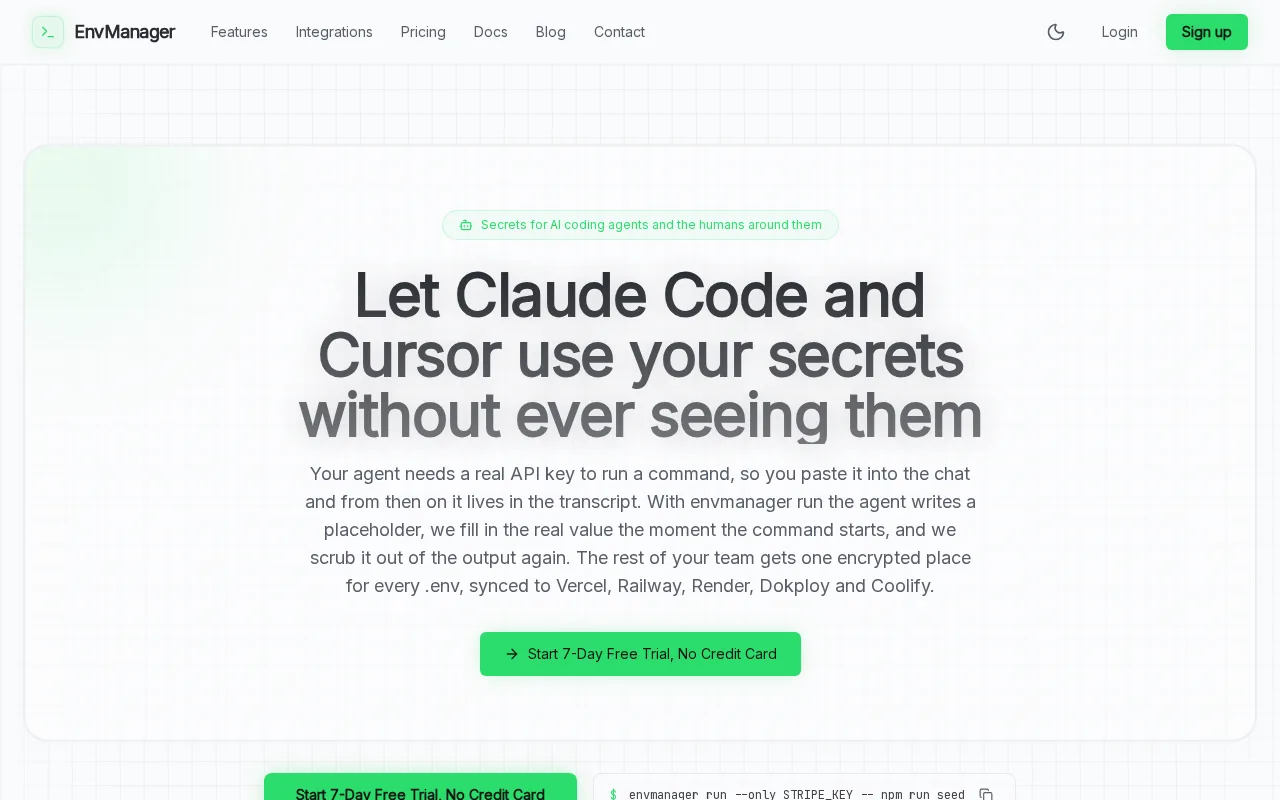
A flat team price can make budgeting easier than a per-seat plan as your team grows. EnvManager’s pricing page lists a seven-day trial without a credit card. The current listed price is $9 per month for the first 50 paying teams; after that, new teams pay $19 per month. The founding price stays in place while a team’s subscription remains active. See EnvManager’s team pricing and plan details before you subscribe.
For teams that need a record of secret changes, the platform combines version history with an immutable audit trail. That gives an engineer a way to trace a value change and roll a variable back when a deployment breaks. RBAC, or role-based access control, helps limit who can view or change secrets.
EnvManager also syncs variables to development and deployment environments. That can replace copying values between a local .env file and a CI/CD setup. The goal is to keep each environment supplied with the values it needs, without handing every teammate unrestricted access.
One boundary is worth keeping clear: this is focused on environment variables and team workflows. Teams seeking a broader secrets platform for infrastructure needs should compare its scope with the options below.
2. Doppler: developer-first secrets syncing
Doppler is a developer-first secrets management platform for storing, syncing, and controlling application secrets. It suits teams that want organized secrets to flow into development or deployment environments, especially when they prefer a cloud-hosted service.
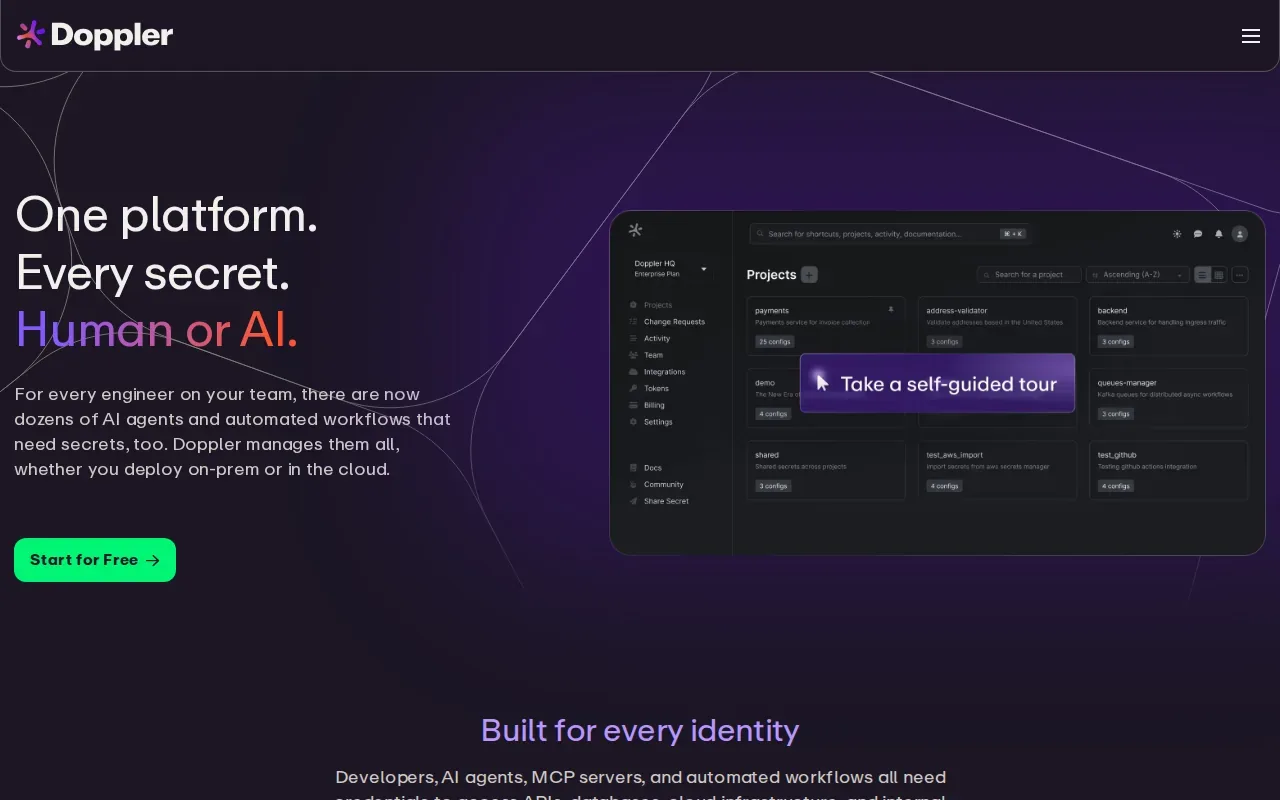
The useful distinction is its broader secrets-management approach. If your team already thinks in terms of shared application secrets across environments, Doppler gives you a service built around that workflow. Its audit logs have 90-day retention, which may suit teams that need a defined period for reviewing access.
Pricing is per user on the plans described in EnvManager’s comparison. Doppler Developer is free for up to three users, then costs $8 per user each month. The Team plan is $21 per user each month, with $9-per-seat add-ons for roles, groups, or syncs. For a growing team, work out the total with needed add-ons before settling on a budget.
Doppler has deeper enterprise features, and it can make sense when enterprise compliance needs and integration breadth matter more than per-seat cost. Its SaaS-only hosting model is another fit factor: teams that need to self-host should look at an option built for that choice.
Pick Doppler when its broader enterprise feature set maps to your requirements. For a small team, check the seat count and add-ons against the cost of a flat-rate plan.
3. Infisical: open-source workflows with infrastructure capabilities
Infisical is an open-source secrets management platform with developer-friendly workflows and infrastructure-grade capabilities. It fits teams that want an open-source option, need self-hosting, or want a wider scope than managing .env files alone.

That wider scope is the main reason to consider it. EnvManager’s comparison describes Infisical as a platform for areas such as dynamic secrets, PKI, and SSH, alongside its environment-variable workflows. Those capabilities can matter when a team is building a centralized secrets service for more than application configuration.
Infisical has a free tier and a self-hosted community edition. Its Pro plan is listed at $18 per identity per month, with 90-day retention. Since pricing is identity-based, count the identities your team expects to use, including the machine identities in its workflow, before comparing the monthly cost.
Self-hosting gives a team more control over where the service runs, but it also means the team must own its service operations. That can be a good trade for groups that need self-hosting or want to work with an open-source platform. A team seeking a narrower, managed .env workflow may not need the wider infrastructure scope.
Infisical is a strong candidate when open source or self-hosting is a requirement, rather than a nice-to-have.
4. dotenvx by Motdotla: encrypted .env files in Git
dotenvx by Motdotla extends dotenv with encrypted .env files and a command-line workflow. It fits teams that want encrypted configuration files in Git and prefer to work with files rather than a central web dashboard.
Its flow keeps the file at the center: encrypt an environment file, commit it with the project, then provide the separate decryption key where the app runs. Environment variables can be loaded into an application’s process environment, and a command can be run with values from a .env file. For Node applications, that can mean loading the values before app modules start.
This approach can make a repository the place where encrypted environment files travel with code. It also asks the team to handle the decryption key carefully. Keep that key outside the committed encrypted file, and make sure the production runtime can access it without exposing it in code or logs.
Encrypted files in Git are not the same as centrally controlled access. Before adopting this workflow, decide who can obtain the decryption key and how you will remove access when a teammate or service no longer needs it.
5. 1Password Secrets Automation: machine access for existing 1Password teams
1Password Secrets Automation extends the familiar 1Password vault to machine access, including CI/CD pipelines. It suits teams already using 1Password that want to manage human and machine secrets within a familiar system.
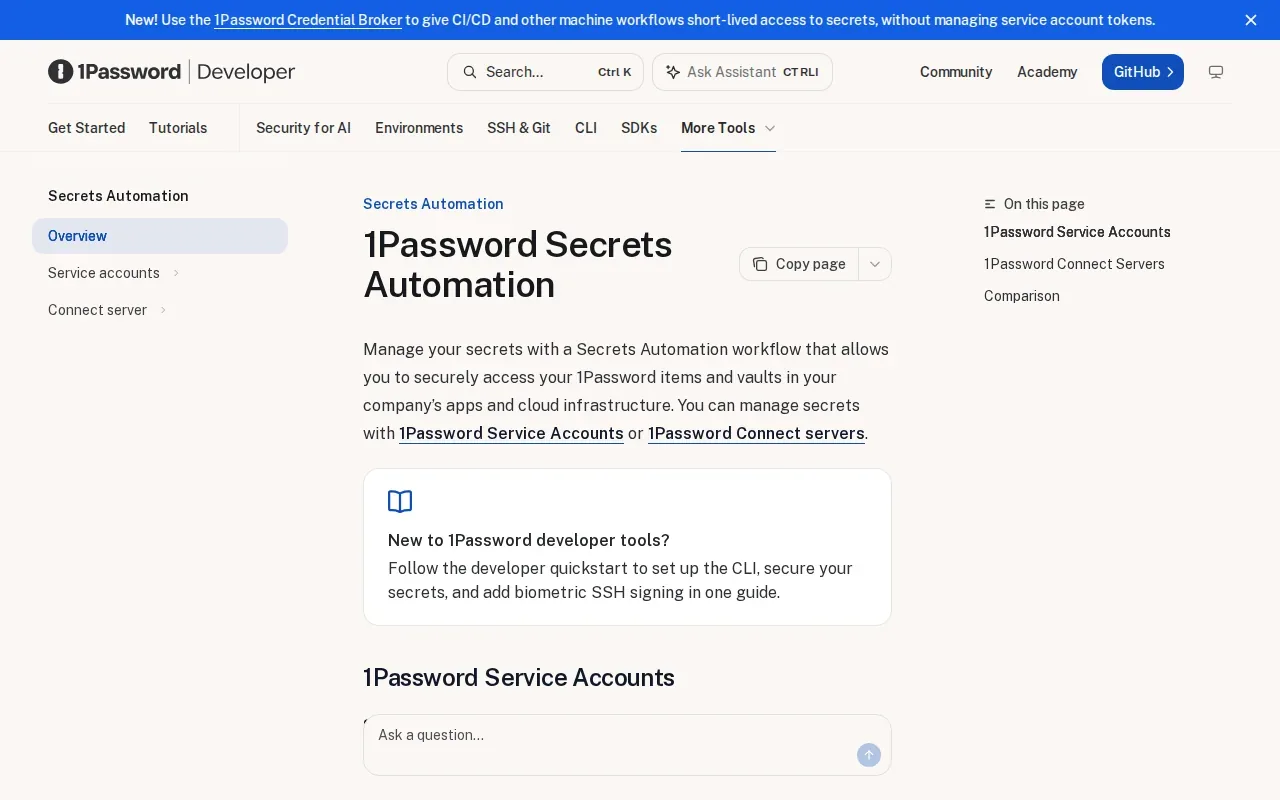
The appeal is operational continuity. If your team already uses 1Password for shared vaults, machine access can bring pipeline secrets into that existing pattern. It can be easier to assess one system for both people and automation than to introduce another secret store for a single workflow.
Access to secrets is recorded through 1Password logs. That gives a team an audit trail to review when it needs to check machine access. Before switching a pipeline, map which credentials it needs and which vault access should be granted. A deployment only needs the secrets required for that task.
This option is especially relevant for security-conscious teams that already rely on 1Password. It is less directly aimed at teams whose main need is version-controlled .env files with a dedicated environment-variable workflow.
If your company already uses 1Password, test machine access with one non-production pipeline first. That exposes access and setup questions before a production credential depends on the new path.
Compare these encrypted environment variable managers
The right subscription depends on where you want secrets to live and how your apps receive them. A plain .env file is easy to copy, but that same convenience can put live credentials in the wrong repository, shared folder, or deployment environment. Hard-coded values have a similar problem: they tie a secret to code instead of letting teams manage access separately.
For a team choosing where to purchase an encrypted environment variable manager subscription, compare the daily workflow, not just the feature names. A file-first team may favor dotenvx. A team with broader infrastructure needs may prefer Infisical. If your main job is to share and sync app variables with access controls, EnvManager keeps that use case in focus.
| Option | Best fit | How secrets reach apps | Decision point |
|---|---|---|---|
| EnvManager | Team-managed .env files | Central management with local and CI/CD syncing | Flat team pricing, version history, role-based access, and an immutable audit trail |
| Doppler | Cloud-first app secret workflows | Secrets synced to development or deployment environments | Broader enterprise features, with per-user pricing and add-ons |
| Infisical | Open-source or self-hosted needs | Developer workflows across a broader secrets platform | Choose it when infrastructure capabilities are part of the goal |
| dotenvx by Motdotla | Encrypted .env files in Git | Decrypt and load values when a command or app runs | Keep the decryption key separate from the encrypted file |
| 1Password Secrets Automation | Teams already using 1Password | Machine access, including CI/CD pipelines | Review vault access and logs for pipeline credentials |
Keep the production handoff safe
Whichever manager you choose, begin with one service and a non-production environment. Move its existing variables, then verify that every required key reaches the right runtime. For a missing-variable error, check the spelling first. Then confirm the app or container is loading the intended file or receiving the expected values from its deployment setup.
With Docker Compose, inspect the environment configuration and confirm the file path and syntax. A variable present on your laptop may still be absent inside a container if the file is not wired into that service. Restart or redeploy only after you have confirmed the app receives the corrected value.
Keep production and development values separate. Limit access by role or environment, and remove old copies after you confirm the new workflow works. Teams planning a move can use this .env migration process for encrypted cloud storage to plan the handoff and check each runtime.
Remote retrieval can add a network dependency when an app fetches secrets at startup. A local injection or sync workflow can change that tradeoff by making values available to the runtime before the app starts. Test the chosen path under the same deployment conditions your service uses.
Frequently Asked Questions
Are .env files safe to commit to Git?
Plain .env files with live secrets should not be committed to Git. A repository may be copied, shared, or retained beyond the point when a secret is needed. Use encrypted files only when the decryption key stays separate and access is controlled. Otherwise, keep secret values out of source control and load them through a managed secret workflow.
How do I load environment variables without hard-coding them?
Load them from a protected file or secret manager before your application reads its configuration. In Node, a dotenv-based setup can populate the process environment early. In Python, code can read values from the process environment. Keep secret values out of source code, and test that the production runtime receives each required key.
What should I check when a container reports a missing environment variable?
First check the exact variable name for spelling and case. Then confirm the intended .env file is in the expected path and linked to the right Compose service. Review the service’s environment configuration and verify the resolved settings before restarting it. A value on the host does not automatically mean the container received that value.
Should I choose a file-based or centralized secrets manager?
Choose a file-based workflow when encrypted files in Git match how your team works and you can manage the decryption key separately. Choose a centralized manager when the team needs shared access controls, version history, or syncing across local and deployment environments. The best fit depends on who needs each secret and how production receives it.
Conclusion
For teams focused on shared, version-controlled .env files with role-based access and CI/CD syncing, EnvManager is the clearest fit on this shortlist. Compare the workflows against one service first, then start the trial if the team pricing and access model fit. Begin with a non-production app and verify every variable reaches its intended runtime.