Best Password Managers for Teams: 6 Top Picks
Compare six team password managers by security, access controls, and best-fit use cases, then choose a tool that fits your team’s daily work.
A shared spreadsheet or chat message can leave work logins exposed and hard to track. A password manager for teams gives people a safer way to store and share account credentials, while developers may need a separate system for application secrets. Here are six options, plus a note on where EnvManager fits. For a broader look at tools that handle passwords and technical credentials, see our credential management software comparison.
1. Bitwarden: Open-source value and self-hosting flexibility
Bitwarden is a team password manager with an auditable open-source core and an optional self-hosting path. It fits teams that want to inspect the codebase, share logins across departments, or keep the server on infrastructure they manage.
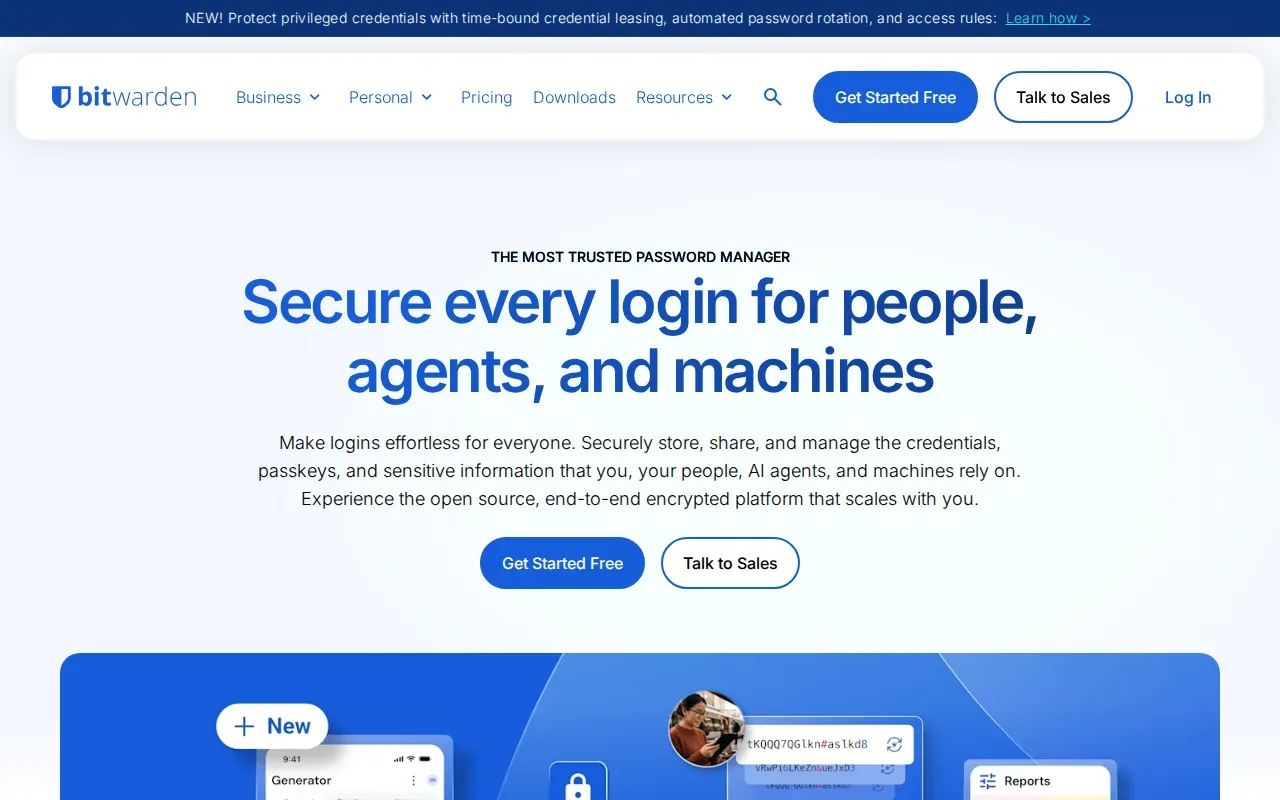
Its business plans support unlimited users and shared collections. Admins can group people and set collection permissions, which helps keep finance logins away from engineering accounts. Teams also get event logs, an API for organization management, and directory tools for user and group provisioning. Enterprise adds options such as SSO, policies, custom roles, and self-hosting.
The Teams plan is listed at $4 per user per month. That makes seat cost easier to plan than a custom quote, though the bill still grows with headcount. The core password manager is separate from related tools for managing developer secrets. Keep that distinction clear when you’re comparing tools for API keys or deployment variables.
For teams that value source-code auditability and control over hosting, Bitwarden is a strong fit. Plan who will maintain a self-hosted deployment before choosing that route.
2. Keeper Business: A compliance-focused option for teams
Keeper Business is a business password manager with a broad compliance focus. It’s best suited to organizations that need certifications and formal controls to support security reviews or regulated work.
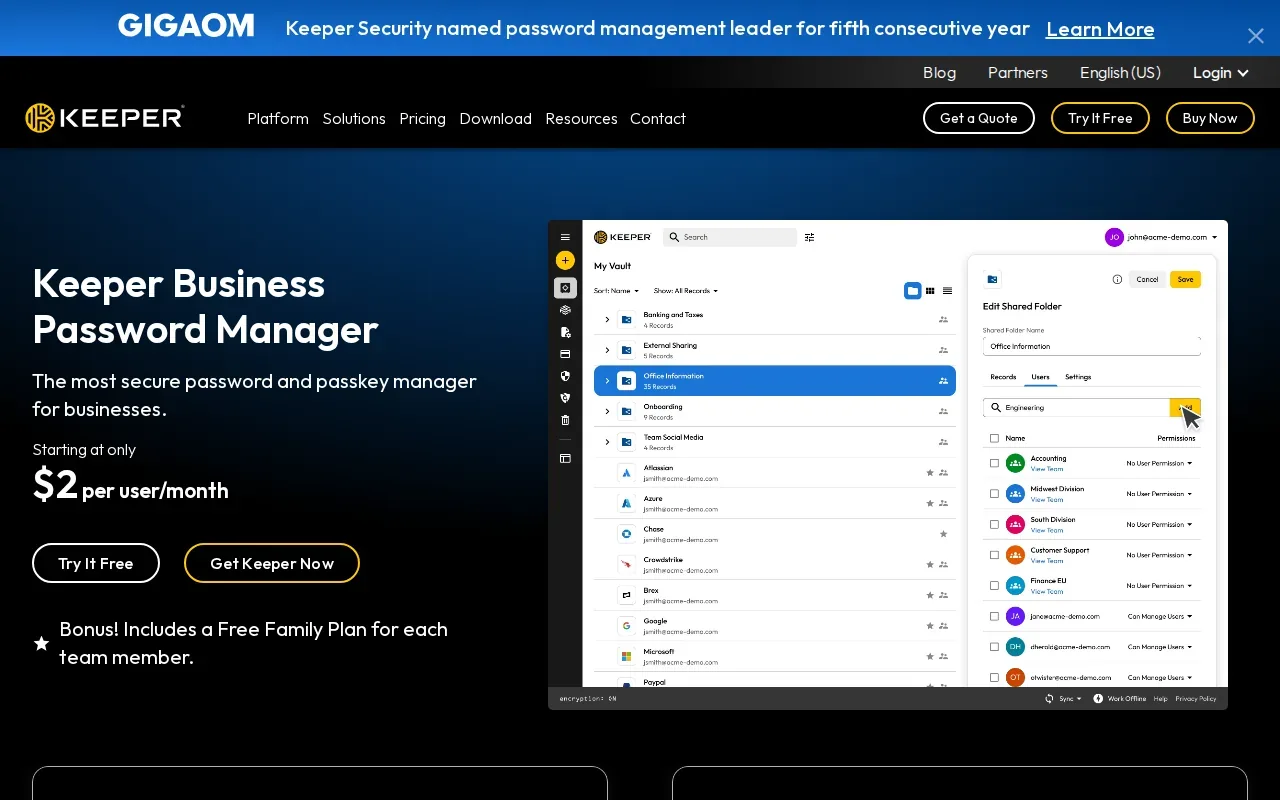
Keeper’s stated credentials include FedRAMP High authorization, FIPS 140-3 validation, and ISO 27001 certification. The product also has SAML 2.0 SSO, activity logs, role-based permissions, and secure sharing. An admin can give a person view-only access to a record, for example, instead of letting them edit or share it.
Those controls can help with employee changes. Admins can grant access to the systems a new hire needs, then revoke that access when the person leaves. Logs give security staff a record of credential use when they need to review activity. Keeper also lists BreachWatch and KeeperPAM as integrations or related capabilities.
Keeper is worth a closer look when your procurement team needs to match a vendor’s security credentials against internal requirements. Don’t treat certifications as a substitute for checking your own control needs. Confirm which plan and settings cover the workflows your team must document.
3. Passbolt: An OpenPGP-based shared team vault
Passbolt is an OpenPGP-based team vault with an open-source codebase and a self-hosting option. It’s a good fit for engineering-led teams that want shared credentials on a server they control.
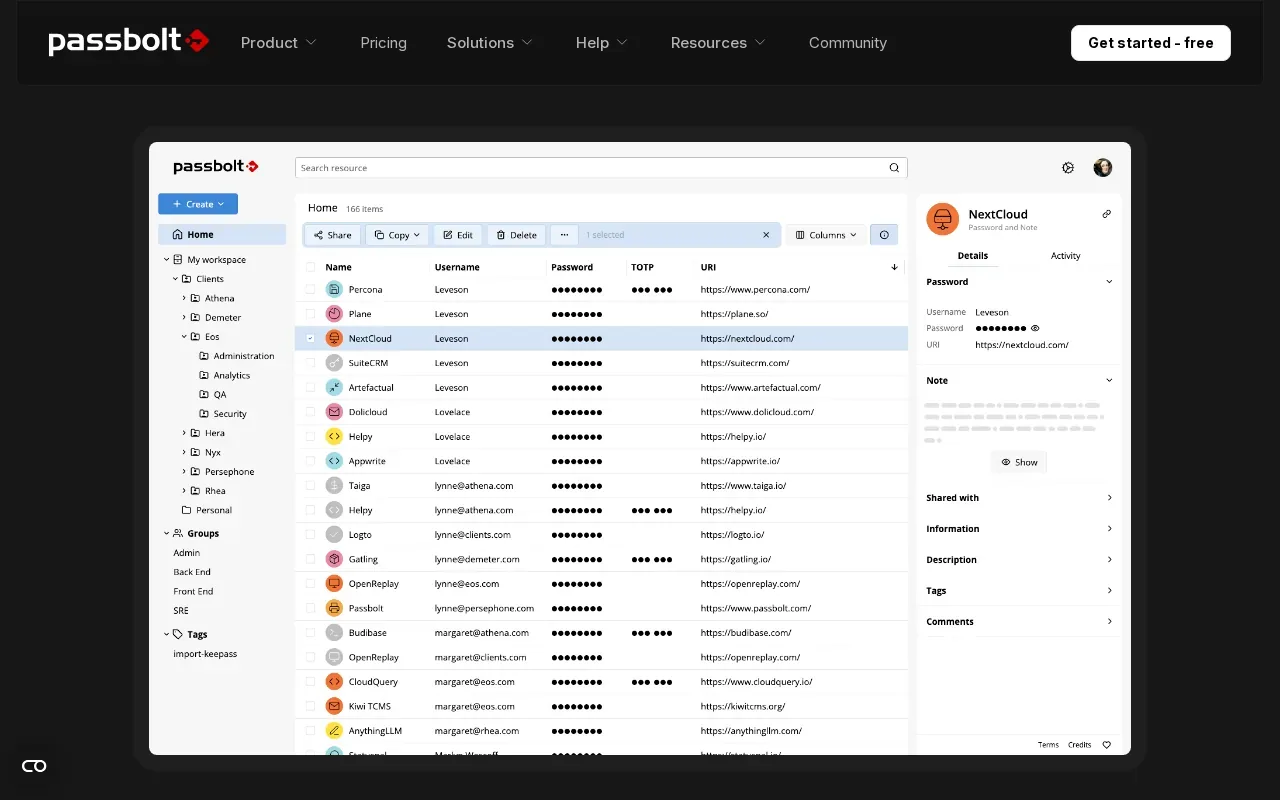
Its encryption model is designed around individual users and secrets. Passbolt says secrets are encrypted on the client, so the server doesn’t see them in plain text. Permissions can apply to a secret, folder, or group. That gives a security team room to share one operational login with a small group without opening an entire vault to everyone.
Teams can also use Passbolt’s API, CLI, and SDKs to connect credential workflows with development tools. Passbolt describes support for automated retrieval and rotation of tool secrets and machine credentials. That makes it more relevant to technical teams than a vault focused only on browser logins.
Passbolt’s free tier includes unlimited users and core password management features. Self-hosting brings control, but it also means your team owns deployment and upkeep. Consider that workload before moving a shared vault onto your own server.
If you’re reviewing access controls for application variables as well as human logins, EnvManager describes its environment-level roles and team access controls separately. That’s a different job from storing website passwords.
4. Zoho Vault: Shared credentials with role-based access
Zoho Vault stores shared credentials and lets admins set role-based access to folders. It suits organizations that want folder-level permissions and audit logs, especially if they already use Zoho services.
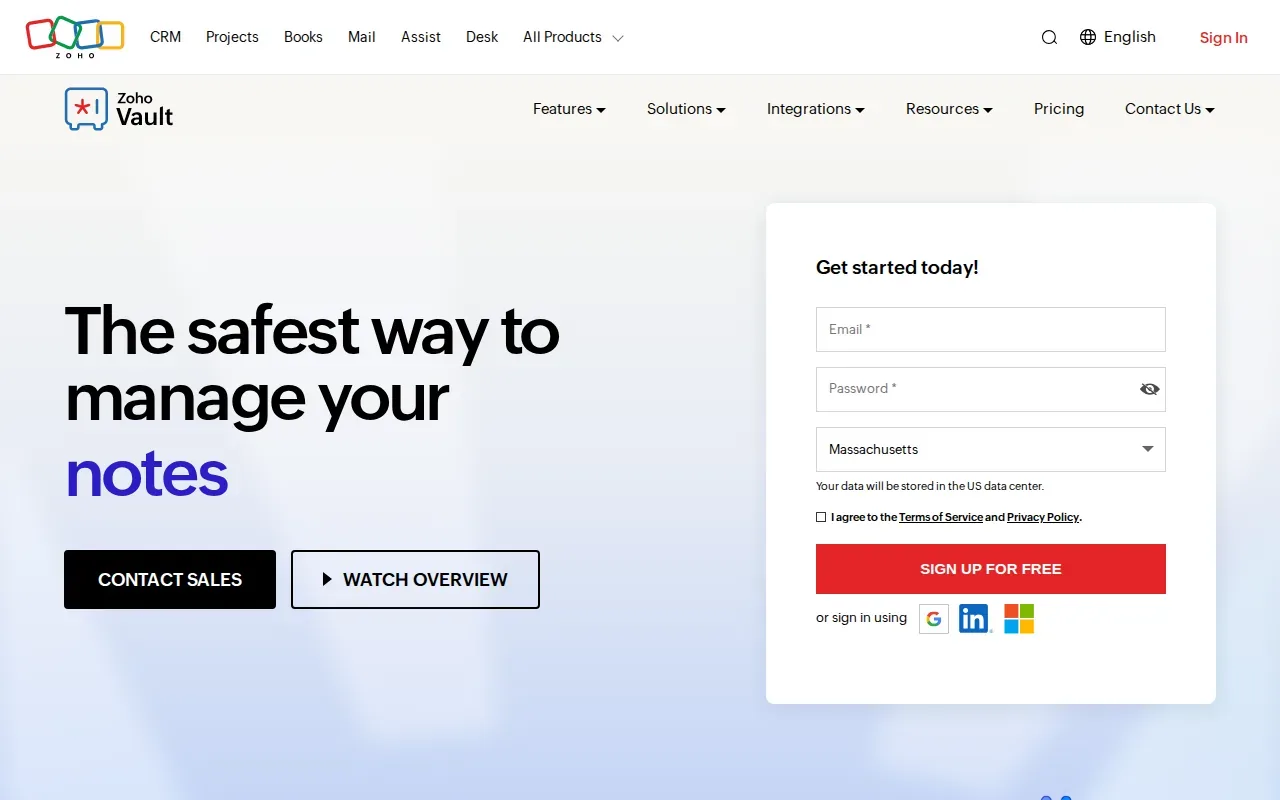
Admins can group colleagues and grant different access levels to shared passwords. A support team might need access to a customer-service account, while a finance folder stays limited to finance staff. When a project ends, admins can change or remove the relevant permissions without handing around a replacement spreadsheet.
Zoho Vault supports SAML SSO and records password, user-access, and admin activity in audit trails. Its product information also describes AES-256 encryption and client-side encryption. The administrator can use those logs to review access during an internal check or investigate an unexpected change.
One useful detail is that Zoho Vault is built around shared access rules, not merely a private stash of saved passwords. Before adopting it, map your existing folders to real teams and roles. That exercise can reveal whether your access structure is clear enough to enforce.
5. Password Manager Pro by ManageEngine: Centralized credential administration
Password Manager Pro by ManageEngine is an enterprise credential vault with a central admin console. It’s aimed at IT and security teams that need to manage shared accounts and oversee access across a larger workforce.
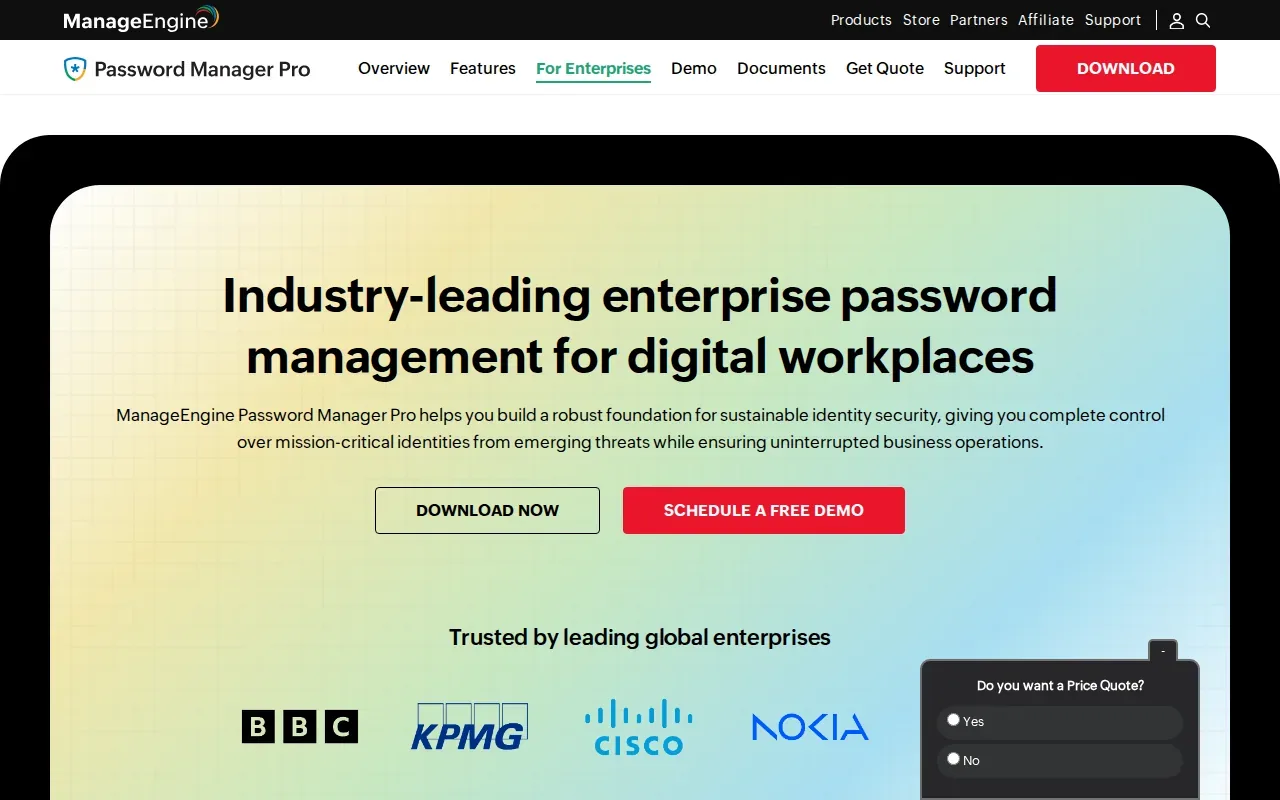
It provides centralized storage for team credentials, with user provisioning, permission settings, and policy enforcement in an admin console. Its remote and hybrid team information adds role-based access, approval workflows, and time-limited checkout for sensitive credentials. These controls can help when a contractor needs temporary access to a shared account.
For some workflows, employees can launch a session without seeing the password itself. Credential activity can be logged with user and access details, giving administrators a record to review. When a team member leaves, an admin can revoke access and rotate affected credentials as part of offboarding. That is useful when accounts are shared across projects or locations.
This is a more administration-focused option than a simple vault for saved browser logins. Teams should map how they grant, approve, and remove access before rollout. If application secrets are the main problem, compare that workflow with our guidance on secrets management practices for development teams.
6. Proton Pass: Privacy-focused sharing and hide-my-email features
Proton Pass is a privacy-focused password manager with shared vaults and hide-my-email aliases. It’s a fit for privacy-led teams, including those already using Proton Mail, that want aliases alongside shared logins.
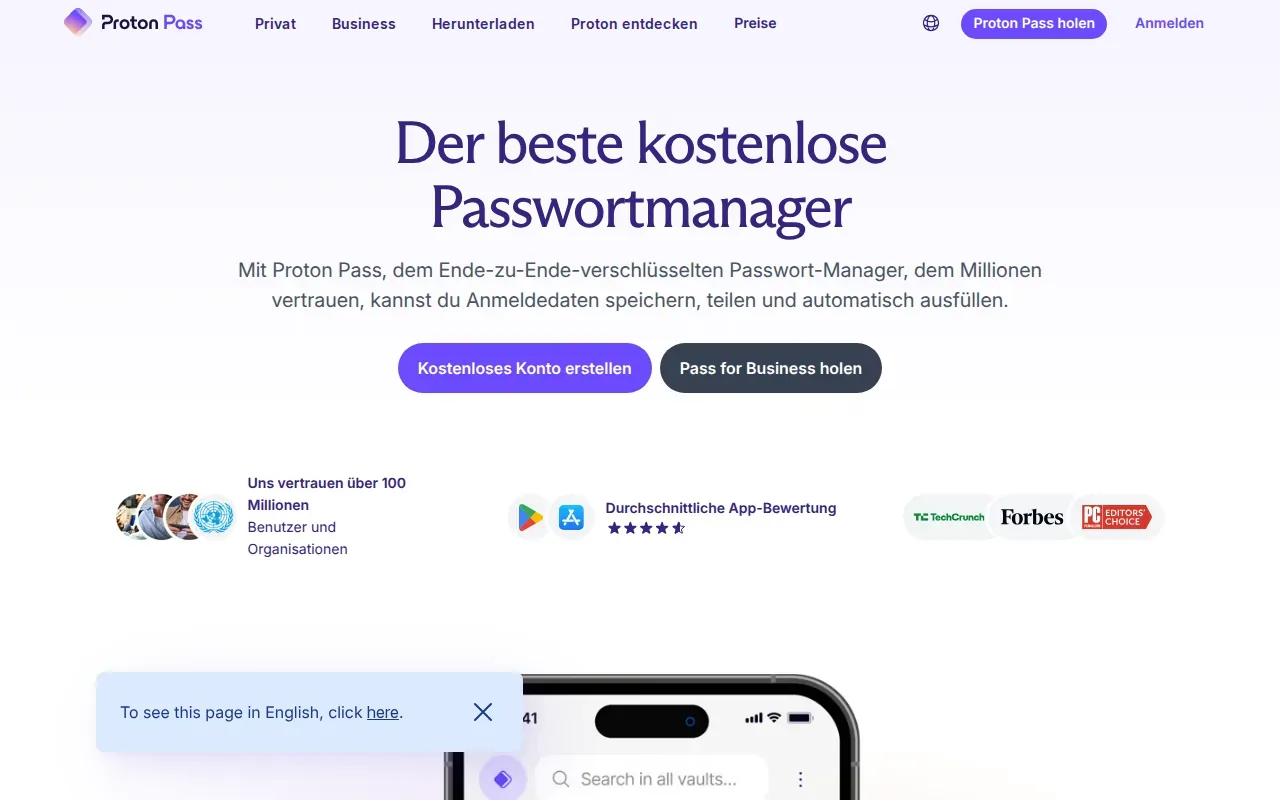
Teams can set up separate vaults for different projects or groups, then share an item or a full vault. Access can be changed or revoked, and updates sync in real time. The business product also lists SSO and SCIM on higher plans. SCIM can automate user provisioning through a connected identity system, which may reduce manual setup during onboarding.
Hide-my-email aliases are the standout for teams that sign up for many external services. A unique alias for each service can help limit exposure of a team member’s main email address. Proton Pass also supports notes and other stored items, so teams can keep related account details near the login.
The main fit question is scope. If your team needs shared human credentials and privacy tools, Proton Pass may cover both. If you need secrets injected into applications or CI/CD pipelines, that is a separate workflow. EnvManager focuses on centrally managing encrypted .env files and syncing values to local machines and deployment systems, rather than replacing a human password vault.
| Pick | Best-fit need | Key decision point |
|---|---|---|
| Bitwarden | Auditable code and hosting choice | Can your team maintain self-hosting? |
| Keeper Business | Compliance-focused controls | Which certifications and features does procurement require? |
| Passbolt | OpenPGP-based team sharing | Will your team run the vault? |
| Zoho Vault | Folder permissions and audit logs | Do your roles map cleanly to shared folders? |
| Password Manager Pro by ManageEngine | Central credential administration | Do you need approvals or timed access? |
| Proton Pass | Privacy-led sharing and email aliases | Do aliases matter in your account workflow? |
Frequently Asked Questions About Password Managers for Teams
What should a team password manager include?
A team password manager should support secure sharing with access controls that match your roles. Look for a way to remove access when someone changes teams or leaves. Audit logs can help explain who accessed or changed a credential. If you need automated onboarding, check for SSO or SCIM support in the specific plan you’re considering.
Are password managers and secrets managers the same thing?
No, they usually address different workflows. Password managers help people store and share logins for websites and services. Secrets managers handle credentials that software uses, such as environment variables or API keys in development and deployment. A team may need both, especially if developers manage application secrets as well as personal work accounts.
Is self-hosting a password manager more secure?
Self-hosting gives your organization more control over where the service runs, but it also makes your team responsible for operating it. You’ll need a plan for updates, backups, access, and recovery. A hosted option may reduce that operational work. Compare the model with your security rules and the staff time you can assign to maintenance.
What is SCIM provisioning?
SCIM is a standard for managing user identities across connected services. With SCIM support, an identity system can help create or update user accounts when people join, change roles, or leave. Support varies by product and plan, so confirm that the feature covers your identity provider and the account changes your team needs to automate.
Conclusion
Choose the vault that fits your team’s access model, compliance needs, and ability to run the service. For website logins, compare the six picks against one real shared-account workflow. For .env files and deployment secrets, see how EnvManager handles your current setup, then test a small migration before changing the whole team’s process.