Best Kubernetes Secret Manager Tools for 2026
Compare Kubernetes secret manager tools for team workflows, access controls, secret delivery, and syncing credentials into Kubernetes.
Secret handling gets messy when production keys live in local files, CI settings, and cluster objects. A Kubernetes secret manager can help centralize access and control how credentials reach workloads. Here are six options, starting with EnvManager for teams that manage .env files across development and CI/CD.
We analyzed 42 comments and questions from Reddit and Quora about kubernetes secret management and found that 19% mentioned operational overhead.
1. EnvManager
EnvManager is a self-serve SaaS platform for encrypting, version-controlling, and centrally managing .env files. Teams can use role-based access to control who works with secrets, then sync approved values to local machines or CI/CD pipelines.
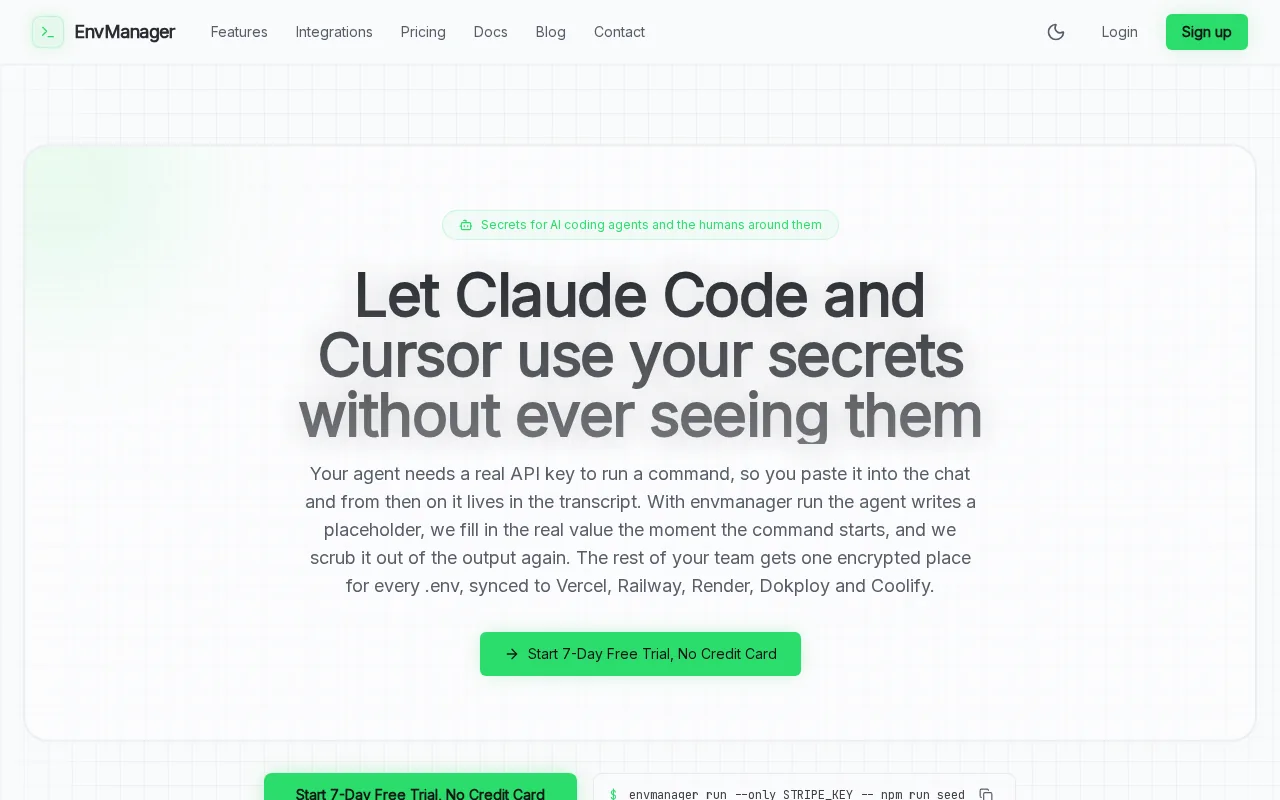
It fits teams whose daily work starts with environment variables, rather than a Kubernetes-only vault. For example, developers can use a shared source for app settings while a pipeline receives the values it needs during a deployment. That helps reduce manual copying between developer machines and build settings.
EnvManager can be a good first choice when you want one workflow for developers and delivery pipelines. Kubernetes workloads still need a defined way to receive the values. Teams should decide whether their deployment process will create native Kubernetes Secrets or use another supported delivery path. The Kubernetes Secret export format is relevant when a manifest is part of that workflow.
That distinction matters. A centralized .env workflow can govern how a team handles values before deployment, while Kubernetes access rules still govern which workloads and users can read cluster Secrets. For broader cluster-side patterns, EnvManager's Kubernetes secrets management guide covers how native objects and external secret workflows fit together.
Choose EnvManager when shared environment files and pipeline access are the main pain points. It is a focused fit for teams that want to reduce copy-paste without treating Kubernetes as the only place secrets live.
2. Infisical: Centralized secrets across Kubernetes environments
Infisical centralizes secrets in one control plane and separates environments such as development, staging, and production. That makes it easier to keep a test service from using a production credential by mistake.
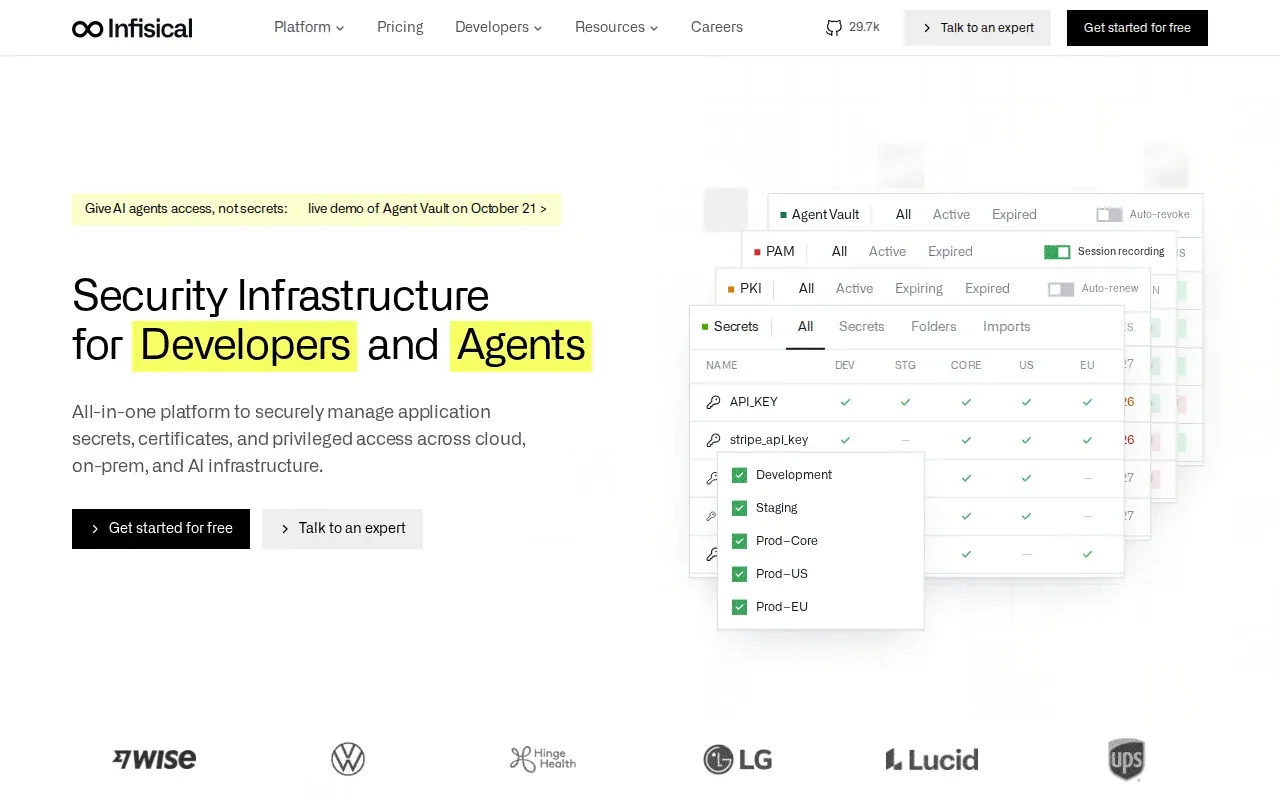
Its access model uses role-based access control, or RBAC. In plain terms, teams can assign permissions by role instead of giving every user the same level of access. Infisical also supports HSM integration for encryption at rest. HSMs are hardware security modules used to protect cryptographic keys.
Infisical suits teams that want secret storage and access rules managed together across several environments. Its platform supports Kubernetes resources and secret syncs, so teams can connect centralized storage to workloads. The exact delivery pattern matters: an operator may write values into Kubernetes Secret objects, while a different approach may mount values for applications at runtime.
Teams evaluating it should map each environment to its own access policy before moving production credentials. The EnvManager and Infisical feature comparison can help clarify whether a broad secrets platform or a simpler environment-variable workflow better matches the job.
Infisical is a strong fit when your main goal is a central control plane with separate environment access. Make sure the chosen Kubernetes integration matches how your workloads consume secrets.
3. Akeyless: Fine-grained access with zero-knowledge encryption
Akeyless uses API and connector options to automate access for workloads such as Kubernetes. Its security model combines zero-knowledge encryption with fine-grained role-based access control.
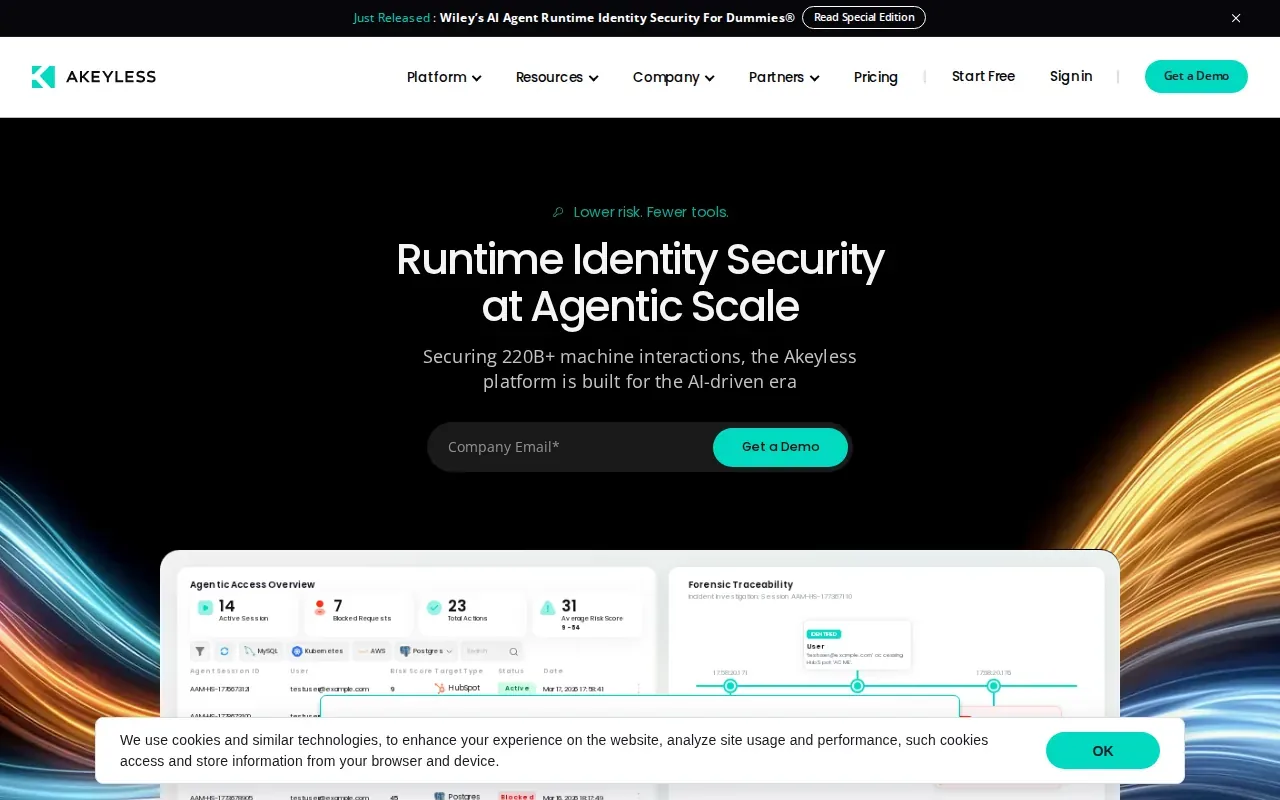
Zero-knowledge encryption is designed so the provider cannot access the full secret contents. For a platform team, the useful question is how that model fits the identities and access paths already used by applications and people. Akeyless offers integrations for common workloads, including Kubernetes, and supports audit logs for secret access and administrative actions.
This option makes sense when access needs vary across people, services, or environments. Fine-grained permissions can help avoid broad access grants, while audit records give security teams a trail to review when they need to understand secret use.
Akeyless is also built around API and connector-based automation. That makes integration design part of the decision: teams should identify which workload identity will request a secret and which permissions that identity needs. Keep those permissions narrow, then test the full deployment path before moving production workloads.
Pick Akeyless when encryption design and detailed access policy are leading requirements. The value comes from matching its access model to your workload identities, not from adding another credential store without a clear ownership plan.
4. Keeper Secrets Manager (by Keeper Security): Kubernetes-native secret injection
Keeper Secrets Manager supports Kubernetes-native secret injection. Its injector can add a sidecar to annotated pods, fetch secrets, and make them available to an application.
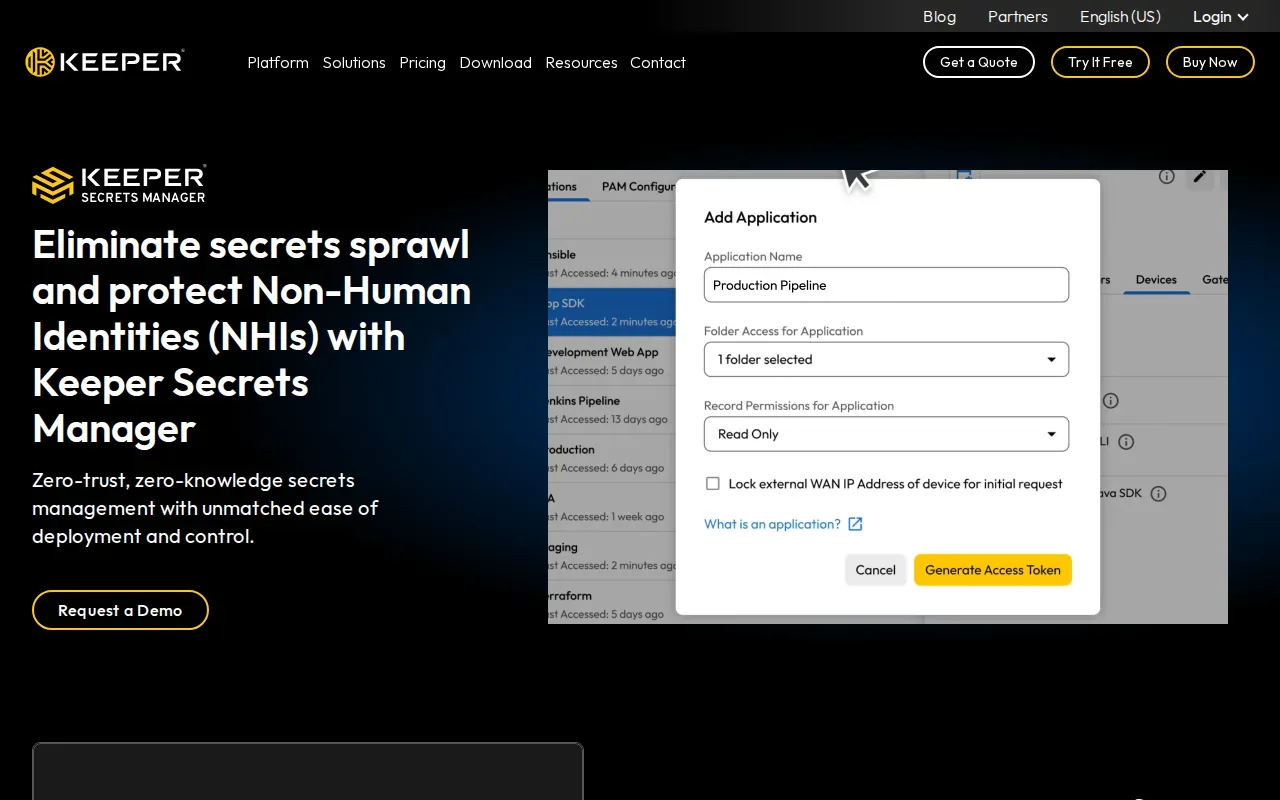
One key choice is where the injected value goes. The default file mode uses a memory-backed volume, so the secret does not pass through etcd. Teams can also choose environment variables or a Kubernetes Secret when an app or controller needs that form. Those options change the trust boundary: environment variables and native Secret objects put values into the pod spec or Kubernetes storage.
The injector can refresh files in place through its sidecar, so applications that reread those files can pick up updates without a pod restart. The setup uses pod annotations rather than custom resources. That can suit teams that want per-pod injection and do not need a multi-provider operator for this workflow.
Keeper also uses a zero-knowledge encryption model and provides an audit trail. Treat the configuration used by the injector as a credential itself, and restrict access to it with Kubernetes RBAC. Teams should choose file delivery when an application can read files and use another mode only when the workload requires it.
Keeper is a good match when per-pod delivery and avoiding etcd for injected files are central needs. If the cluster already depends on shared Kubernetes Secret objects, compare that pattern with the injector before changing how workloads consume credentials.
5. External Secrets Operator: Syncs external providers into Kubernetes Secrets
External Secrets Operator, often called ESO, reads credentials from an external store and creates Kubernetes Secret objects for workloads. It is a syncing layer, not the external system where the secrets are first stored.
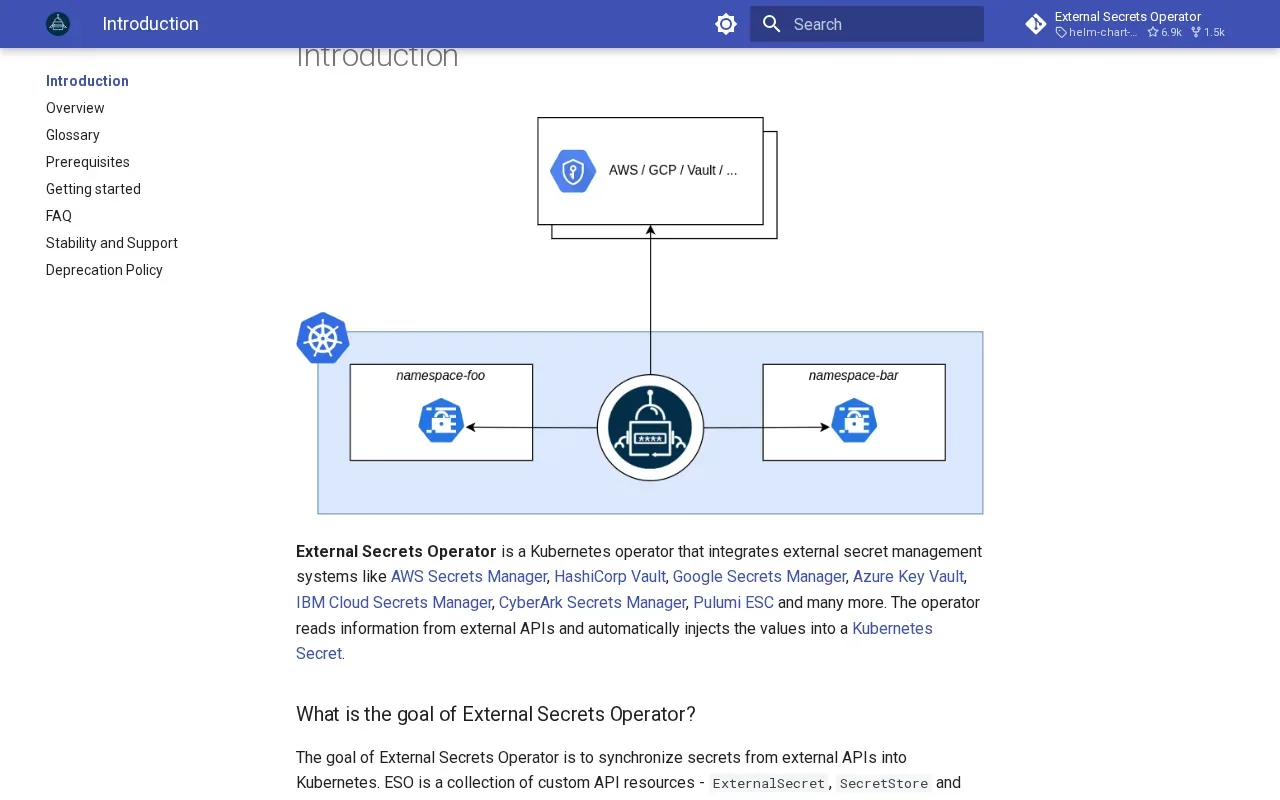
A SecretStore defines how the operator connects to a provider. An ExternalSecret then describes which values to fetch and where to put them in the cluster. This declarative setup lets teams keep application workloads consuming ordinary Kubernetes Secrets while the external store remains the source of truth.
The trade-off is where the value ends up. ESO materializes credentials as Kubernetes Secrets, so etcd encryption, Kubernetes RBAC, and access by secret-consuming workloads remain part of the security boundary. Teams should check permissions for both the operator and the workloads, especially when stores or resources can be used across namespaces.
ESO can refresh values from an external store; rotation depends on the provider having the updated credential and the sync workflow picking it up.
ESO fits teams that want applications to keep using native Kubernetes Secrets while centralizing the source elsewhere. EnvManager's External Secrets Operator setup guide is a useful companion when planning that sync pattern.
6. Doppler: Developer-friendly secrets with native CI/CD integrations
Doppler is built for developers and has a clean web UI. It includes audit logging and native CI/CD integrations, and it can manage secrets for deployments on-premises or in the cloud.
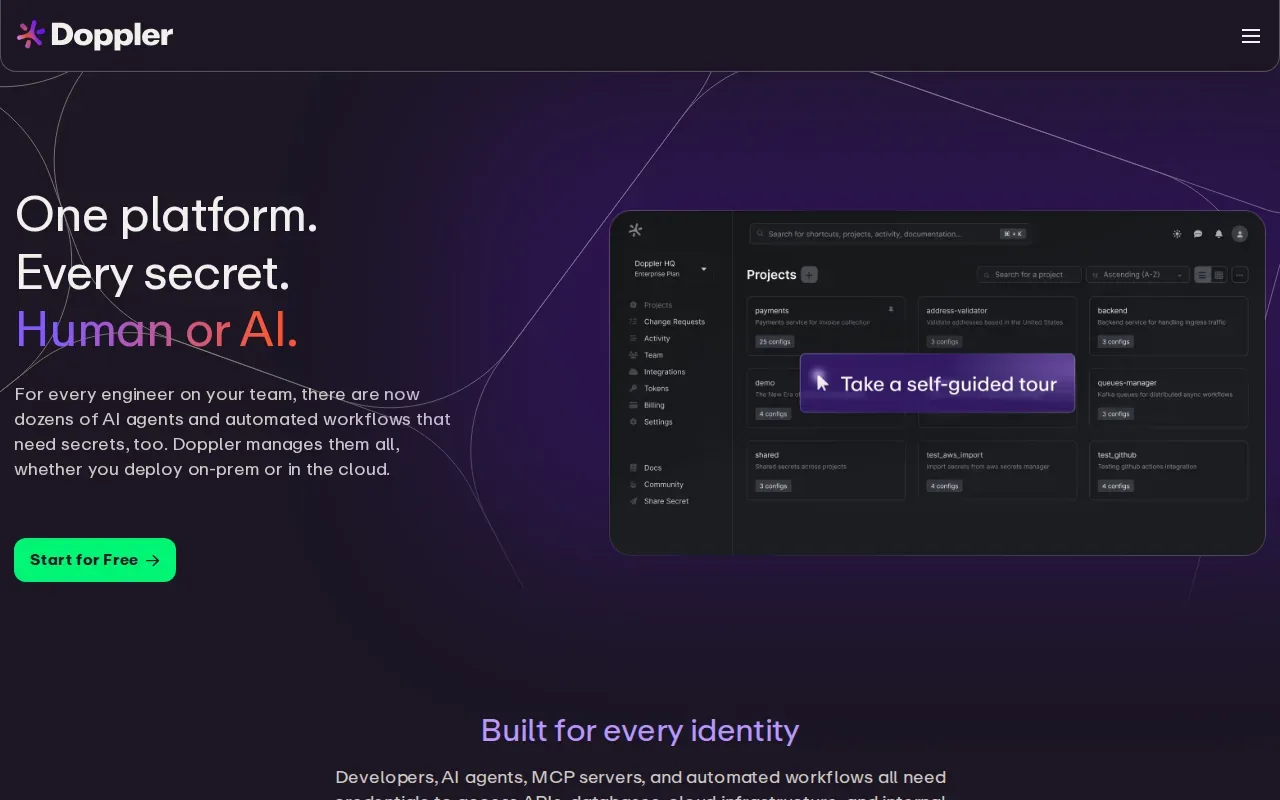
For a team with several build pipelines, native integrations can reduce the need to pass credentials through manual steps. Doppler also supports Kubernetes integration. Its developer-oriented approach may suit teams that want one place to manage secrets used by people and deployment workflows.
Doppler's audit logging helps teams review secret access. Before adopting it, map the pipeline identities and Kubernetes workloads that need credentials. That gives you a clear way to check whether each integration sends secrets only to the right job or service.
| Workflow question | How Doppler fits | What to verify |
|---|---|---|
| How do developers work with secrets? | Developer-focused workflow with a web UI | Which team members need access to each environment? |
| How do pipelines get credentials? | Native CI/CD integrations | Which pipeline identities can retrieve each secret? |
| Where can deployments run? | On-premises or in the cloud | How will each Kubernetes workload receive its values? |
| How can access be reviewed? | Built-in audit logging | Who reviews the logs and how often? |
Doppler suits teams that value a developer-friendly interface and pipeline connections. For Kubernetes, confirm the final delivery method as well as the central store. A secret manager and a cluster's permissions solve different parts of the same job.
Frequently Asked Questions About Kubernetes Secret Managers
What does a Kubernetes secret manager do?
A Kubernetes secret manager stores or controls credentials and helps deliver them to workloads. Some tools sync values into native Kubernetes Secret objects, while other patterns inject files into pods. The delivery choice affects where values exist, who can read them, and which cluster controls need review.
Are Kubernetes Secrets encrypted by default?
Kubernetes Secret objects are stored in etcd, so teams should check and configure encryption at rest for their cluster. They should also use RBAC to limit who can read Secret objects. A separate manager can centralize the source of truth, but it does not remove the need to secure values after they enter Kubernetes.
Should secrets be synced into Kubernetes or injected at runtime?
Use syncing when workloads and controllers need standard Kubernetes Secret objects. Runtime injection can keep values out of etcd when the tool delivers them through a memory-backed file path. Check what the app can consume, then weigh the operational setup against the storage boundary you want.
Can EnvManager manage Kubernetes secrets?
EnvManager manages encrypted, version-controlled .env files and can sync secrets to local machines and CI/CD pipelines. A Kubernetes workflow still needs a delivery method for the cluster. Teams can use the Kubernetes Secret export format when manifests are part of their deployment process, then apply cluster access controls.
Conclusion
Choose EnvManager if your team needs a shared, controlled workflow for .env files and CI/CD access, then map how those values reach Kubernetes. If cluster-native injection or syncing is the main need, compare Keeper and ESO against your workload requirements before rollout.