
Best Enterprise Password Managers: 10 Tools Compared
Compare 10 enterprise password managers by security controls, SSO, administration, deployment, and fit, plus guidance for choosing and rolling out a tool.
A lost password can open the door to more than one account. An enterprise password manager gives teams a shared way to protect credentials and control access. Here are 10 options, with the kind of organization and workflow each suits. EnvManager handles a related but distinct need: managing development secrets in .env files and CI/CD pipelines.
We analyzed 54 comments and questions from YouTube, Reddit and Quora about enterprise password managers and found that 22% mentioned granular admin controls and provisioning.
1. Bitwarden Enterprise: Strong value with an open-source foundation
Bitwarden Enterprise is a workforce password manager with an open-source codebase. It suits organizations that want central credential controls and the option to self-host. The codebase receives third-party security audits, and the integrations include Azure AD, Okta, Google Workspace, JumpCloud, Duo, and Ping.
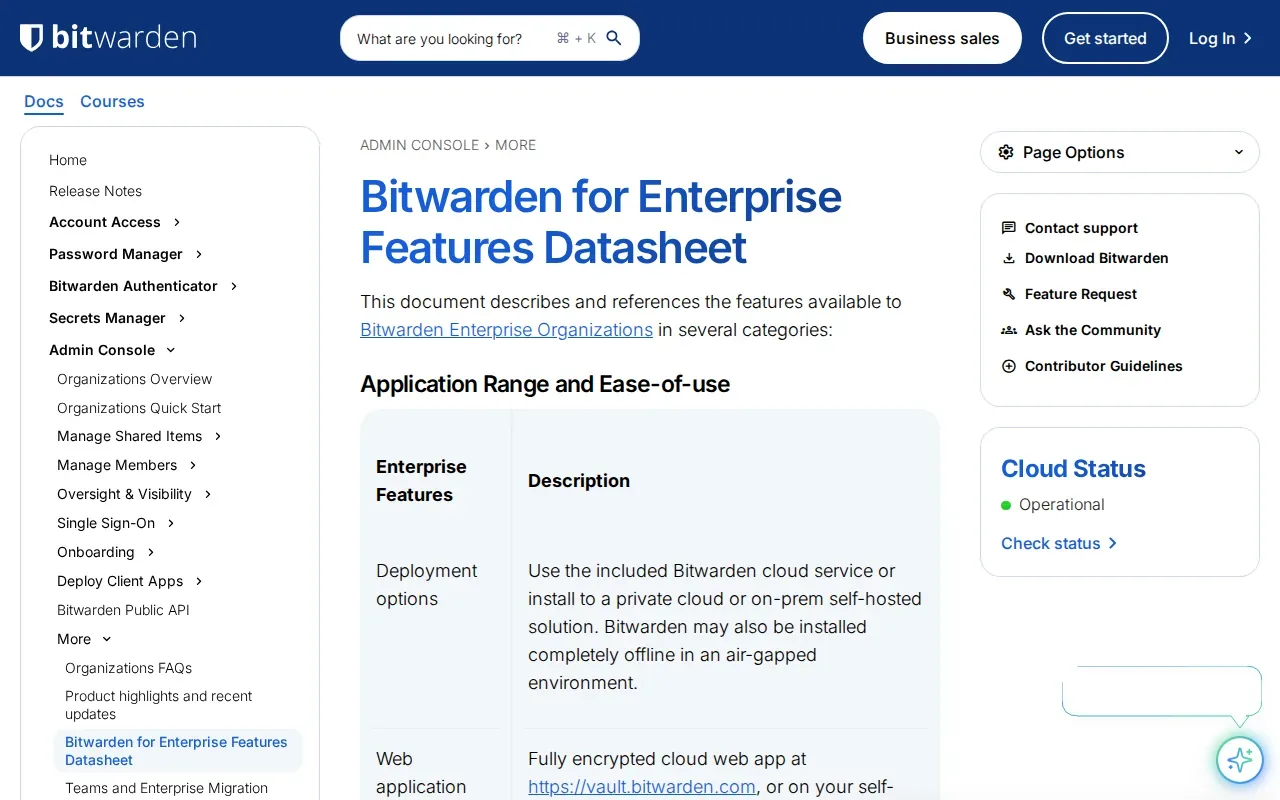
Administrators can manage access through roles and policies. Its event logs record vault activity, while SSO and directory provisioning can tie access to an organization’s identity provider. Bitwarden supports cloud and self-hosted deployment, so teams can assess data control alongside the time and skills needed to run their own instance.
For a security team, central ownership also matters when staff leave: company credentials can remain under organizational control. The useful question is whether the access rules and deployment model fit your internal policy.
2. Dashlane Business: Business features with phishing alerts
Dashlane Business combines workforce password management with phishing alerts. It suits teams that want employees to share credentials without routing every request through IT. Its identity integrations include Azure AD, Google Workspace, and Okta.
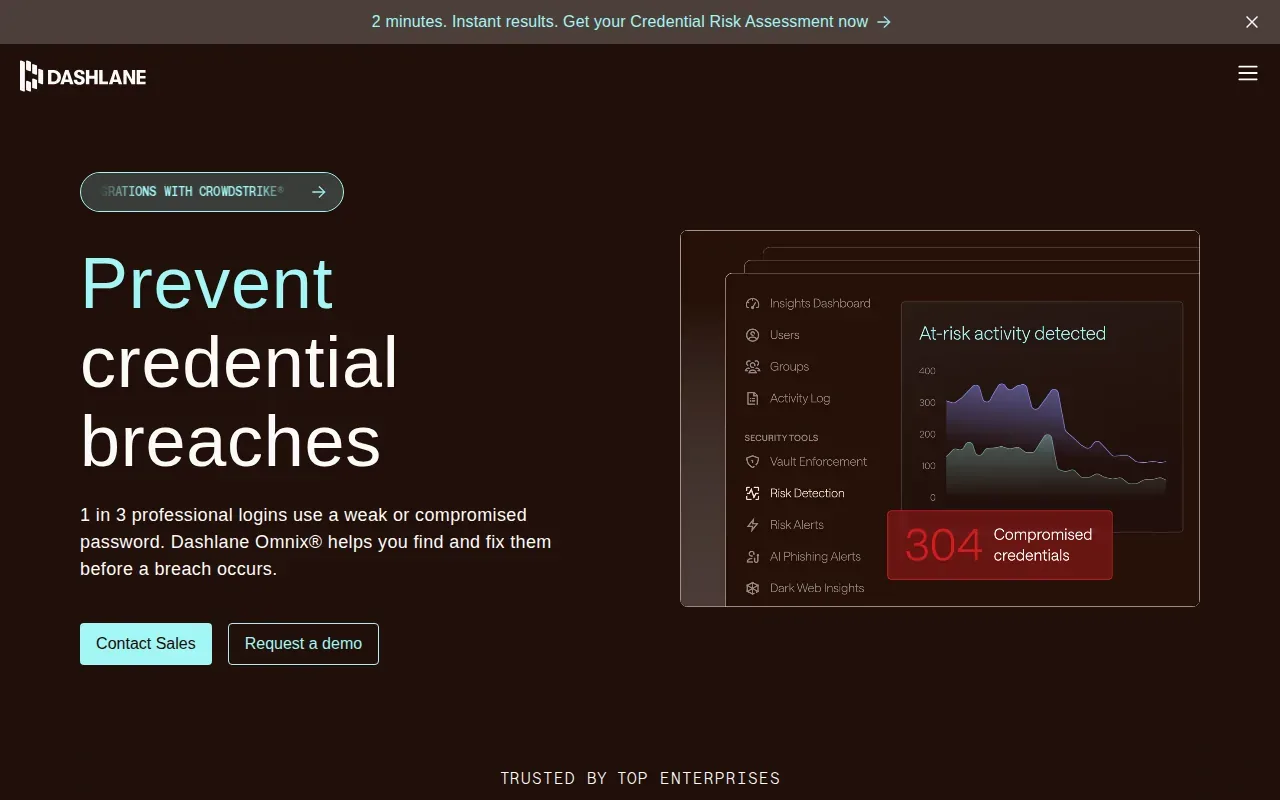
Dashlane Business includes audit logging. Administrators can review activity as teams change. The product also has phishing detection and alerts, which may appeal to organizations assessing those needs together.
Before rollout, test how employees share team logins and how admins review activity. A tool that staff can use without workarounds is easier to manage over time.
3. LastPass Business: Broad SSO app integrations
LastPass Business is a password manager for organizations that want access to many pre-integrated SSO apps. It suits teams whose app access already runs through a central identity provider. LastPass Business offers pre-integrated SSO apps, plus adaptive MFA and URL-level access policies.
Its identity integrations include Azure AD, Okta, Google Workspace, and PingOne. LastPass Business includes audit logging. URL-level policies can help an admin set access rules around specific web addresses, which is useful when a company shares accounts for a service with different parts of its team.
Check the exact policy and provisioning behavior in a pilot. The number of app integrations alone won’t tell you whether your key apps work as your team expects.
4. NordPass Enterprise: Automated user-access management
NordPass Enterprise is a workforce password manager with identity integrations and automated user-access management. It suits organizations that want employee access tied to identity systems they already use. The listed identity options include Microsoft Entra ID, Microsoft AD FS, and Okta.
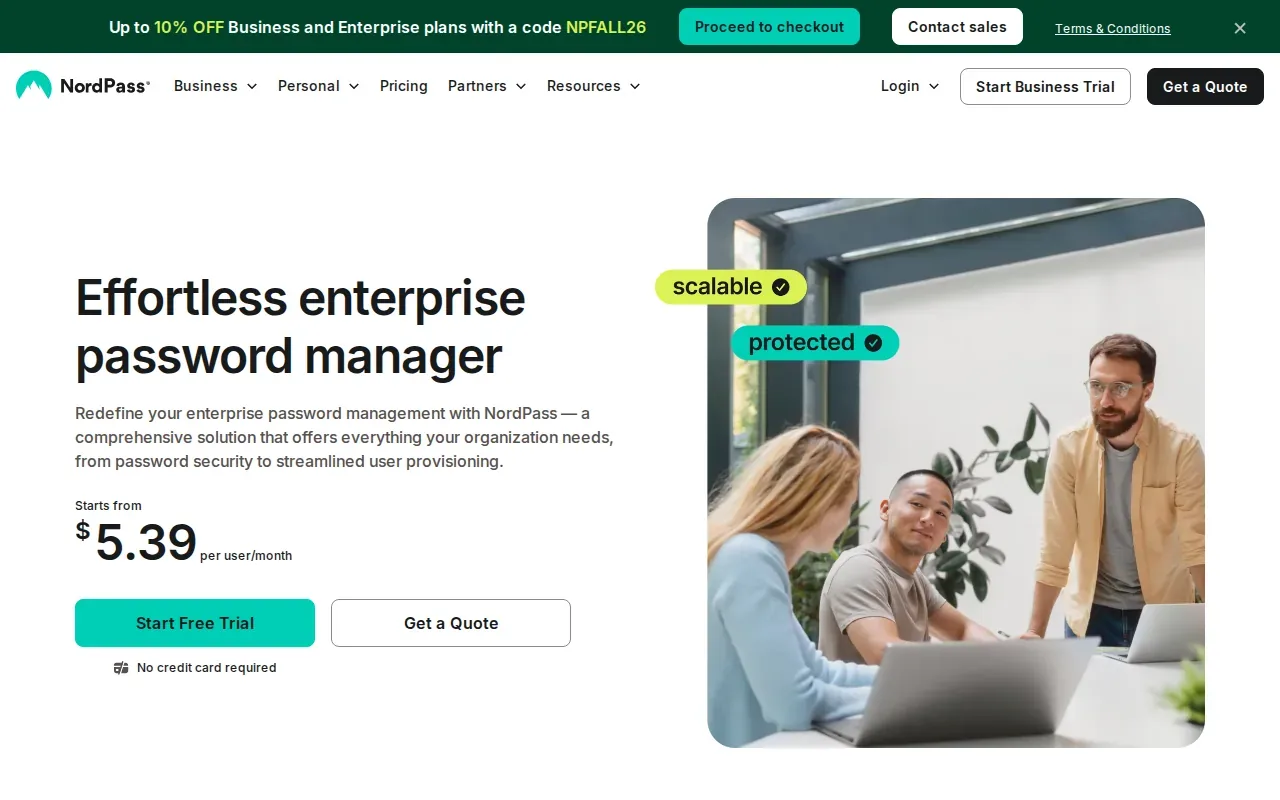
NordPass also lists Splunk and Microsoft Sentinel integrations. Its activity log can provide a record of company activity, and the Activity Log API can send records to those monitoring systems. That gives security teams a route to examine account activity alongside other security events.
For onboarding and offboarding, check what access changes happen automatically after an identity-provider update. That test shows whether the process reduces manual account cleanup in your environment.
5. Enpass: Flexible local or cloud vault storage
Enpass is a business password manager that lets organizations store vaults locally or on a cloud platform. It suits teams that want more choice over where credential data resides.
That storage choice can matter when a team has data-location or internal hosting rules.
During evaluation, confirm which storage setup fits your security rules and who will manage it. Offline access may also matter for staff who work without a reliable connection.
6. Proton Pass for Business: Encrypted vault metadata
Proton Pass for Business encrypts vault contents and metadata, including item titles, URLs, associated email addresses, and timestamps. It suits organizations that want those details protected as well as the saved passwords themselves.
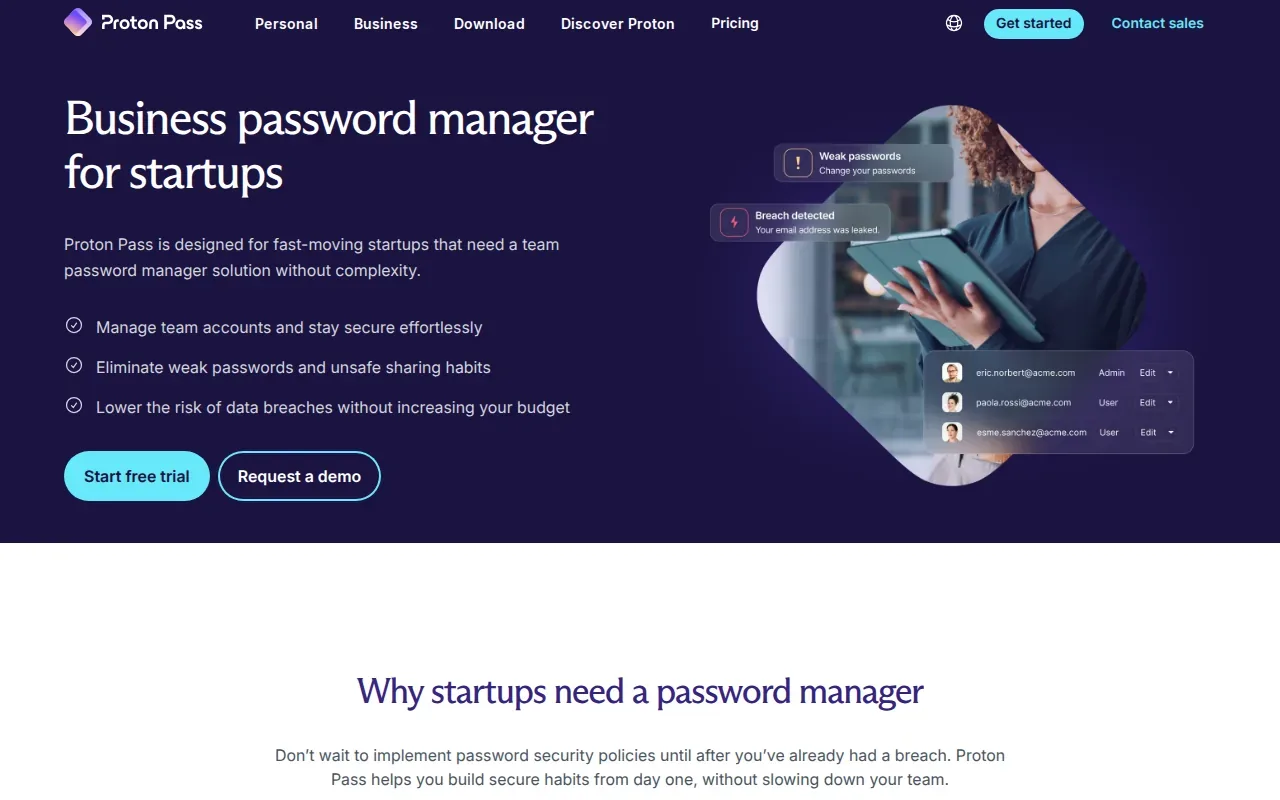
Its identity integrations include Microsoft Entra ID, Okta, and ADFS.
The distinction between vault encryption and metadata encryption is worth checking with your security team. Metadata can reveal which services an employee uses, even when the password itself stays protected.
7. Azure Key Vault by Microsoft: A fit for cloud secrets and cryptographic keys
Azure Key Vault is a cloud service for passwords, cryptographic keys, and secrets. It suits teams building applications in Azure that need a place to protect and manage machine credentials or keys.
It is a different kind of tool from a workforce vault built for people to store and share website logins.
If your main need is employee passwords, check that the product covers shared human credentials too. For application secrets, compare how your workloads authenticate and retrieve values.
8. Securden Password Vault for Enterprises: Just-in-time access and rotation
Securden Password Vault for Enterprises is a password vault with privileged access management features. It suits IT and engineering teams that need controlled access to sensitive systems. Its capabilities include approval-based just-in-time access, automated password rotation, and connections for RDP, SSH, SQL, and web systems.
JIT access means a user gets access for an approved period rather than holding standing access all the time. Securden also lists audit trails for credential activity and integrations with Jenkins, Ansible, and Terraform. Those links can matter when privileged credentials are used in deployment or infrastructure workflows.
Ask who approves access and how rotation affects dependent services. A pilot should cover the actual admin tasks your team runs, not only vault sign-in.
9. Psono
Psono is an open-source password manager built to be self-hosted, so the organization runs the server on its own infrastructure. It suits teams that want company credentials kept inside their own network and behind their own firewalls.
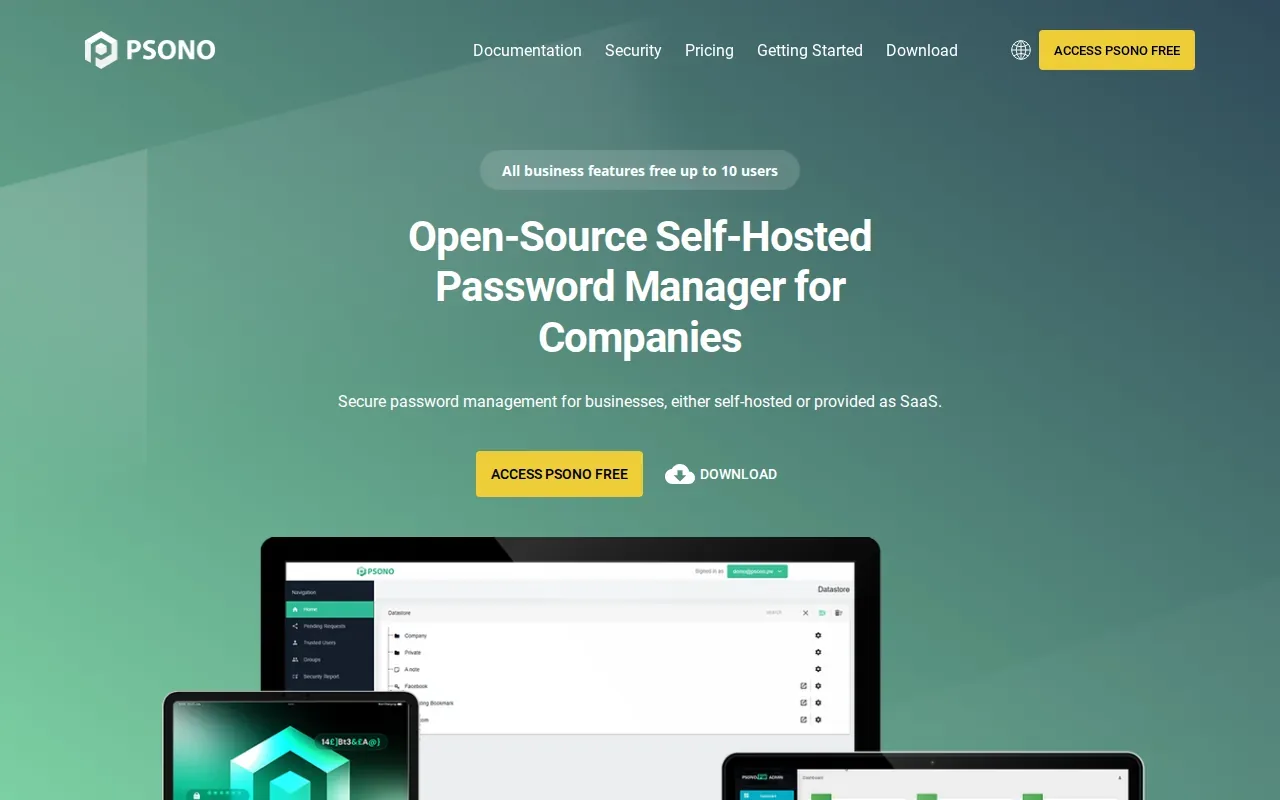
Psono encrypts vault data on the client before it is stored, and its complete codebase is public, so a security team can audit it. Its site says all business features are free for up to 10 users, which makes a small pilot straightforward.
Self-hosting puts upgrades, backups, and recovery on your team. Confirm who owns those tasks before moving shared credentials into it.
10. Passwordstate by Click Studios: Self-hosted password and privileged access management
Passwordstate by Click Studios is a self-hosted enterprise password manager with privileged access management features. It suits organizations that want to run the service in their own environment.
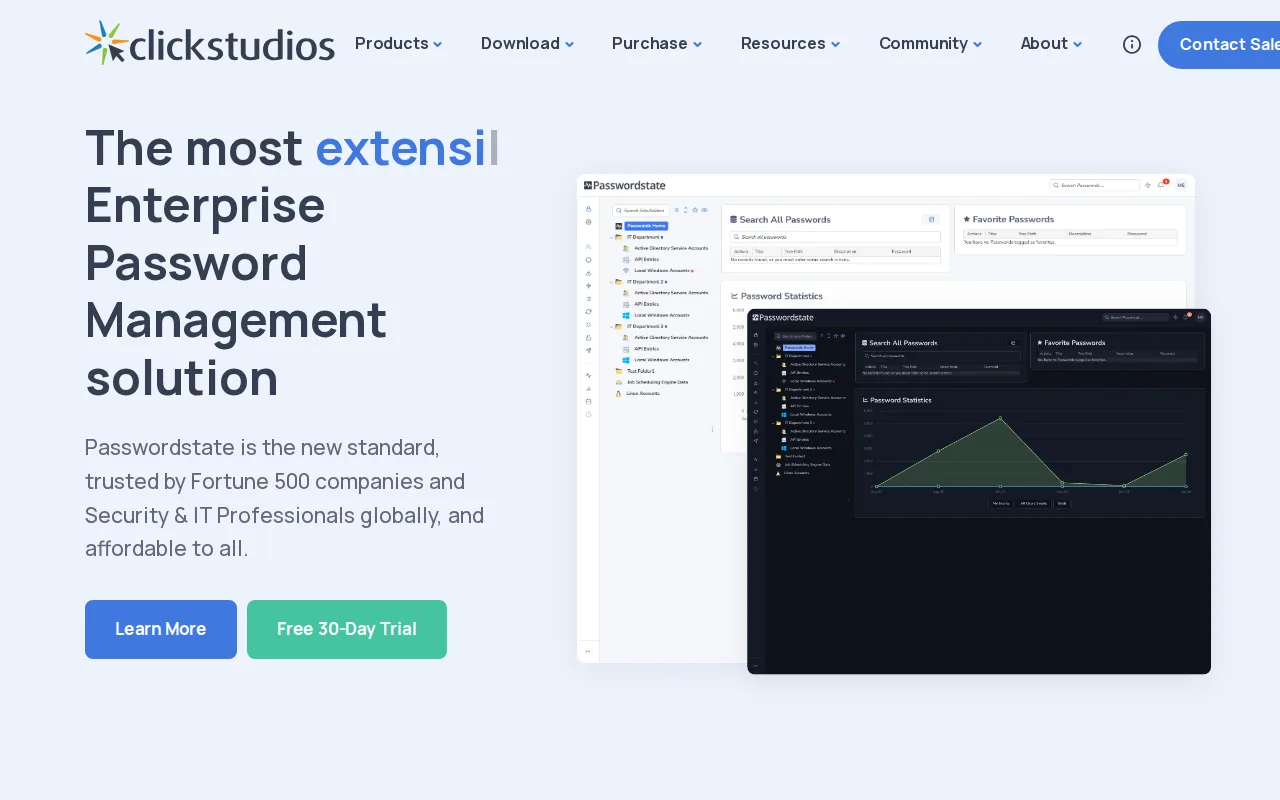
Passwordstate is developed by Click Studios as a self-hosted enterprise password manager and privileged access management solution. Organizations considering it can assess whether a self-hosted deployment aligns with their operational needs.
For teams managing sensitive admin accounts, the self-hosted model puts deployment and upkeep on the organization. Confirm who owns updates, backups, and recovery before choosing it.
Enterprise password manager comparison: features and fit
The right shortlist depends on what you need to protect. A workforce vault helps people share account logins. A cloud secrets service is built more for applications and cryptographic keys. These categories can overlap, but they don’t replace each other automatically.
| Option | Best fit | Controls or deployment to assess |
|---|---|---|
| Bitwarden Enterprise | Teams seeking open-source transparency | Cloud or self-hosted; audit logs |
| Dashlane Business | Teams interested in phishing alerts | SSO, SCIM, role permissions |
| LastPass Business | Organizations with many SSO-connected apps | Adaptive MFA; URL-level policies |
| NordPass Enterprise | Teams using Entra ID or Okta | Automated user access; activity logs |
| Enpass | Organizations choosing vault storage location | Local or cloud storage |
| Proton Pass for Business | Teams focused on metadata privacy | Metadata encryption; identity provisioning |
| Azure Key Vault by Microsoft | Azure application workloads | Secrets and cryptographic keys |
| Securden Password Vault for Enterprises | IT teams with privileged-access workflows | JIT access; password rotation |
| Psono | Teams weighing SaaS and on-premises | LDAP; SAML or OIDC; audit logs |
| Passwordstate by Click Studios | Organizations running a self-hosted vault | Event auditing; remote sessions |
Compare total cost by counting more than the subscription. Include admin time, onboarding, training, identity integration, and the work needed to maintain a self-hosted service. If the organization handles regulated data, map the tool’s access controls and audit records to the requirements that apply to your business. A vendor’s compliance claims don’t replace your own review.
Access logs can help investigate a change or support an audit, but only if teams know how to find and retain them. For a developer team’s separate environment-variable workflow, see this related guide.
FAQ
What should an enterprise password manager include?
Look for encrypted credential storage, controlled sharing, and admin tools that match your organization’s access rules. SSO and automated provisioning can reduce manual account work. Audit logs help teams review activity. Confirm which features are included in the plan you’re evaluating, then test them with the identity provider and apps your staff use.
How is an enterprise password manager different from a secrets manager?
An enterprise password manager is generally built around people storing and sharing login credentials. A secrets manager is often built to provide application credentials, API keys, or cryptographic keys to software and deployment workflows. Some products cover both areas, but you should test the human and machine workflows separately before treating one tool as a substitute for another.
Do organizations need SSO and SCIM?
SSO lets employees sign in through an identity provider the organization already manages. SCIM can automate user provisioning and removal. They serve different purposes, and availability can depend on the product or plan. Check whether both work with your existing identity setup, then test what happens when a user joins, changes roles, or leaves.
Should we choose a cloud or self-hosted password manager?
Choose based on your data control requirements and your team’s ability to operate the service. Cloud deployment can reduce infrastructure work. Self-hosting gives the organization direct control over its deployment but also adds responsibility for maintenance and recovery. Confirm the vendor’s available deployment choices and test them against internal security policy.
How can we improve employee adoption?
Start with a small pilot that includes employees and administrators. Show staff how to import or save credentials and how to share them safely. Set clear rules for team vaults, then make support available during rollout. Review usage and access issues before expanding, so you can address friction without weakening the intended controls.
Conclusion
For workforce credentials, shortlist tools by identity fit, audit needs, and deployment model, then test your top choice with real users. If your developers also manage .env files and pipeline secrets, EnvManager is built for that workflow rather than general website passwords. Start its free trial to test secret syncing with your team.