Best Encrypted .env Backup and Restore Tools
Compare encrypted .env backup and restore solutions for teams, including EnvManager, dotenv-vault, dotenvx, OpenBao, and Infisical.
Plain-text .env files can expose API keys if they land in a repo, build log, or shared folder. An encrypted backup helps, but recovery still needs a safe way to deliver the right values to the right people and systems. Here are five options, starting with EnvManager for teams that want managed .env versioning and sync.
1. EnvManager
EnvManager is a self-serve SaaS platform that encrypts, versions, and centrally manages .env files. It’s the best fit here for teams that need one controlled workflow for developers and CI/CD, rather than a file that someone has to copy around.
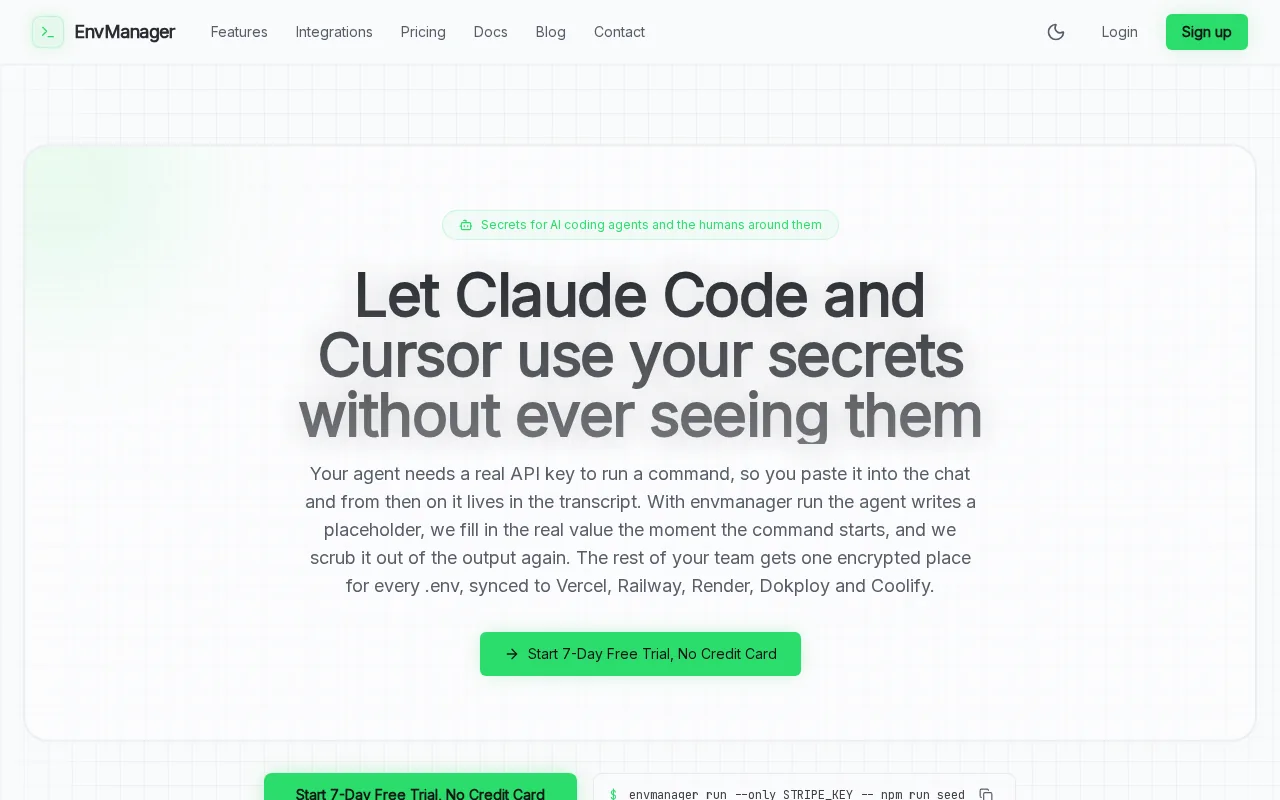
We encrypt values at rest and use role-based access control, or RBAC, to limit who can view or change them. A version history gives your team a path back to an earlier environment state after a risky edit. Secure sync can send secrets to local machines and CI/CD pipelines, which keeps deployment from depending on a developer’s backup folder.
That distinction matters during recovery. With a manual backup, someone must find the right file, confirm it belongs to the right environment, and then transfer it safely. EnvManager centralizes the values and supports a managed sync workflow. The EnvManager service overview describes the product’s focus on encrypted .env management for teams.
EnvManager also fits teams that need access boundaries and a record of changes. A developer who only needs staging values shouldn’t need access to production secrets. Review roles and environment access before you sync a file to a new machine or pipeline.
For the CLI path, the EnvManager CLI documentation explains how to pull environment values into a local .env file. That can replace manual handoffs, but local files still need care. Keep them out of source control and limit their file permissions.
2. dotenv-vault: Encrypted .env backups designed for teams
dotenv-vault is an .env-focused option for teams that want to commit an encrypted file to their code repository. It suits teams that already use Git for change history and are comfortable managing the backup file within that workflow.
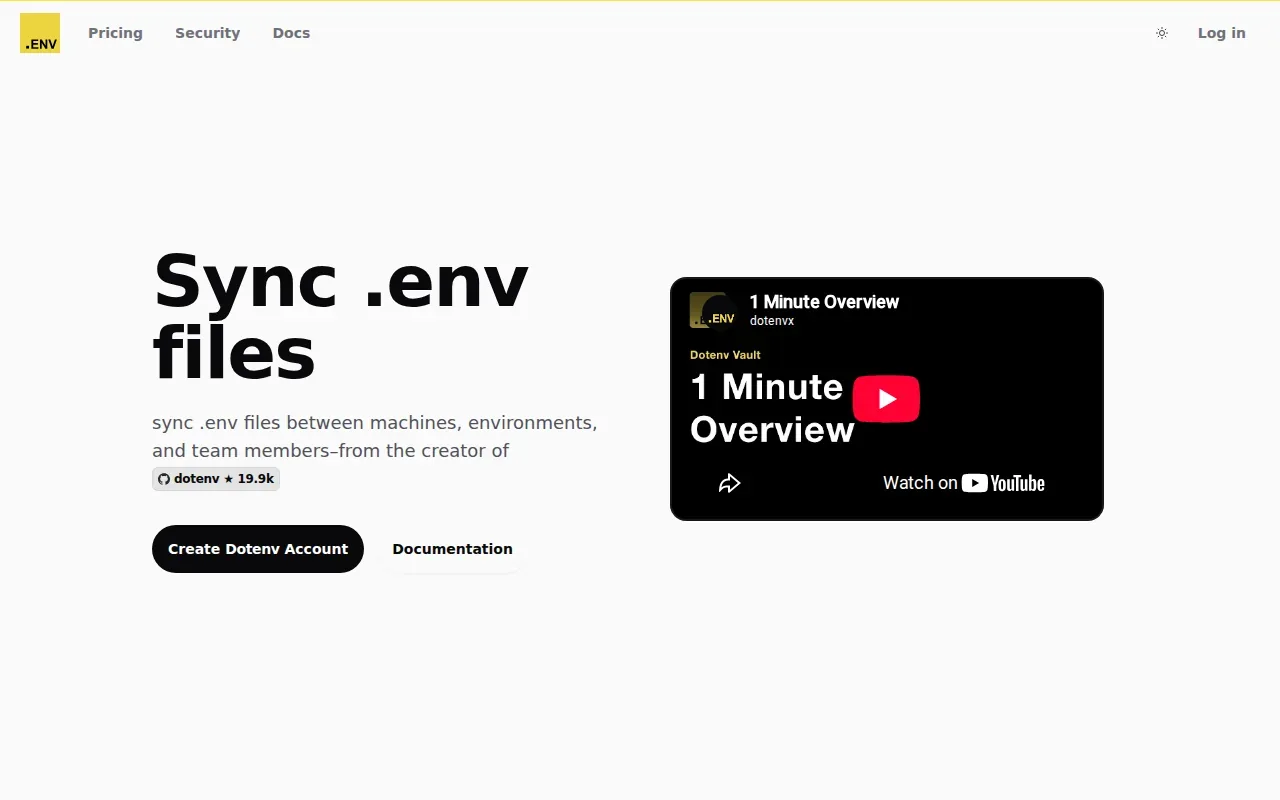
The encrypted file is named .env.vault and uses AES-256 GCM encryption at rest. The backup mechanism is direct: commit that encrypted file to the repository. When a server needs the values, use DOTENV_KEY to decrypt the vault file.
That setup gives a team a versioned file inside its existing repository. It also means the repository becomes part of the backup plan. Teams need to decide who can access the repo and who can obtain the key needed for decryption. A protected file and a tightly controlled key are separate parts of the recovery process.
Think through a deploy where the application host is rebuilt. The encrypted vault file must be available to the host, and the matching key must be supplied through a protected path. If either piece is missing, the backup alone won’t restore the environment.
The trade-off is operational ownership. A repository commit preserves a copy, but the team has to manage repository access, key distribution, and the steps that make the values available to the server. If you want a managed sync workflow instead of a Git-based backup, compare that requirement with EnvManager.
Before adopting this pattern, test decryption in a non-production environment. Keep the key separate from the encrypted file, then confirm that the intended server can read it without exposing the secret in logs.
3. dotenvx: Git-based encrypted .env file versioning
dotenvx encrypts .env values so teams can commit the encrypted file to Git. It’s a fit for developers who want file-based version control and can manage a separate private key for each environment.
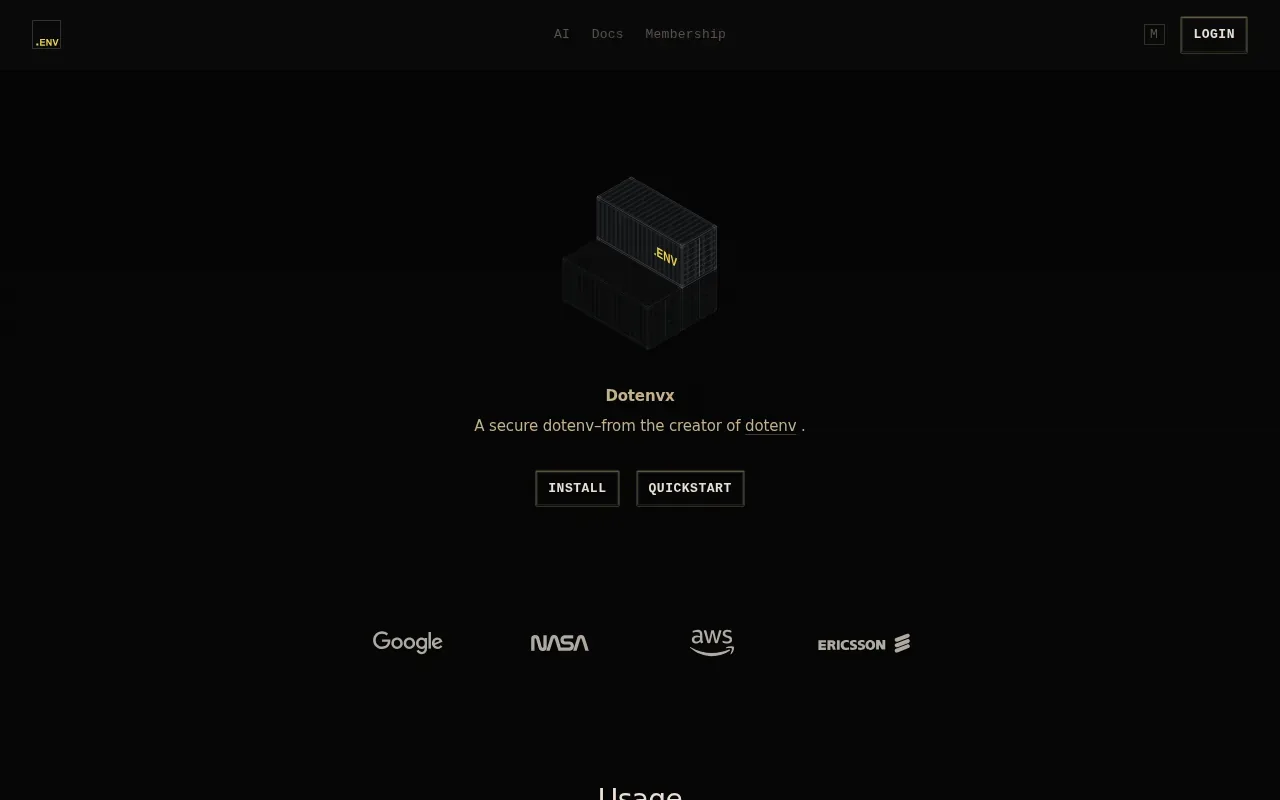
With dotenvx, variable names remain readable while encrypted values become ciphertext. A file can also contain plaintext values, so encryption does not protect any value that was left unencrypted. Check the file before committing it.
Its public-key design separates encryption from decryption. The public key can encrypt new values, while the private key decrypts them. Keep the private key apart from the encrypted .env file.
Git provides the version history for the encrypted file. That can help when a change needs review or rollback, but restoring a prior version still requires the matching private key. For deployment, the private key must be supplied through the platform’s protected secret settings. Use a distinct encrypted file and key pair for each environment.
One common mistake is assuming the encrypted file hides its full contents. Names such as DATABASE_URL remain visible, and comments aren’t encrypted. Avoid putting secret values in comments. Also inspect the file for any values that remain in plaintext before you push it.
dotenvx keeps the backup in Git, so the team remains responsible for repository permissions and key custody. It’s a clear model, but the restore path depends on having the right private key at runtime.
4. OpenBao: Self-managed secrets with Raft snapshots
OpenBao is a self-managed secrets system with Raft storage snapshots. It fits operators who already run OpenBao and want to back up its stored data, rather than teams looking only for a simple .env file history.
A Raft snapshot holds OpenBao’s encrypted storage. The snapshot can be copied to object storage as an off-system backup. Restoring it requires bringing the snapshot back and providing unseal shares. Keep those shares separate from the backup, or a copy of the snapshot alone won’t be enough to recover service.
This approach shifts more of the work to the operator. Your team must protect the snapshot location, preserve the unseal shares, and know who can carry out the restore. Write down the recovery roles and keep the procedure accessible if the OpenBao host is unavailable.
OpenBao also supports audit logging through an enabled audit device. The logs record requests, and HMAC-SHA256 hashing helps protect the integrity of logged data. That is useful when a security review needs a record of requests, but it does not remove the need to secure the logs and backup keys.
Compared with an encrypted .env file committed to Git, a Raft snapshot backs up OpenBao’s storage rather than a single application file. That wider operational scope can suit teams already responsible for a self-managed secrets service. It adds recovery duties that a focused .env workflow may not need.
Choose this path when your team can own snapshot storage and unseal recovery. If the main task is sharing application environment values with developers and CI/CD, a narrower .env-centered workflow may take less operational planning.
5. Infisical: Self-hosted secrets management with broader controls
Infisical is an open-source secrets manager that teams can self-host. It suits teams that want a web interface and environment separation, with broader secrets features than a file-only backup process.
Infisical uses AES-GCM-256 encryption at rest. Its feature set includes secret rotation, dynamic secrets, and PKI. These capabilities make it a broader secrets-management choice; they aren’t the same as a simple encrypted .env file stored in Git.
The backup path relies on a PostgreSQL dump, with the ENCRYPTION_KEY stored separately. That separation is important during recovery. A database dump without the key does not provide a complete restore path, so keep the key safe and test the restore process while the service is healthy.
For a small team, the web interface and environment separation can make day-to-day access easier to manage than a more infrastructure-heavy setup. The trade-off is that self-hosting leaves your team responsible for the database backup and the encryption key. Document who owns both, and restrict access to each.
Separate development and production values before moving secrets into a shared service. Then verify that the right people can reach each environment without granting broad access by default. Rotation is useful, but it only helps when application settings and the replacement secret are updated together.
Infisical may be a better fit than OpenBao when your priority is a web interface for a small team and clear environment separation. Pick it if you’re prepared to run and restore its database as part of your secrets workflow.
Compare the Encrypted .env Backup and Restore Solutions
The key choice is where the backup lives and who owns recovery. This table focuses on that decision, rather than treating every product as the same kind of tool.
| Option | Backup location or method | Restore dependency | Best fit |
|---|---|---|---|
| EnvManager | Cloud-backed management with versioned environment data | Secure sync to local machines and CI/CD | Teams that want managed .env access and sync |
| dotenv-vault | Encrypted .env.vault file committed to a repository | DOTENV_KEY to decrypt the file | Teams using repository-based file history |
| dotenvx | Encrypted .env file stored in Git | Matching private key available at runtime | Developers who want encrypted Git versioning |
| OpenBao | Raft storage snapshot, copied to separate storage | Restore snapshot and provide unseal shares | Teams operating OpenBao themselves |
| Infisical | PostgreSQL dump with separate ENCRYPTION_KEY storage | Database restore plus the key | Teams who want self-hosting and a web interface |
Whichever option you choose, test the restore, not only the backup job. Check that you can recover the intended environment without putting keys in the same place as the encrypted data.
FAQ: Encrypted .env Backup and Restore Solutions
What is the safest way to back up a .env file?
The safest approach is to encrypt the secret values and store the decryption key separately from the backup. An encrypted .env backup and restore solution should also have a tested recovery path. Limit access to the backup and key, keep plaintext files out of Git, and check that the restored values reach only the intended environment.
Can I commit an encrypted .env file to Git?
Yes, tools such as dotenv-vault and dotenvx are designed around encrypted .env files in a repository. Keep the decryption key outside Git, and check for plaintext values before committing. A repository-based encrypted .env backup and restore solution also depends on repository access controls and a clear process for supplying the key during deployment.
How do I restore environment variables from an encrypted backup?
Restore depends on how the backup was made. A Git-based encrypted file needs its matching key. OpenBao needs its snapshot and unseal shares. Infisical needs a PostgreSQL restore plus its separate encryption key. With an encrypted .env backup and restore solution, test the full path in a safe environment before relying on it during an outage.
Should I use a .env file in production?
A .env file can be a delivery format, but don’t treat a plain-text file as secure storage. Restrict who can read local files, keep production values separate from development values, and avoid putting secrets in source code or logs. An encrypted .env backup and restore solution should give you a controlled way to supply values to production systems.
Conclusion
For teams that need encrypted .env versioning with controlled access and sync to local machines or CI/CD, EnvManager is a strong fit in this shortlist. Start by testing one non-production environment: set access, sync the values, then confirm the team can restore the right version.