Best Data Loss Prevention Tools
Compare the best data loss prevention tools for endpoint, cloud, email, and insider-risk protection, with features, use cases, and buying guidance.
A leaked secret can start with a copied .env file, a rushed email, or a prompt pasted into an AI app. Data loss prevention tools watch those paths and can warn, block, or log risky data movement. Here are the strongest options, with EnvManager first for teams that need secure DevOps secret handling.
1. EnvManager
EnvManager is a focused secret management tool for teams that need to protect .env files. It fits development teams, DevOps engineers, and engineering leads who are tired of copying API keys through chat, shared drives, or ticket threads.
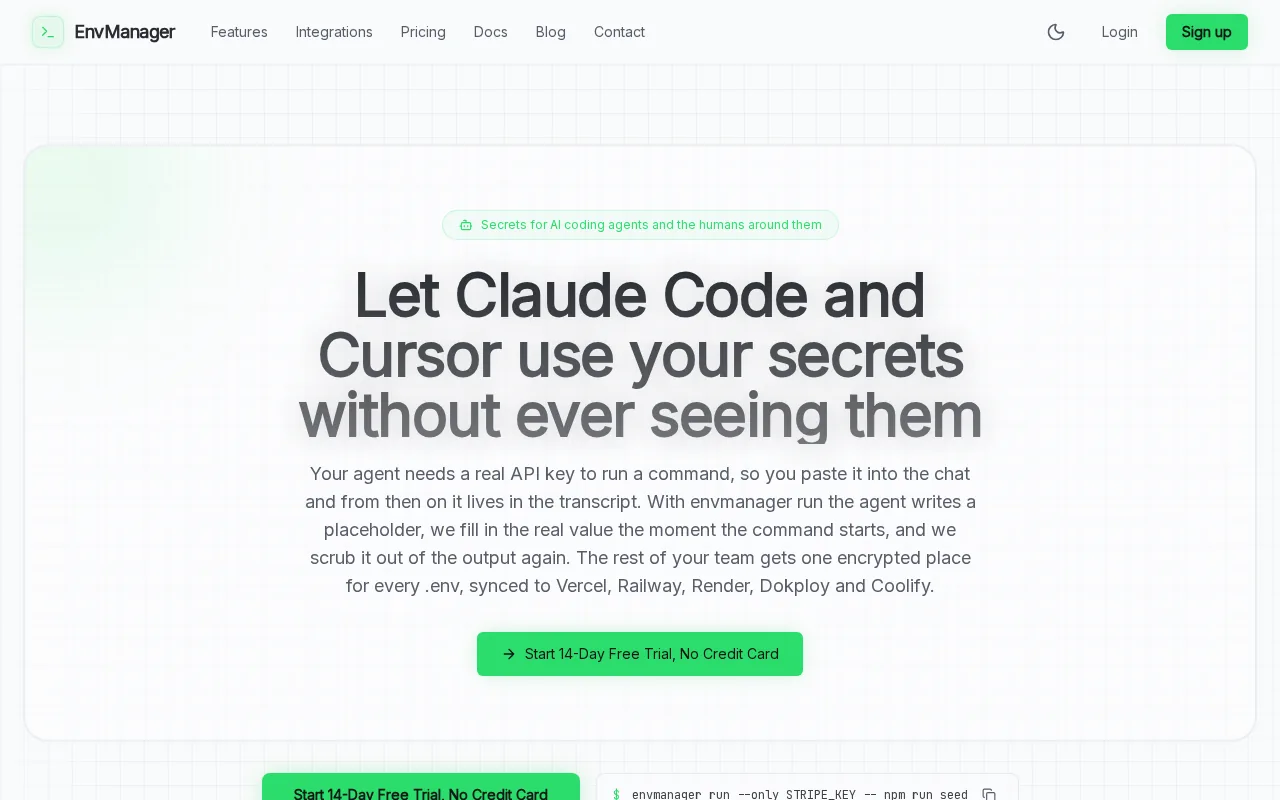
We encrypt .env values with AES-256 on import. EnvManager also keeps versions, applies role-based access control, and syncs secrets to local machines and CI/CD pipelines. That last point matters because most broad DLP products watch email, endpoints, or cloud apps. They rarely manage the secret handoff inside a build workflow.
Picture a developer joining a project. Instead of sending a database key in a message, an authorized user pulls the right version into the local environment. A pipeline can then receive the same approved values without a pasted secret in a build file.
The trade-off is scope. EnvManager is built for application secrets, not a full enterprise inspection layer for email, USB drives, or employee behavior. Compliance-heavy teams may also need extra logging or a wider DLP platform. For DevOps secret storage, though, the narrow focus is the point.
Runenvmanager pullwhen the environment needs its approved secret set.
2. Microsoft Purview DLP, Best for Microsoft 365 environments
Microsoft Purview DLP is a strong fit for organizations built around Microsoft collaboration, cloud-storage, and document-sharing services. It uses shared classification and policy services across Microsoft workloads, which can reduce duplicate rule work.
Purview can flag or block sensitive content in Teams messages and shared documents. Some Teams protection also depends on the tenant setup and license level, so check the current scope before rollout.
Its newer controls reach browser activity, removable media, and some network traffic. That includes sensitive text sent to AI apps in supported scenarios. The strength is coverage inside a Microsoft estate. The weak spot is complexity when your stack sits outside that estate.
Read the licensing and workload details before you promise one policy will cover every user and app. Cross-tenant chats need special care; review the linked Teams DLP documentation before rollout.
3. Trellix DLP, Best for XDR-connected enterprise security
Trellix DLP suits large enterprises already using Trellix security products. Its fit is strongest when the SOC wants DLP incidents tied to Trellix XDR and related security-management workflows.
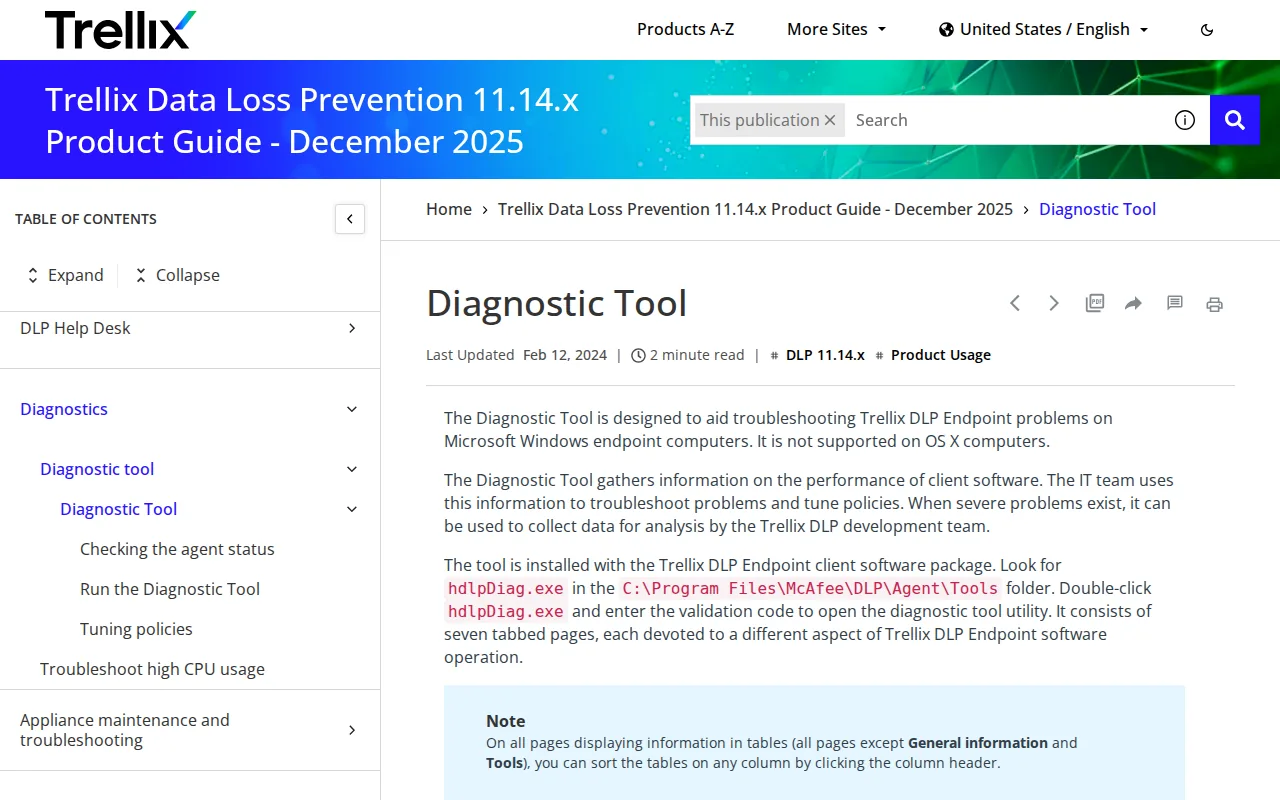
The product supports real-time protection for browser uploads, printing, drag-and-drop actions, and destination URL tracking through its web-traffic controls. That helps when staff move sensitive files into web forms or AI agents.
There are limits. Manually typed text is not monitored by these controls, and browser support depends on versions and configuration. Trellix also needs skilled administration, especially when it sits outside an existing Trellix stack.
Browser controls have setup conditions.
4. Symantec DLP, Best for regulated enterprise deployments
Symantec DLP is aimed at large regulated organizations with the staff to run a mature enterprise program. Financial services, healthcare, and government teams may value its broad policy reach.

Its coverage spans endpoints, networks, email, cloud storage, and web traffic. It also links with Broadcom CloudSOC CASB and Information Centric Analytics for insider-risk work.
Detection can include content fingerprints, OCR, and context. That helps when sensitive text appears inside an image or a document that has changed form. The cost is operational weight. Expect deployment planning, policy tuning, and ongoing maintenance.
Choose Symantec when your compliance program needs broad channel coverage and your team can own the platform after launch.
5. Forcepoint DLP, Best for insider-risk management
Forcepoint DLP fits organizations where user behavior is as important as the file itself. It is a sensible match for financial services, government, and teams that need behavior-aware controls.

Forcepoint combines DLP with behavioral analytics and adaptive controls. In plain terms, policy enforcement can change as a user's risk score changes. A routine file transfer may be allowed, while the same action becomes restricted after a pattern of risky behavior.
This approach can help analysts focus on intent and context instead of treating every match alike. It also adds work. Teams must define useful risk signals, tune policies, and explain decisions to business users.
Forcepoint is a poor fit if you only need a small secret store for CI/CD. It makes more sense when insider risk drives the buying decision.
6. Digital Guardian, Best for source code and intellectual property
Digital Guardian targets R&D groups, defense contractors, and technology firms that protect source code or proprietary designs. Its agents run at the kernel level on Windows, macOS, and Linux.

Kernel-level monitoring can give the tool a close view of how data moves through an operating system. Exact Data Matching and Database Record Matching help identify known intellectual property. OCR can also inspect screenshots and images that contain sensitive text.
That depth comes with a heavier rollout. Plan for agent deployment, policy changes, and exception review.
If source code is the asset at risk, test coverage on developer machines before you judge the product by its feature list.
7. Proofpoint DLP, Best for email-borne data loss
Proofpoint DLP is a strong choice for organizations already using Proofpoint email security. It focuses on sensitive content in outbound messages while adding coverage across cloud and endpoints.

Its console brings alerts, investigations, and response into one place. The product also uses user behavior and content context, which can help separate a normal file share from a risky transfer to a personal account.
Email remains a common failure point because one wrong recipient can expose an entire spreadsheet. Proofpoint can apply dynamic controls based on the user or the action. Its cloud-native design may ease maintenance, but larger deployments still need phased rollout and policy tuning.
Proofpoint DLP integrates with Proofpoint email security and threat intelligence capabilities.
8. Zscaler DLP, Best for cloud-first distributed workforces
Zscaler DLP fits cloud-first organizations with remote users and an existing cloud security setup. It places DLP within its cloud security platform rather than relying only on an on-premises appliance.
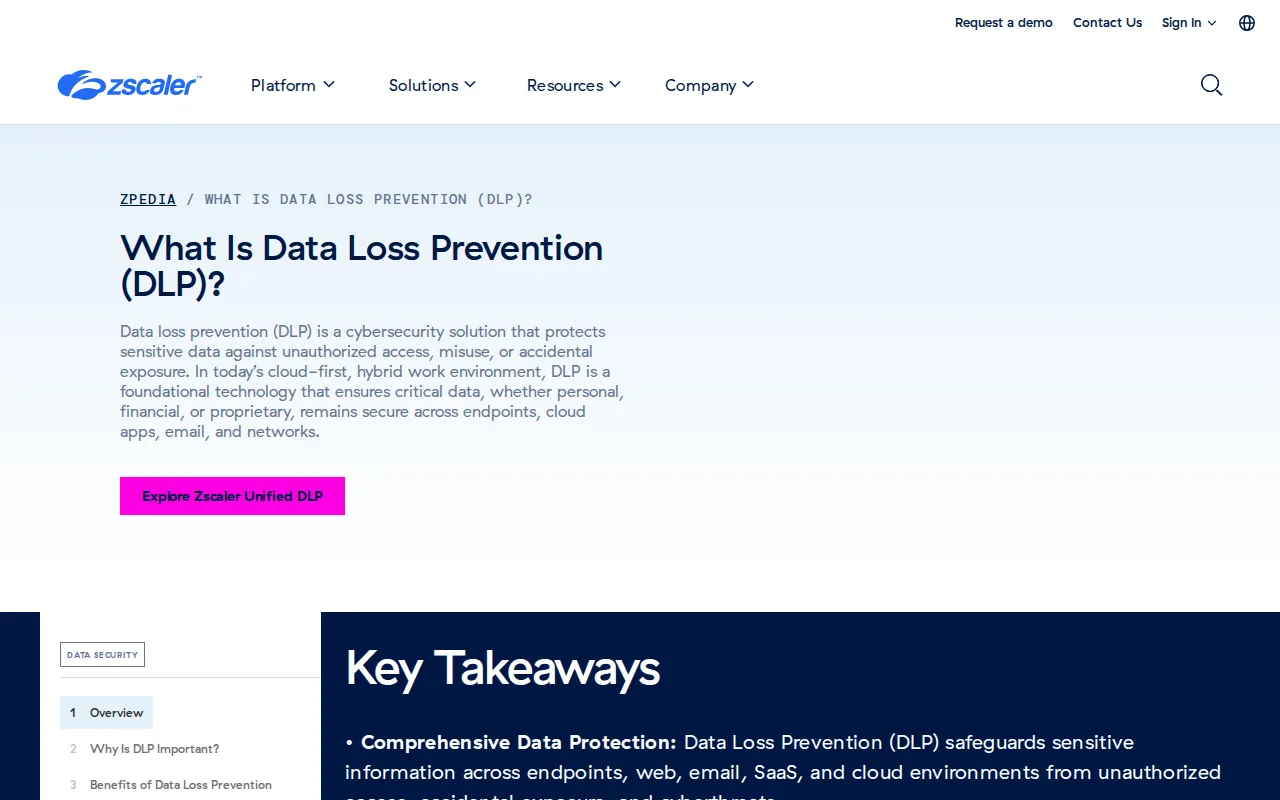
It integrates with Secure Web Gateway, CASB, and Zero Trust Network Access. That combination can inspect web and cloud traffic as users work across locations.
Check local and offline workflows before buying. Organizations with many files stored on devices may need extra endpoint controls or another product beside Zscaler. It is strongest when the main risk is cloud traffic, web use, and remote access.
For a secrets-focused development team, EnvManager is a more direct fit because it syncs approved .env values into local work and CI/CD workflows.
9. CrowdStrike Falcon Data Protection, Best for unified endpoint security
CrowdStrike Falcon Data Protection is aimed at enterprises already running the Falcon agent. It adds DLP to an endpoint security setup instead of requiring a separate endpoint agent.

A unified console can reduce the number of systems an endpoint team must review.
The decision is simple: existing Falcon customers should test it first. Teams without Falcon should compare the added DLP value against the cost and effort of adopting a wider endpoint platform.
10. Cyberhaven, Best for data lineage and AI-era insider risk
Cyberhaven focuses on data lineage. It tracks a file through copies, edits, pastes, and shares so analysts can see how the data reached a risky destination.
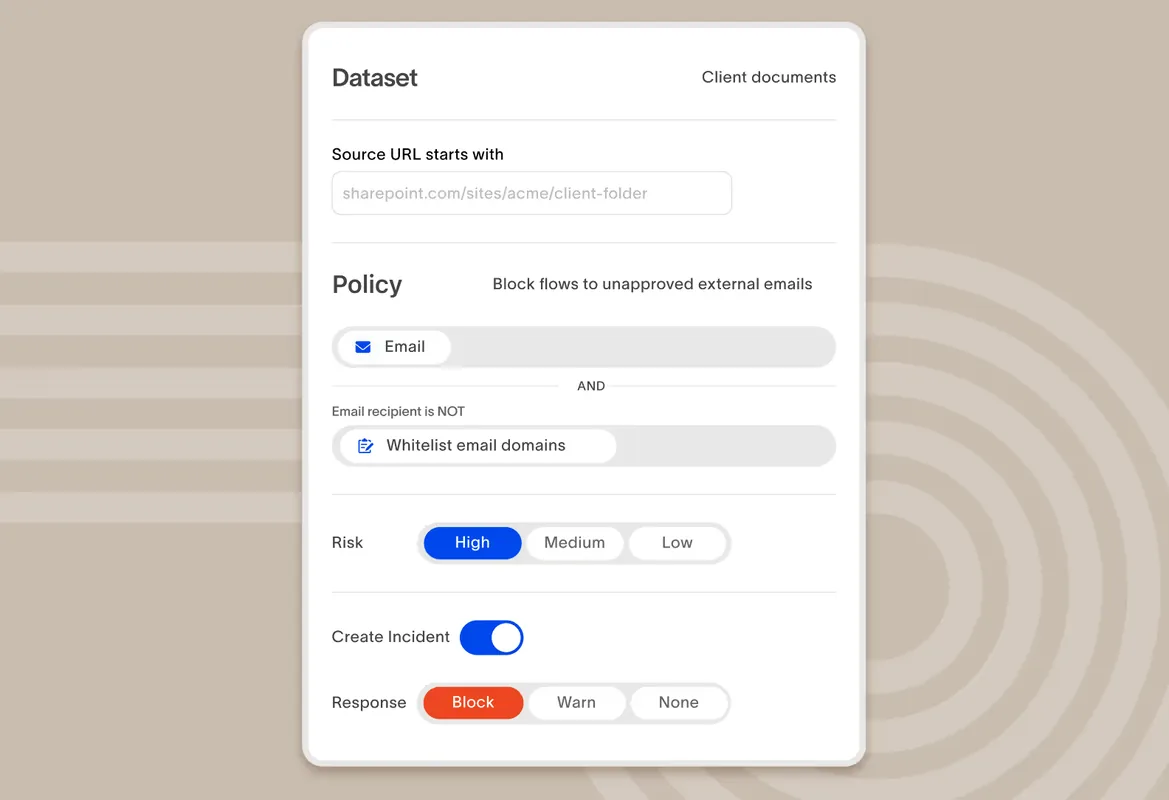
That context helps when content scanning alone cannot explain an incident. It also covers data sent to ChatGPT, Claude, Gemini, and Perplexity.
Cyberhaven fits IP protection and cloud-native teams with insider-risk concerns. It may be more than a small development team needs when the main problem is unmanaged .env files.
Use lineage when the question is, “Where did this file come from, and who changed it?” Use EnvManager when the question is, “How do we get the right secret into the build without copying it?”
How to Compare These Data Loss Prevention Tools
The best data loss prevention tools match the path your data actually takes. Start with classification. Mark customer records, health data, payment data, source code, credentials, and other protected content before writing rules.
| Decision area | What to test | Best fit in this shortlist |
|---|---|---|
| Application secrets | Encrypted storage, version control, RBAC, local sync, and CI/CD access | EnvManager |
| Microsoft collaboration | Teams messages, SharePoint files, email, and cloud-storage policies | Microsoft Purview DLP |
| Email mistakes | Recipient checks, attachment inspection, alerts, and user context | Proofpoint DLP |
| Endpoint and removable media | USB actions, file copies, print jobs, browser uploads, and offline use | Digital Guardian or Trellix DLP |
| Insider behavior | Risk scores, unusual activity, lineage, and investigation context | Forcepoint DLP or Cyberhaven |
| Cloud-first access | Web traffic, SaaS use, CASB controls, and remote users | Zscaler DLP |
Ask each vendor to show a blocked action in your own test tenant. Try a sensitive email, an upload to an unmanaged app, a USB copy, and a secret pulled by a build job. A demo that only shows dashboards tells you very little.
Also check deployment model. SaaS tools can reduce infrastructure work. Endpoint agents may still be needed for local files. Hybrid programs often use DLP for broad user activity and a dedicated secrets tool for application credentials.
Audit design matters too. Track policy changes, overrides, alerts, and access reviews. Teams that need an immutable change trail can review EnvManager audit and compliance controls alongside their wider DLP plan.
FAQ
What are data loss prevention tools?
Data loss prevention tools identify, monitor, and control sensitive data as people use, share, or store it. They can inspect email, endpoints, networks, cloud apps, browsers, and removable media. Depending on the policy, a tool may warn the user, block the action, encrypt content, or alert a security team.
What is the best DLP tool for developers?
EnvManager is a strong fit in this shortlist for developers who need secure.env files and CI/CD secret sync. Broader DLP platforms focus more on email, endpoints, cloud traffic, or insider behavior. Choose a wider product too when your team must inspect employee actions across many channels.
What are the main types of DLP?
The main types are endpoint DLP, network DLP, cloud DLP, and email DLP. Endpoint tools watch local devices. Network tools inspect traffic. Cloud tools protect SaaS and hosted data. Email tools inspect inbound or outbound messages. Many modern products combine several types.
How do DLP tools detect sensitive data?
DLP tools detect sensitive data through classification rules, keywords, patterns, fingerprints, exact matching, OCR, and behavior signals. A policy might look for a payment number, a labeled document, or an unusual upload. Good tuning matters because loose rules create false alarms while narrow rules miss real leaks.
Do DLP tools help with compliance?
Yes, DLP tools can support compliance programs for requirements such as GDPR, HIPAA, and PCI DSS. They help teams classify protected data, restrict sharing, record activity, and investigate incidents. They do not prove compliance by themselves. Your policies, access reviews, training, audits, and response plan still matter.
Is DLP the same as secrets management?
No, DLP watches and controls data movement, while secrets management stores and delivers credentials safely. A DLP tool may catch a leaked API key after someone shares it. A secrets manager prevents that workflow by keeping the key out of chat, source code, and build logs.
Conclusion
Pick EnvManager when your main risk is .env files, API keys, or secrets moving through development and CI/CD. Pick a broader DLP platform when you need email, endpoint, cloud, browser, or insider-risk controls. Start by testing one real workflow, then start with EnvManager's current pricing and trial options before expanding your policy plan.