Top CLI Tools to Inject Secrets Without Logging
Compare CLI tools to inject secrets without logging. See how command wrapping, secret storage, shell history, and output handling differ.
A secret typed into a command can linger in shell history or show up in logs. EnvManager is our recommendation for scoped command injection and output scrubbing, with eight other options worth weighing for different workflows.
1. EnvManager
EnvManager is a self-serve SaaS platform for encrypted, version-controlled .env files and scoped secret injection. It suits teams that want one workflow for local development and CI/CD, without copying values into commands by hand.
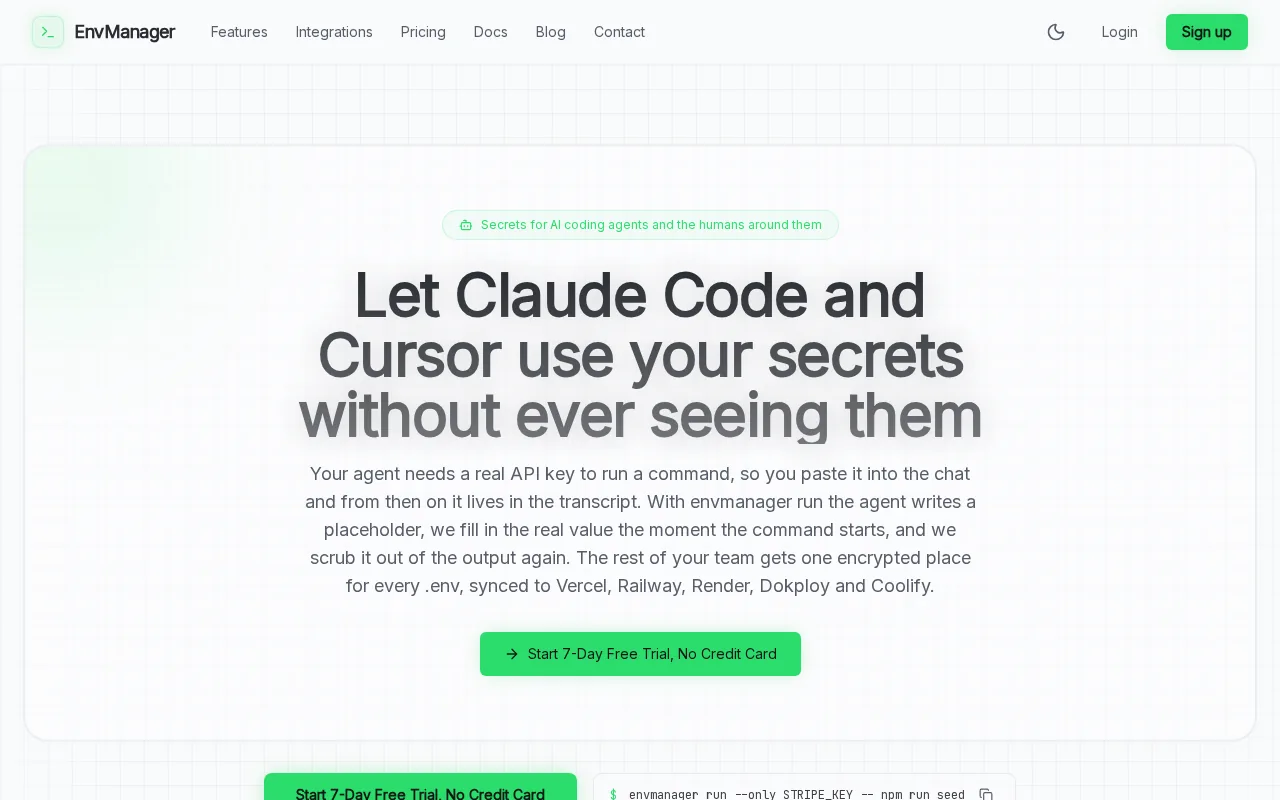
With envmanager run, you can expose only named variables to a child process. EnvManager says its command runner scrubs secret values from output, replacing them with ***. It can also replace {{VARIABLE_NAME}} placeholders just before a command starts, so the secret need not sit in the command text you enter.
For example, a developer can run a request with a token placeholder instead of pasting the real token into a command. The EnvManager command-injection documentation explains the scope controls and output filtering. These reduce accidental exposure, but they don't make every downstream program safe: a command that saves its own data or sends it elsewhere still needs review.
EnvManager says it encrypts values with AES-256 through Supabase Vault and doesn't log secret values during synchronization. That distinction matters: sync-log protection and command-output scrubbing address different leak paths. The product details also describe role-based access and encrypted sync to local machines and CI/CD pipelines.
envmanager run test.Its fit is strongest when your team works with .env files and wants a managed team workflow. Review the exact data path and access rules before using production credentials.
2. Infisical: secrets management for developers, machines, and AI agents
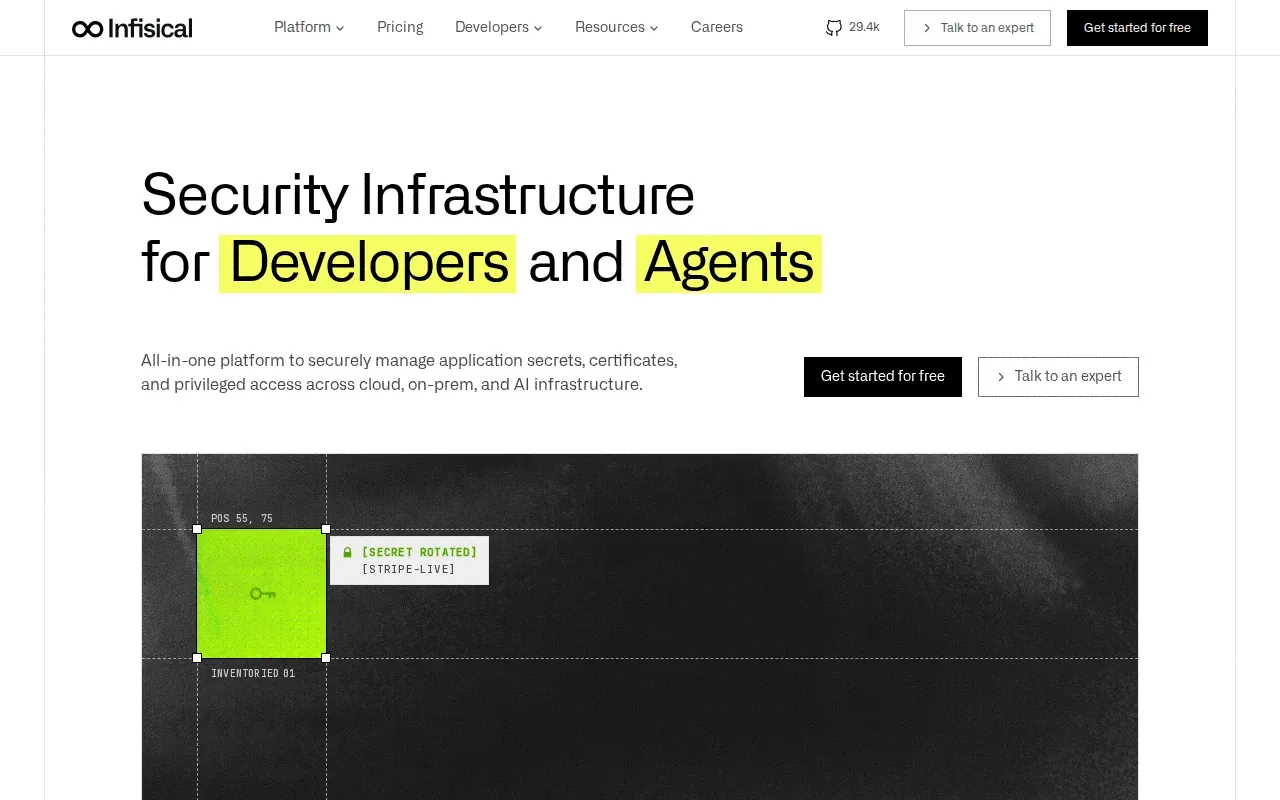
Infisical is an identity security platform for developers, machines, and AI agents. It suits teams that want to manage secrets alongside identities, certificates, and access.
The facts available here don't establish how Infisical handles every shell-history, process-list, or command-output case. Treat those as separate checks. Confirm whether the exact command you plan to run injects values into a child process, writes files, or exposes values in output.
Infisical's broad identity scope may suit teams with machine and agent access needs as well as developer secrets. For a narrower question, like safely wrapping one local command, compare the documented behavior directly against your requirements.
3. Doppler: team secret sync and developer workflows
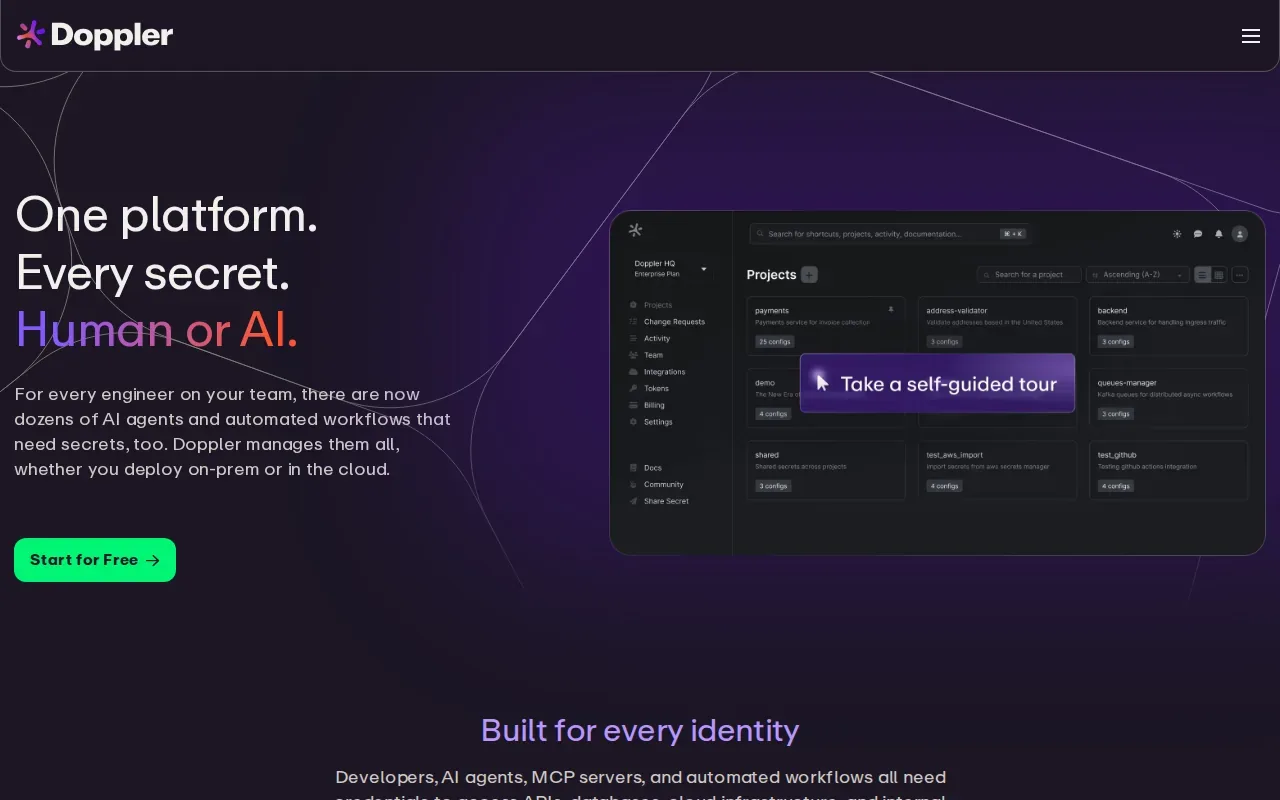
Doppler is a secrets management platform for securing, syncing, and automating secrets across cloud and on-prem environments. It's a fit for teams that want developer workflows tied to shared secret management.
A synced setup can reduce the need for each developer to paste values into local scripts. But syncing a value and injecting it into one command aren't identical controls. Before adoption, check how your planned workflow passes values to a process and whether command output or CI logs can reveal them.
The available facts describe the platform's team and developer focus, but don't document specific guarantees for shell history, process listings, or output scrubbing. Don't read “secret management” as proof that every leak path is closed. Test the actual command wrapper and pipeline behavior your team intends to use.
Doppler may be a reasonable choice when a team is already evaluating centralized sync and automation. If your key requirement is a documented no-log promise for a particular operation, ask for details on that operation before you move production secrets.
4. 1Password Secrets Automation: a fit for existing 1Password organizations
1Password Secrets Automation is aimed at organizations already using 1Password that want secret automation in that environment. It can suit teams that prefer a workflow connected to an existing account rather than a separate secrets platform.
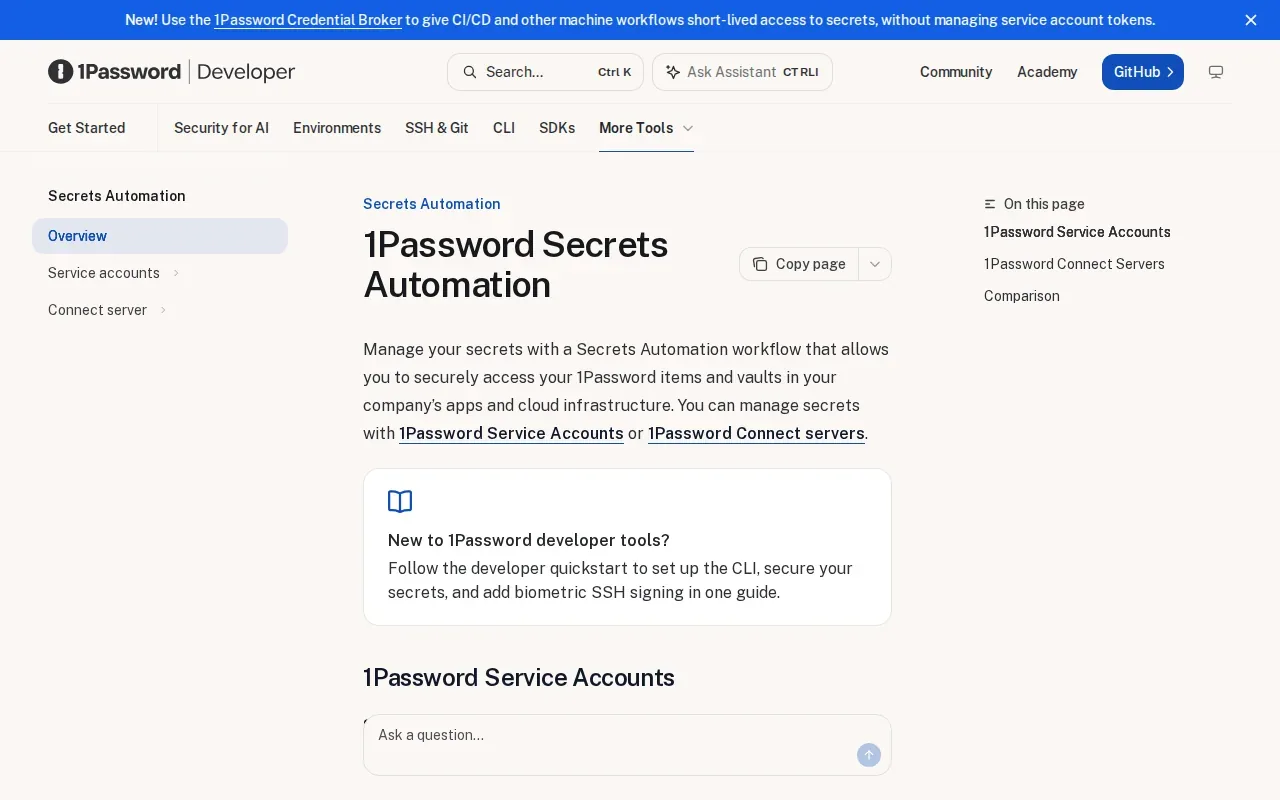
There is no free version, though a 14-day trial is available. Check whether the trial and your deployment requirements fit before relying on it for environment-specific automation.
Test where command output goes and how your shell records the command.
Choose it when the existing 1Password setup is a meaningful operational benefit. If your team needs a free ongoing tier, compare that point before committing.
5. dotenvx: encrypted dotenv workflows from dotenv’s creator
dotenvx is a secure dotenv tool from the creator of dotenv. It may fit developers who want to keep a dotenv-centered workflow while adding encryption to that approach.
For local development, the appeal is familiar: a project can keep its configuration in dotenv-style files rather than requiring every developer to hand-enter values into each command. The security question is where decryption happens and what the process does with the plaintext value afterward.
The information available for this comparison doesn't confirm dotenvx behavior for shell history, process visibility, command-output scrubbing, or CI log masking. Verify those details for your exact use case. In particular, check whether the workflow creates plaintext files, because encrypted storage doesn't by itself protect a decrypted copy.
dotenvx is worth considering if encrypted dotenv files are the center of your team's workflow. It is a less direct match when you need a narrowly scoped command wrapper with documented output filtering.
6. Conjur CLI by CyberArk: centralized secrets access for enterprise workflows
Conjur CLI by CyberArk is a command-line tool for working with Conjur. It suits teams assessing centralized secrets access for enterprise workflows, especially when they already have a Conjur setup.
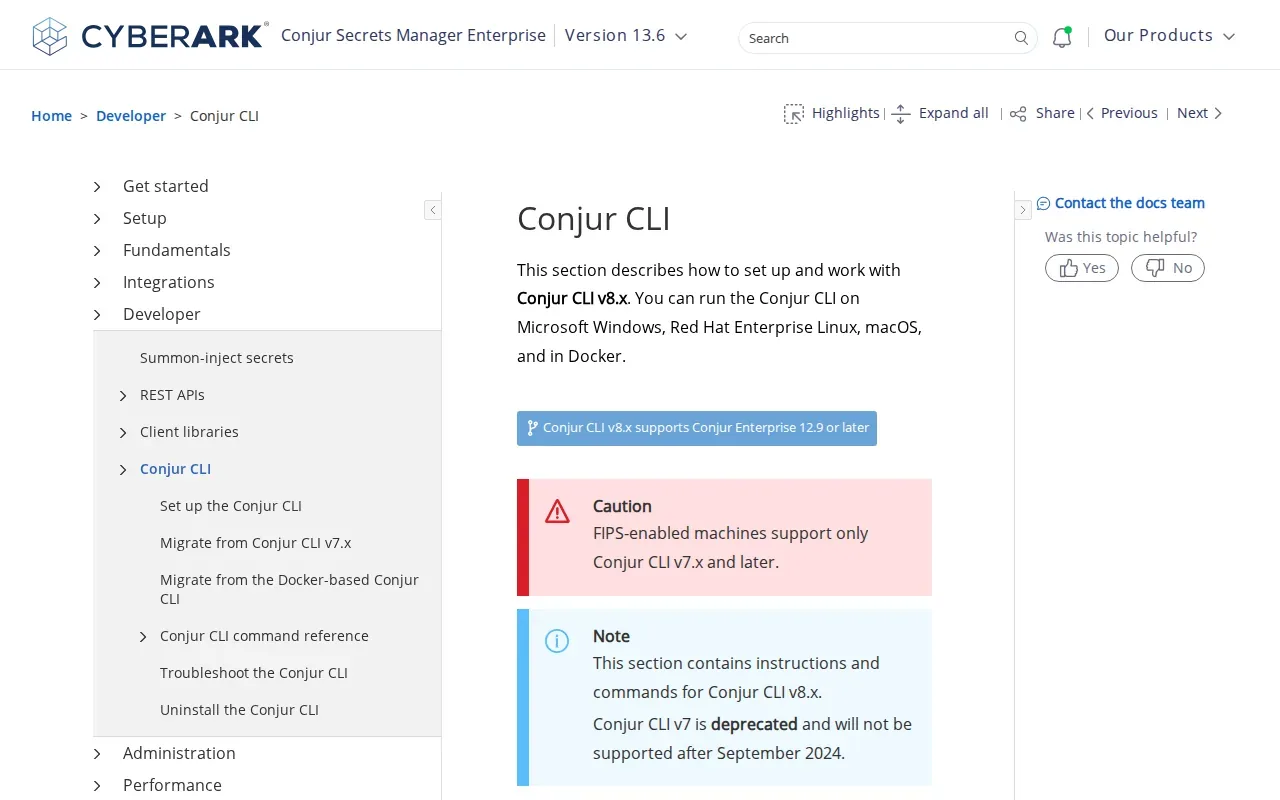
The available product information says Conjur CLI v8.x can run on Microsoft Windows, Red Hat Enterprise Linux, and macOS. That explicit platform detail helps teams plan developer and build-agent use across those systems.
Platform support doesn't tell you how a secret enters a particular process. Check the setup steps and the exact retrieval flow before using sensitive values in scripts. The facts available here don't establish whether commands are omitted from shell history or whether output gets scrubbed automatically.
Conjur may suit teams that can support a centralized secrets system and its access model. For a small team that mainly needs safe local .env handling, compare the operational setup with a simpler workflow before choosing.
7. gopass: open-source password-store workflows from the command line
gopass is an open-source password-store workflow used from the command line. It may fit developers who want a command-line-centered way to manage secrets and can assess its setup and maintenance needs.
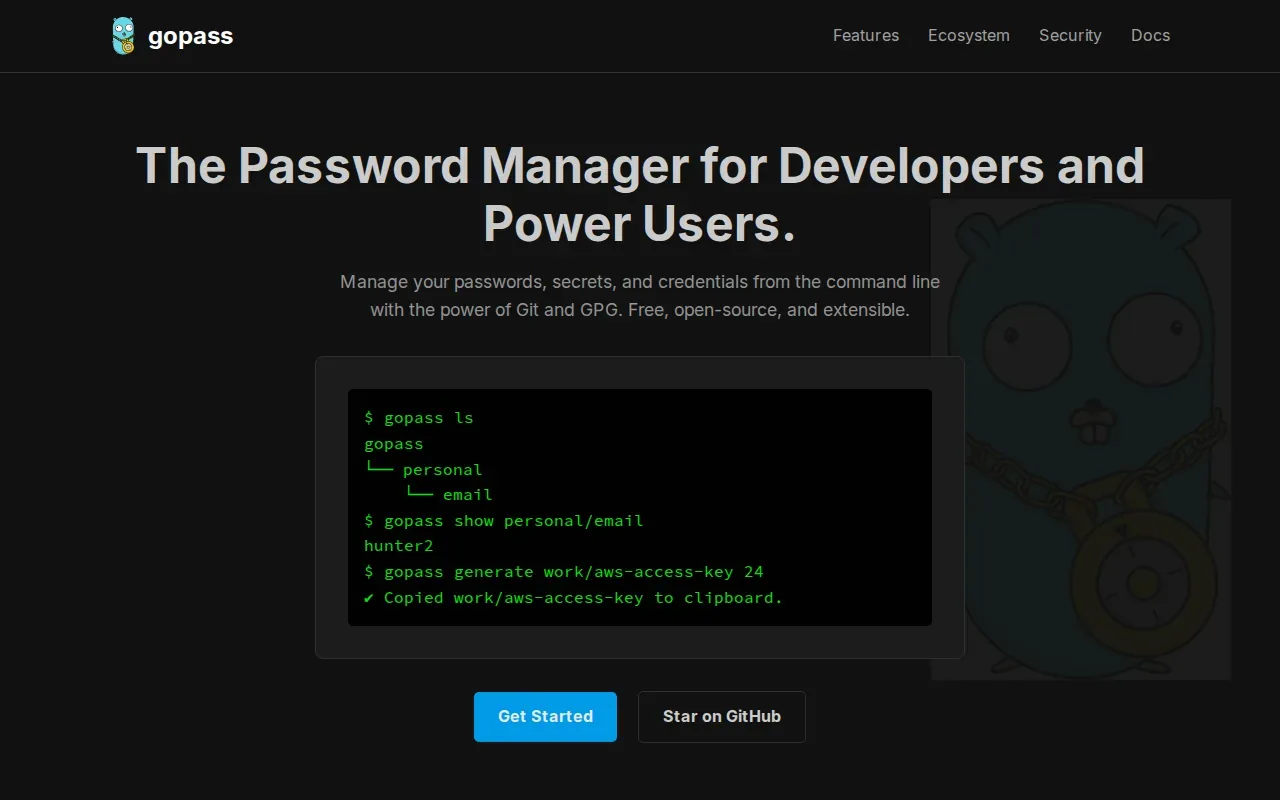
Open-source code can be useful for teams that want to inspect how a tool works or contribute changes. Still, open source alone doesn't prove that a value stays out of shell history, process listings, or command output. Review the specific command path and test it under the same shell and CI conditions you use at work.
Treat it as a candidate for evaluation, not a guarantee of log-free command execution. A small test with non-production secrets can reveal where values appear before you add real credentials.
It's a better fit for teams comfortable maintaining a command-line workflow than for teams seeking a managed .env sync service.
8. direnv: automatic environment loading for local development
direnv is a tool for automatically loading environment variables in local development. It may help when developers switch projects and want project-specific environment settings to load as they enter a directory.
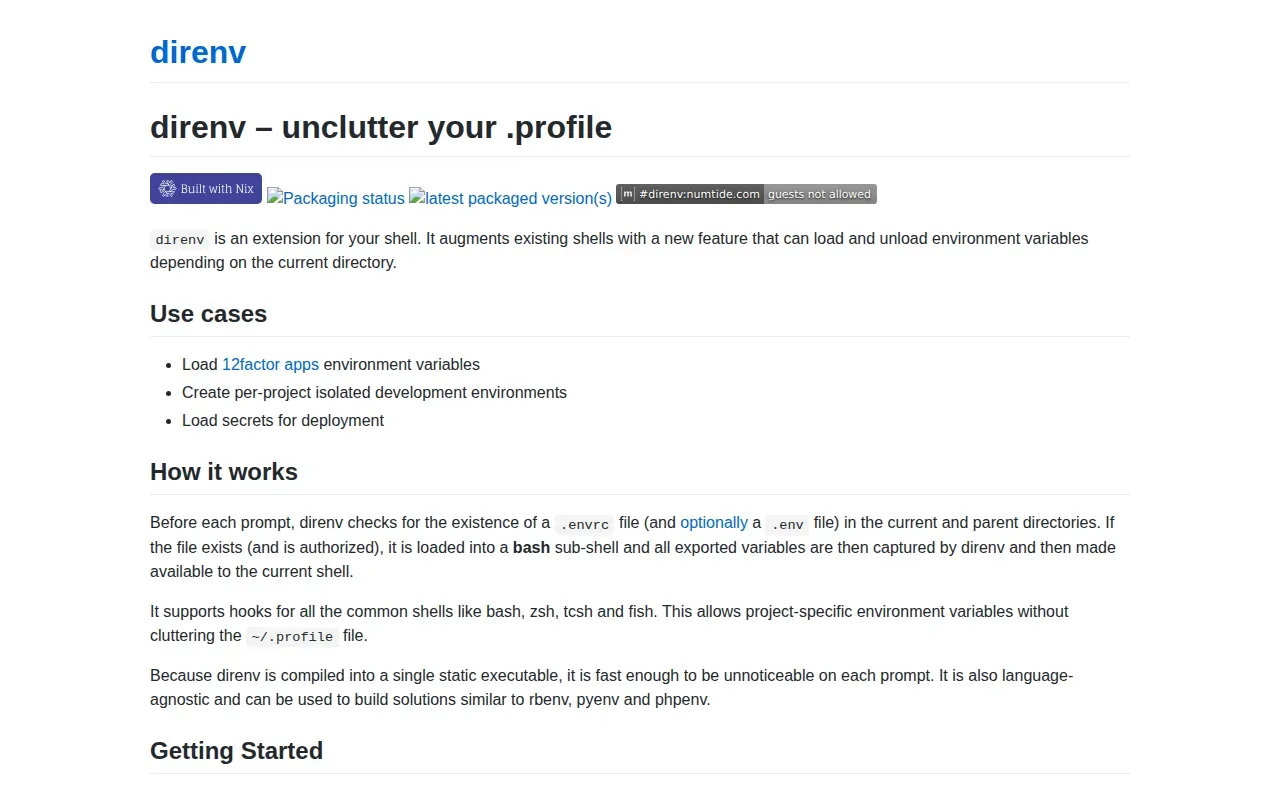
That convenience changes when variables become available, but it doesn't by itself answer how secrets are stored or whether a command's output is scrubbed. Keep secret files out of version control, limit who can read them, and confirm the shell hook's behavior before adding sensitive values.
The information available here doesn't document secret encryption, access auditing, or protection from process visibility. Those gaps matter if your goal is a CLI tool that injects secrets without logging them, rather than automatic environment loading alone.
Consider direnv for local environment activation. Pair it with a separate, well-defined secret storage and access method if your team needs controls beyond loading variables.
9. Azure CLI: retrieving secrets from Azure services
Azure CLI is Microsoft's cross-platform command-line tool for managing Azure resources through interactive commands or scripts. It may fit teams whose secret workflow already depends on Azure services.
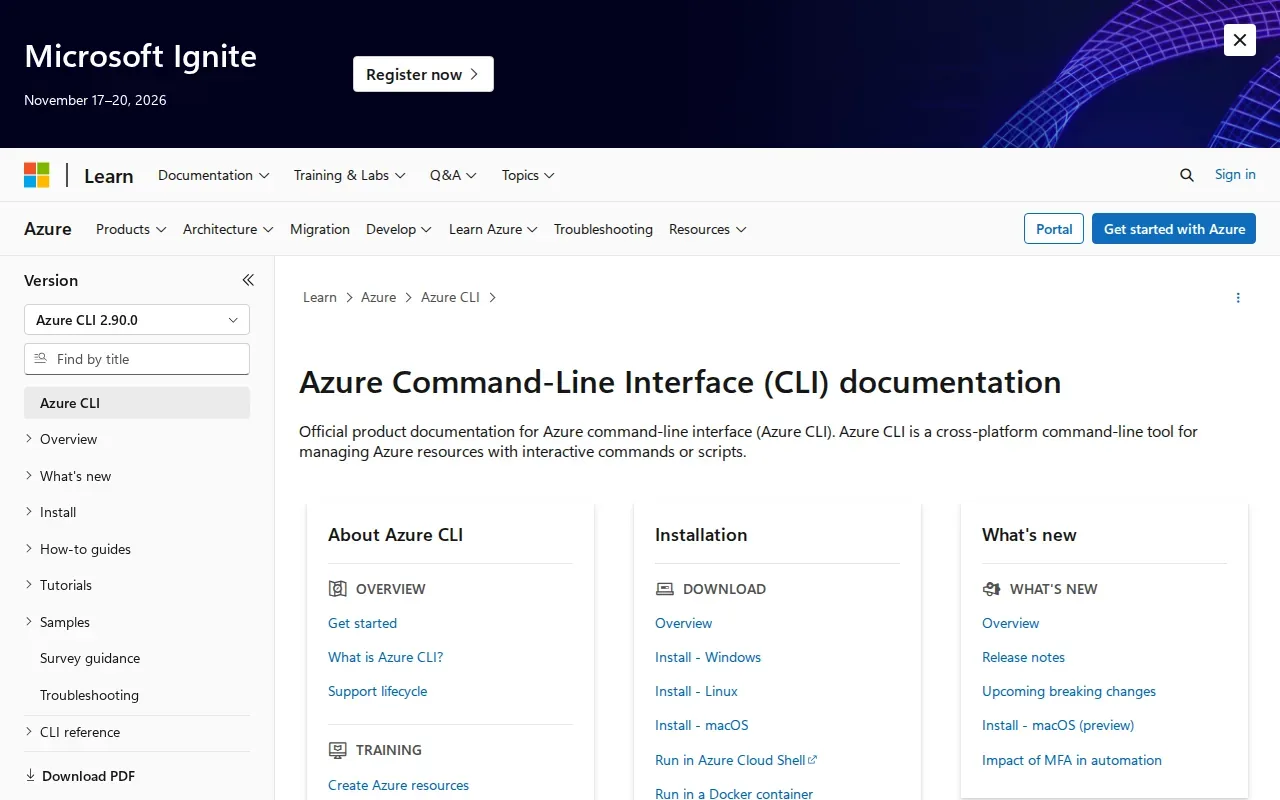
A cloud CLI can make retrieval part of a script, but the safety of the full command depends on how credentials are passed and where output goes. Avoid putting secret values directly in command arguments. Review shell history, CI masking, and permissions for the identity that runs the script.
Confirm the particular service and authentication pattern your team plans to use.
Choose Azure CLI when Azure resource management is already part of the workflow and your team can verify the secret retrieval path. For mixed local and CI environments, compare that setup with a tool built around team-wide .env management.
Compare the nine CLI options for secret injection and logging controls
The key difference is the job each tool is built to do. A secrets platform, a password-store workflow, and an environment loader can all help developers access values, but they don't necessarily protect the same leak paths.
| Option | Best fit from available details | Logging and exposure note |
|---|---|---|
| EnvManager | Encrypted .env sync and scoped command injection | Documents output scrubbing and says sync does not log secret values; assess downstream process behavior. |
| Infisical | Secrets and identity needs for developers, machines, and agents | Confirm history, process visibility, and output handling for your command. |
| Doppler | Team secret sync and automation | Specific leak-path guarantees aren't established by the available details. |
| 1Password Secrets Automation | Organizations already using 1Password | Review script behavior and the stated trial terms. |
| dotenvx | Encrypted dotenv workflows | Check where decryption occurs and whether plaintext files are created. |
| Conjur CLI by CyberArk | Centralized enterprise secret access | Platform support is listed; history and output safeguards need validation. |
| gopass | Open-source command-line password-store workflows | Inspect the actual storage and injection flow before relying on it. |
| direnv | Automatic local environment loading | Environment loading alone doesn't establish secret storage or output protection. |
| Azure CLI | Azure resource workflows using scripts or interactive commands | Validate the specific retrieval method and CI log controls. |
Use a test secret to check each path. Run the command, inspect shell history, review captured output, and check what your CI system stores. Don't assume a masked log hides a value from process arguments or files.
For teams moving from manual .env handling, EnvManager's developer CLI workflow describes local pulls and syncing to deployment platforms. A short trial with a test project can show whether the workflow matches your setup.
FAQ
Can a CLI tool keep secrets out of shell history?
Yes, if you avoid typing the secret itself into the command, but that doesn't settle every exposure risk. A wrapper can fetch or inject the value at runtime. Check whether the tool records command text, writes temporary files, or sends output to logs. For a CLI tool that injects secrets without logging, test history and output separately.
Can environment variables show up in process listings?
They can be exposed through some process inspection or debugging paths, depending on the operating system and access level. That's different from placing a secret directly in command arguments, which may be visible in process listings. Test your target system and avoid treating environment injection as a universal process-visibility shield.
Does secret injection protect command output and CI logs?
Not by default. A command may print a secret, while a CI system may store output or artifacts. EnvManager says its command runner scrubs secret values from output, but you should still test the full job and inspect its saved logs. Also check whether the command writes a file outside the captured output stream.
Which option is best for local development?
For teams that need managed.env sync plus scoped command injection, EnvManager is a strong fit to test. direnv focuses on automatic local environment loading, while dotenvx centers on encrypted dotenv workflows. The right choice depends on your storage needs and whether you need command-output filtering.
How should I test a secrets CLI before using production credentials?
Use a harmless test value and run the exact command in the shell and pipeline you plan to use. Check history, process arguments, output, temporary files, and saved CI logs. Then test access with the intended user or service identity. This catches gaps a feature list may not describe.
Conclusion
Start with EnvManager if you want encrypted .env sync, scoped command injection, and documented output scrubbing in one workflow. Try it with a non-production project first, then verify the shell and CI logs before moving sensitive credentials.